CoderDojo Athenry Belts Awarded May 2014

BeltsMay2014b

We awarded a record number of 87 belts at CoderDojo Athenry in May 2014:

  • 3 White belts for ongoing participation
  • 55 Yellow Scratch belts for competent  coders
  • 15 Blue Advanced Scratch belts
  • 1 Yellow Python belt
  • 3 Blue Python belts
  • 10 Green Minecraft Modding belts for creating and ublishing Java/JavaScript mods online

In keeping with the CoderDojo ethos, these belts were earned by our young people meeting agreed standards in different coding disciplines. Belts are not for winning competitions against each other, but celebrate personal achievement, and are never given away without being earned.

Congratulations to all the young people who earned their belts!


Week 7 – 2015 Scratch Beginners – Scrolling Backgrounds

Hi everyone,

Thank you all for coming Saturday on such a nice day and such a busy day of sport as well!
We started our Mario game, where we will use scrolling of objects in the background to achieve movement rather than making Mario move.
scrolling

It can be a difficult concept to grasp for the younger ones, but we will go through it again next week before we continue on with the game.

scrolling2

Rather than putting up the notes from this week, I will wait until we have the game finished before putting up the completed notes.
I have however, put the game (as far as we did today) on the Scratch Website http://www.scratch.mit.edu. Login with the User name coderdojodathenry and password xxxxxxx123 and you will be able to download the game if you weren’t here this week or have a look at the code to get your own game work working.

MarioGamehttps://wordpress.com/post/40558549/912

See you all next week, when we will make Shrink and add some more scrolling sprites!

Martha

Scratch Beginners – Week 7 – Paint.net

Hello everyone,

Today we took a look at Paint.net, which is a drawing program. I quickly went through the menus but the best way to learn a program like this is to use it and experiment with it.

PAINTNET

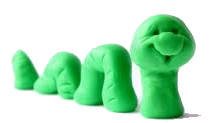
The main reason we looked at it this week was because we will need it next week as we begin our modelling and stop/motion animation. After we take our photos we will be able to “clean them up before we bring them into Scratch as our Sprites.

snake

Next week, if the Moms and Dads could bring along a camera or phone along with the lead to attach these to your laptop.

And of course most important of all bring your imagination!

Here the full notes from todays session in PDF form. CDA-S3-Challenge07-LearnAboutPainting.pdf

Week 6 – Guessing Game

Hello Everyone,

Great to see you all yesterday and welcome to our new members.

Yesterday, we made a slight departure from the games we have done in previous weeks. This weeks game was a mathematical Guessing Game.

DUCK

We only had one sprite and one large block of code. We had to create variables and figure out all the possible situations that could occur when a guess was made.

guess

Again this week, I am looking for you to add your own signature to your game by continuing to add some complexity. Yesterday I saw people add costumes so every time he guessed wrong, a sad face appears. There was also a lot of sound being added! You don’t have to keep all the code either, how about replacing the Repeat 5 times with a 60 seconds timer instead.

I would like you all to keep working on the game and those of you who like me to show your game to the rest of the room, like I did with Alex’s brilliant soccer game, please upload it to the Scratch website. I will show them before the session starts next week.

Next week as I said we will be doing Paint.net, please download in advance if you can. See you all there.

PAINT

Here are the notes in PDF form from our Week 6 Session. CDA-S3-Challenge06GuessNumbers.pdf

Scratch Beginners – Week 5. Building on what we learned & adding a pinch of imagination!

In this weeks Session, I tried to continue using everything we have learned so far, and also showed some alternative code for code we have used previously. As I always say, there is always more than one way to do something.

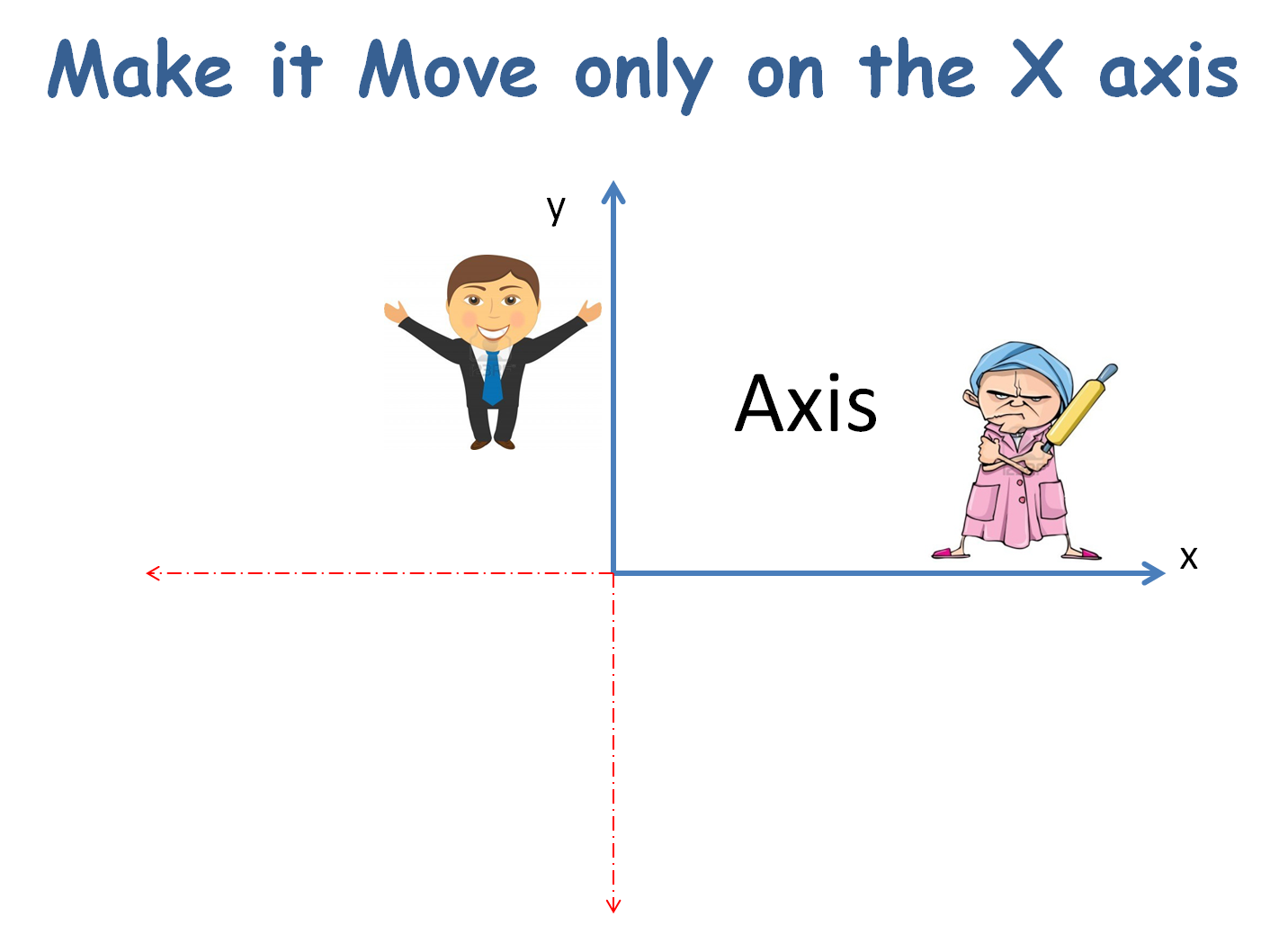
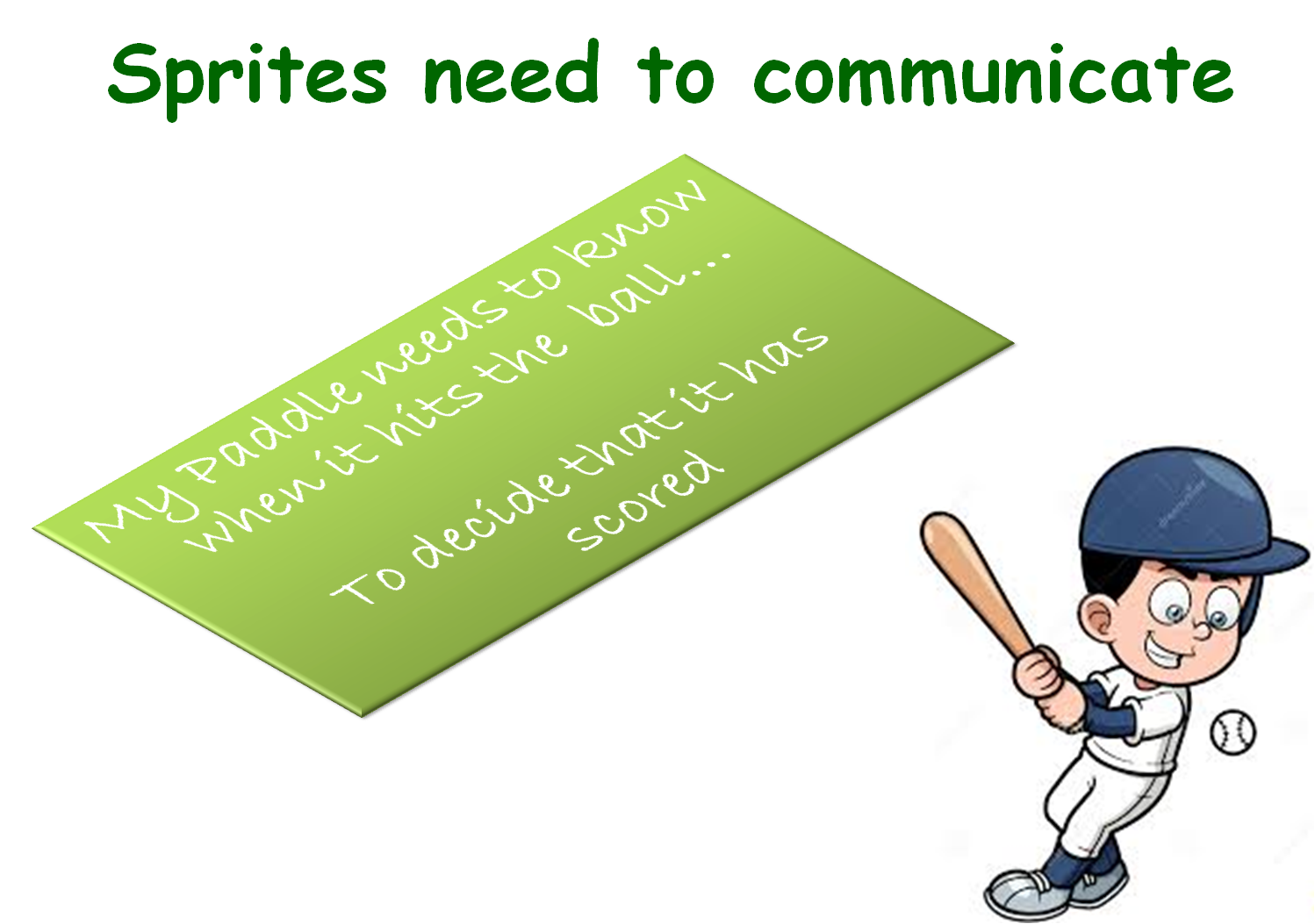
AXISBROADCAST

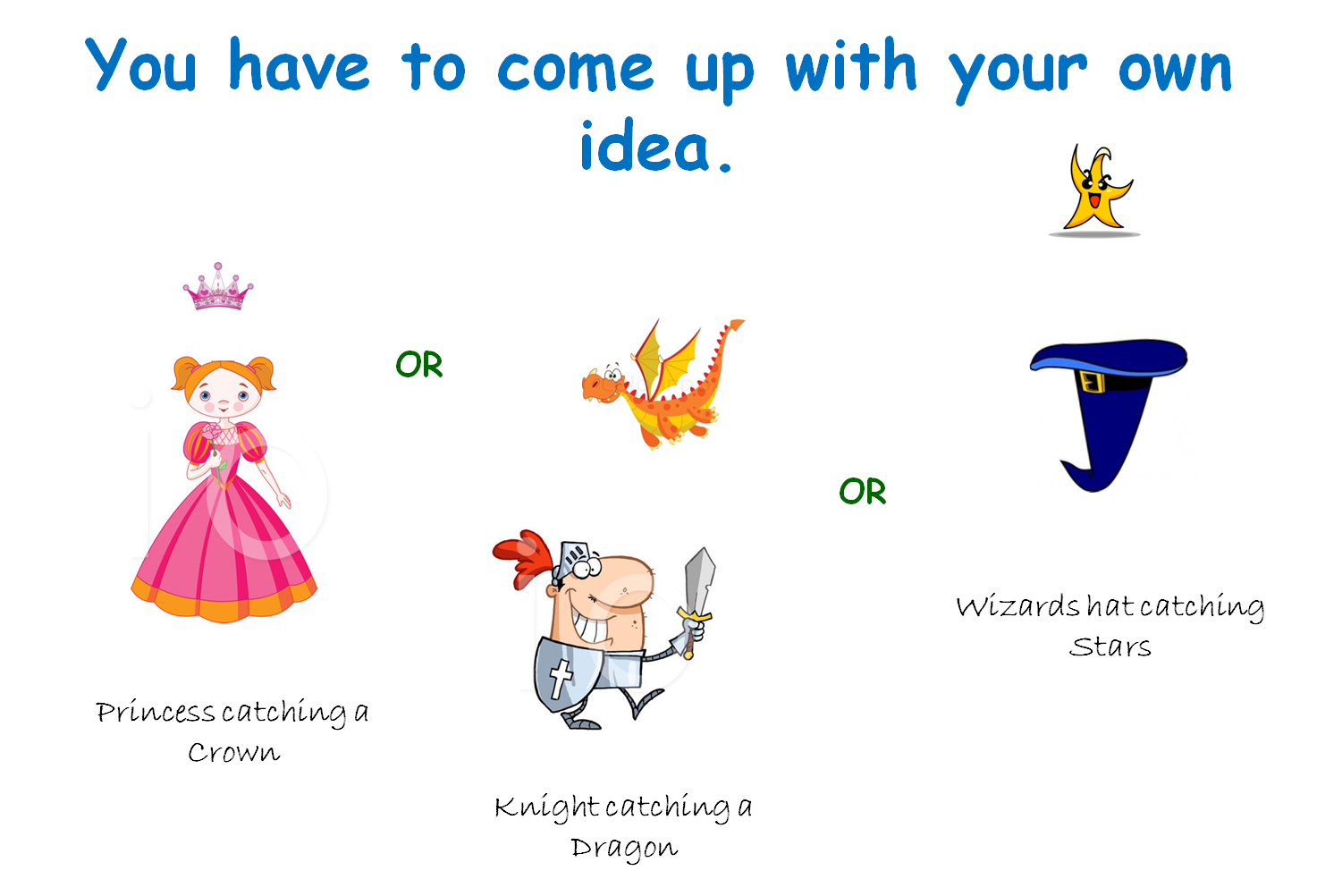
Today, I also wanted you to create your own game, using the code I would be showing you but each persons game was to look different. As always, your minds are much more artistic and entertaining than mine and I saw some fantastic ideas around the room.

IDEAS

If you get  a chance during your busy week, you should go back over your first couple of games and see can you add some more complexity to them. Add a score or a level, or can you use broadcasting to communicate between the sprites.

But above all…have fun with it!

Here are the full notes in PDF form of todays session. CDA-S3-Challenge05Paddle_Ball.PDF

Scratch Beginners – Week 4, Animation

In this session we improved on our previous Ghostcatcher game by adding animation.

bigideas

We did this by switching between costumes. Rather than using sprites with various costumes already created, we drew our own.

animation

For the first time, we used the broadcast block, to communicate between different parts of the code.

broadcast

A PDF version of the notes from this weeks session can be found here: CDA-S3-Challenge04-BetterGhostCatcher.pdf

Scratch Beginners – Ghostcatcher Game

Hi everyone,

Thanks to everyone that showed up today. Again, a big thank you to Julie for taking the session last week.

This week, we built a new game which we were calling “Ghostcatcher” We used code that we have learnt over the last two weeks and again used variables. We will continue to do this over the next couple of weeks, we will make new games but will continue to go over the basic programming concepts each week.

This was our first time creating our own Sprite rather than using one from the library. The paint editor can be great fun and you should experiment with it, creating lots of new Sprites.

Remember ! think in shapes, like we did with the ghost.

painteditor

A pdf version of the full notes from todays session can be found here: CDA-S3-Challenge03-GhostCatcher.pdf

Try adding your own variables, the code is there for you to look at but why not have a go at it yourself first.

No Coderdojo Athenry next week but hope to see you all back the following Saturday the 27th.

Enjoy the Halloween break!

ghost


Scratch Beginners – Week 2 – Adding More Functions to First Game

CDA-S3-Challenge01-FirstGame-Part2We had a great crowd for our second session of Scratch beginners. Julie did a great job as lead mentor in Martha’s absence.

This week, we added lots of new functionality to our first game: make things happen when Jaws catches the Diver and keeping track of lives.

Here are the presentation slides from the day, in PDF format: CDA-S3-Challenge01-FirstGame-Part2.pdf

See you next time!

Scratch Beginners – Week 1- First Game “Jaws”

We had a great crowd for our first session today in Scratch beginners. Thank you all for coming and for your patience while we got everyone sorted out with downloading Scratch 2.

We started today with our first game”Jaws”, as well as learning how to write commands to move our sprites, we took a brief look at the interface for Scratch 2.

Jaws

We also took a first look at some fundamental concepts that we will be using throughout the year. Today we looked at the X and Y axis as well as the number of degrees in a circle.

axixdegrees


Here are the presentation slides from the day, in PDF format: CDA-S3-Challenge01-FirstGame-Part1.pdf

I hope you all enjoyed today and hope to see you all again over the next couple of weeks!