Scratch Advanced – Week 4 – Cryptography the Caesar Cipther

This week we created on of the most famous ciphers the Caesar Cipher. This cipher is named after the Roman emperor Julius Caesar.

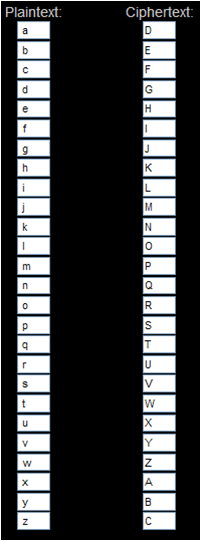
The Caesar cipher works by shifting each letter of the alphabet by a specific number.

In the example of the Caesar Cipher below the letters in the PlainText alphabet have been shifted by three places.

Cipher shift

The letter a becomes D, the letter g becomes J and so on.

Using a Caesar Cipher with an offset of three the words Coder Dojo Athenry would become FRGHU GRMR DWKHQUB

The notes for this session on how to create a Caesar Cipher using Scratch are here: Scratch Encryption project Ceasar Cipher

ModderDojo Athenry: Our ScriptCraftJS Minecraft Mods

This is a list of Minecraft ScriptCraft mods that we have built in ModderDojo, which is part of CoderDojo Athenry. Contact us on Twitter at @coderdojoathenr.

All of these mods run on a CraftBukkit server and use Walter Higgins’ excellent ScriptCraftJS framework.

To download a mod, click on the image. Then copy the file into a folder inside the js-plugins folder, which you should be able to find under your ScriptCraft folder after installing ScriptCraftJS and running it.

All of these mods are open-source: you are welcome to download them, use them and modify them, but you must give credit to the original authors.

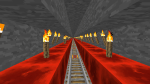
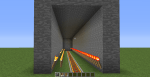
Rail Tunnel by Harry and Ivan: 2013-12-07_12.55.17

/js railer( )
A rail tunnel that can be placed underground. Uploaded 7 Dec 2013.

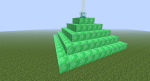
Beacon by Richard: 2013-11-30_12.47.36

/js beacon2( )
Makes a pyramid of emerald with a beacon on top. Uploaded 7 Dec 2013.

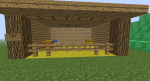
Stable by Richard: 2013-11-30_12.47.15

/js stable( )
Makes a detailed stable. Uploaded 7 Dec 2013.

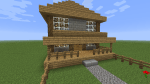
Stone Farmhouse by Oisin: 2013-12-07_12.29.31

/js stonehouse( )
Makes a house of stone with garden and rooms inside. Uploaded 7 Dec 2013.

Iron House by Eoin: 2013-12-07_12.36.40

/js ironhouse( )
Makes a single iron house. Uploaded 7 Dec 2013.

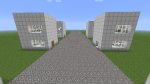
Iron Street by Eoin: 2013-12-07_12.25.59

/js ironstreet( )
Makes a street with 6 iron houses. Required ironhouse() to be installed f irst. Uploaded 7 Dec 2013.

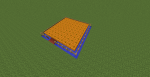
Pumpkin Patch by Mikey: pumpkin

/js pumpkin( )
Makes a Portable Productive Planted Pumpkin Patch. Uploaded 28 Nov 2013.

Apartment by Luke: apartment1

/js apartment(floors, width)
Multi-storey apartment with furniture on each floor. Parameters: floors (e.g. 10), width  (7 is best). Uploaded 23 Nov 2013.

The Castle by Conor: TheCastle

/js thecastle(floors, width)
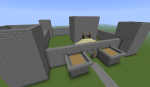
Large castle with outer walls and keep. Parameters: number of floors in the keep (e.g. 3); width of the castle (e.g. 40). Uploaded 17 Nov 2013.

Surprise by Ruaidhri: surprise

/js surprise( )
To find out what this does, run it or read the code. Just add flint and steel! Uploaded 28 Nov 2013.

City Block by Ruaidhri: Citye

/js citye( )
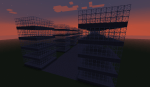
Sky scrapers arranged in two rows with a road. Uploaded 17 Nov 2013.

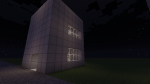
Pyramid by Ruaidhri: PyrimidInside

/js pyramid( )
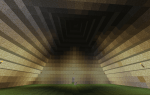
Pyramid with door and lights inside.  Uploaded 11 Nov 2013.

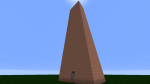
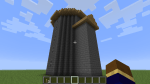
Wizard Tower by Conor: 2013-11-10_10.45.39

/js wizardtower(floors, width)
Round tower with side room. Parameters: number of floors (e.g. 6); width of tower (e.g. 10). Uploaded 11 Nov 2013.

Train Tunnel by Luke: Tunnel1

/js traintunnel( )
Tunnel with tracks and lanterns.  Uploaded 11 Nov 2013..

More to follow!

Scratch Beginners – Week 5. Building on what we learned & adding a pinch of imagination!

In this weeks Session, I tried to continue using everything we have learned so far, and also showed some alternative code for code we have used previously. As I always say, there is always more than one way to do something.

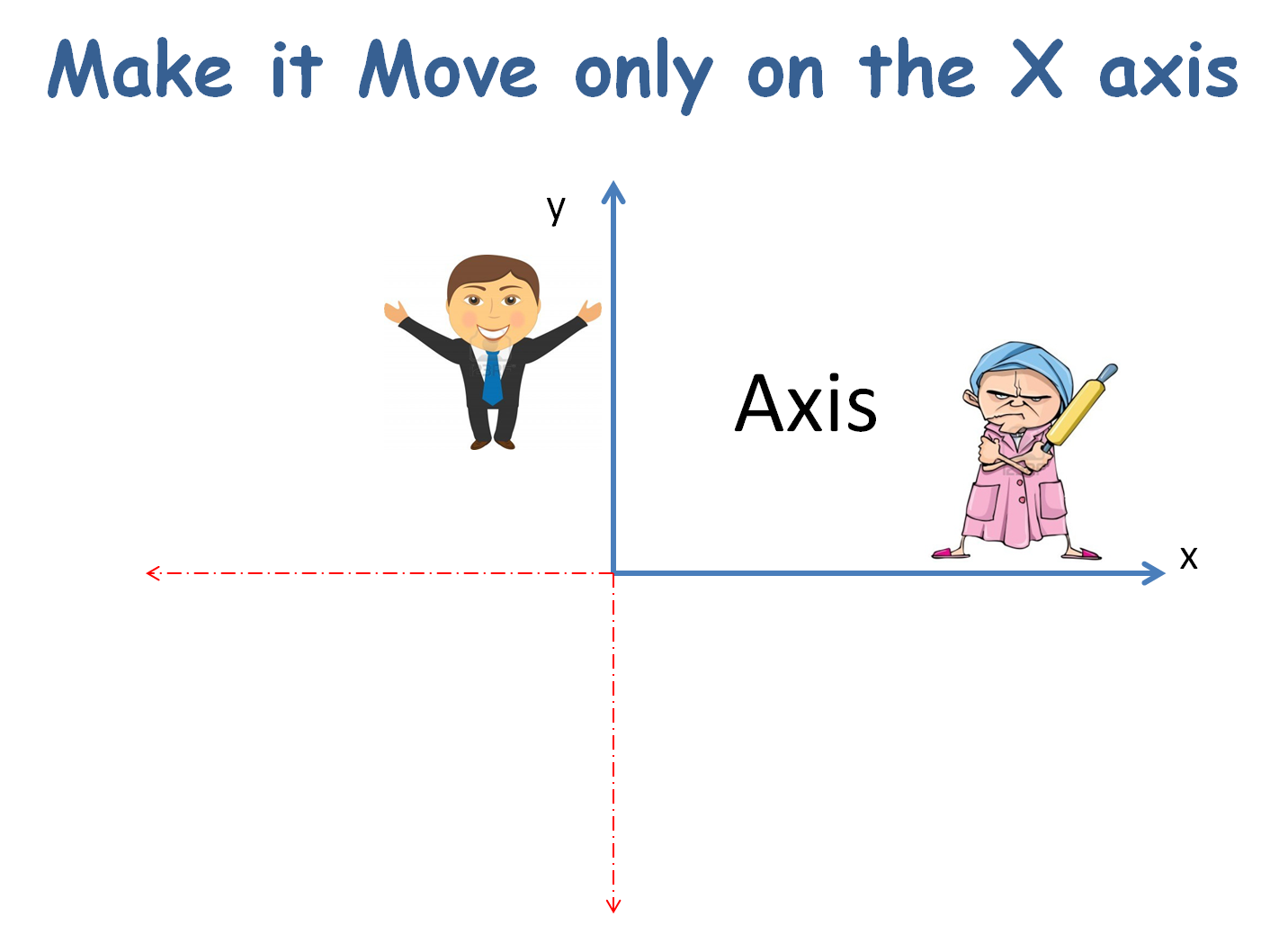
AXISBROADCAST

Today, I also wanted you to create your own game, using the code I would be showing you but each persons game was to look different. As always, your minds are much more artistic and entertaining than mine and I saw some fantastic ideas around the room.

IDEAS

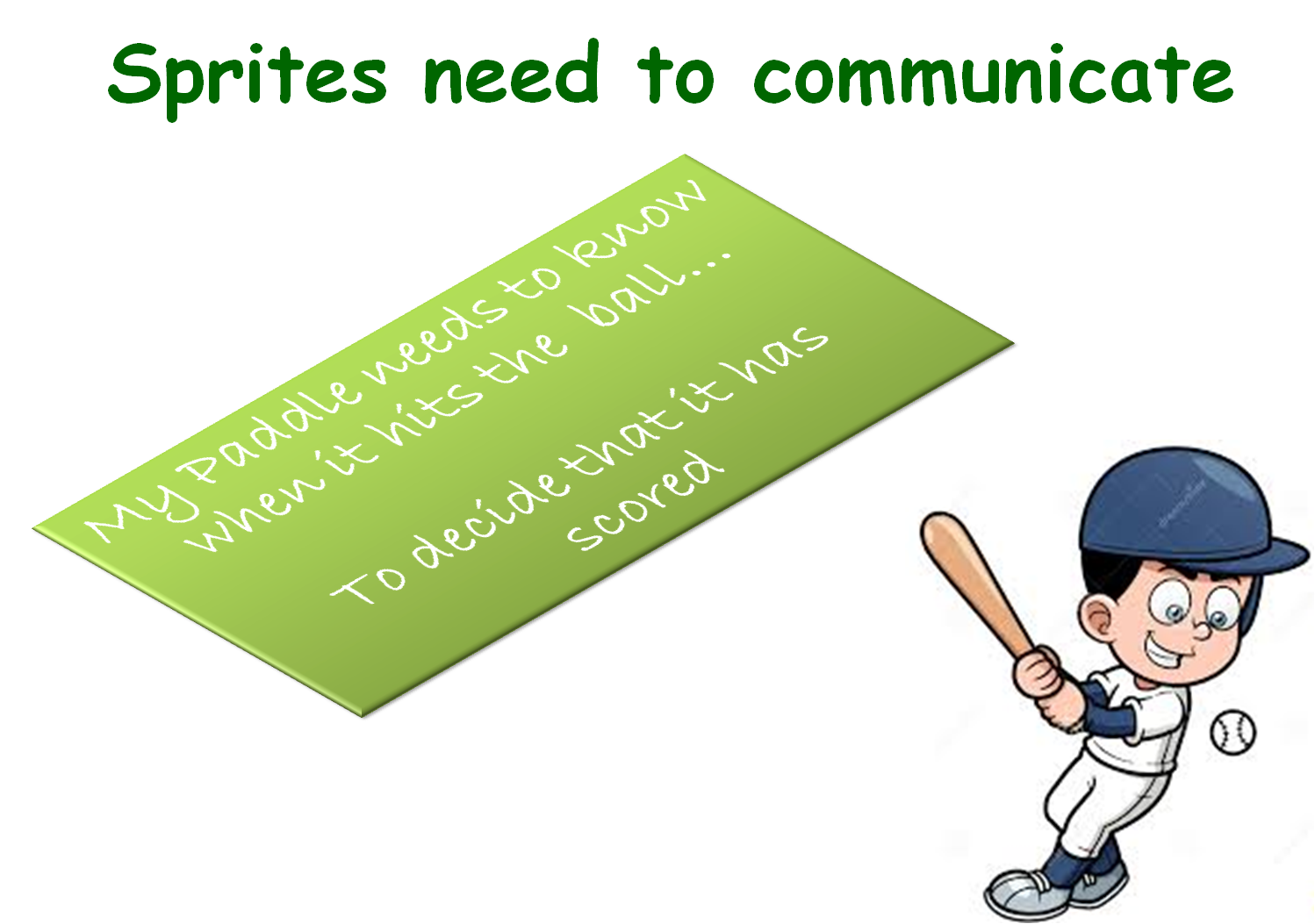
If you get  a chance during your busy week, you should go back over your first couple of games and see can you add some more complexity to them. Add a score or a level, or can you use broadcasting to communicate between the sprites.

But above all…have fun with it!

Here are the full notes in PDF form of todays session. CDA-S3-Challenge05Paddle_Ball.PDF

ModderDojo Week 5: Continuing to Build Complex Structure Mods in Minecraft

2013-11-10_10.45.39

This week, we continued to work on our structure mods in ScriptCraftJS. Our plan is to build a whole set of mods that between them can be used to create a town/city.

Meanwhile, Eli in the group is working on Java-based modding and will help everyone else get started with it when we all move onto that topic later.

Some of the structures people in the group are working on:

  • A block of apartments
  • A street with skyscrapers
  • A castle
  • An iron house
  • A stable
  • A tennis court / soccer pitch
  • A subway
  • A giant face!

The picture with this week’s post shows a Wizard’s Tower built by Conor in the ModderDojo group.

Along the way, we will get practice of:

  • Turning ideas into designs and turning designs into code
  • Debugging programs when the result doesn’t match the design
  • Using variables, calculations, decisions and loops
  • Sharing code for others to download and reuse

Practical notes:

  • During development and testing, you can end up with lots of incomplete structures that slow down your CraftBukkit server. A simple fix is to delete your world:
    • Stop your CraftBukkit server
    • Open the CraftBukkit folder on your computer: in it you will see folders called world and possibly world_nether and world_the_end delete them all
    • While you are at it, edit server.properties in the CraftBukkit folder to make your new world superflat, write level-type=flat and you could also change other properties such as spawn-monsters=false
    • Restart your CraftBukkit folder to create a new, empty world
    • Re-run your scripts to recreate structures that you want
  • Read the ScriptCraftJS API reference to see what commands you can use for your structures: https://github.com/walterhiggins/ScriptCraft/blob/master/docs/api.md

Our Mods:

We have started to post mods here: https://cdathenry.wordpress.com/2013/11/10/modderdojo-athenry-our-scriptcraftjs-minecraft-mods/

We will add more as our modders finish them and make them available for posting. Stay tuned!

Python Beginners- Week 5: Adventure Game and Comparing Python Functions to Scratch Blocks

Today we finished our adventure game. Here is the source for it.

</pre>
#This is my adventure game

import time

def scene1():
 print('You are standing on a trail in a forrest')
 print('Before you the trail splits in two')
 print('Which way will you go right or left?''\n')
def makeChoice():
 choice = ''
 while choice != '1' and choice != '2':
 print('Press 1 followed by enter to choose the first option')
 print('Press 2 followed by enter to choose the second option')
 choice = input()
 return choice

def scene2A():
 print('\n''You come to a stream with bridge')
 print('You can cross and follow the trail that leads from the bridge')
 print('or follow the trail that leads along the nearside of the river''\n')

def scene2B():
 print('\n''you come to a steep hill')
 print('you can climb over the hill')
 print('or you can follow the trail which leads around it','\n')

def goodEnd():
 print('You travel along until you hear people''\n')
 time.sleep(1)
 print('They sound like they are having fun''\n')
 time.sleep(1)
 print('You suddenly see them and realise it\'s your friends having a picnic')
 print ('they share their food and drinks with you and you have a great time')

def badEnd():
 print('You travel along''\n')
 time.sleep(1)
 print ('on and on''\n')
 time.sleep(1)
 print('you have no idea where you are''\n')
 time.sleep(1)
 print('suddenly you realise you are back where you started')
#main program starts here
playAgain = 'yes'
while playAgain == 'yes' or playAgain == 'y':

scene1()

#use the makeChoice function to get
 #the player to decide which way to go
 firstChoice = makeChoice()

#this if else statement will show the next
 #scene based on the players choice
 if firstChoice == '1':
 scene2A()
 else:
 scene2B()

secondChoice = makeChoice()

#this if else statement will show the next
 #scene based on the players choice
 if secondChoice == '1':
 goodEnd()
 else:
 badEnd()

print('Do you want to play again? (yes or no)')
 playAgain = input()

We also took a look at Snap which is an extended re-implementation of Scratch that allows us to build our own blocks. Snap is available at http://snap.berkeley.edu/. We compared our Python code to a similar Snap script.

Capture4

We compared Python functions to Scratch blocks and made a few blocks of our own using Snap. Here are my slides from today. python session5

Scratch Beginners – Week 4, Animation

In this session we improved on our previous Ghostcatcher game by adding animation.

bigideas

We did this by switching between costumes. Rather than using sprites with various costumes already created, we drew our own.

animation

For the first time, we used the broadcast block, to communicate between different parts of the code.

broadcast

A PDF version of the notes from this weeks session can be found here: CDA-S3-Challenge04-BetterGhostCatcher.pdf

Python Beginners – Week 4: Adventure Game

This week we looked at creating a game from the beginning and at the steps we might go through to complete it. We looked at flowcharts and pseudocode and then we broke down the program into bite size pieces and wrote functions for these. We got about half way through this and hopefully we’ll complete it next week. Here is a screenshot of what we have completed so far.

screenshotHere are my slides from this week. python session4

Scratch Advanced – Week 3 – Cryptography

Hope everyone enjoyed last week.

This week we began a series of sessions on Cryptography. We began by demonstrating why we might use Cryptography. What is Cyrptography

What created a Scratch project to Encrypt a single word or sentence using a Reverse Cipher. Notes for this Scratch project are at: Scratch Project Notes (Reverse Cipher)

We then improved the Scratch project to Decrypt the same word or sentence back to its original form.

We discussed the limitations of a Reverse Cipher and began the introduction of the next session where we will be creating a Scratch program to Encrypt and Decrypt a word or sentence using one of the most famous ciphers the “Caesar Cipher”. Named after the Roman figure Julius Caesar.

Scratch Beginners – Ghostcatcher Game

Hi everyone,

Thanks to everyone that showed up today. Again, a big thank you to Julie for taking the session last week.

This week, we built a new game which we were calling “Ghostcatcher” We used code that we have learnt over the last two weeks and again used variables. We will continue to do this over the next couple of weeks, we will make new games but will continue to go over the basic programming concepts each week.

This was our first time creating our own Sprite rather than using one from the library. The paint editor can be great fun and you should experiment with it, creating lots of new Sprites.

Remember ! think in shapes, like we did with the ghost.

painteditor

A pdf version of the full notes from todays session can be found here: CDA-S3-Challenge03-GhostCatcher.pdf

Try adding your own variables, the code is there for you to look at but why not have a go at it yourself first.

No Coderdojo Athenry next week but hope to see you all back the following Saturday the 27th.

Enjoy the Halloween break!

ghost