Beginners Scratch – Challenge 7 – Buid Your Own Game!

These are the notes from our seventh challenge in Season 2 of Scratch Beginners, CoderDojo Athenry.

The challenge this week was to work on your own game. The coding concepts for this challenge are:

  1. Using the Scratch skills you have acquired for your own games
  2. Creativity and imagination
  3. Designing your own program.

A key point in developing your own game is to start simple, get the first idea tested and working, and then start adding more. We also spoke about the usefulness of planning on paper, rather than jumping straight into coding (which can be a tough one to sell!)

Here are the notes from the day (PDF): CDA-S2-Challenge07-YourGame.pdf

If you want to check how we did things in previous challenges, you can find the programs here: http://scratch.mit.edu/galleries/view/183379

We will continue to work on our own games next week, and I will post a link to a gallery of games that ninjas have produced.
Beginners Scratch – Challenge 6 – Story-Telling and Scrolling Backgrounds!

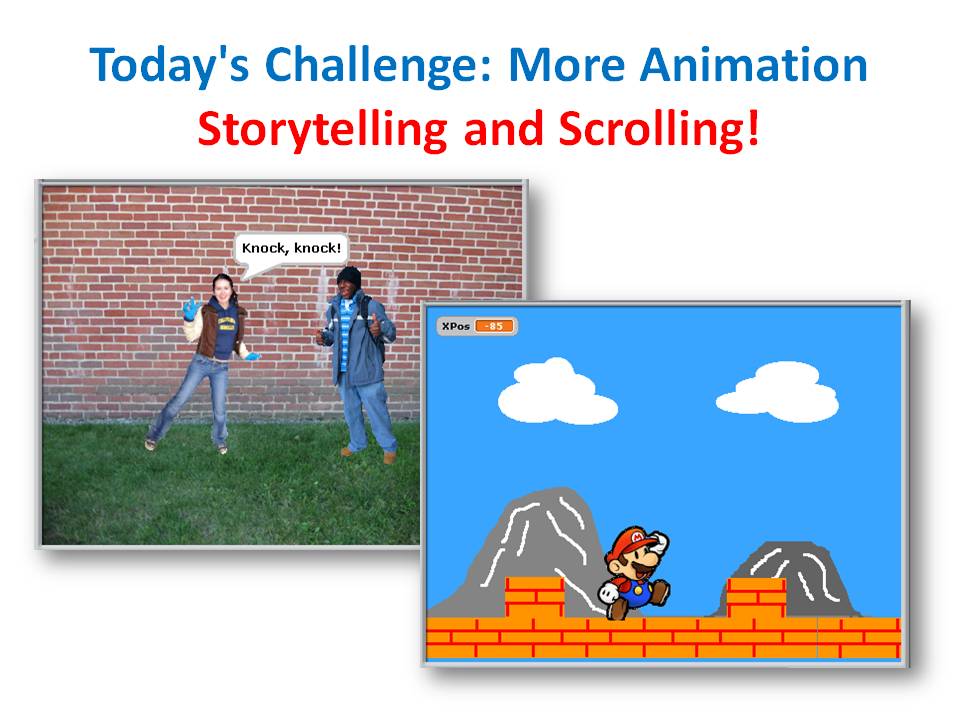
This week, our challenge is to work on Animation projects. We are looking at two project ideas: telling stories and scrolling backgrounds.

To tell a story, we have two sprites with speech and pauses carefully timed so that they have a conversation with each other. I just did a simple knock-knock joke, but you could do more.

After, we worked on how to make a scrolling background, a bit like the scrolling demo example that is supplied with Scratch. We figured out how to create the appearance of left/right movement by moving a sprite representing the ground in the opposite direction. We also found out how to make distant background objects, like mountains, move more slowly (called the parallax effect).

Coding concepts that we discussed included:

  1. Speech bubbles and sound
  2. Timing sprites
  3. Loops

Here are the notes from the day (PDF): CDA-S2-Challenge06-StoriesAndScrolling.pdf

Here is my Knock-Knock animation: http://scratch.mit.edu/projects/cdathenry/2899125

And here is my Scrolling Background with Mario: http://scratch.mit.edu/projects/cdathenry/2531497

If you would like us to send you the PowerPoint slides of my notes, get in touch via twitter or by leaving a comment.

Beginners Scratch – Challenge 5 – A Better GhostBuster Game!

This week, our lead mentor was Declan Fox, who did a great job.

The challenge was to enhance our GhostBuster game from out last challenge.  The game involves PacMan character, controlled by the mouse, who has to catch ghosts that move at random.

This week, we added levels that make it go faster and change the colour of the background, and we added animations (PacMan chomping, ghosts blinking & sticking out their tongues), and background music.

Coding concepts that we discussed included:

  1. Loops
  2. Animation
  3. Broadcasting to communicate between sprites

Here are the notes from the day (PDF): CDA-S2-Challenge05-BetterGhostCatcher.pdf

This is my version of the updated game: http://scratch.mit.edu/projects/cdathenry/2485407

If you would like us to send you the PowerPoint slides of my notes, get in touch via twitter or by leaving a comment.

Beginners Scratch – Challenge 4 – Create a GhostBuster Game!

This week, our lead mentor was Martha Madden, who blogs at kidswithskills.wordpress.com.

The challenge was to develop a game with a PacMan character, controlled by the mouse, who has to catch ghosts that move at random.

Coding concepts that we discussed included:

  1. Design of programs
  2. Loops
  3. Decisions
  4. Using the Paint Editor in Scratch

Here are the notes from the day (PDF): CDA-S2-Challenge04-GhostCatcher.pdf

If you would like us to send you the PowerPoint slides of my notes, get in touch via twitter or by leaving a comment.


Beginners Scratch – Challenge 3 – Have Fun With Animation

This week, the lead mentor was Eamonn Hannon, who did a great job.

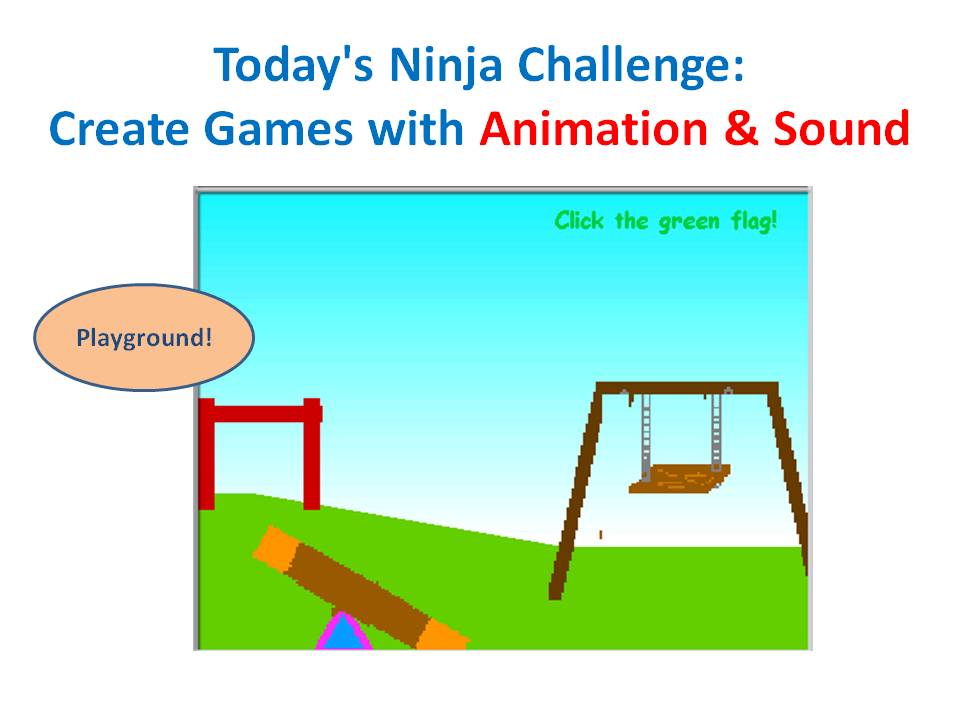
The challenge this week was to work on animation projects. The basis for this week’s challenge were examples in Scratch Example Animations folder: Playground and Fun with Animation.

Coding concepts that we discussed included:

  1. Animation
  2. Loops
  3. Creativity, planning and drawing

Here are the notes from the day (PDF): CDA-S2-Challenge03-Animation.pdf

If you would like us to send you the PowerPoint slides of my notes, get in touch via twitter or by leaving a comment.

Beginners Scratch – Challenge 2 – Guess Numbers

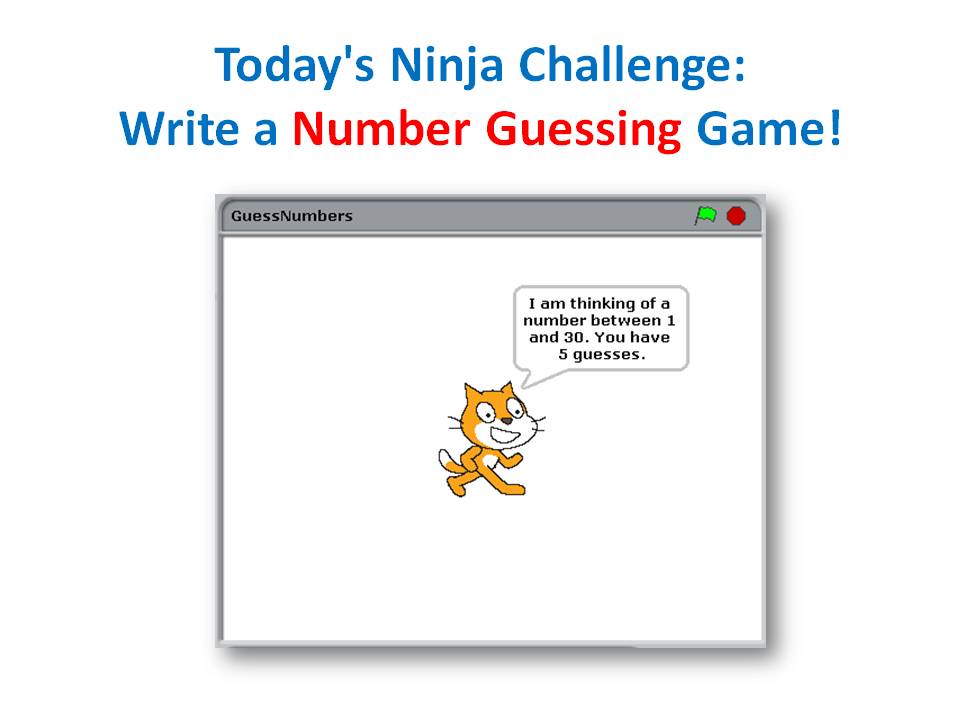
Today’s challenge: write a number guessing game!

In doing this, these are the big ideas you will learn about:

  1. Input and output: entering numbers and displaying them
  2. Using variables
  3. Comparing values and making decisions

Here are my notes from the day, in PDF format: CDA-S2-Challenge02-GuessNumbers.pdf.

If you would like me to send you the PowerPoint slides of my notes, get in touch via twitter or by leaving a comment.

Beginners Scratch – Challenge 1 – First Game

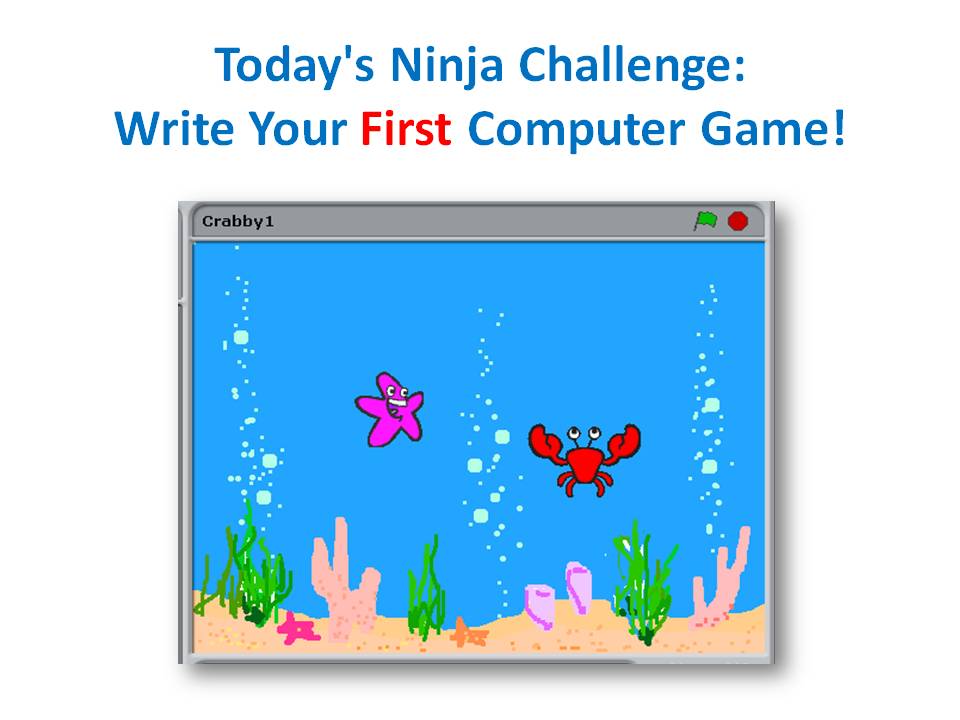
Today’s challenge: write your first computer game!

In doing this, these are the big ideas you will learn about:

  1. What is coding?
  2. Who writes code?
  3. What is Scratch?
  4. How do you write code in Scratch?
  5. What are the steps to write a program?

Here are my notes from the day, in PDF format: CDA-S2-Challenge01-FirstGame.pdf

If you would like me to send you the PowerPoint slides of my notes, get in touch via twitter or by leaving a comment.