Hackers – 3D Modelling with SketchUp

roompic

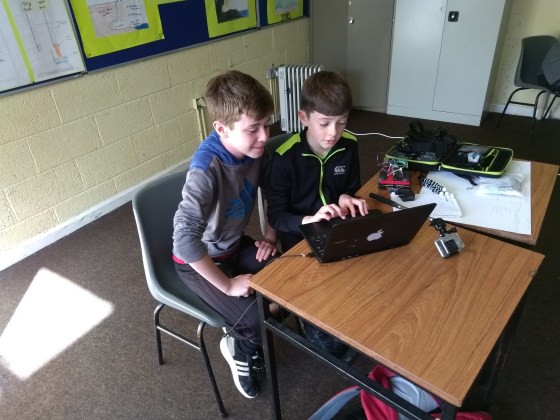
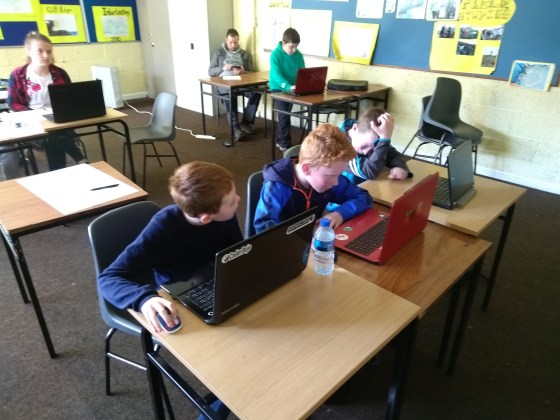
At this week’s session, Kevin introduced everybody to SketchUp, a free 3D modelling program. Models built with SketchUp can be exported to a format suitable for input into Repetier Host, to prepare them for 3D printing.

Incidentally, other options for 3D modelling include Blender (which some may have used previously for modelling) and TinkerCAD (which is web-based so does not require installation).

Here are some notes on getting started with SketchUp – they are taken from an NUI Galway summer camp I was involved in organising a couple of years ago: sketchupnotes

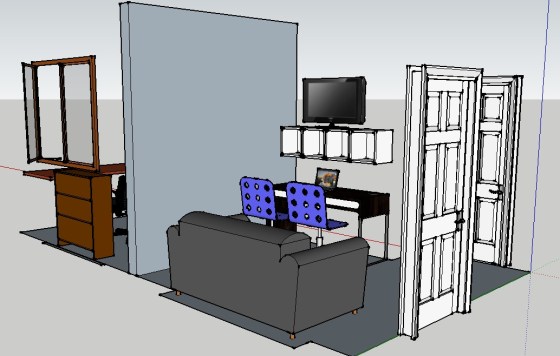
By the way, the picture above is a SketchUp model I built previously of a room.

Important: to export SketchUp models to Repetier, you first need to install the SketchUp STL Extension. Instructions:

  • n the SketchUp main menu, select Window – Extension Warehouse.
  • Search for SketchUp STL (see below), then go through the steps of downloading and installing.
  • Note that you may need to create a Trimble account (Trimble is the company that develops SketchUp).
  • You may see a warning that it is not marked as compatible with your version of SketchUp, but just press OK.
  • After installing the SketchUp STL extension, you will have a new menu item: File – Export STL.

sketchupstlextension

Bodgers – Making Headway

This week our teams started coding their their projects for the Pioneers challenge.

The Zombie Trolls and the Zombie Herders started by playing audio for their Raspberry Pi projects using Pygame.

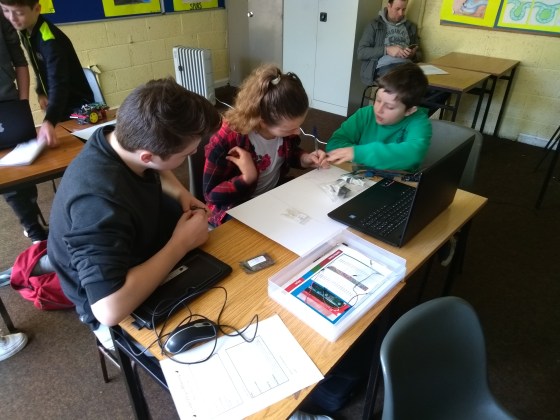
The green fingers spent the session trying out sensors for their Arduino based project like this DHT11 temperature and humidity sensor. They also got a soil moisture sensor and a float switch working.

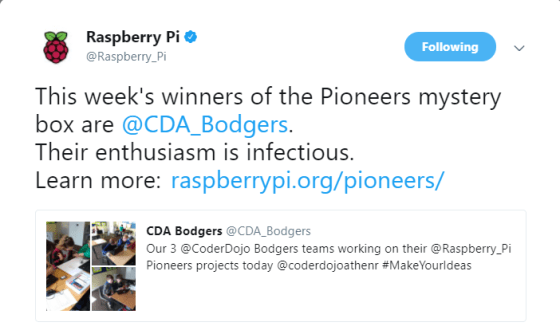
We also got some great news from Twitter before the session.mystery win

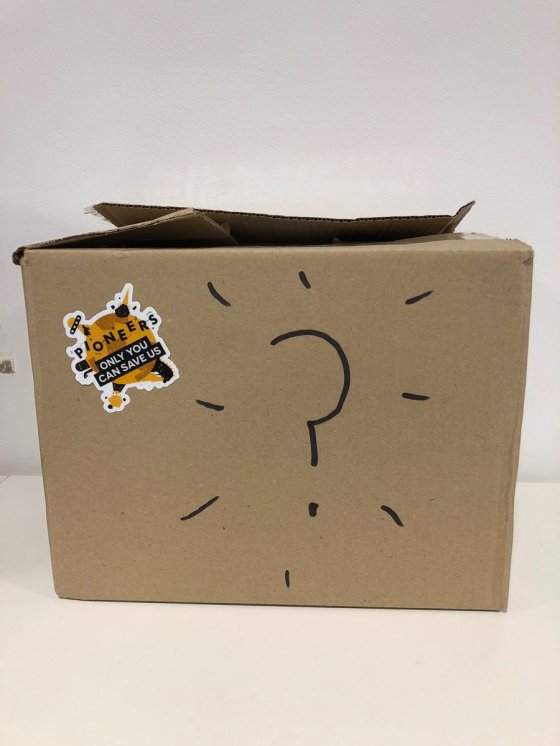
Here is a picture of the mystery box.

mystery box

I don’t know what the mystery is, it looks like a cardboard box to me 🙂

See you all next saturday.

Declan, Dave and Alaidh.

Explorers Week 4 – Help Bo Peep find her sheep

Hi everyone,

Great week again with huge crowds but thanks to our new room layout and a couple of Health and Safety issues sorted, I think it was a more comfortable and safe environment for everyone. Thank you to Niamh, Sarah, Roisin , Alan and Pete you came early and helped sort out the new layout.

This week, I helped Bo Peep found her sheep! Some of you did the same and some used ideas like Minecraft Steve finding Iron Ore and Diamonds, Knights finding dragons or a Princess finding flowers.

Before we even started our game this week we talked a little bit about File Management and about the importance of keeping your files somewhere you can access them quickly and giving them a meaningful name.

So to this end, we all created a folder where we will be keeping our files in the future and within that we had a sub folder for this weeks files.

We started our game by drawing our background on our stage:

Rather than use the sprites from the Scratch Library, we searched the internet using a image search for our Sprites.

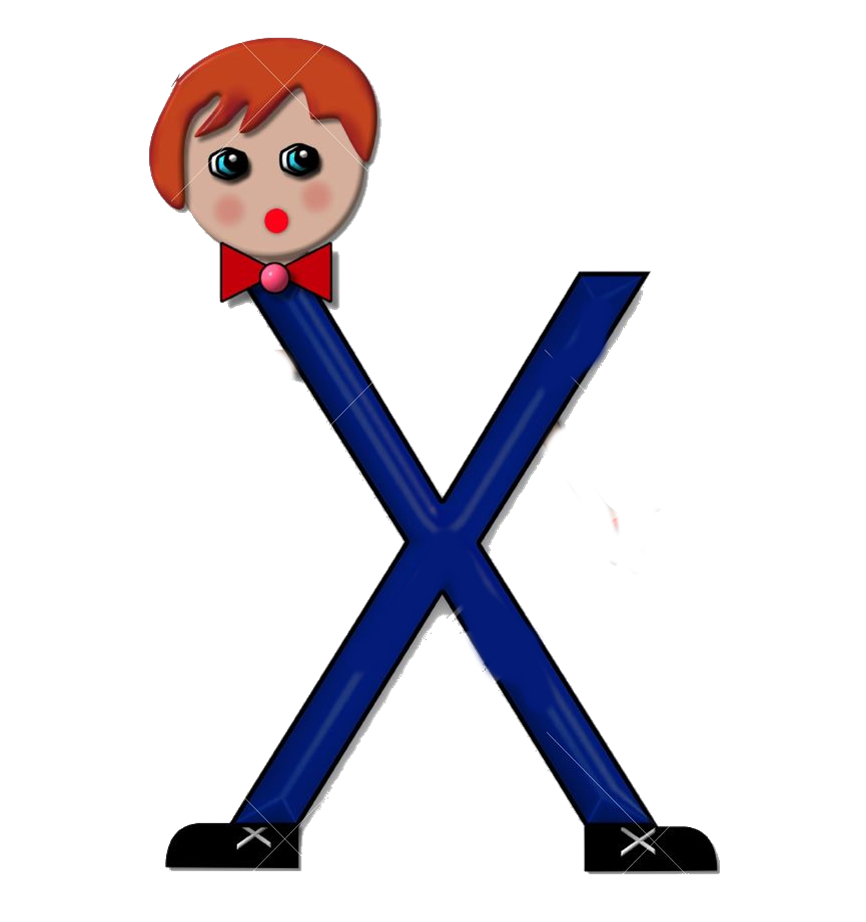
This week, we decided to move our main sprite using the arrow keys. For this we had to learn a small bit about the X and Y axis and I gave you a little tip on how to remember which is which!

Hope you all enjoyed this week, next week we have a very small bit to finish off for this game and then we will start a new game!

Here are the notes for this weeks session in PDF CDA-S6-Week_04-BoBeep

Martha


Explorers Week 3 – Improving last Weeks Game!

Hi everyone,

Can you believe the crowds we had again last week, another record 251 Ninjas and Parents attended Coderdojo Athenry last week.

We were adding to and improving our game from last week. We added a sprite that would catch the fish and decided what could or would happen when this occurred.

We discussed how to make a game more fun we have to add some complexity to it….we need to make it harder to play!! so to this end we used some code from our operator palette to add some randomness.

I also introduced Variables and how we can use them to keep track of things like Score or Lives.

I am attaching the notes from last week as PDF CDA-S6-Week_03-FirstGame_Part2

See you all this Saturday again. We will be starting a new game and Ill need your help.

Martha

Bodgers – Getting Started On Our Projects

Hi again Bodgers

We started today’s session by looking at 3-D Modeling using FreeCAD. FreeCAD allows us to build complex 3-D designs using primitive shapes like cubes and cylinders. You can download FreeCAD from here and the video below will help you get started.

Our teams have finished deciding what they are going to work on for the Raspberry Pi Pioneers Challenge and they also have picked team names.

IMG_20170930_134236

The Zombie Herders

IMG_20170930_132720

Green Fingers

IMG_20170930_133533

The Zombie Trolls

Don’t forget our Twitter @CDA_Bodgers and check out the #MakeYourIdeas hashtag for more information.

See you next week.

Hackers – Getting started with 3D printers

hackers-with-printers

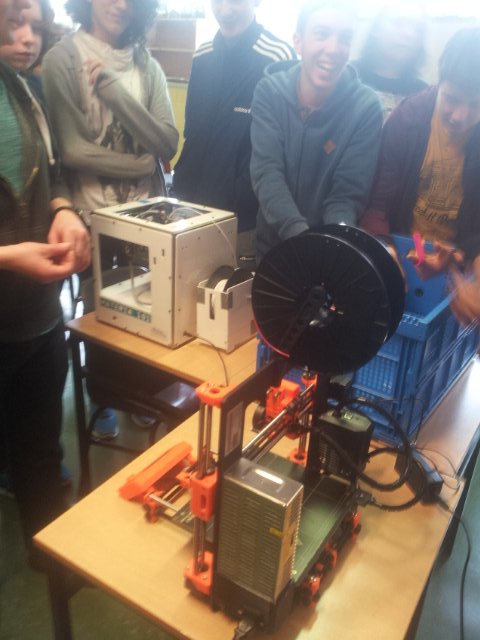
At the Hackers group, we started learning how to use 3D printers this week. 3D printers are a fantastic technology for turning 3D computer models into physical objects. They are also impressively inexpensive. For example, one of the printers we are using, the Arduino-based Materia 101 printer, costs about €600.

Thanks to Kevin’s employer, Boston Scientific, who have loaned two 3D printers to us and are also covering the cost of the plastic “ink” used in them.

Here are Kevin’s notes on how to set up a 3D printer: 3d-printer-setup (PDF)

Here are the configuration files needed for the Materia 101: https://www.dropbox.com/s/6otj5ok7i00ikds/Slic3r-Materia101-Settings.zip?dl=0

We have another model of 3D printer, the Prusa i3 MK2 in the group as well. We will post notes about using it at a later date.

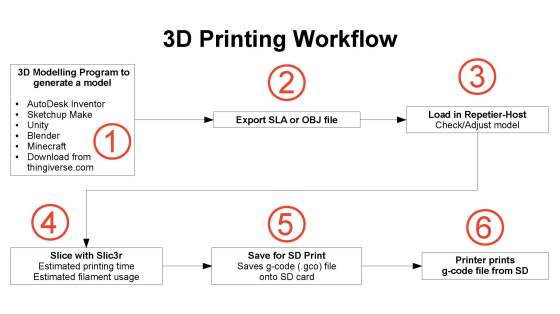
And here also is a diagram Kevin prepared, showing the 3D printing workflow:

3d-printing-workflow

At our next session, we will look at how to do some 3D modelling to create objects we can print. Should be fun!

Explorers Week 2 – Our First Game!

code

Hi everyone!

Wow! what a fantastic turnout on Saturday for our first week back this year. We had our highest recorded numbers in the Dojo this week. 245 Ninjas and Parents, incredible.

Our little old room had 130 alone, so probably over 80 of you Ninjas came to start coding and make your first game. I hope you had a good time, I know that I really enjoyed it. There was a really great atmosphere and energy in the room.

I am attaching my notes in PDF for you. CDA-S6-Week_02-FirstGame

Please take a look at them as they contain details on each of the palettes that we didn’t go into fully on Saturday. It also contains all the code for each sprite in case you missed any part.

We will continue to add to the game next week but don’t worry if you weren’t here this week, I will have a copy of the game so that you can join in.shark

Don’t forget, anyone can join at any stage, let your friends know how much fun your are having.

See you all next!

Martha