Beginners Scratch – Week 7 – Breakout

***Next week we will be doing Animation! Please bring any miniature figures that you might want to use to create a short story through stop motion photography. We will also need some way to take photos and download the images to the computer – so parents need to remember a camera and download cables. I will bring a big load of modelling clay.***

Breakout is a variation of our previous game, Paddleball. We create a new scoring experience for our gamers by introducing blocks at the top of our screen that they get points for hitting.

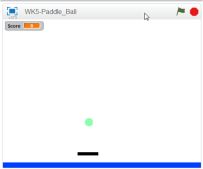
CDA-S5-Challenge_04-Breakout-game view

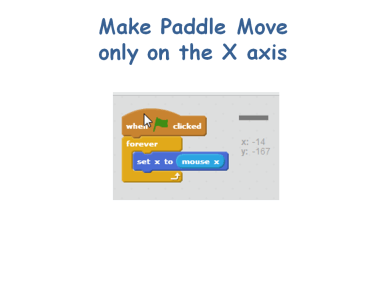
Everyone already knew how to import or create the first two sprites – the paddle and the ball and most coders remembered from paddleball how to get the paddle to forever follow the mouse in only the x-direction. CDA-S5-Challenge_04-Breakout-paddle control
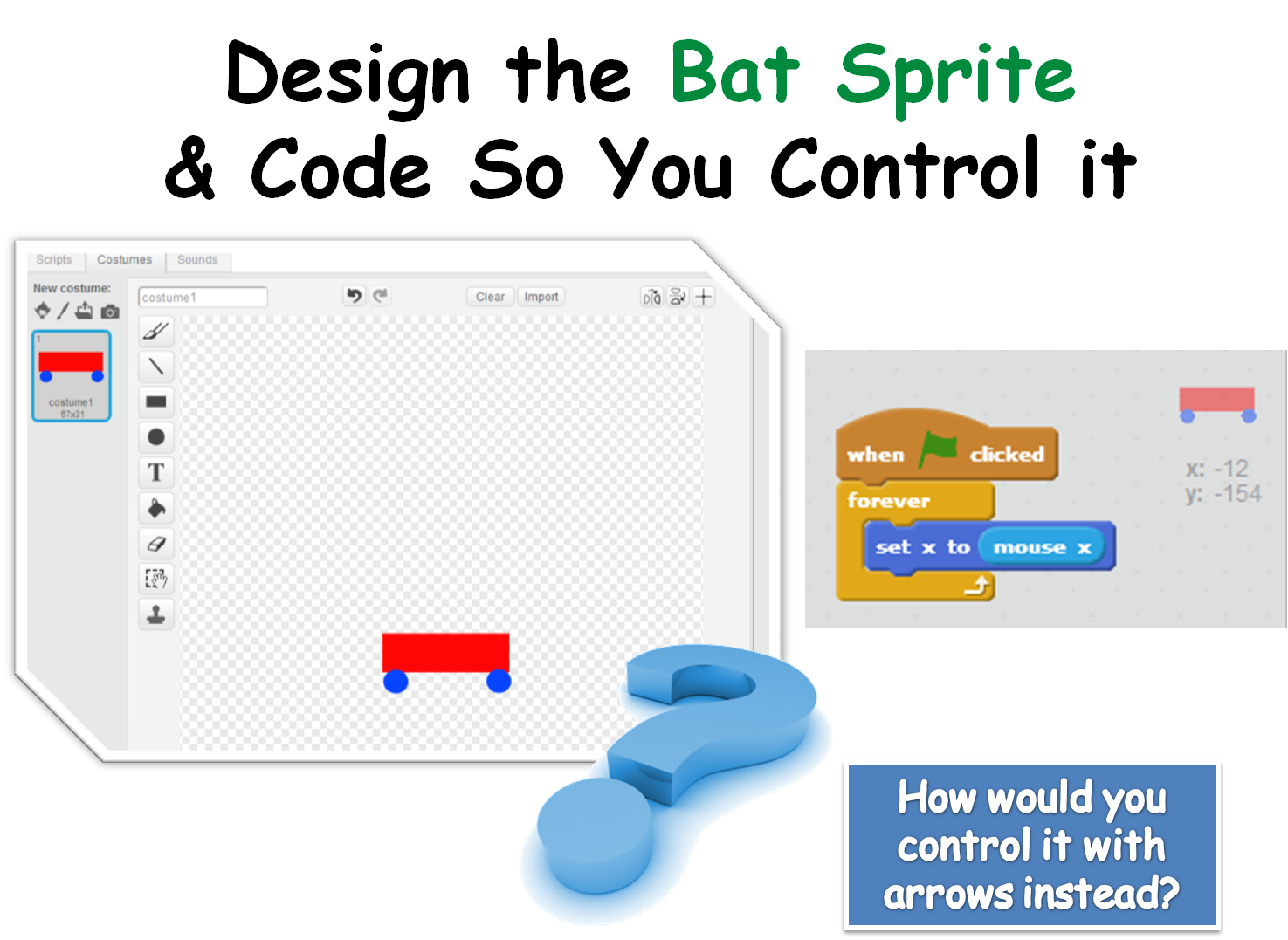
The code to move the ball was essentially the same as in the paddle ball game with a small change to broadcast the starting position to itself.CDA-S5-Challenge_04-Breakout-ball control 2

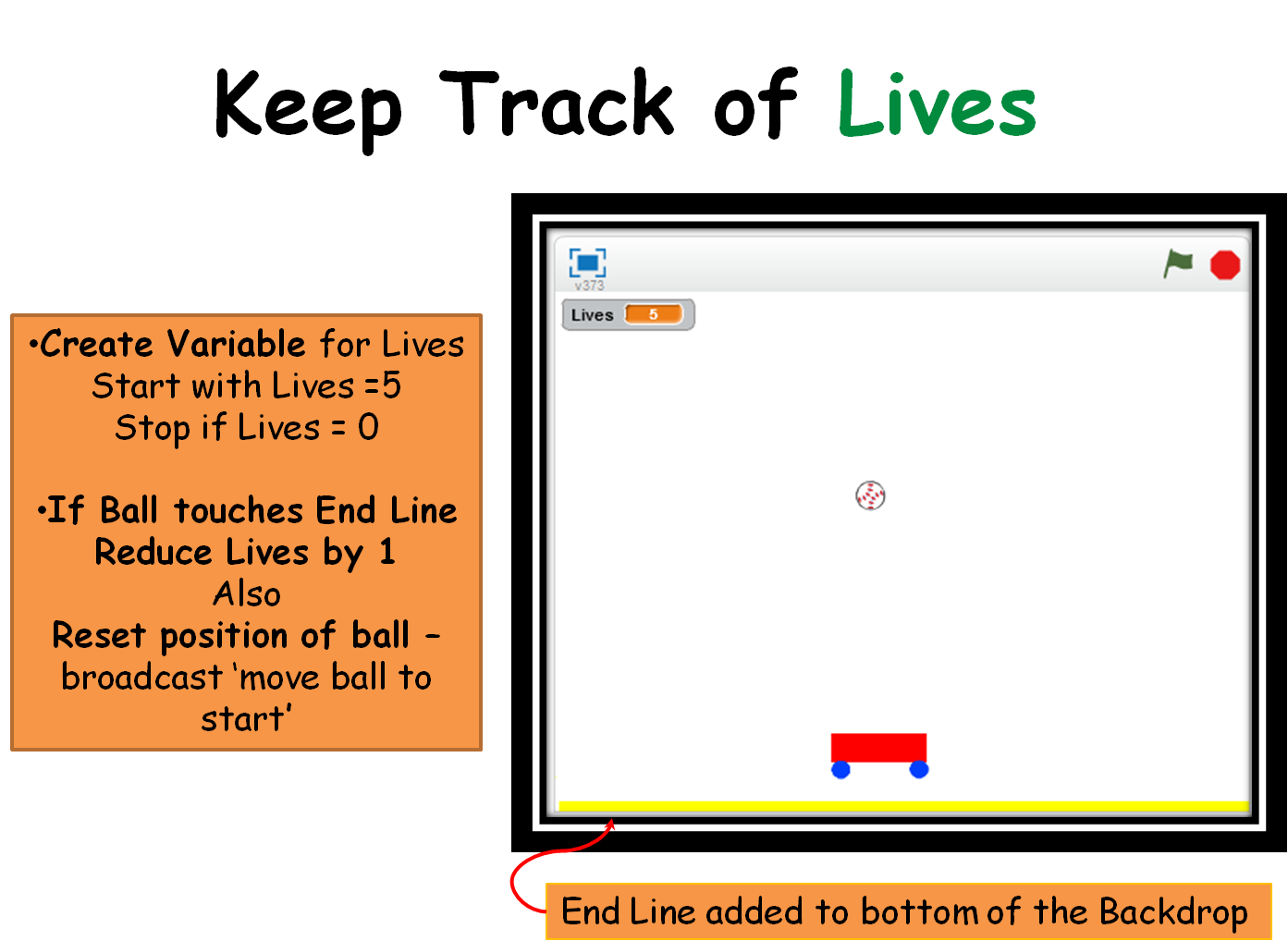
We then created two variables, one for the score which will go up when the ball hits a block sprite(can you copy this code from the Paddleball game code and use it in the ball sprite?) and one for lives which will go down every time the ball touches the end line we added under the paddle on the Backdrop. Can you figure out where to put the code to reduce lives by one when the ball touches a certain colour?CDA-S5-Challenge_04-Breakout-variables
Lastly, we created the block sprites and coded for them to fade away when they touched the ball. We use the EFFECT block of code in LOOKS.CDA-S5-Challenge_04-Breakout-brick script

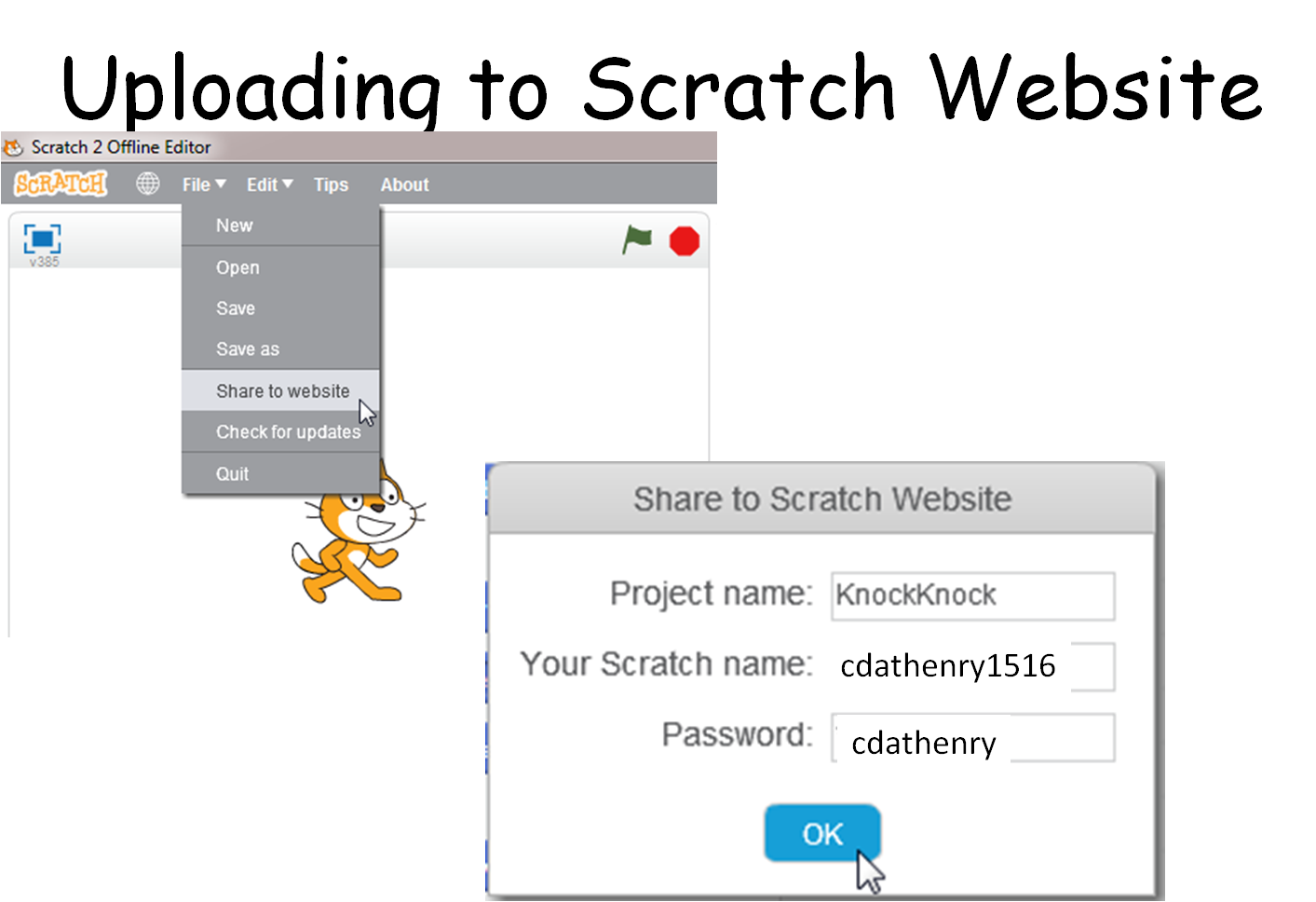
The complete set of notes in .PDF format can be opened here:CDA-S5-Challenge_08_Breakout. You can play with my completed game on the http://scratch.mit.edu webpage. If you sign in as cdathenry1516 and use the password: cdathenry, you will be able to play all our games. If you have your own sign in name, just search for cdathenry1516 and you can see and play them all as well. Please put yours up there as well!CDA-S5-Challenge_04-Breakout-save to website
See you all next week!

Julie


Beginners scratch week 6 – Pen Commands

Since we had a terrific guest speaker today, there wasn’t enough time to rework our paddle ball game to the famous breakout game, so I picked out the quick (but really neat) drawing game! The .pdf of the slides can be found here:CDA-S5-Challenge_08-Pen Command-CDA-S5-Pen Commands CDA-S5-Pen Commands-code

In order to make it easier to change the values that control the angles of the drawing and the length of the sides, we created variables that we could change via sliders on the STAGE (right click on the variable on the stage after you create it and a menu pops up giving you some options, including a slider option). CDA-S5-Pen Commands-slider variablesReplace the handwritten numbers in the TURN and the MOVE motion commands with the variables for speed and degrees. When you touch the green flag and start the movement of your sprite, you can slide the sliders to get the perfect (or craziest) drawing! Duplicate your sprite and get several sprites drawing at once.

One extra bit that we didn’t get to is to use buttons to start and stop our drawing. Create two new button sprites and script them to send a broadcast when clicked. CDA-S5-Pen Commands-buttons

Just edit the script in the drawing sprite by putting the WHEN I RECEIVE event command at the top of the drawing script and select the START broadcast. Add another bit to the drawing sprite to STOP ALL when it receives the STOP broadcast from the Stop button.


Next week we will do the breakout game and we will plan the animation project for the following week.

Don’t forget to upload your projects to the website: scratch.mit.edu! Put it on your own login and share it or put it on ours: cdathenry1516.

All the best,

Julie


Scratch Beginners Week 5 – Paddle Ball Game

We had another week of fantastic attendance at Coder Dojo Athenry Beginners Scratch session. Thanks all for coming. To see the PDF of this weeks notes click here: CDA-S5-Challenge_05_Paddle_Ball. This week we reiterated a lot of the basic programming ideas that we have been working on since September. We planned our game – Paddle Ball – by defining it’s rules and designing it’s look. The coders were invited to use whatever sprites they liked-some had dragons catching swords and others trampolines catching kids! Most stuck to the basic layout seen here:

Season 5 Paddle ball - game design

First, we designed the paddle and made it follow our mouse, but only in the x-direction.

CDA-S5-Challenge_05_Paddle_Ball_move paddle

Secondly, we drew or imported the ball from our library and caused it to fall. We had to set it’s initial position just after the green flag was pressed in order that the game would restart properly each time and we had to set it’s initial direction to down, otherwise the ball might just bounce from side to side instead of up and down!! In order to do this, we placed a ‘point in direction’ block under the ‘go to’ block in the image below and set it to 180 (or down).

CDA-S5-Challenge_05_Paddle_Ball_make ball fall

Now that we have each sprite moving, we must get them to respond to touching each other and get a score variable set up. When the ball hits the paddle, the ball will broadcast a message to the program and the ball will change the score by 1.

CDA-S5-Challenge_05_Paddle_Ball_ball hit paddleCDA-S5-Challenge_05_Paddle_Ball_bc change score

To end our program I decided that when the ball hit a line I drew at the bottom of the STAGE. The command of ‘wait until’ was used with ‘touching colour’ to ‘stop all’. The coders were encouraged to continue the game instead by setting up a ‘lives’ variable and merely subtracting from that variable when the ball touches the line and ending the game when ‘lives = 0’.

CDA-S5-Challenge_05_Paddle_Ball_end gameNext week we will quickly re-make the basic paddle ball game but add a twist to it by making blocks that disappear when hit and add to the user’s score. It is based on the old Breakout game. The following week we will be doing animation. I will be bringing some plasticine to use to make sprites but the coders are welcome to bring miniature figurines such as Polly pockets or lego, etc… All parents should come equipped with a phone/camera and download cables that can take pictures to record the action! This will take several weeks to complete.
Thanks to Martha Fahy for the fantastic game idea and notes!

Julie


Scratch Beginners Week 4 – A Better Ghost Catcher Game

This week we improved on Martha’s original Ghost Catcher game! The notes can be found on this website as CDA-S5-Challenge_04-BetterGhostCatcher.

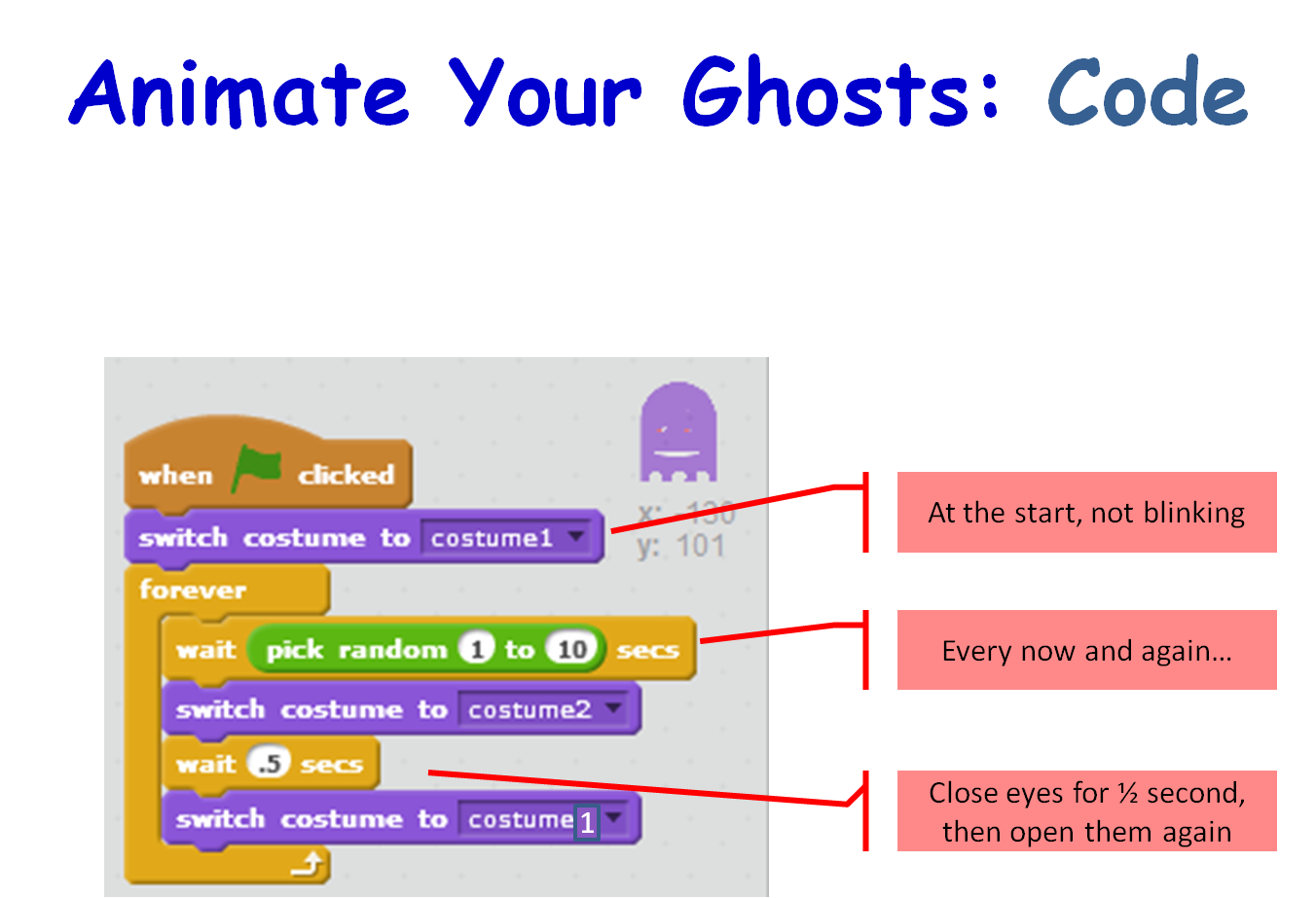
We animated our ghosts by creating a simple change costume script that runs forever,Season 5 Better ghostcatcher- animate ghost - costume

Season 5 Better ghostcatcher- animate ghost - Code

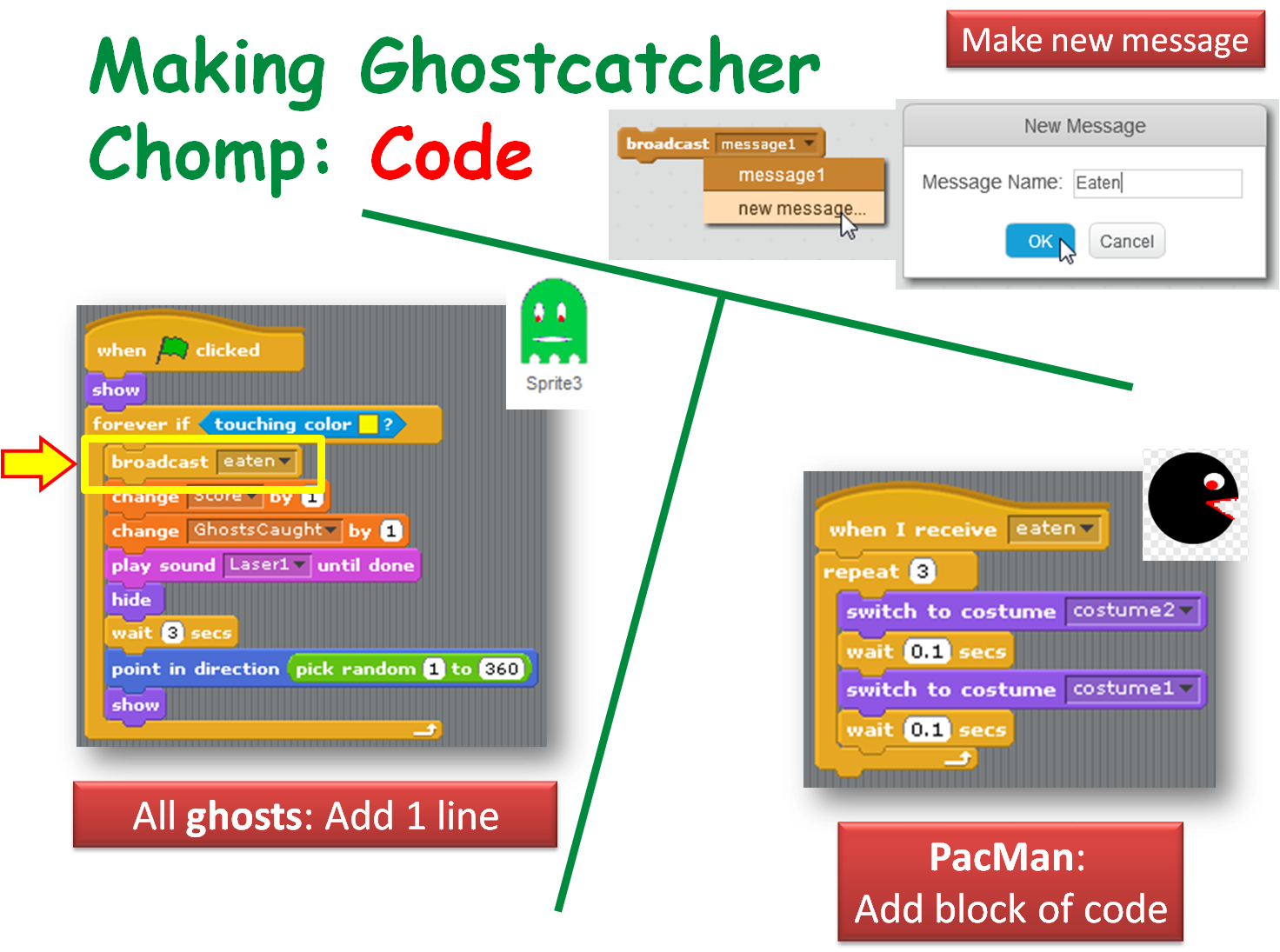
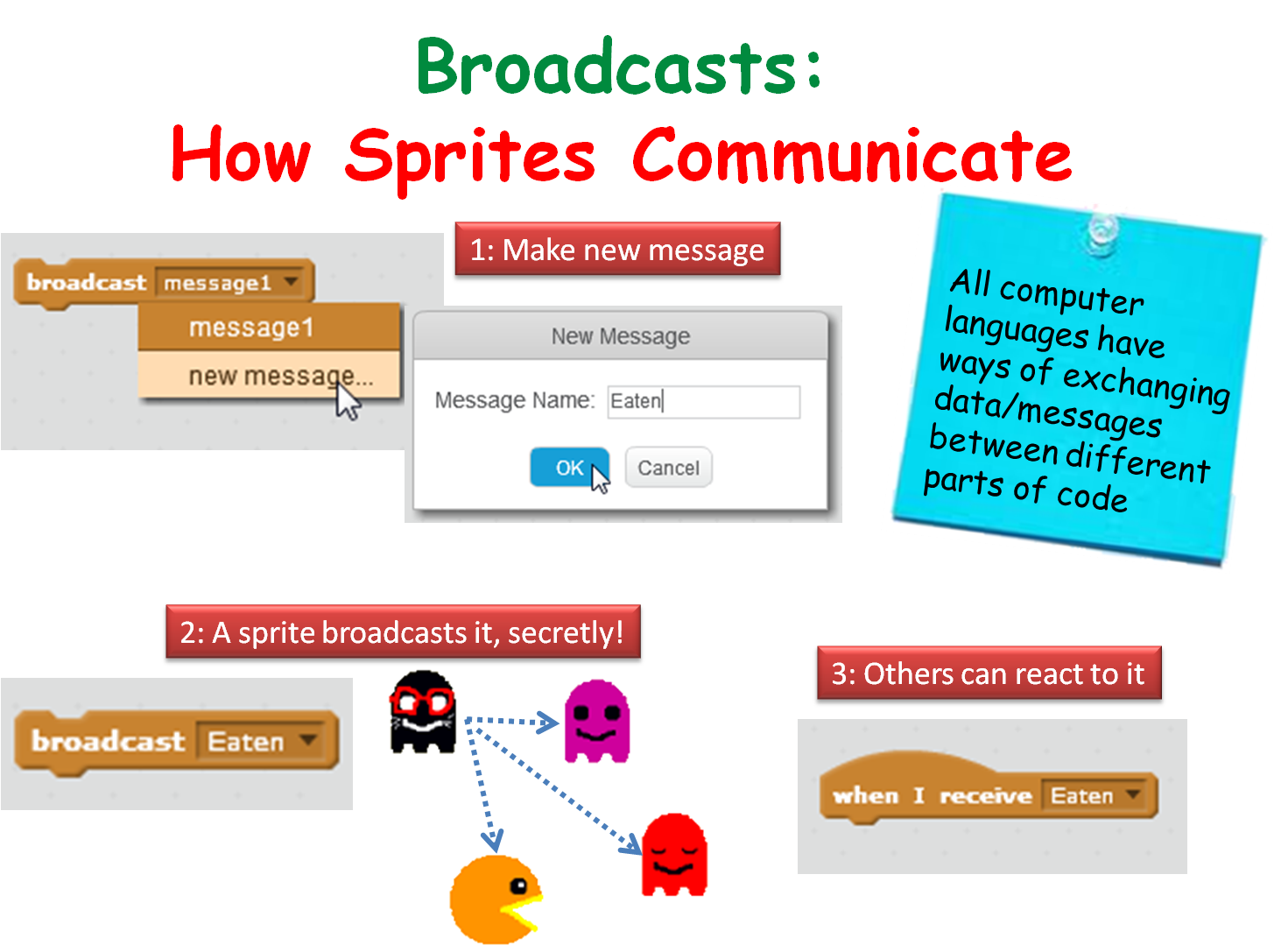
We made our ghosts broadcast a message when they are caught to make ghostcatcher (aka Bob) change his costume (Hint!: First, we made a new costume for Ghostcatcher Bob to make his mouth look closed!),

Season 5 Better ghostcatcher- broadcasts

Season 5 Better ghostcatcher- broadcasts- make ghostcatcher react

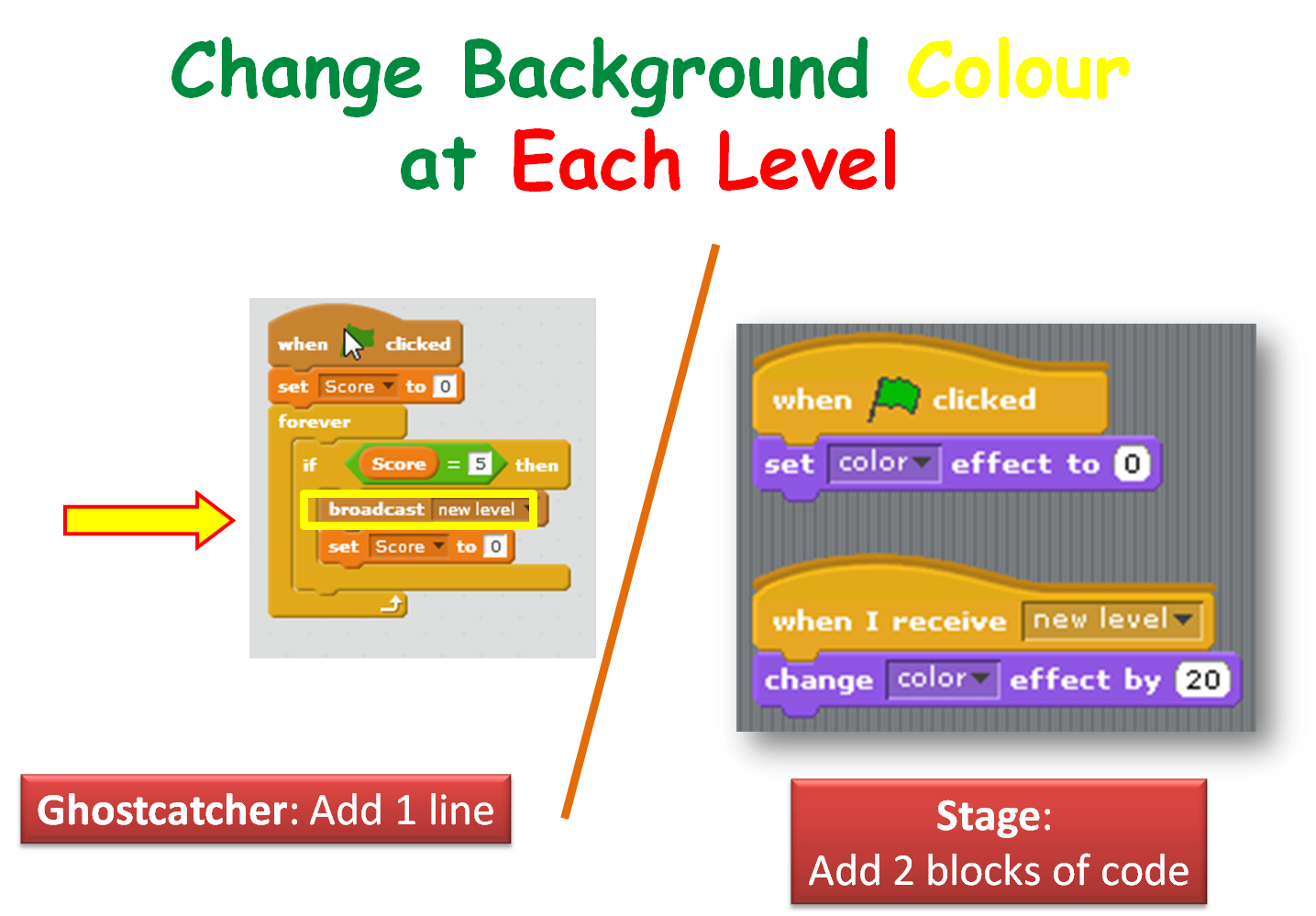
We also got Ghostcatcher Bob to broadcast a message that makes the stage change it’s background to each time a level is changed.

Season 5 Better ghostcatcher- broadcasts - use score var to chg background color

If you have any questions about all the variables, ghostscaught and speed, that you saw in my version of the program, please review the notes on this website for the previous week: CDA-S5-Week_03-Ghostcatcher.pdf. Check out the last few slides.

Thanks to Martha Fahy for all her notes so that we could really make huge progress with our Ghost Catcher game!

Have a very Happy Halloween and we will see ye all back on Saturday November 7th at 12.00!

Julie OBeirn

Week 3 – Scratch Beginners – Ghostcatcher

Hello Everyone

Great to see so many of you there on Saturday, 85 Ninjas!. Hope you had a good time. And a special welcome to our new Ninjas.

This week we created a Ghostcatcher game. We used the paint editor in Scratch for the first time. As I said on Saturday, It makes things easier if you think in shapes.

PACMAN

Using the code we have learned so far, we moved the Ghostcatcher with the mouse and the Ghosts randomly. We also added sounded and score.

PACMAN2

For those of you who would like to add more complexity, I have a couple of ideas at the end of the notes. Give it a go and if you need any help, just ask one of the mentors at the beginning of the next session.

From next week the Scratch Beginners Group will be given by Julie. I won’t be too far away, so you will see me around! We have a new session this year called Unity. It is a games platform and we expect a large number of the kids will take it so I am going to help out in that room with Kieran.

A big THANK YOU to Julie for taking over for me.

Here are this weeks notes in PDF. CDA-S5-Week_03-Ghostcatcher.pdf

Week 2 – Scratch Beginners – Building on our first game

Hi everyone,

Great to see so many of you there on Saturday. This weeks starting point was our game from last week. We wanted to add extra functionality. We added code to the Heart so that something happened when the Hippo touched it. Most people added some sound.

hippo

sensing

We also made our first variable. We did this so that we could keep track of our score. Using this score we also could add code to make something happen when you reached a certain score and win the game. Again here we added a sound and switched backgrounds.

variable

We learned and used a lot of new code this week and we will see over the coming weeks how we can incorporate it into many different types of games.

Why don’t you try using all the code we have used so far to create your own game. We will take time at the beginning of next weeks session to look at any games that people want to show us.

yourgame

See you all next week!

Here are the notes from todays session in PDF CDA-S5-Week_02-FirstGame-Part2.pdf

Scratch Beginners – Week 1- Writing Commands to move sprites

Hello everyone,

We had a great crowd for our first session today in Scratch beginners. A big welcome to all our new Ninja’s and of course a special welcome back to our younger Ninja’s from last year, who are still with us.I forgot to take some pictures of the big crowd but we had up on 100 Ninja’s signed in to our Scratch Beginners session alone today.

Thank you all for coming and for your patience while we got everyone sorted out with downloading Scratch 2.

We started today with our first game, as well as learning how to write commands to move our sprites, we took a brief look at the interface for Scratch 2.

sprites

We also took a first look at some fundamental concepts that we will be using throughout the year. Today we looked at the X and Y axis as well as the number of degrees in a circle.

axixdegrees


Here are the presentation slides from the day, in PDF format: CDA-S5-Week_01-FirstGame.pdf

I hope you all enjoyed today and hope to see you all again over the next couple of weeks!


Martha

CoderDojo Athenry at Coolest Projects 2015

Congratulations to everybody from CoderDojo Athenry who participated in the CoderDojo Coolest Projects event on 13 June 2015. It was a very impressive event, held in the RDS Dublin, with over 500 projects from CoderDojo ninjas from Ireland and worldwide.

Here are photos of the participants from CoderDojo Athenry.

Games Category:

James from the Minecraft Modders group with his technically impressive XyZ Mod with World Gen and Gauntlets:

20150613_113536

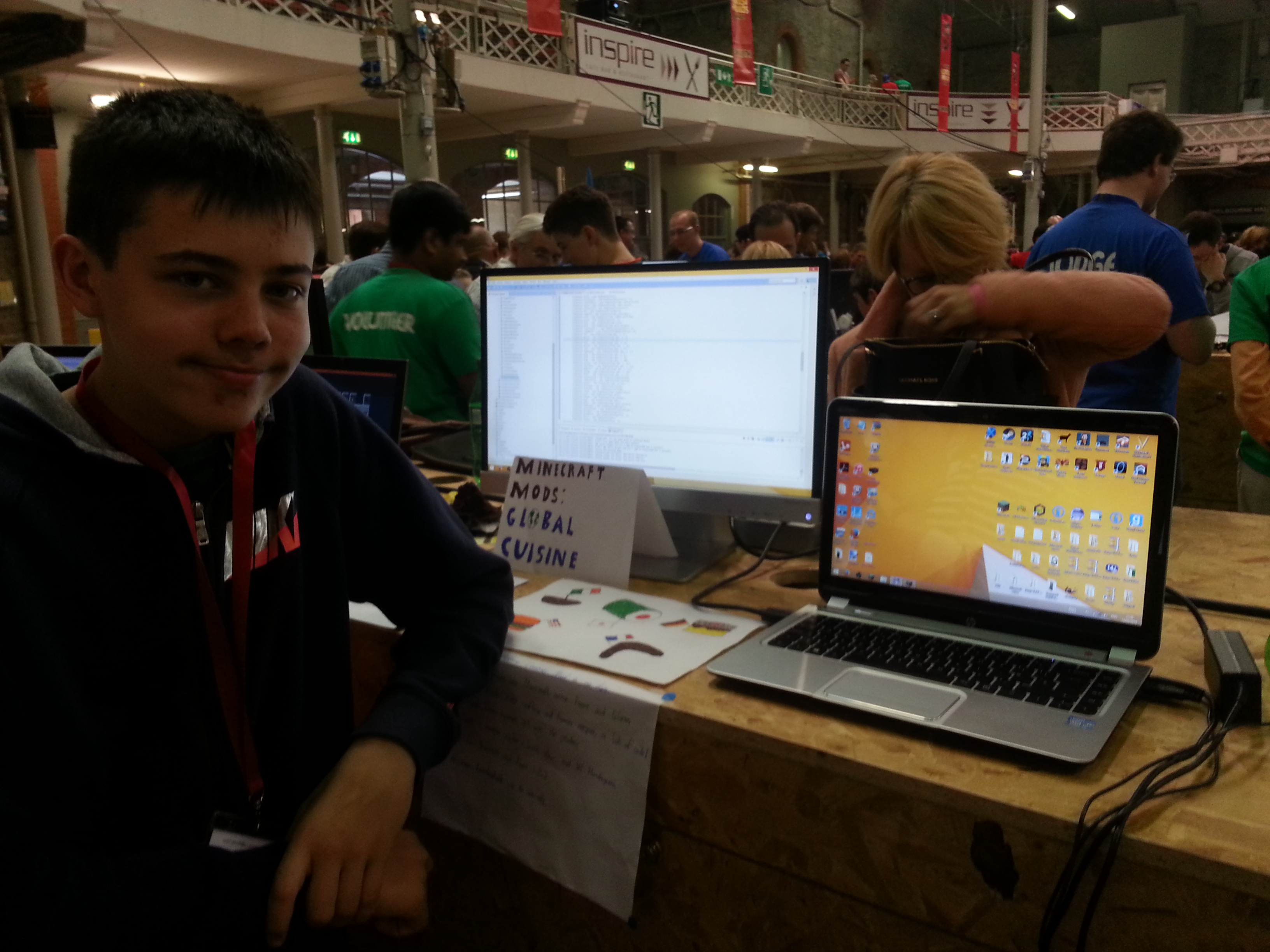
Eoin from the Minecraft Modders group who entered the detailed and very well structured Global Cuisine mod:

20150613_113817

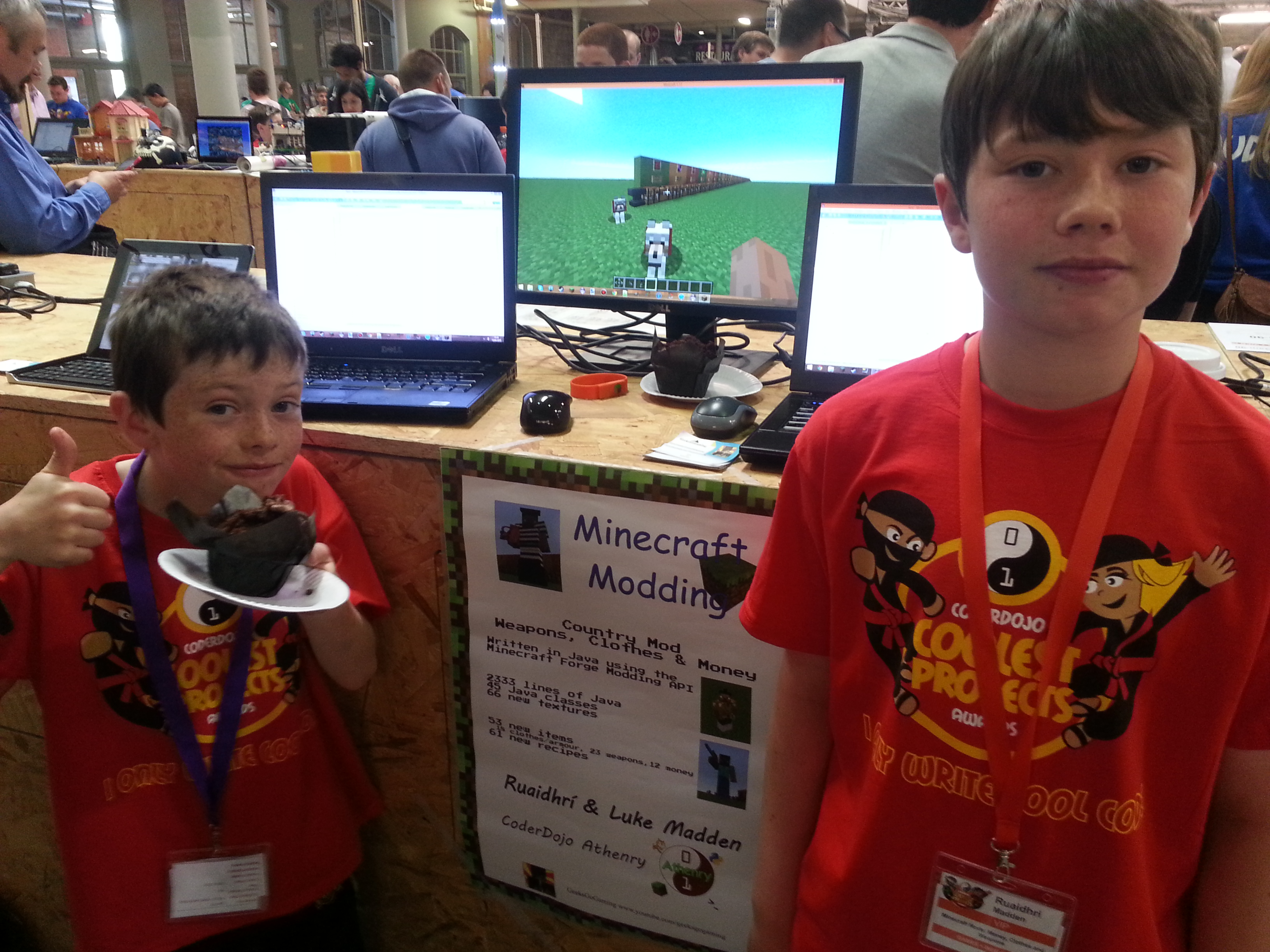
Ruaidhrí and Luke from the Minecraft Modders group who entered the Weapons, Armour and Money mod:

20150613_112829

Hardware Category:

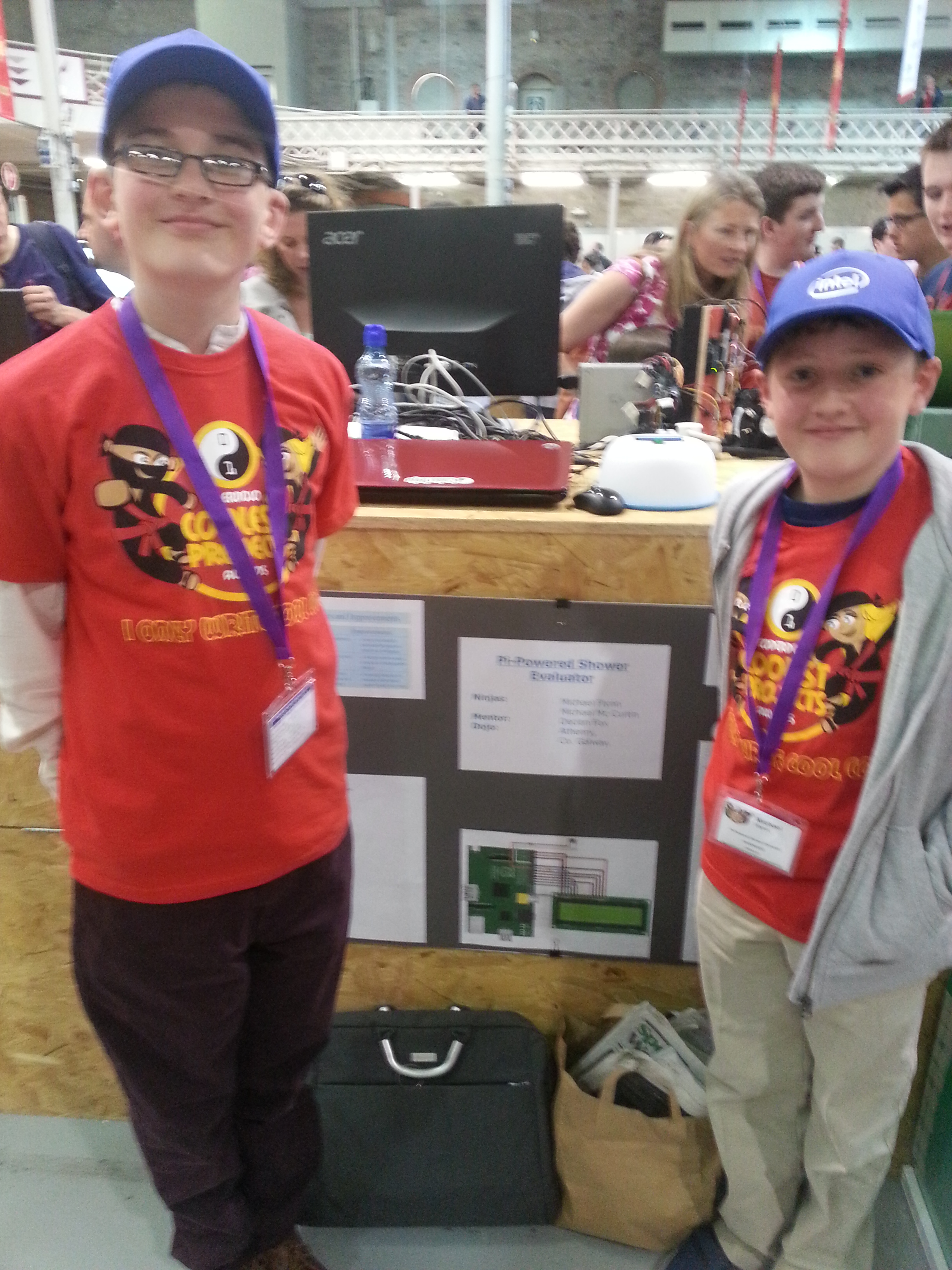
Michael and Mikey from the CoderDojo Athenry PiDojo who entered their clever and topical Shower Evaluator project that times your shower and displays the amount of water used, cost of water, and cost of energy:

20150613_123344

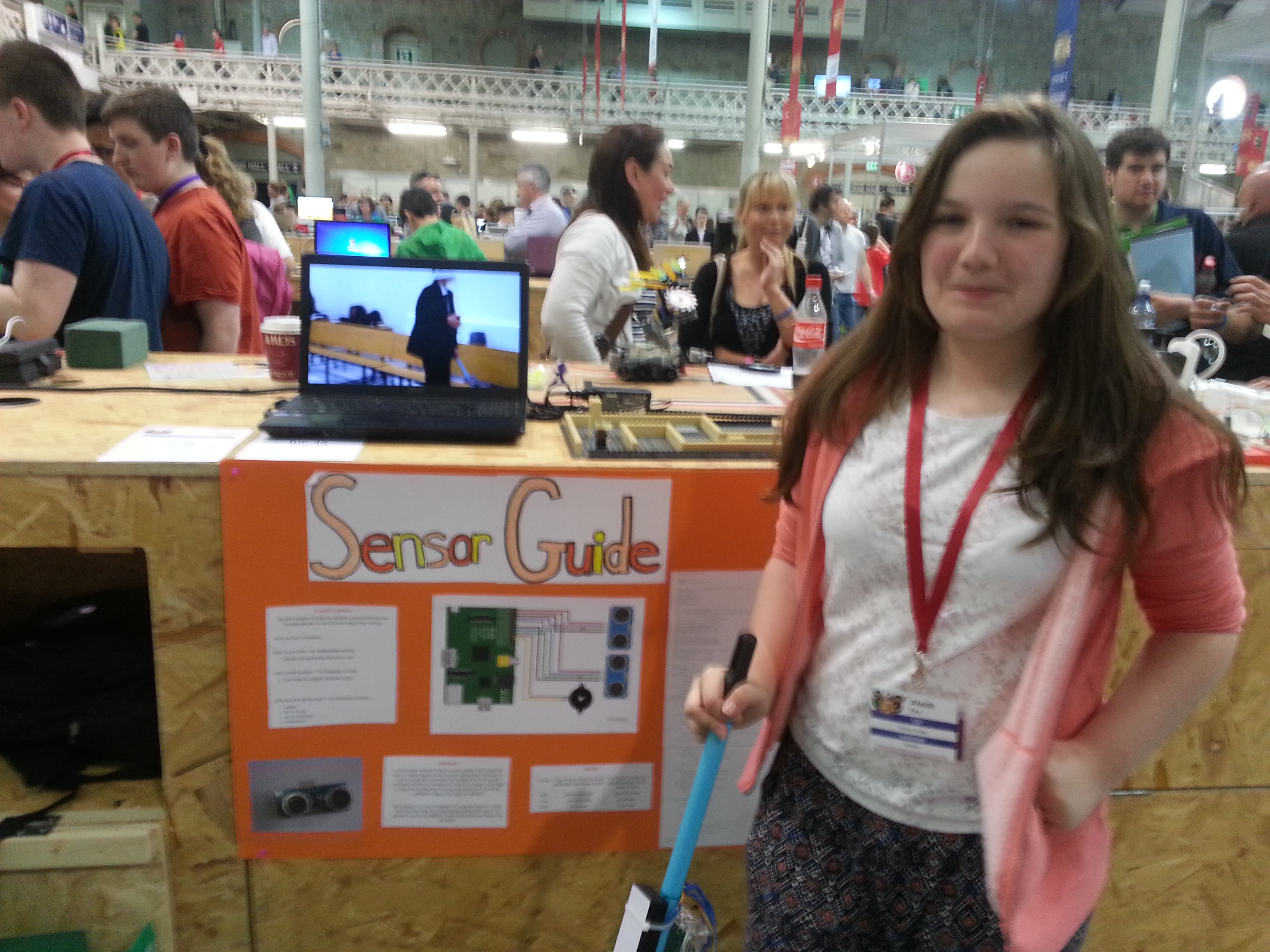
Alaidh from the PiDojo group who entered the very innovative Sensor Guide for the visually impaired, which was impressively backed up with scientific evaluation:

20150613_122611

Scratch Over 10s:

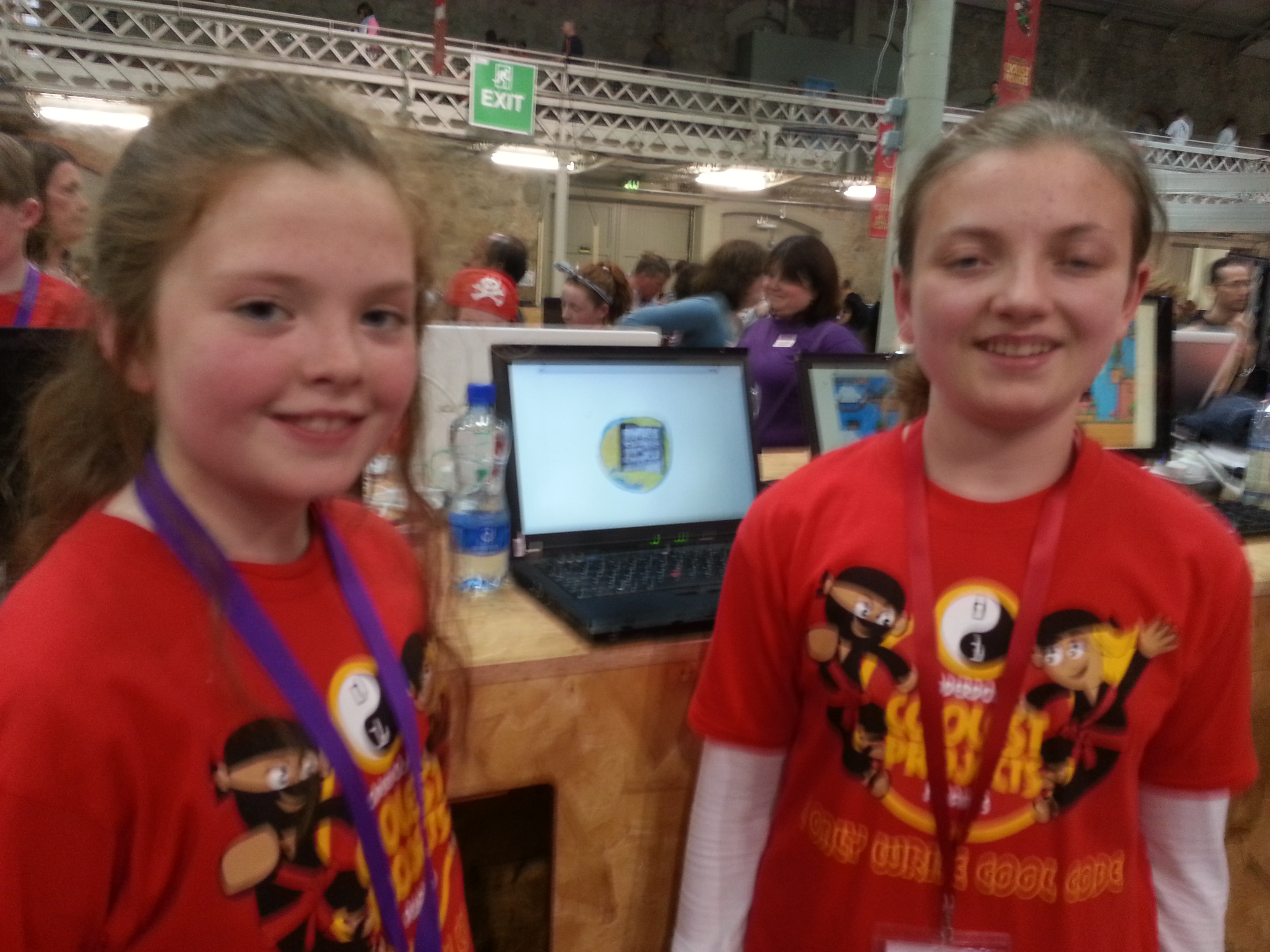
Emily and Chloe from the Scratch Advanced group had a Scratch program with great environmental potential, Cúisneor, that helps to reduce food waste:

20150613_154335

Scratch Under 10s:

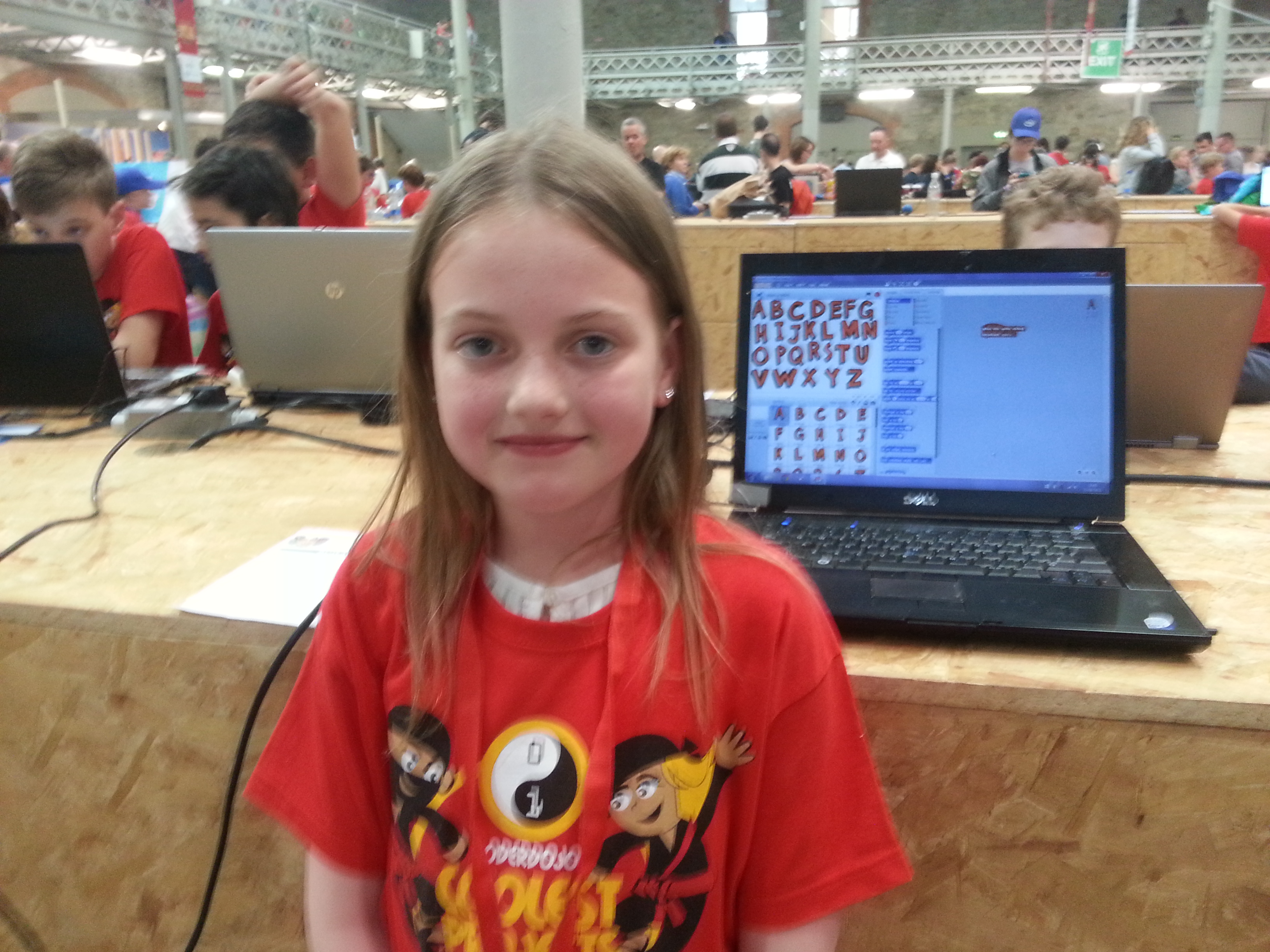
Rachel from the Scratch Beginners/Intermediate Group was our youngest entrant from CoderDojo Athenry, aged 8, and had a fantastic Scratch app for helping young children to learn the letters of the alphabet:

20150613_154521

Well done to everybody who entered!

We should also mention that three projects won prizes:

  • Ruaidhrí and Luke won a prize for best use of Microsoft technologies (Microsoft owns Minecraft, of course)
  • Alaidh won a prize for being a finalist in the Hardware category
  • Mikey and Michael also won a prize for being a finalist in the Hardware category.

Week 9 2015 – Scratch Beginners – Piano

Hello everyone,

Thank you all for coming yesterday on such a lovely day.

Thank you to Sean Shanley for demoing a 2D plotter that is controlled by Arduino, with 3D printed parts, and programmed with a Scratch variant called mblock.

The Arduino kits are available to buy on Amazon and the website where you can get all the ideas and instructions is called Instructables.

This week we did a simple Piano.

piano

We only had to draw two keys, and then could duplicate these and change the names. The same applied to the code. The code is the same for each key apart from one small change so the note is the appropriate for the key.

Piano2

Piano3

See you all next week, our last session before we have a one week break for the bank holiday and then we will be back working on individual projects, getting ready for our final day and the day we will award the belts.

belts


Here are notes from this week in PDF CDA-S4-Challenge-PrepareForBelts and Piano.pdf

Martha

Week 8 – 2015 Scratch Beginners

Hi everyone,

We completed our Mario game this week. We coded Mario so that he always floated down on to the wall. We added a fraction of a second of a wait so that it appears that he floats as he comes down. This also allows time for you to navigate left or right as needed.

CDA-S3-Challenge09-Scrolling

We also introduced a more advanced concept, the Parallax effect, whereby objects further away appear to move slower than objects nearer. We coded mountains and a Sun to demonstrate this.


You will a full version of the my notes in pdf form here. CDA-S4-Challenge09-Scrolling.pdf

Have a great Easter!

Martha