ModderDojo Athenry Topic 6: JavaScript Operators and ScriptCraftJS Drone Functions

Operators:

Operators in any programming language are used when you want to calculate something new: they operate on values. variables, or expressions to produce a new value.

Since ScriptCraft is built on the JavaScript langauge, it uses standard JavaScript operators. As it happens, many other programming languages (including C, C++ and Java) use the same operators or very similar ones.

JavaScript Operators

Drone Functions:

As we have seen before, in ScriptCraft you use a drone to do your building for you. The drone has functions that are part of it.

Here are some of the main drone functions that are useful when building your mods:

ScriptCraft Drone Functions

You can find lots more about these and other functions in the ScriptCraft API Reference: https://github.com/walterhiggins/ScriptCraft/blob/master/docs/API-Reference.md

Example: Build a Pyramid

This example is based on a very nice program writing by Ruaidhri from Coderdojo Athenry last year, updated slightly because some ScriptCraft commands have changed in the meantime.


// Copyright Ruaidhri from ModderDojo Athenry,
// slightly updated by Michael and Alex.
// Builds a pyramid with entrance and lights inside.

exports.pyramid = function()
{
echo('making a pyramid');
var d = new Drone(self); // 'self' means start drone beside me
d.up(1);

d.chkpt('begin');

var size=31;

// Make the walls
while (size > 0)
{
d.box0(blocks.sandstone,size,1,size);
d.right(1);
d.fwd(1);
d.up(1);
size=size-2;
}

// Entrance
d.move('begin');
d.right(15);
d.box(blocks.air,1,2,3);

// Lights inside
d.move('begin');
d.right(4);
d.fwd(4);
d.up(3);
d.turn(2);
var t = 0;
while (t<4)
{
d.hangtorch();
d.left(11);
d.hangtorch();
d.left(11);
d.turn(3);
t = t + 1;
}
d.move('begin');
}

ModderDojo Topic 5: Time to Get Constructive!

2013-12-07_12.25.59

This week builds on ModderDojo Topic 4, when we learned a bit about the basics of ScriptCraft and saw how it handles loops, decisions and variables compared to Scratch: https://cdathenry.wordpress.com/2015/11/11/modderdojo-topic-4-moving-from-scratch-to-javascript/

This week, our goal is to build a first structure mod in ScriptCraft. Ideally you should work in pairs. This to achieve this goal will involve:

During the session, I will ask people to load their mods onto my computer, demo them to the group, and explain how their code works. To get things started, at we can take a look at some mods from last year and how they work: https://cdathenry.wordpress.com/2013/11/10/modderdojo-athenry-our-scriptcraftjs-minecraft-mods/

Practical notes:

  • Read the ScriptCraftJS API reference to see what commands you can use for your structures: https://github.com/walterhiggins/ScriptCraft/blob/master/docs/YoungPersonsGuideToProgrammingMinecraft.md#building-stuff-in-minecraft
  • During development and testing, you can end up with lots of incomplete structures that slow down your CanaryMod server. A simple fix is to delete your world:
    • Stop your CanaryMod server
    • Open the CanaryMod folder on your computer: in it you will see a folder called worlds, and inside it one called default, and inside that default_NORMAL.  Delete default_NORMAL and all of its contents.
    • While you are at it, edit your world’s properties for when it is re-created: you can do this by opening canarymod – config – worlds – default – default_NORMAL.cfg. To make your new world superflat, write world-type=FLAT and you could also change other properties such as spawn-monsters=false
    • Restart CanaryMod to create a new, empty world
    • Re-run your scripts to recreate structures that you want

Minecraft Modding Taster Session – Week 1

Slide1

This season at CoderDojo Athenry, the advanced groups are all starting with taster sessions of the various topics we will cover.

In Week 1, the topic we are covering is Minecraft Modding using JavaScript.

Here are the notes:

  1. Getting Started with ScriptCraft and JavaScript
  2. How to Connect to Each Other’s Servers
  3. Creating our First ScriptCraft Mods

Coming up next week: in introduction to Raspberry Pi and Electronics

CoderDojo Athenry Plans for 2015-16 Season

1-CoderDojoAthenry-InfoSession-2015-Sept

CoderDojo Athenry is running every Saturday from 12:00 to 2pm in Gairmscoil Mhuire school (“The Tech”), with regular sessions starting on 26 Sept 2015. New members are always welcome – just come along and fill out a registration form.

2015-16, CoderDojo Athenry is continuing some of our existing streams and adding some new ones. Here is the full lineup of topics that will be featured this year, with links to presentations where available:

For those not starting Scratch Beginners or Advanced, we will have taster sessions of the other topics each week for the first 4 weeks.

CoderDojo Athenry is Returning on 19 Sept 2015!

CoderDojo Returning

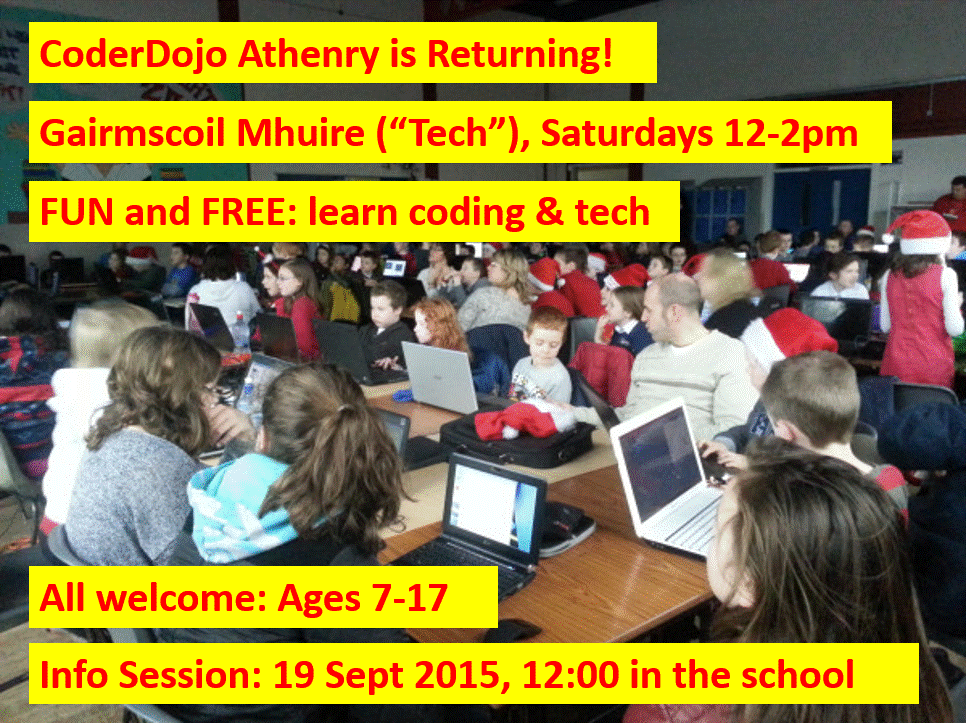
CoderDojo Athenry is starting back with an information session on 19 September 2015 in Gairmscoil Mhuire VEC school (“the Tech”) at 12:00 noon. All new and existing members are welcome to come along to find out what we have planned for this season.

CoderDojo Athenry is part of CoderDojo (www.coderdojo.com), a global volunteer-led community of free programming clubs for young people.

It is run on an entirely voluntary basis, and you never have to pay to participate. It is open to young people aged 7 to 17, and those aged 12 and under must be accompanied by a parent/guardian.

Regular weekly sessions will start the following week, 26 September 2015, 12-2pm in the same venue.

See you there!

CoderDojo Athenry at Coolest Projects 2015

Congratulations to everybody from CoderDojo Athenry who participated in the CoderDojo Coolest Projects event on 13 June 2015. It was a very impressive event, held in the RDS Dublin, with over 500 projects from CoderDojo ninjas from Ireland and worldwide.

Here are photos of the participants from CoderDojo Athenry.

Games Category:

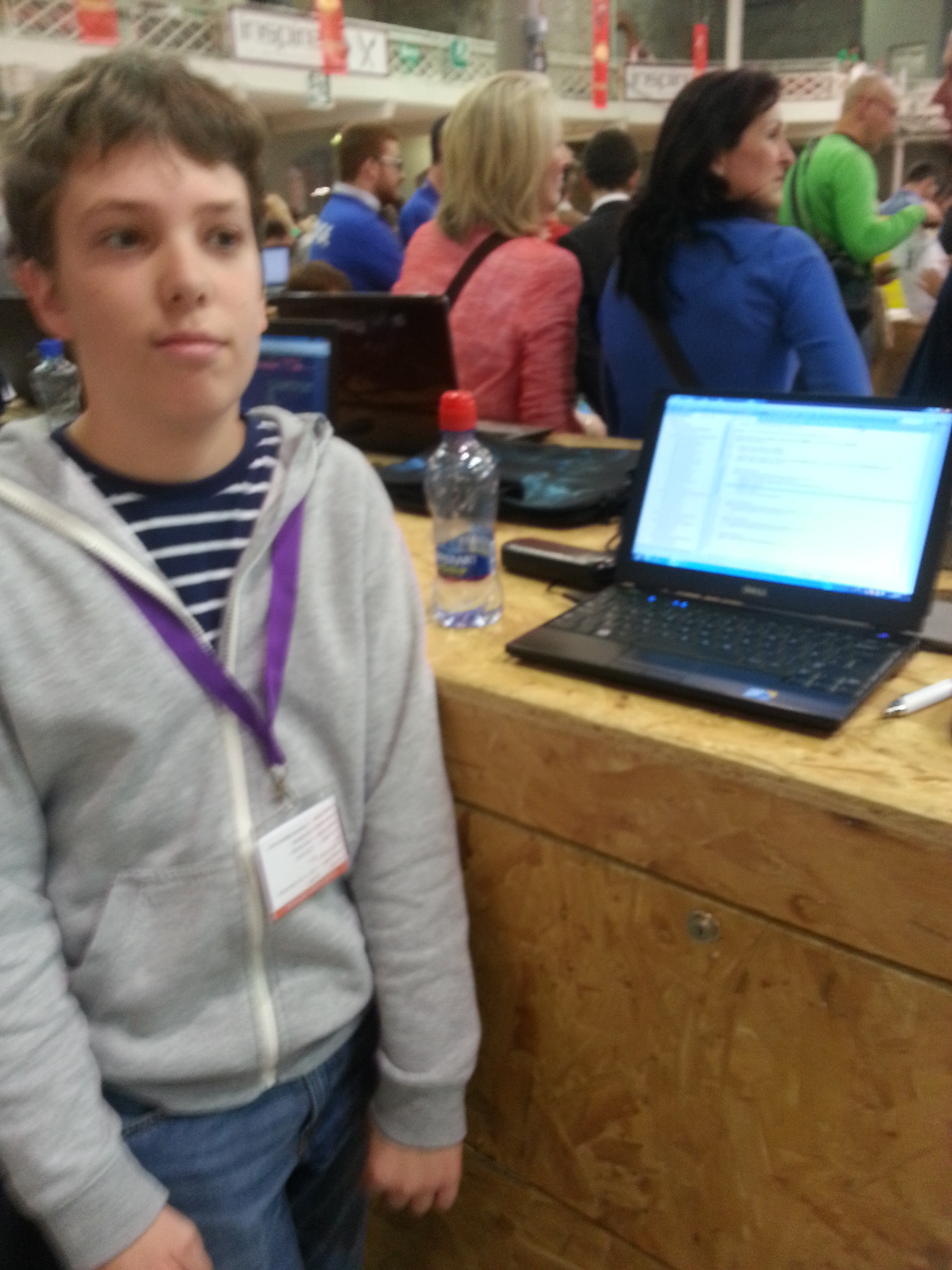
James from the Minecraft Modders group with his technically impressive XyZ Mod with World Gen and Gauntlets:

20150613_113536

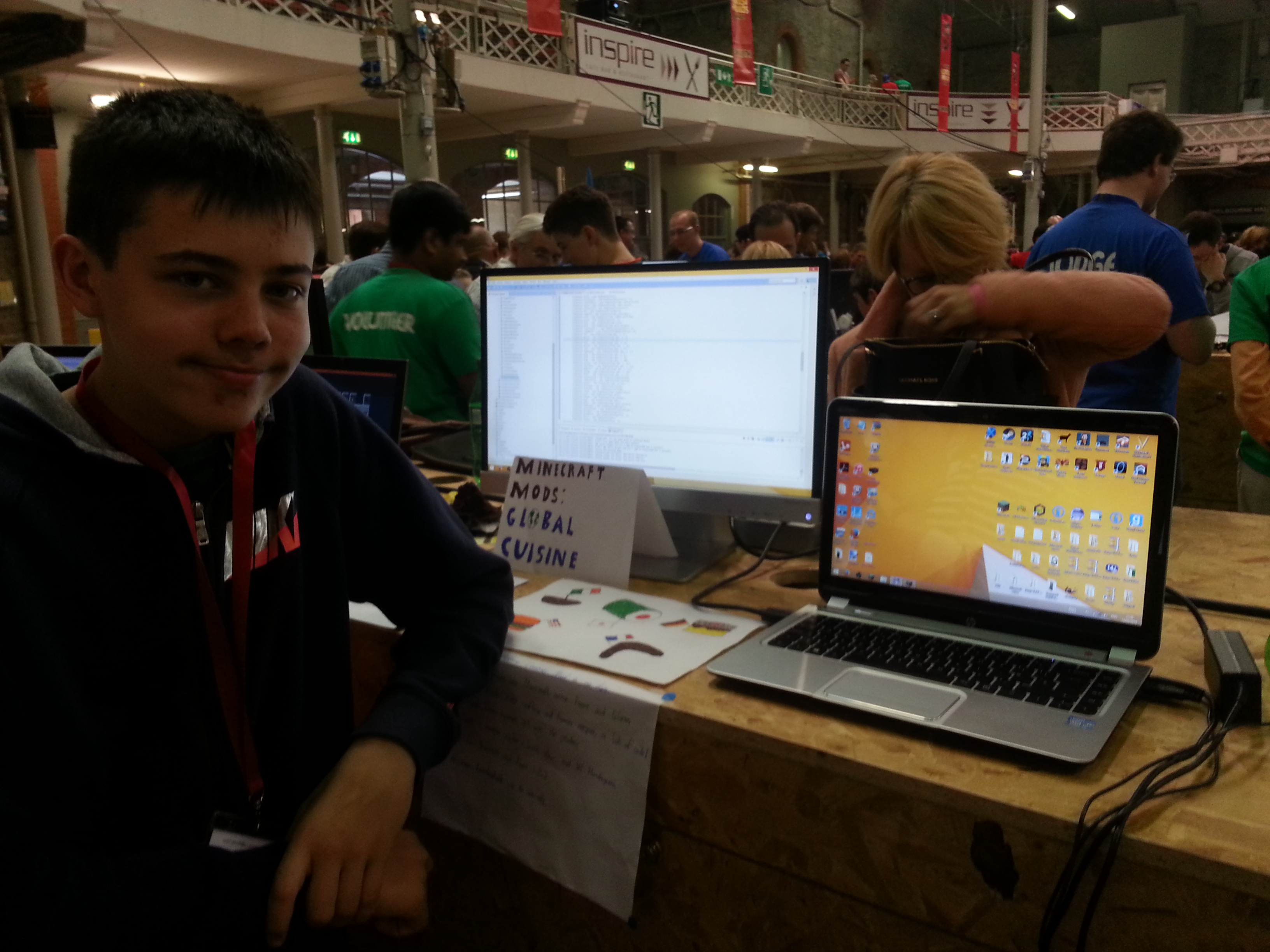
Eoin from the Minecraft Modders group who entered the detailed and very well structured Global Cuisine mod:

20150613_113817

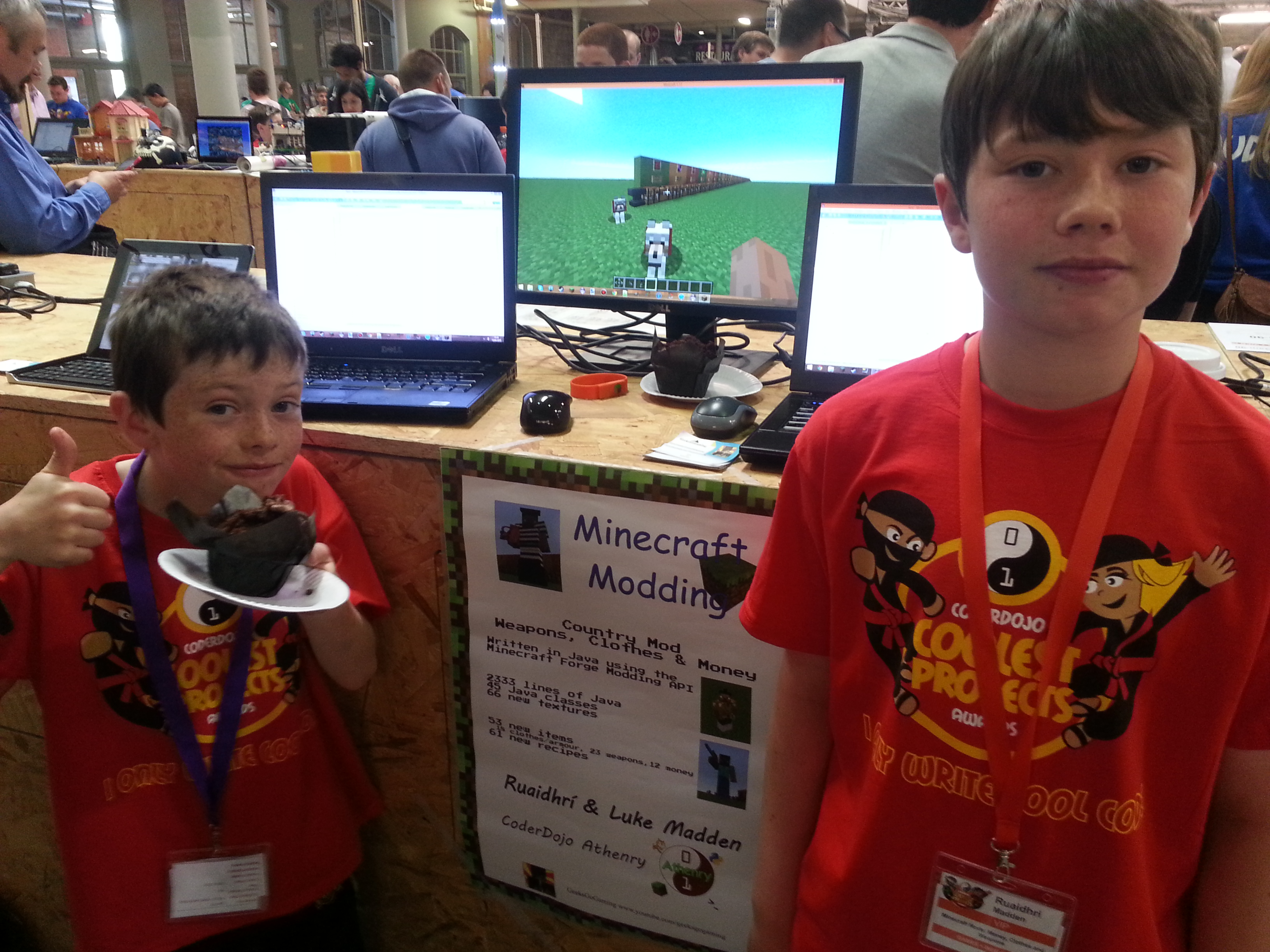
Ruaidhrí and Luke from the Minecraft Modders group who entered the Weapons, Armour and Money mod:

20150613_112829

Hardware Category:

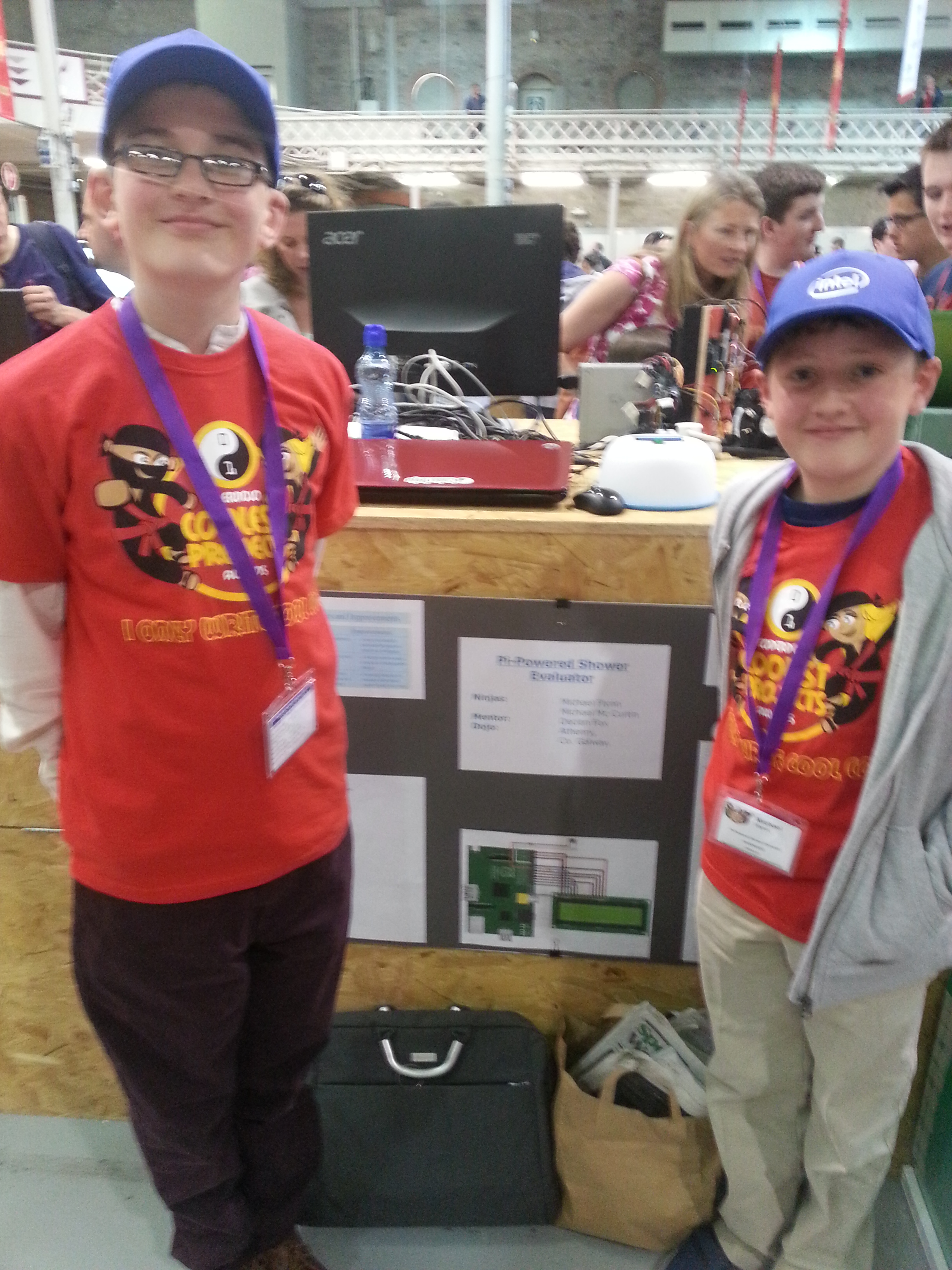
Michael and Mikey from the CoderDojo Athenry PiDojo who entered their clever and topical Shower Evaluator project that times your shower and displays the amount of water used, cost of water, and cost of energy:

20150613_123344

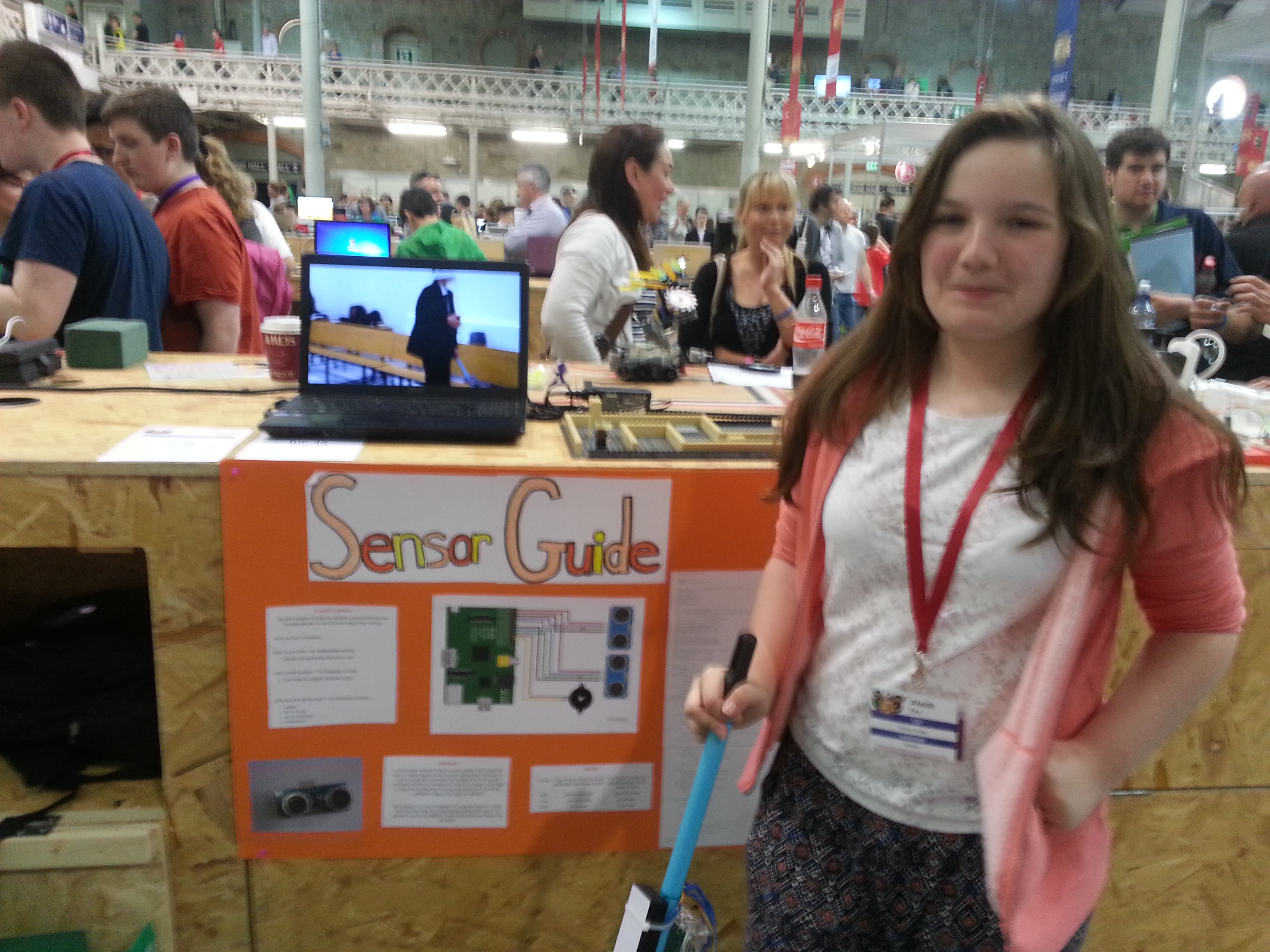
Alaidh from the PiDojo group who entered the very innovative Sensor Guide for the visually impaired, which was impressively backed up with scientific evaluation:

20150613_122611

Scratch Over 10s:

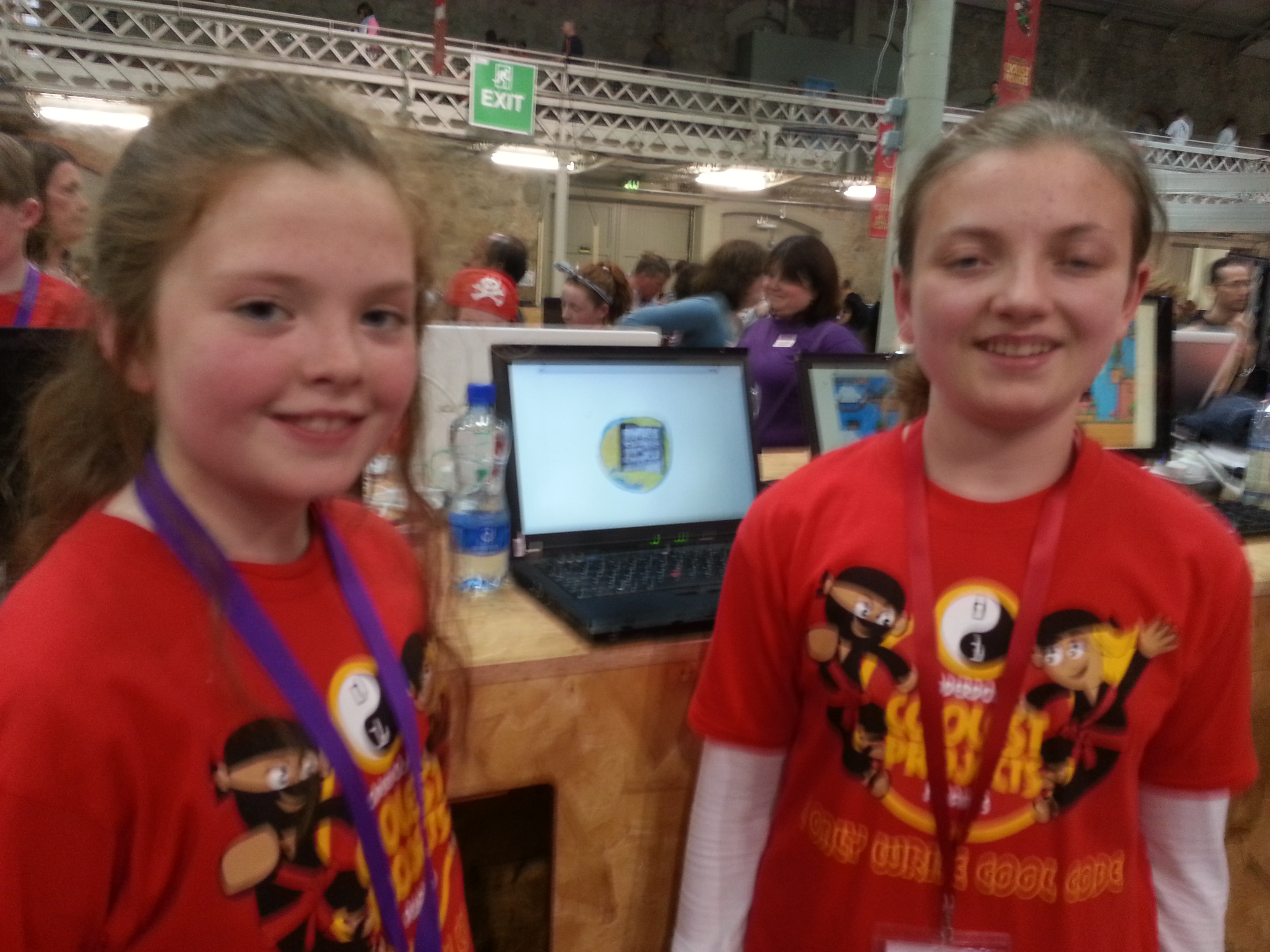
Emily and Chloe from the Scratch Advanced group had a Scratch program with great environmental potential, Cúisneor, that helps to reduce food waste:

20150613_154335

Scratch Under 10s:

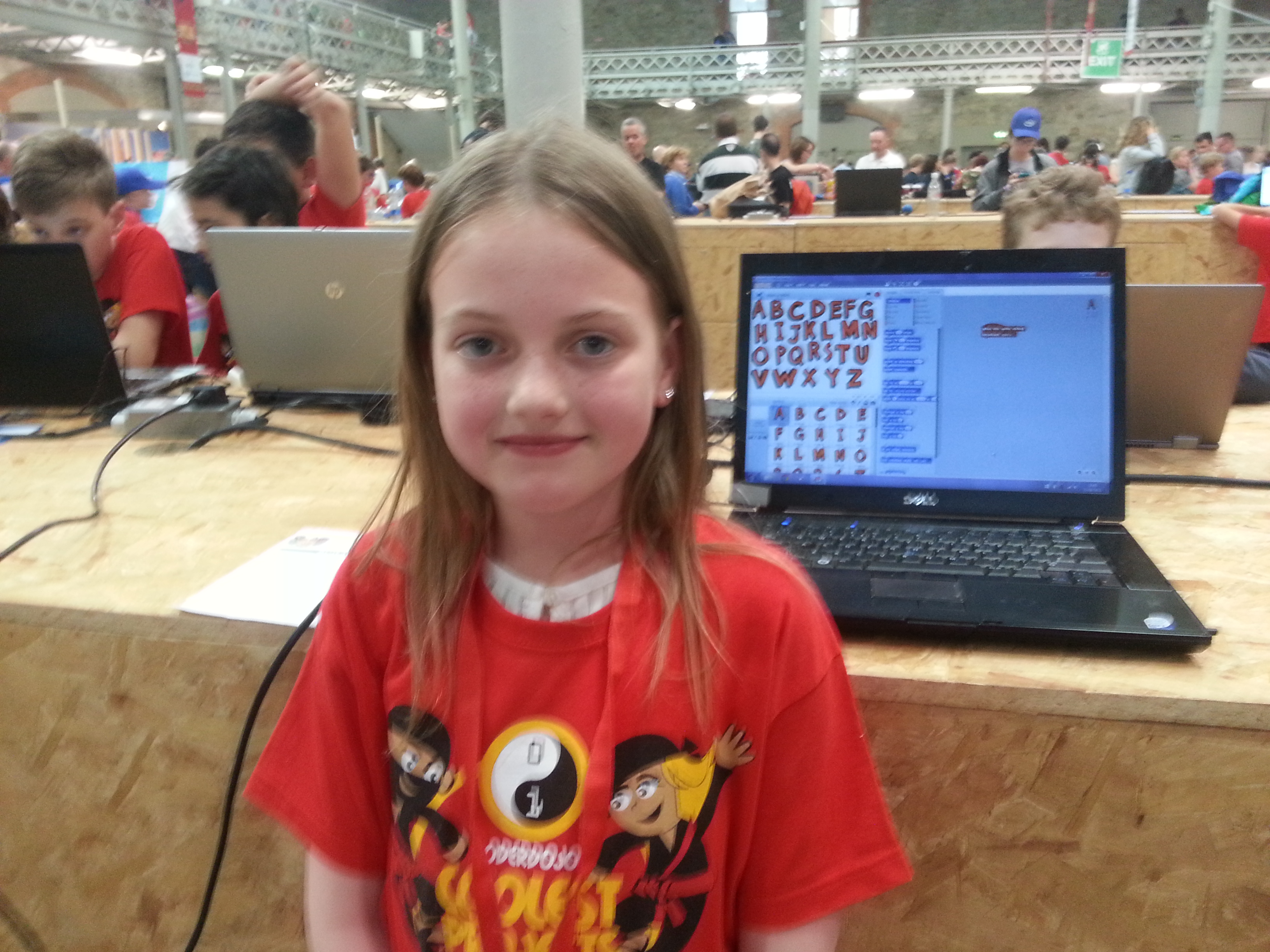
Rachel from the Scratch Beginners/Intermediate Group was our youngest entrant from CoderDojo Athenry, aged 8, and had a fantastic Scratch app for helping young children to learn the letters of the alphabet:

20150613_154521

Well done to everybody who entered!

We should also mention that three projects won prizes:

  • Ruaidhrí and Luke won a prize for best use of Microsoft technologies (Microsoft owns Minecraft, of course)
  • Alaidh won a prize for being a finalist in the Hardware category
  • Mikey and Michael also won a prize for being a finalist in the Hardware category.

ModderDojo Countries Mod: How to Upload Files to GitHub

Thanks to Ninja James for these excellent and detailed instructions, and for setting up a GitHub repository for us to share our code when working on the Countries Mod.

How to stage files to a repository.

WARNING: Please upload your mod in a folder with your topic.

Step 1. Create a folder with the name of the topic your doing for the country mod.

Step 2. Install git = www.git-scm.com, keep pressing next as we will not need any changes to the installation.

Step 3. For example I have my folder on my desktop, so I right click my desktop and click “GIT GUI”. A box should pop up.

Step 4. Click “Clone existing repository”, The source location is the git repo its self, so in the box put this : https://github.com/FrictionlessPortals/Local-Repository.git

Now the Target directory is your folder, click browse and find your folder, for example mine would be on the desktop, its called biomes, select your folder.

Example : My target dir is C:/Users/coderdojo/Desktop/Test Git/Biomes.

Click Clone, This may take a couple of minutes depending on your internet speed.git

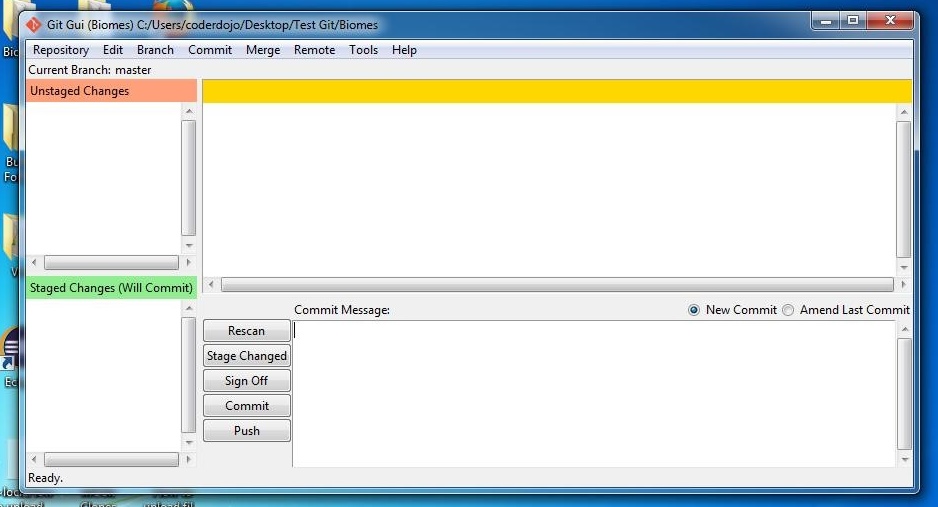
Step 5. A window should pop up, looks like this ——->


For this example im going to put 2 files in my CLONED FOLDER!. WARNING: Put your your forge files in a folder with your name. Then once your have done that click [RESCAN], your forge files should pop up. Then click [STAGE CHANGED] and click [YES], all your files should move into the [GREEN AREA]. In the box that says [COMMIT MESSAGE], put a message that is related to your Topic in the mod.

Step 6. Click [COMMIT] after you have written your message.

Your files in the [GREEN AREA] should not be there.

Step 7. Now click [PUSH], a box should pop up click push again!

It should ask for my details… Username = FrictionlessPortals

My Password, you will have to ask me through skype, Due to security reasons.

If it says [SUCESS] you’ve sucessfully put your files on github!

If you want more help add me on skype as hypixel.jamertheredstonegamer.

Plotter Demo: Controlled by Arduino, with 3D Printed Parts, Programmed with Scratch

plotterThanks a million to dojo dad Sean Shanley for a very interesting demo at CoderDojo Athenry on 18 April!

Sean has built a 2D plotter that is controlled by Arduino, with 3D printed parts, and programmed with a Scratch variant called MBlock.

Anyone interested in learning about programming with MBlock can find information on the Instructibles website: How to use graphical programming software to program Arduino and robots?

Also, some parents asked about where they can get an Arduino board. You can buy Arduino Uno and decent kit from Amazon for £24. It has loads of bits …

Sunfounder Project Super Starter Kit with Tutorial Book for Arduino UNO R3 Mega2560 Mega328 Nano

Here is a video of Sean’s plotter in action:

ModderDojo Countries Mod Week 1: Making a start on a large group project mod

CountriesModV1

In the ModderDojo group, we have started to work on a large group project to develop a mod with different aspects to it.

Following on from brainstorming session in recent weeks, we have decided to build a Countries Mod: there will be multiple different countries, each with different terrains, buildings and items such as food, clothing and weapons. We hope to have portals and an airplane to move between countries. Some parts will be implemented in Java and others in JavaScript. It should be exciting to work together and produce something impressive!

To plan the project and track our progress, we will use a project dashboard as shown above: items planned but not started are in white; items underway are in yellow; items completed are in green; any that we decide to drop will be in grey.

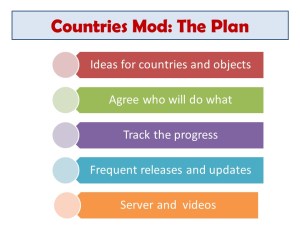
The young people of the ModderDojo group are also arranging a code repository and communications using skype between team members, and are planning to set up a server with  the mod on it and prepare one or more a mod review videos as it gets developed.

I am greatly impressed with the group’s ideas, enthusiasm, and capabilities!

Below are my slides from when we kicked off the project, the first couple of which referred back to when we started the stream in September.

Slide1

Slide2Slide3Slide4