Scratch Beginners – Week 5. Building on what we learned & adding a pinch of imagination!

In this weeks Session, I tried to continue using everything we have learned so far, and also showed some alternative code for code we have used previously. As I always say, there is always more than one way to do something.
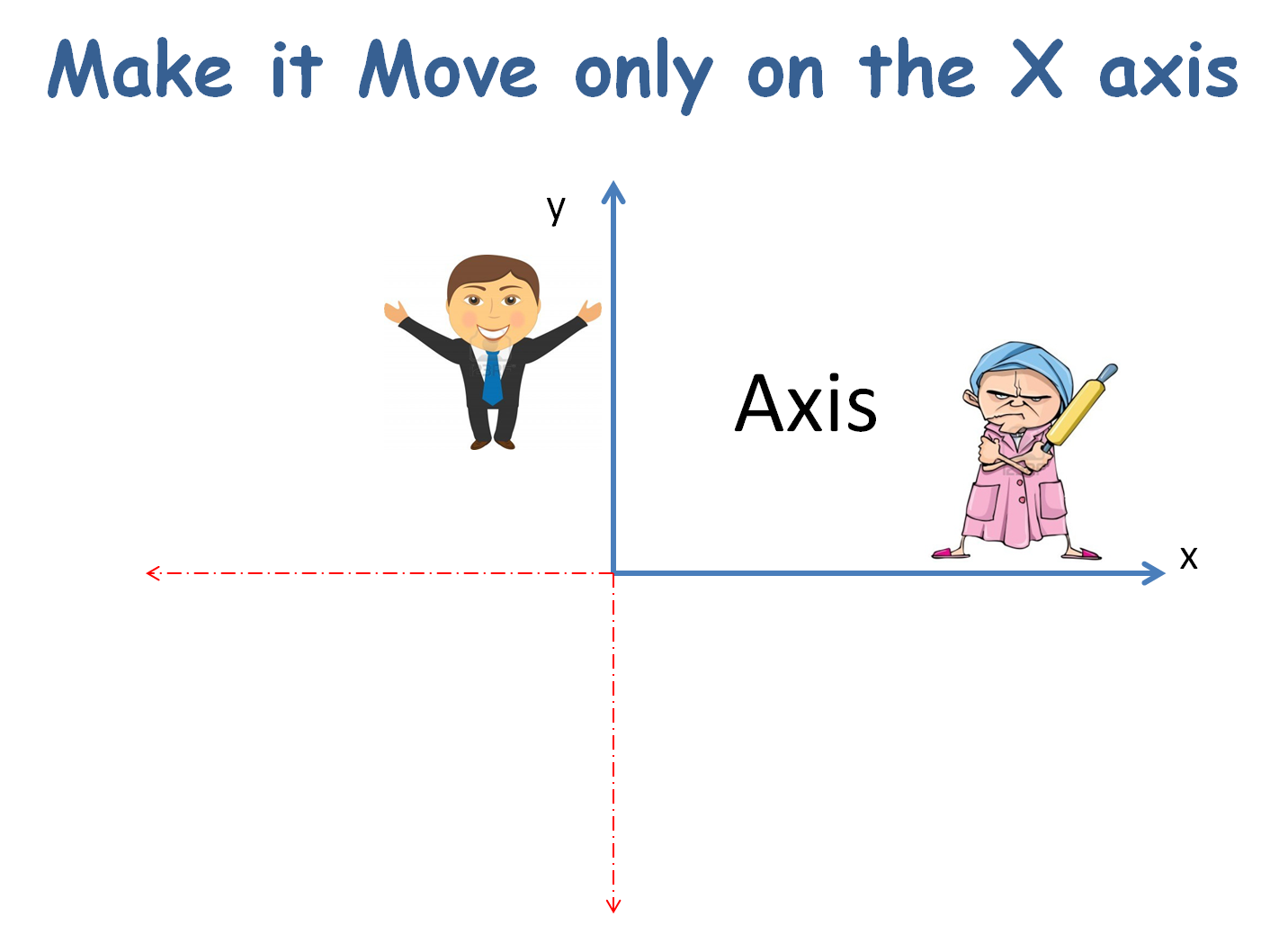
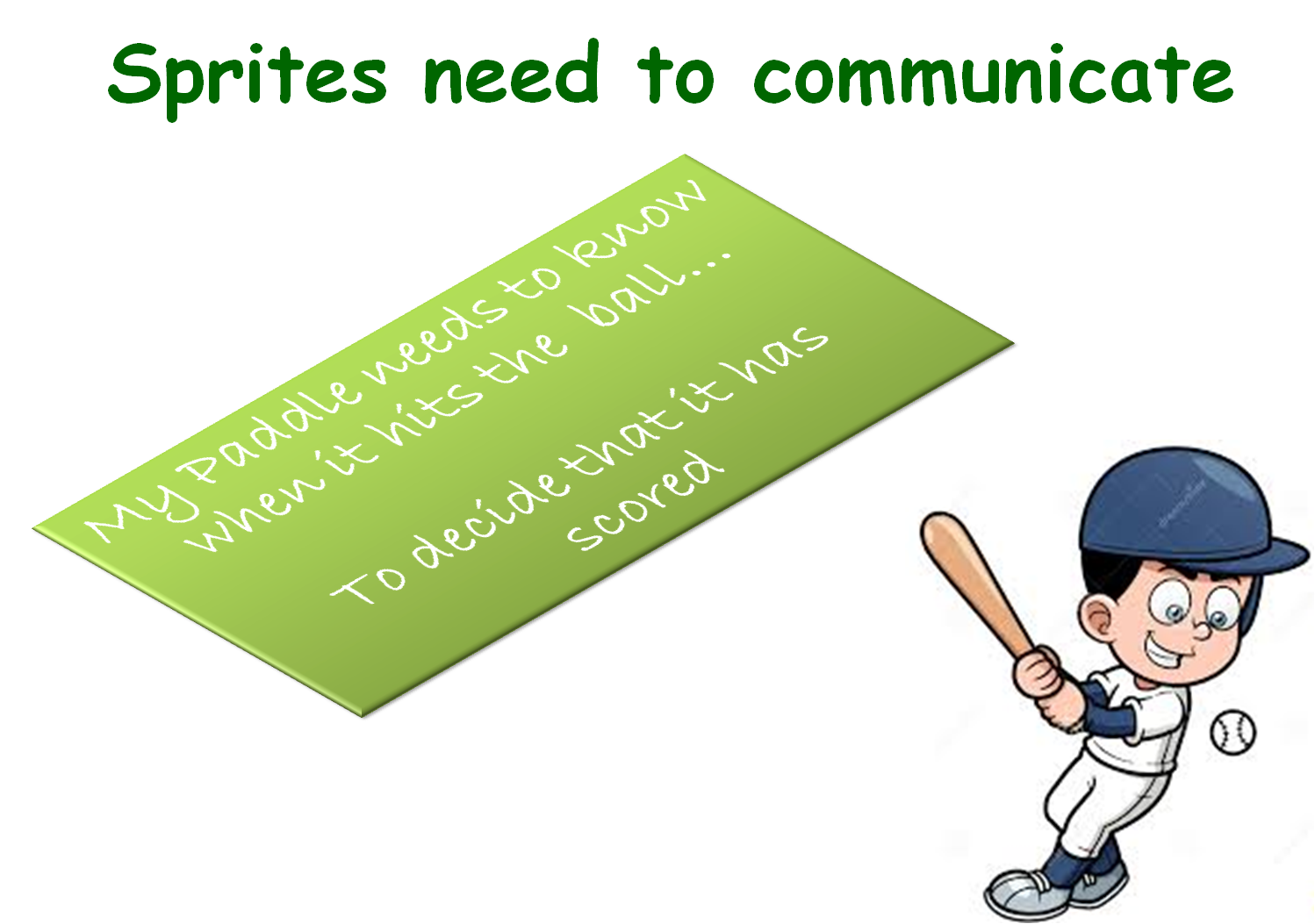
AXISBROADCAST

Today, I also wanted you to create your own game, using the code I would be showing you but each persons game was to look different. As always, your minds are much more artistic and entertaining than mine and I saw some fantastic ideas around the room.
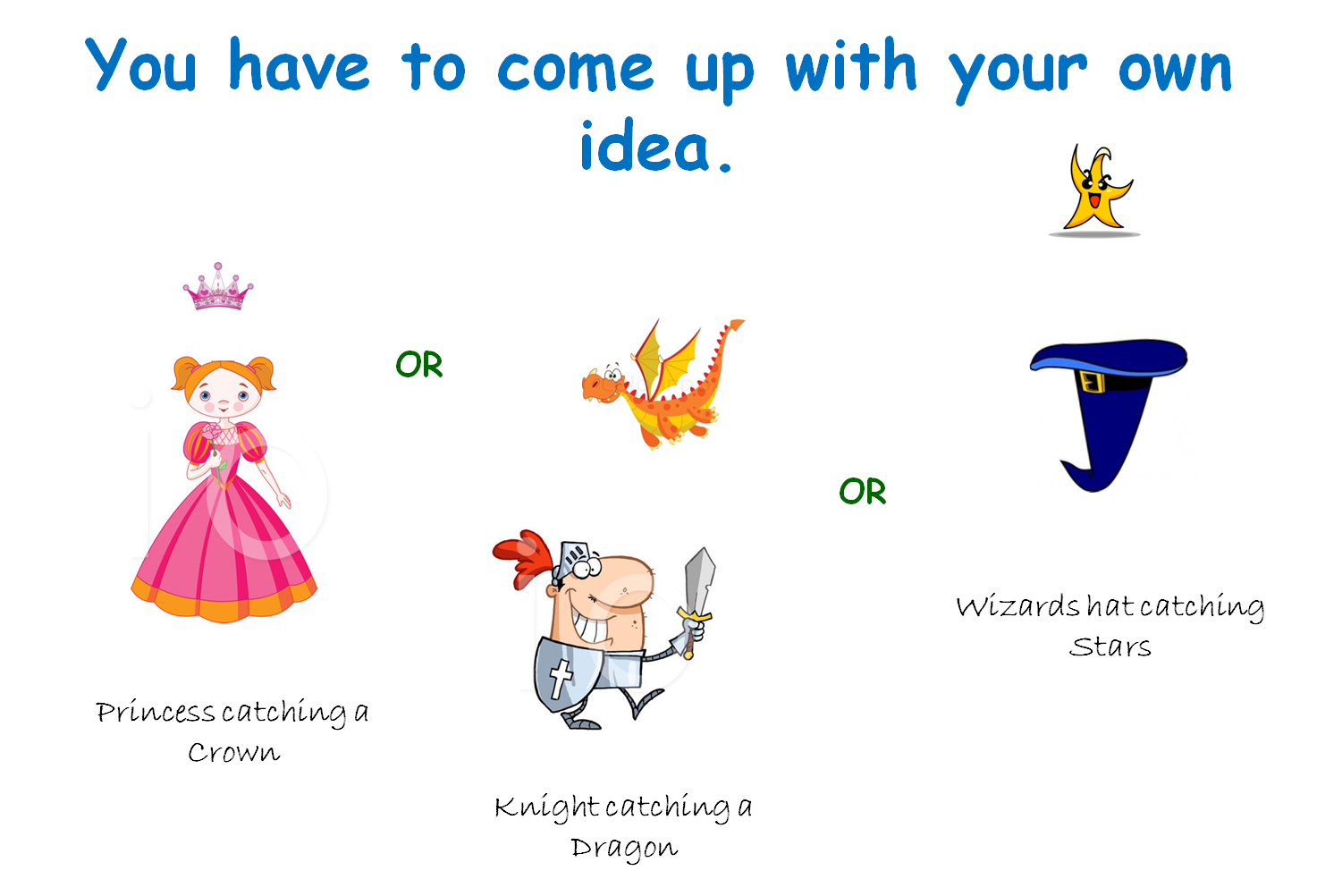
IDEAS

If you get  a chance during your busy week, you should go back over your first couple of games and see can you add some more complexity to them. Add a score or a level, or can you use broadcasting to communicate between the sprites.

But above all…have fun with it!

Here are the full notes in PDF form of todays session. CDA-S3-Challenge05Paddle_Ball.PDF

Scratch Beginners – Week 4, Animation

In this session we improved on our previous Ghostcatcher game by adding animation.

bigideas

We did this by switching between costumes. Rather than using sprites with various costumes already created, we drew our own.

animation

For the first time, we used the broadcast block, to communicate between different parts of the code.

broadcast

A PDF version of the notes from this weeks session can be found here: CDA-S3-Challenge04-BetterGhostCatcher.pdf

Scratch Beginners – Ghostcatcher Game

Hi everyone,

Thanks to everyone that showed up today. Again, a big thank you to Julie for taking the session last week.

This week, we built a new game which we were calling “Ghostcatcher” We used code that we have learnt over the last two weeks and again used variables. We will continue to do this over the next couple of weeks, we will make new games but will continue to go over the basic programming concepts each week.

This was our first time creating our own Sprite rather than using one from the library. The paint editor can be great fun and you should experiment with it, creating lots of new Sprites.

Remember ! think in shapes, like we did with the ghost.

painteditor

A pdf version of the full notes from todays session can be found here: CDA-S3-Challenge03-GhostCatcher.pdf

Try adding your own variables, the code is there for you to look at but why not have a go at it yourself first.

No Coderdojo Athenry next week but hope to see you all back the following Saturday the 27th.

Enjoy the Halloween break!

ghost


Scratch Beginners – Week 2 – Adding More Functions to First Game

CDA-S3-Challenge01-FirstGame-Part2We had a great crowd for our second session of Scratch beginners. Julie did a great job as lead mentor in Martha’s absence.

This week, we added lots of new functionality to our first game: make things happen when Jaws catches the Diver and keeping track of lives.

Here are the presentation slides from the day, in PDF format: CDA-S3-Challenge01-FirstGame-Part2.pdf

See you next time!

Scratch Beginners – Week 1- First Game “Jaws”

We had a great crowd for our first session today in Scratch beginners. Thank you all for coming and for your patience while we got everyone sorted out with downloading Scratch 2.

We started today with our first game”Jaws”, as well as learning how to write commands to move our sprites, we took a brief look at the interface for Scratch 2.

Jaws

We also took a first look at some fundamental concepts that we will be using throughout the year. Today we looked at the X and Y axis as well as the number of degrees in a circle.

axixdegrees


Here are the presentation slides from the day, in PDF format: CDA-S3-Challenge01-FirstGame-Part1.pdf

I hope you all enjoyed today and hope to see you all again over the next couple of weeks!