Week 7 – 2015 Scratch Beginners – Scrolling Backrounds

Hi everyone,

Thank you all for coming Saturday on such a nice day and such a busy day of sport as well!
We started our Mario game, where we will use scrolling of objects in the background to achieve movement rather than making Mario move.
scrolling

It can be a difficult concept to grasp for the younger ones, but we will go through it again next week before we continue on with the game.

scrolling2

Rather than putting up the notes from this week, I will wait until we have the game finished before putting up the completed notes.
I have however, put the game (as far as we did today) on the Scratch Website http://www.scratch.mit.edu. Login with the User name coderdojodathenry and password xxxxxxx123 and you will be able to download the game if you weren’t here this week or have a look at the code to get your own game work working.

MarioGame

See you all next week, when we will make Shrink and add some more scrolling sprites!

Martha

Tips for Staying Safe Online

Slide1CoderDojo Athenry was one of the group of 12 dojos that were the first to adopt and align with the CoderDojo Foundation’s Recommended Practice. You can read more about it here:
https://coderdojo.org/news/2014/12/22/recommended-practice-pilot-complete/

Huge thanks to mentor Neil who led this effort!

At the start of our first session of 2015 on 10 January, all lead mentors gave a short presentation with 10 tips on staying safe online. You can see the first 5 above, the other 5 are below.

You can download the presentation in PowerPoint format here: 10 Tips for Staying Safe Online PPT CD Athenry Jan 2015

We also circulated a short information document to mentors, but anybody is welcome to read it: Online Safety for Mentors CD Athenry V1.1

Slide2

Massive Open Dojo Session MODS

Hi there,

A huge thank you to all who turned up in NUI, Galway today. There was a great turn out and it was a very successful event. CoderDojo Athenry was very well represented and we especially want to thank parents for their commitment, we know its hard to keep everything going. A special thank you to our Core mentors who turned up today and really helped with the smooth running of the event.

Here are the “Cheat Sheets” from the Scratch session today in case any one would like them. Scratch_CheatSheet.pdf

Week 4 – Scratch Beginners – Improved Ghostcatcher

Hi again everyone,

This week we improved on our Ghostcatcher game from last week.

We introduced two new concepts which we haven’t used before, animation and broadcasting.

Using a simple technique of changing between costumes and having a waiting time we can animate our Sprites. In our case, we animated the Ghosts so they were blinking or sticking out their tongue. You could of course use this technique to have a sprite look like they are walking etc.

animation

We also then had our first introduction to Broadcasting, which is a way of exchanging data/messages between our sprites.

We used Broadcasting to send a message from the Ghosts (that they have been eaten) to be received by the Pacman, who then will change costumes i.e. Open and close its mouth.

BROADCAST

Hope you all enjoyed the session and we will be using animation and broadcasting over the next couple of months.

Here are this weeks notes in PDF CDA-S4-Week_04-BetterGhostCatcher.pdf

Hope I see a lot of you next week in NUI, Galway, it should be a great day!!

Forge Modding Tutorial #1 – Setting up your Development Environment

To prepare for MineVention, a handful of you will be making Java mods. This is the first of the posts showing you what to do.

You need to download the following:

The steps to install the Forge Java modding environment are below.

To install Eclipse:

  • Eclipse does not have an installer: you just unzip and run it.
  • Create a folder C:\Eclipse, copy your Eclipse zip file into it, and extract it
  • In the sub-folder, find Eclipse.exe: make a shortcut to it on your desktop
  • Start it up and make sure it works
  • We can write a first “Hello World” program: see below.

To install Forge: http://www.minecraftforge.net/wiki/Installation/Source

  • Extract the Forge .zip file to a new folder -> C:\Forge
  • Open a Command Prompt/CMD window

In that CMD window, navigate to C:\Forge. Use cd .. a few times to go up a level to C:, and cd Forge to go to the Forge folder.
Now run this command (followed by the second gradlew command, see below):
gradlew.bat setupDecompWorkspace –refresh-dependencies

Let the installer download all necessary files. This takes 20-30 minutes. Watch out for errors!

  • It will download MCP (Minecraft Coders Pack) automatically, as well as libraries
  • It will then download assets. These are non-code elements of Minecraft, e.g. language files, music files, record audio, sounds and more. These are now stored in a folder called “assets” under the “.minecraft” folder.
  • Finally, it will begin decompiling the Minecraft source code. When finished, you will have a new folder inside your “forge” folder called “mcp”.
  • Finally, create an Eclipse workspace for Forge with this command:
    gradlew.bat eclipse

Start up Eclipse and select the workspace that Forge created, in the Eclipse folder under Forge:

forgeworkspace

Note: if the workspace is empty, make sure that you ran the command gradlew eclipse and that you selected the correct folder.

Press the green Run icon: you should see messages in the Eclipse console window and Minecraft will launch and will initially have 3 mods.

Scratch Advanced – Custom Blocks and Coordinate Geometry

This week in Scratch Advanced we looked at two areas of scratch that are really useful to get the hang of if you want to build cool games.

Custom Blocks

Scratch comes with many blocks built in, but custom blocks let you actually create your own blocks that you can re-use over and over.  Using custom blocks can make your scripts much tidier and shorter and easier to write.  They are similar to broadcasts, but better because you can pass values to them to make them behave differently.

To create a custom block you go to the “more blocks” menu and add a block.
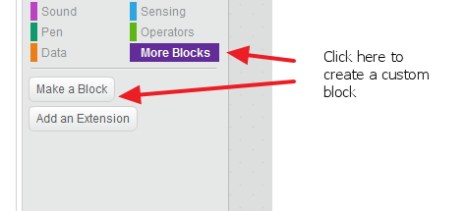
custom_block1


Give the block a name that describes what it is doing – in the example here I call it “jump”

custom_block3


You can see this is really handy and lets us add jump to our sprite easily without having to copy lots of code around.  You can make it even better by adding “inputs” to the block.
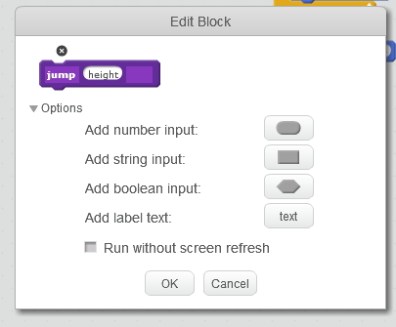
custom_block4

To add an input expand the “options” on the block and click the input for the data type you want – in the case of jump, height might make sense as shown below.
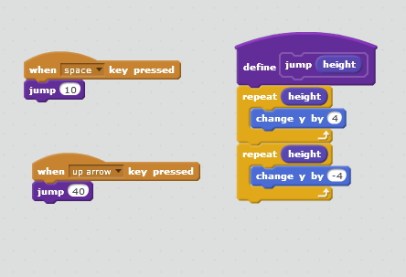


custom_block5


Now we have a jump block that will let us use the block for a normal jump and a super jump – maybe after a powerup or whatever.  You can see how handy this could be for anything you want to do over and over!  If you find yourself writing similar code in more than one place for a sprite, it might be a good time to think about writing a custom block.  One thing we didn’t mention on Saturday which is worth a look is the option for “run without screen refresh”.  When this is pressed, a block will run very quickly and only update the screen when it’s done.  This can be a way to speed up things like drawing programs.  Try it out on the jump example above to see what it does.  When it’s clicked, it will look like the sprite doesn’t do anything.. this is because he jumped up and right down again only updating when the block was finished – and he was right back where he started!.

Writing a Square Block

On Saturday, we used custom blocks to write a function to draw a square using a pen.   Then we showed how easy it was to create nice patterns by just calling the block different ways.

The code we came up with for the block was:

custom_block6


We spent a fair bit of time thinking about X and Y coordinates in Scratch and how to figure out where to move your sprite to get the shapes you want.  One example of how to use our new block is below.  Lots of the clever scratchers came up with much cooler ones than this though!!

custom_block7


custom_block8

CoderDojo Athenry: Information & Registration on 27 September 2014

restart


If you would like to find out more about CoderDojo Athenry, please come along to Gairmscoil Mhuire VEC School in Athenry at 12:00 on Saturday 27 September 2014.

We will provide information for new members and will have registration forms that you can fill out. Existing members don’t need to re-register and don’t need to attend the information session, though they are always welcome.

The following week, 4 October, we will have an information and training session for new mentors and volunteers.

Normal CoderDojo sessions will start up on 11 October, same time and place, for new and existing members. We will post notes on this website and circulate links to the members.

CoderDojo Athenry Belts

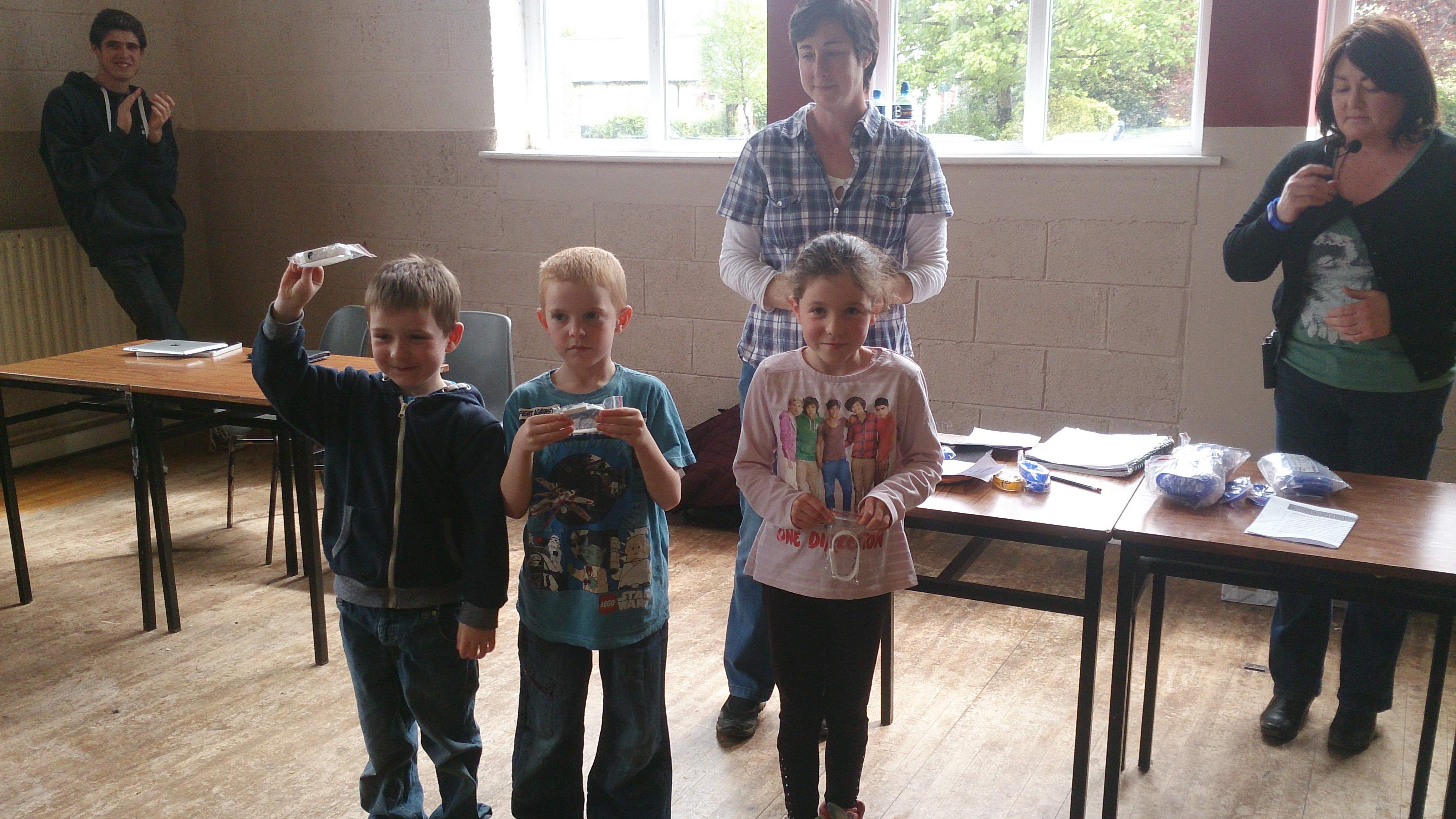
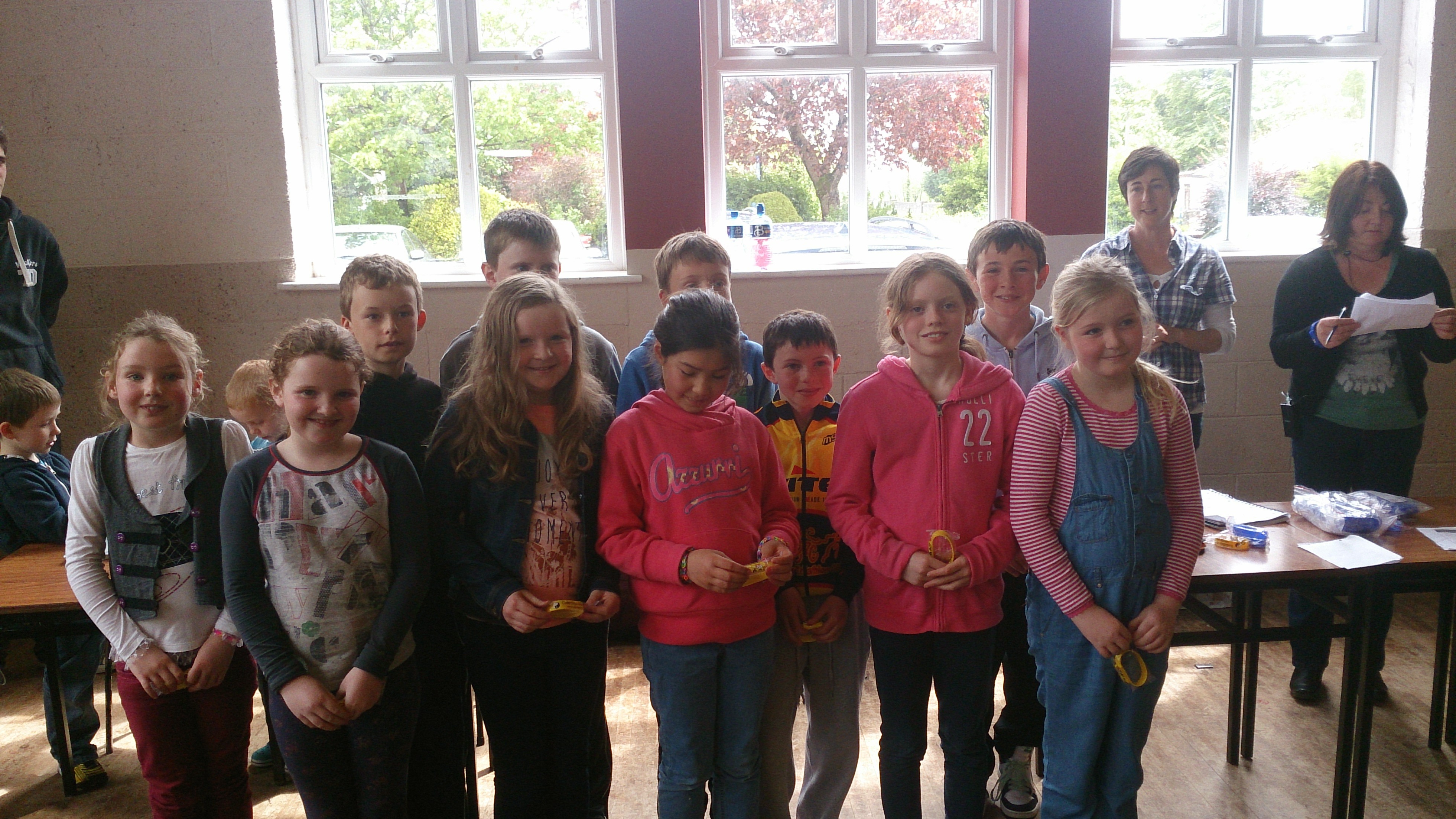
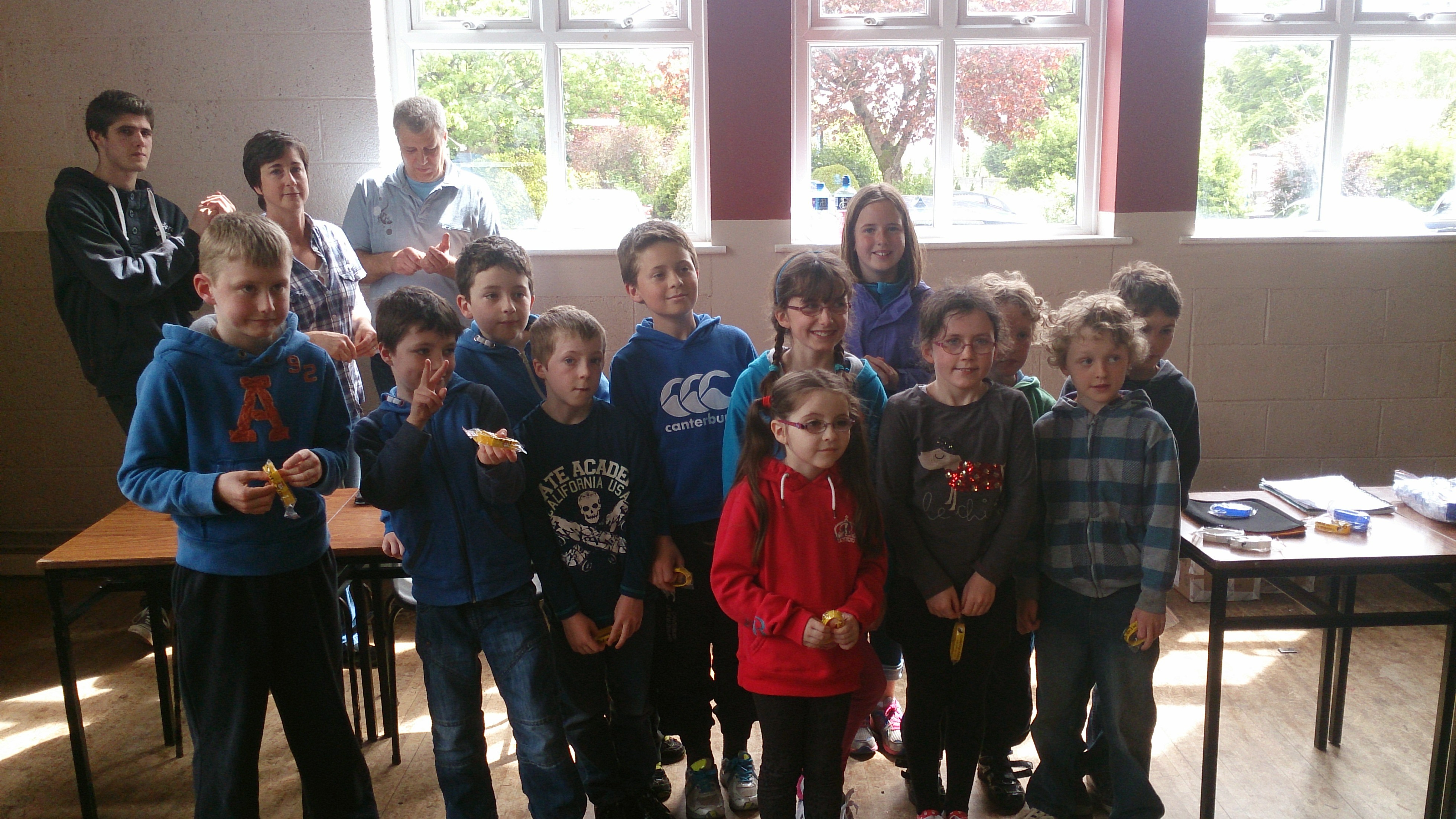
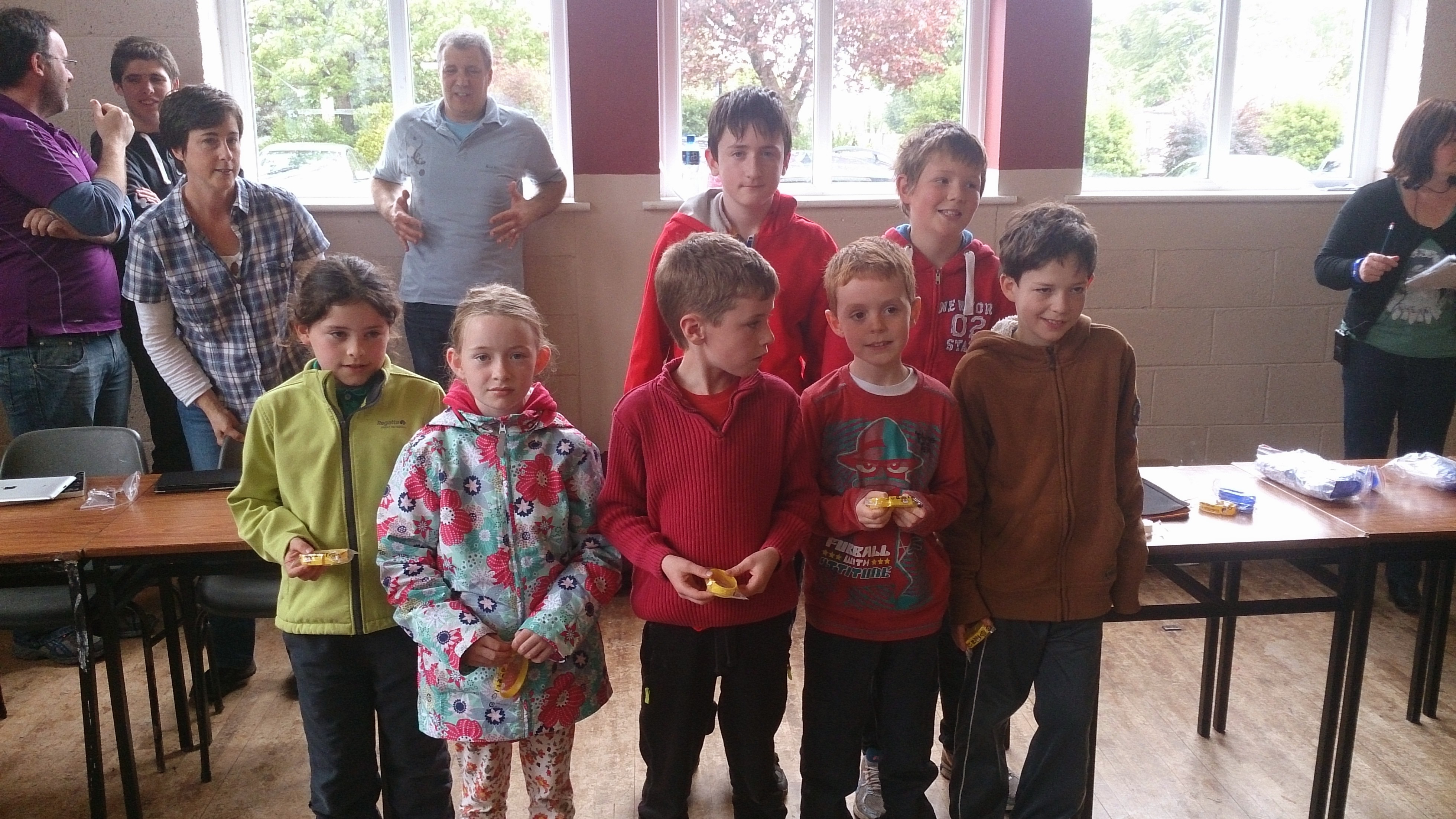
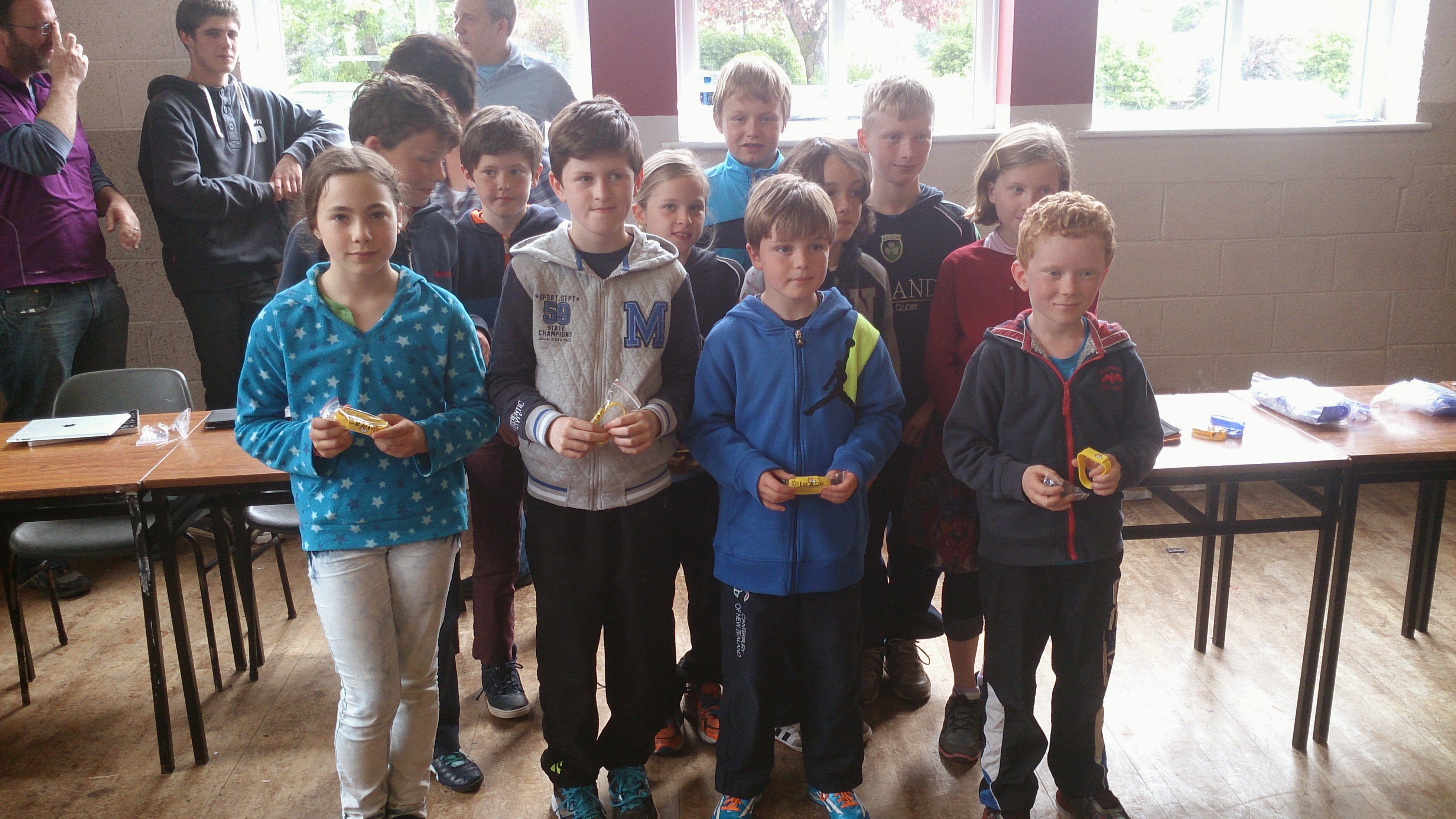
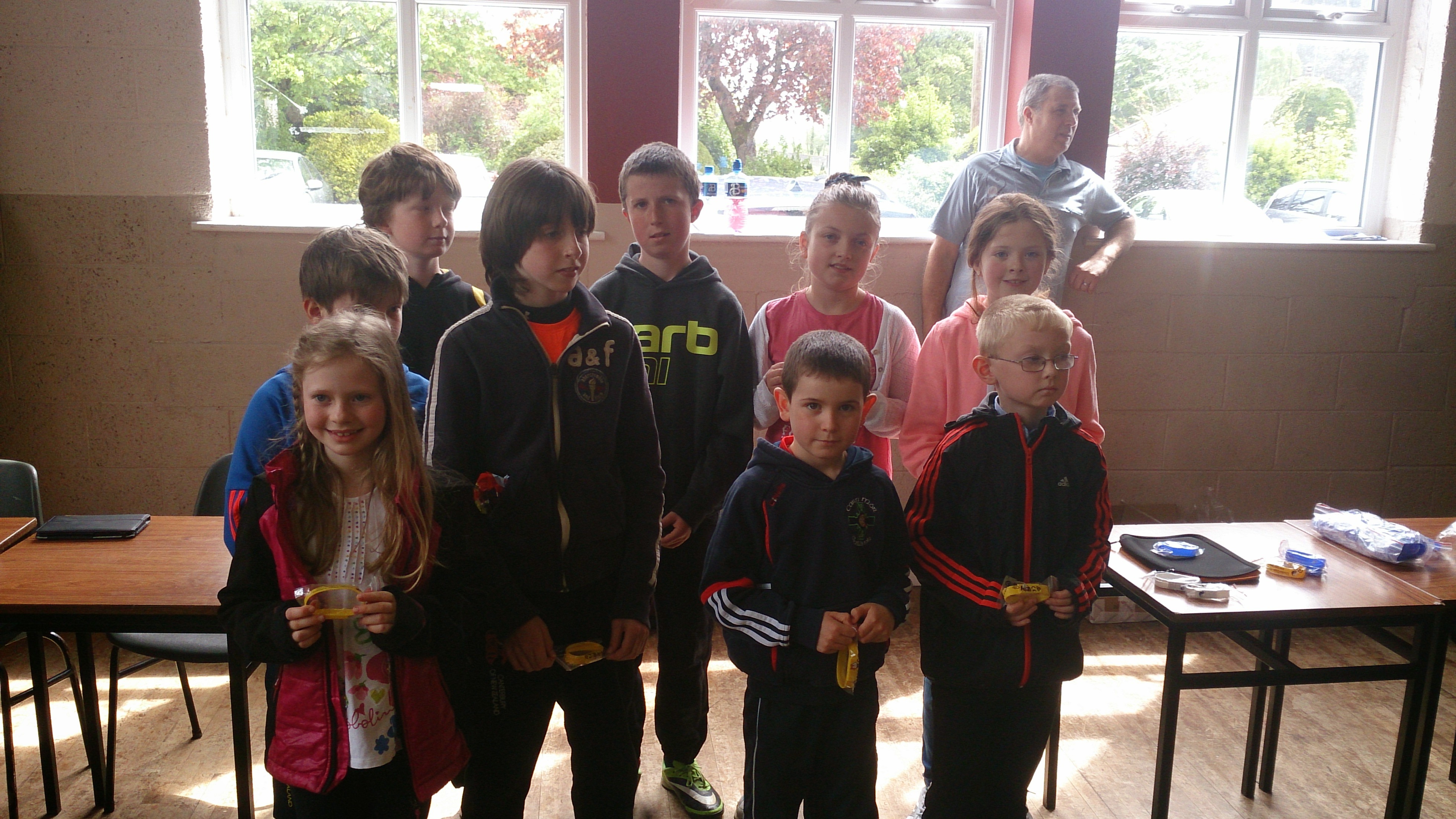
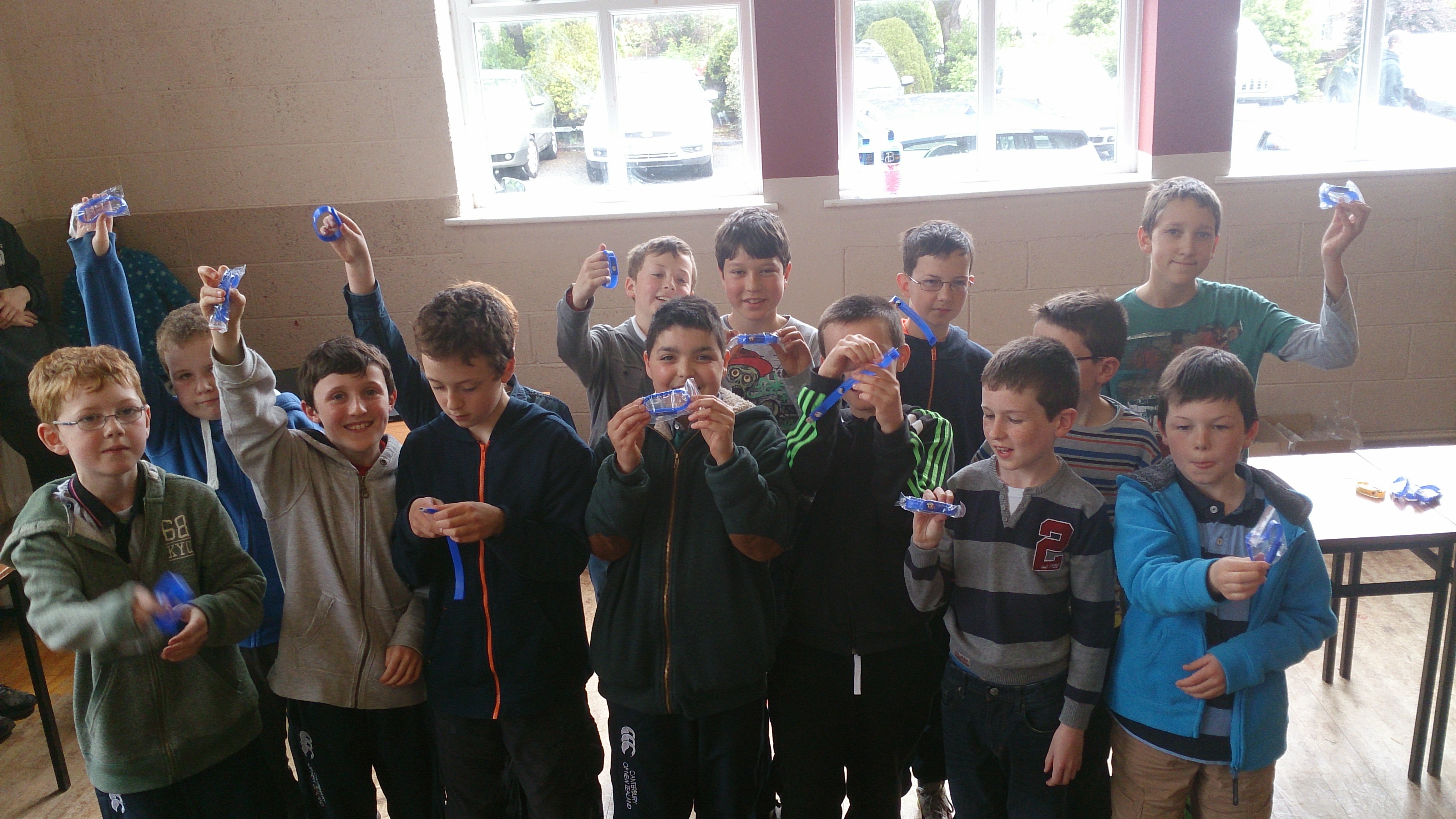
Today we had our awards session. Belts were awarded to seventy nine Coder Ninjas in Scratch Beginners, Scratch Advanced, Python and ModderDojo.

DSC_0130Minister of State for Training and Skills Ciarán Cannon speaking at todays event

DSC_0134Scratch Beginners White Belts

DSC_0137Scratch Beginners Yellow Belts

DSC_0139Scratch Beginners Yellow Belts

DSC_0141Scratch Beginners Yellow Belts

DSC_0139Scratch Beginners Yellow Belts

DSC_0144Scratch Beginners Yellow Belts

DSC_0145Scratch Beginners Yellow Belts

DSC_0151Scratch Advanced Blue Belts

DSC_0155-SMILEPython Yellow and Blue Belts

DSC_0159ModderDojo Green Belts

DSC_0161ModderDojo Green Belts

Congratulations to everyone, well done!

CoderDojo Athenry Scratch Beginners Notes Used in AfriCoderDojo!

Recently, Eugene McDonough from the Hello World Foundation travelled to Nigeria to help start up a CoderDojo. To introduce groups to Scratch, he used none other than Martha Fahy’s Scratch Beginners notes from here in Athenry, beginning with the Jaws game that our Athenry ninjas will recognise very well!

You can read Eugene’s post here, and see if you can spot the Jaws game in pictures! http://coderdojo.com/news/2014/03/20/africoderdojo-nigeria-mentor-diary

And of course as described in the last CoderDojo Athenry post, our mentor Oliver Thompson from CoderDojo Athenry recently did a live link-up to mentors starting up a CoderDojo in Tanzania, to go through the notes with them and answer their questions: https://cdathenry.wordpress.com/2014/04/13/code-dojo-athenry-and-hello-world-foundation-helping-coderdojos-in-africa/