Here are the notes in PDF for todays session: CDA-S4-Challenge10-MathsGame.pdf
Category Archives: Uncategorized
Tips for Staying Safe Online
 CoderDojo Athenry was one of the group of 12 dojos that were the first to adopt and align with the CoderDojo Foundation’s Recommended Practice. You can read more about it here:
https://coderdojo.org/news/2014/12/22/recommended-practice-pilot-complete/
Huge thanks to mentor Neil who led this effort!
At the start of our first session of 2015 on 10 January, all lead mentors gave a short presentation with 10 tips on staying safe online. You can see the first 5 above, the other 5 are below.
You can download the presentation in PowerPoint format here: 10 Tips for Staying Safe Online PPT CD Athenry Jan 2015
We also circulated a short information document to mentors, but anybody is welcome to read it: Online Safety for Mentors CD Athenry V1.1

Massive Open Dojo Session MODS
Hi there,
A huge thank you to all who turned up in NUI, Galway today. There was a great turn out and it was a very successful event. CoderDojo Athenry was very well represented and we especially want to thank parents for their commitment, we know its hard to keep everything going. A special thank you to our Core mentors who turned up today and really helped with the smooth running of the event.
Here are the “Cheat Sheets” from the Scratch session today in case any one would like them. Scratch_CheatSheet.pdf
Week 4 – Scratch Beginners – Improved Ghostcatcher
Hi again everyone,
This week we improved on our Ghostcatcher game from last week.
We introduced two new concepts which we haven’t used before, animation and broadcasting.
Using a simple technique of changing between costumes and having a waiting time we can animate our Sprites. In our case, we animated the Ghosts so they were blinking or sticking out their tongue. You could of course use this technique to have a sprite look like they are walking etc.

We also then had our first introduction to Broadcasting, which is a way of exchanging data/messages between our sprites.
We used Broadcasting to send a message from the Ghosts (that they have been eaten) to be received by the Pacman, who then will change costumes i.e. Open and close its mouth.

Hope you all enjoyed the session and we will be using animation and broadcasting over the next couple of months.
Here are this weeks notes in PDF CDA-S4-Week_04-BetterGhostCatcher.pdf
Hope I see a lot of you next week in NUI, Galway, it should be a great day!!
Forge Modding Tutorial #1 – Setting up your Development Environment
To prepare for MineVention, a handful of you will be making Java mods. This is the first of the posts showing you what to do.
You need to download the following:
- Eclipse Standard from http://www.eclipse.org/downloads/
- Forge SRC for 1.7.2: http://files.minecraftforge.net/maven/net/minecraftforge/forge/1.7.2-10.12.0.999/forge-1.7.2-10.12.0.999-src.zip
- Eclipse should include Java, but if it does not, you may need to download the Java Development Kit (JDK) SE (standard edition) from http://java.oracle.com (note: don’t just download the JRE, Java Runtime Environment, as you will be developing Java programs, not just running them)
The steps to install the Forge Java modding environment are below.
To install Eclipse:
- Eclipse does not have an installer: you just unzip and run it.
- Create a folder C:\Eclipse, copy your Eclipse zip file into it, and extract it
- In the sub-folder, find Eclipse.exe: make a shortcut to it on your desktop
- Start it up and make sure it works
- We can write a first “Hello World” program: see below.
To install Forge: http://www.minecraftforge.net/wiki/Installation/Source
- Extract the Forge .zip file to a new folder -> C:\Forge
- Open a Command Prompt/CMD window
In that CMD window, navigate to C:\Forge. Use cd .. a few times to go up a level to C:, and cd Forge to go to the Forge folder.
Now run this command (followed by the second gradlew command, see below):
gradlew.bat setupDecompWorkspace –refresh-dependencies
Let the installer download all necessary files. This takes 20-30 minutes. Watch out for errors!
- It will download MCP (Minecraft Coders Pack) automatically, as well as libraries
- It will then download assets. These are non-code elements of Minecraft, e.g. language files, music files, record audio, sounds and more. These are now stored in a folder called “assets” under the “.minecraft” folder.
- Finally, it will begin decompiling the Minecraft source code. When finished, you will have a new folder inside your “forge” folder called “mcp”.
- Finally, create an Eclipse workspace for Forge with this command:
gradlew.bat eclipse
Start up Eclipse and select the workspace that Forge created, in the Eclipse folder under Forge:

Note: if the workspace is empty, make sure that you ran the command gradlew eclipse and that you selected the correct folder.
Press the green Run icon: you should see messages in the Eclipse console window and Minecraft will launch and will initially have 3 mods.
Scratch Advanced – Custom Blocks and Coordinate Geometry
This week in Scratch Advanced we looked at two areas of scratch that are really useful to get the hang of if you want to build cool games.
Custom Blocks
Scratch comes with many blocks built in, but custom blocks let you actually create your own blocks that you can re-use over and over. Using custom blocks can make your scripts much tidier and shorter and easier to write. They are similar to broadcasts, but better because you can pass values to them to make them behave differently.
To create a custom block you go to the “more blocks” menu and add a block.

Give the block a name that describes what it is doing – in the example here I call it “jump”

You can see this is really handy and lets us add jump to our sprite easily without having to copy lots of code around. You can make it even better by adding “inputs” to the block.

To add an input expand the “options” on the block and click the input for the data type you want – in the case of jump, height might make sense as shown below.

Now we have a jump block that will let us use the block for a normal jump and a super jump – maybe after a powerup or whatever. You can see how handy this could be for anything you want to do over and over! If you find yourself writing similar code in more than one place for a sprite, it might be a good time to think about writing a custom block. One thing we didn’t mention on Saturday which is worth a look is the option for “run without screen refresh”. When this is pressed, a block will run very quickly and only update the screen when it’s done. This can be a way to speed up things like drawing programs. Try it out on the jump example above to see what it does. When it’s clicked, it will look like the sprite doesn’t do anything.. this is because he jumped up and right down again only updating when the block was finished – and he was right back where he started!.
Writing a Square Block
On Saturday, we used custom blocks to write a function to draw a square using a pen. Then we showed how easy it was to create nice patterns by just calling the block different ways.
The code we came up with for the block was:

We spent a fair bit of time thinking about X and Y coordinates in Scratch and how to figure out where to move your sprite to get the shapes you want. One example of how to use our new block is below. Lots of the clever scratchers came up with much cooler ones than this though!!


CoderDojo Athenry: Information & Registration on 27 September 2014
If you would like to find out more about CoderDojo Athenry, please come along to Gairmscoil Mhuire VEC School in Athenry at 12:00 on Saturday 27 September 2014.
We will provide information for new members and will have registration forms that you can fill out. Existing members don’t need to re-register and don’t need to attend the information session, though they are always welcome.
The following week, 4 October, we will have an information and training session for new mentors and volunteers.
Normal CoderDojo sessions will start up on 11 October, same time and place, for new and existing members. We will post notes on this website and circulate links to the members.
CoderDojo Athenry Belts
Today we had our awards session. Belts were awarded to seventy nine Coder Ninjas in Scratch Beginners, Scratch Advanced, Python and ModderDojo.
 Minister of State for Training and Skills Ciarán Cannon speaking at todays event
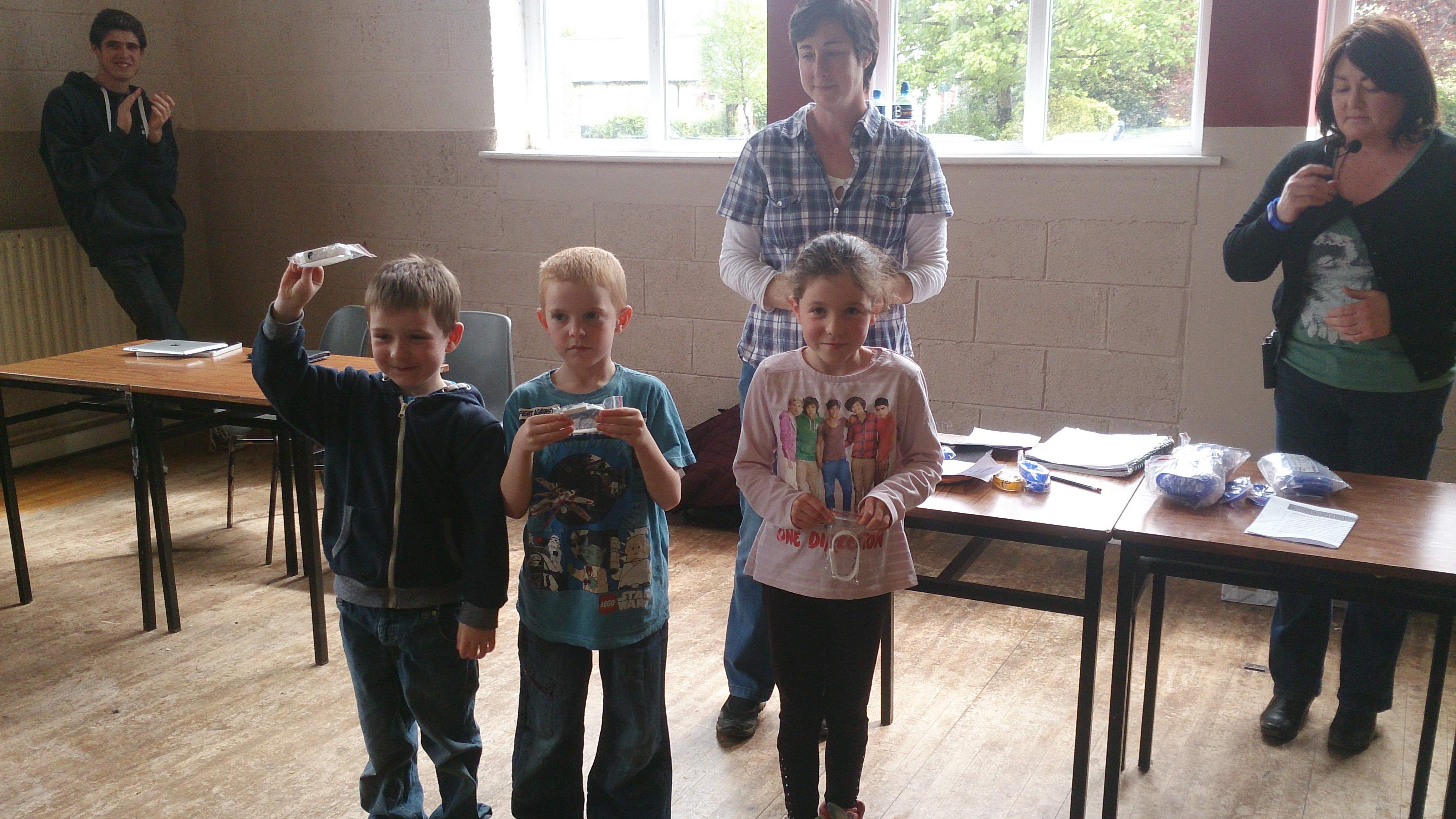 Scratch Beginners White Belts
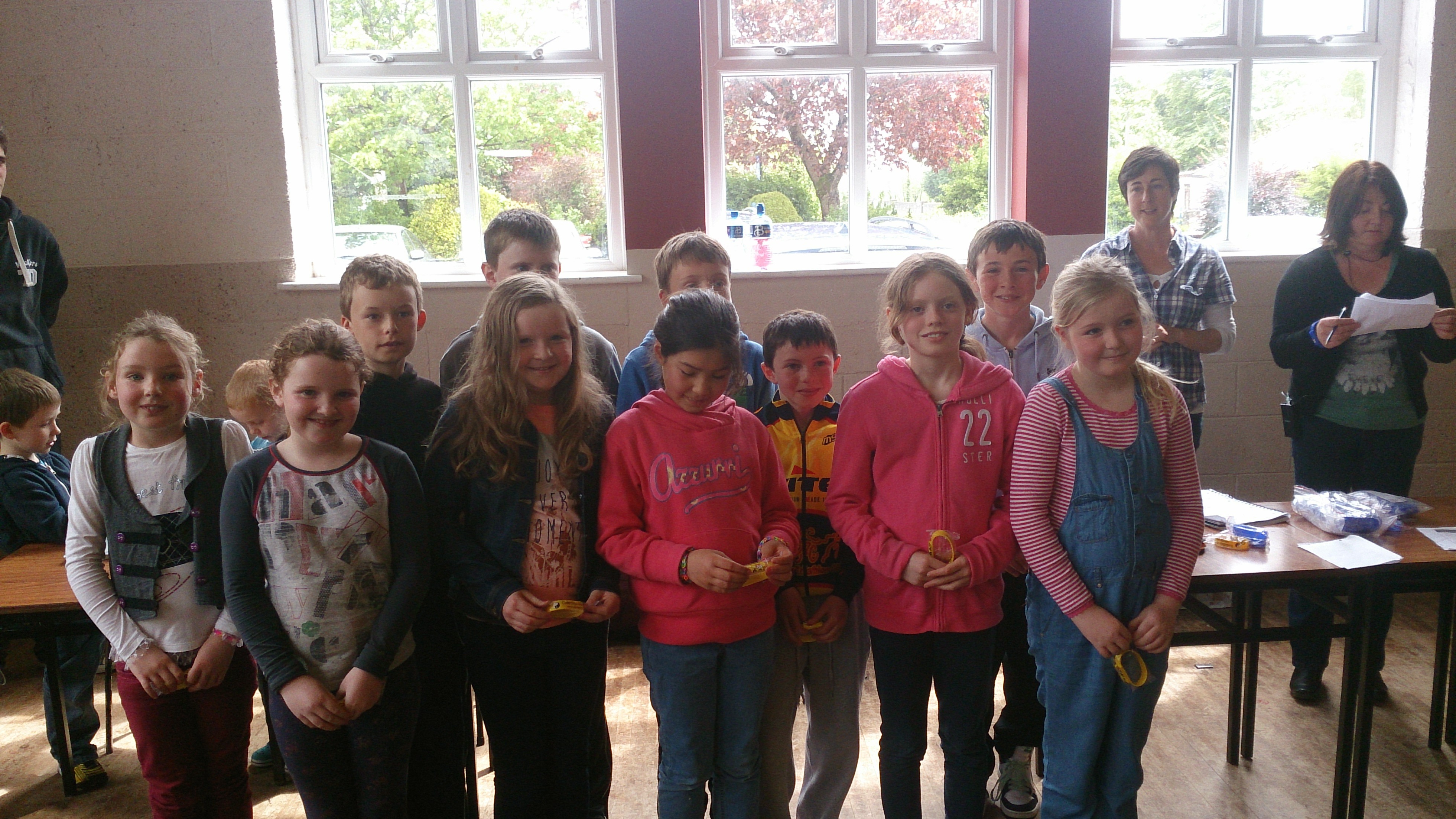 Scratch Beginners Yellow Belts
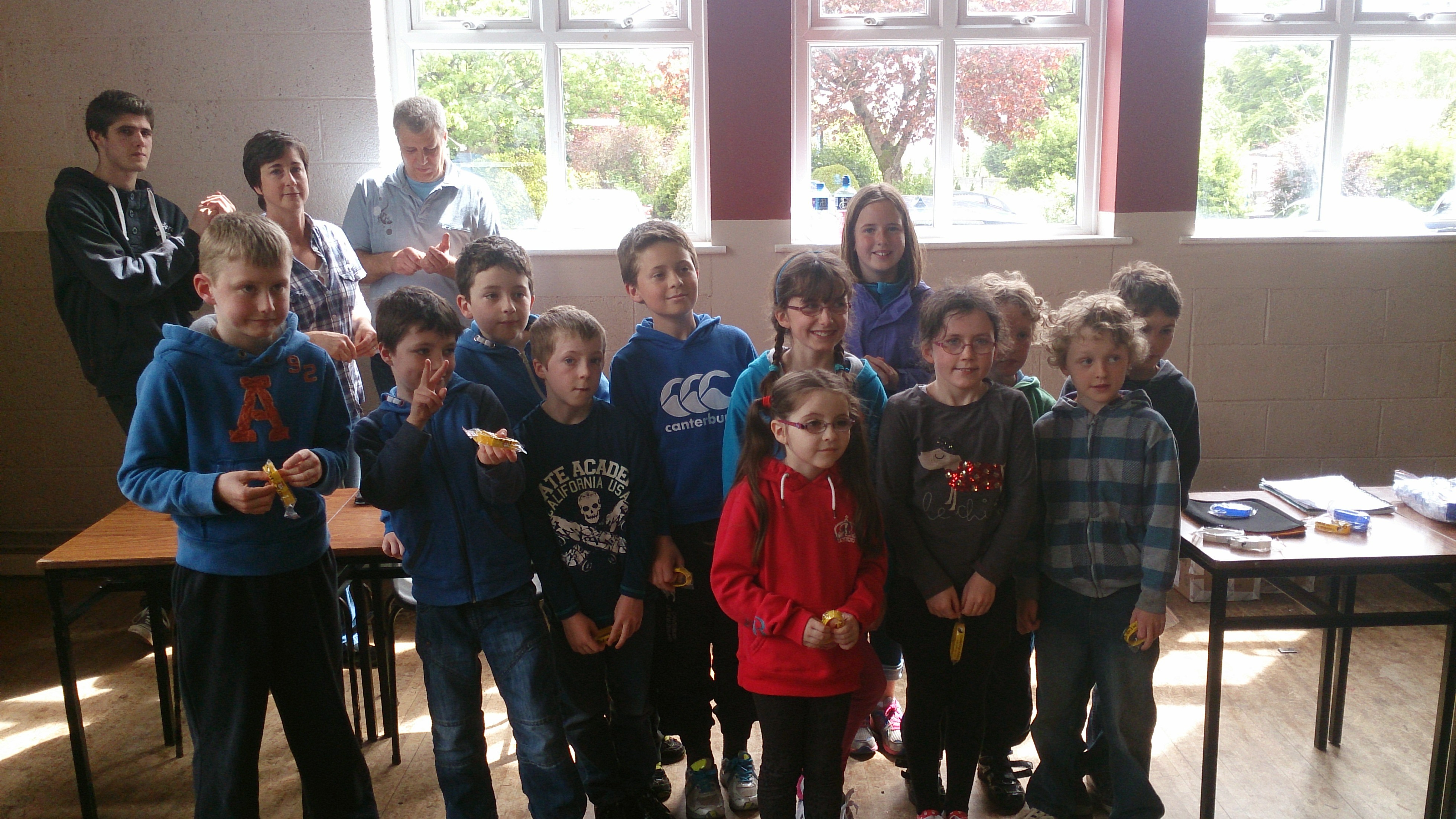 Scratch Beginners Yellow Belts
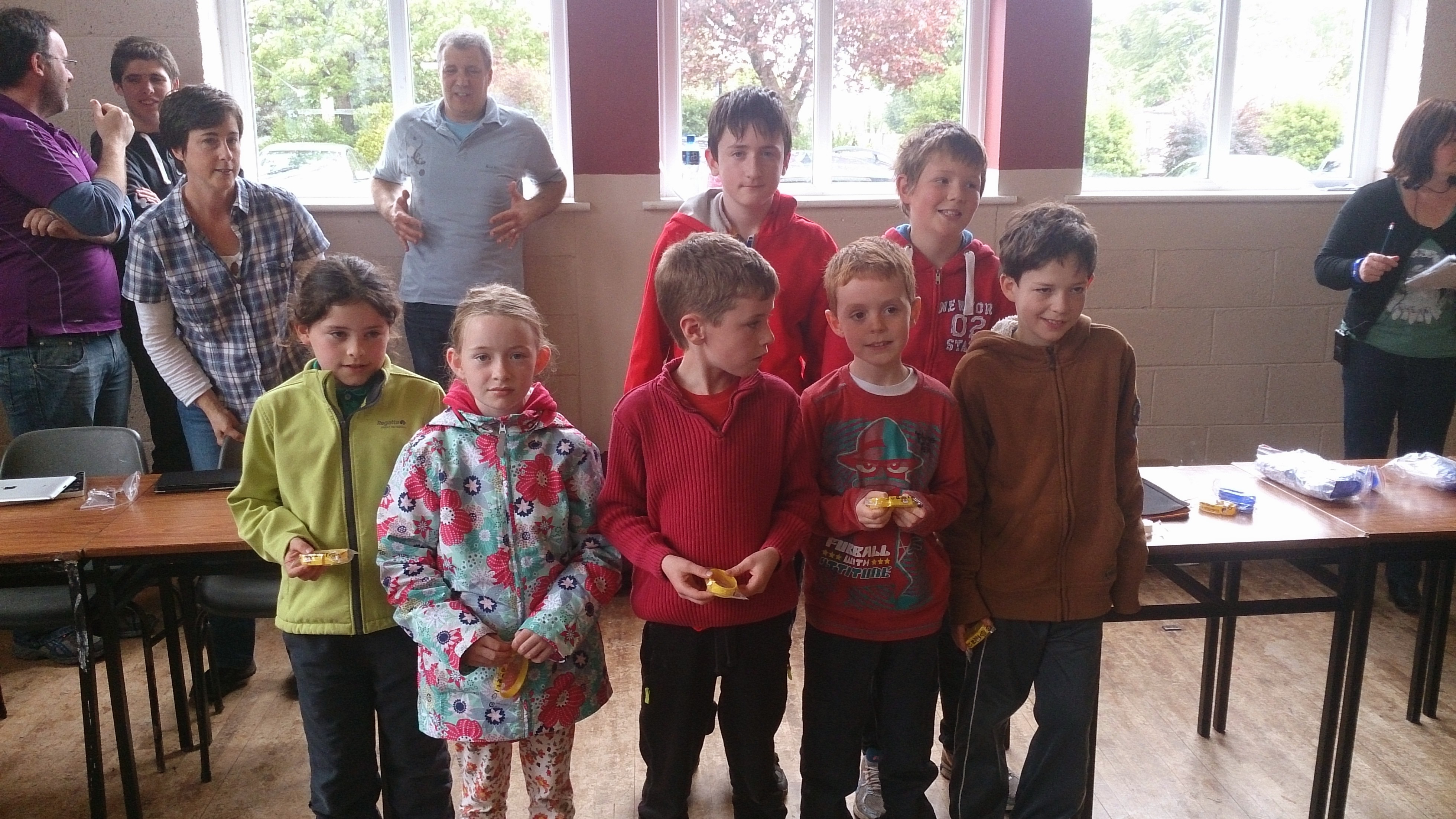 Scratch Beginners Yellow Belts
Scratch Beginners Yellow Belts
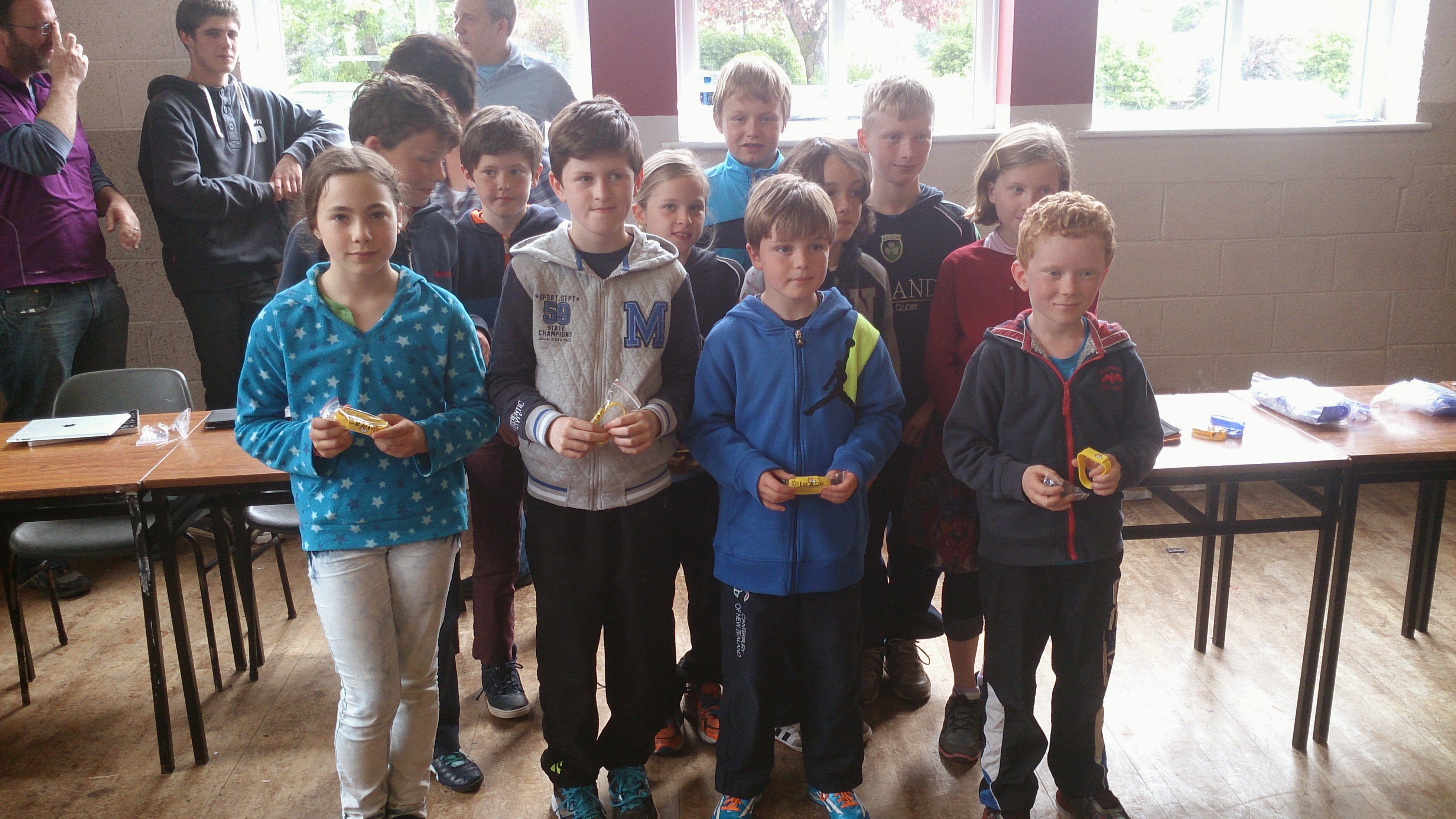 Scratch Beginners Yellow Belts
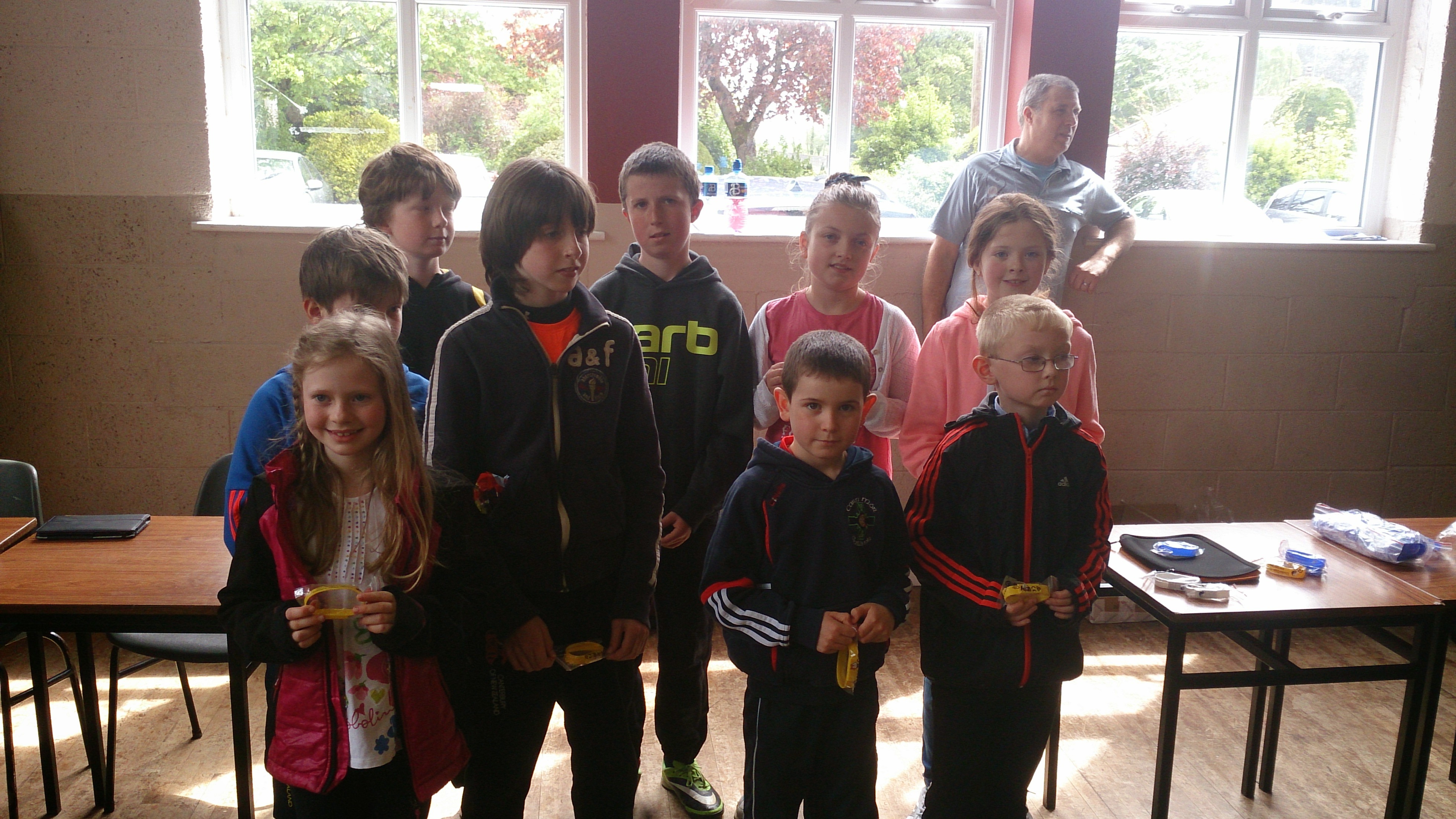 Scratch Beginners Yellow Belts
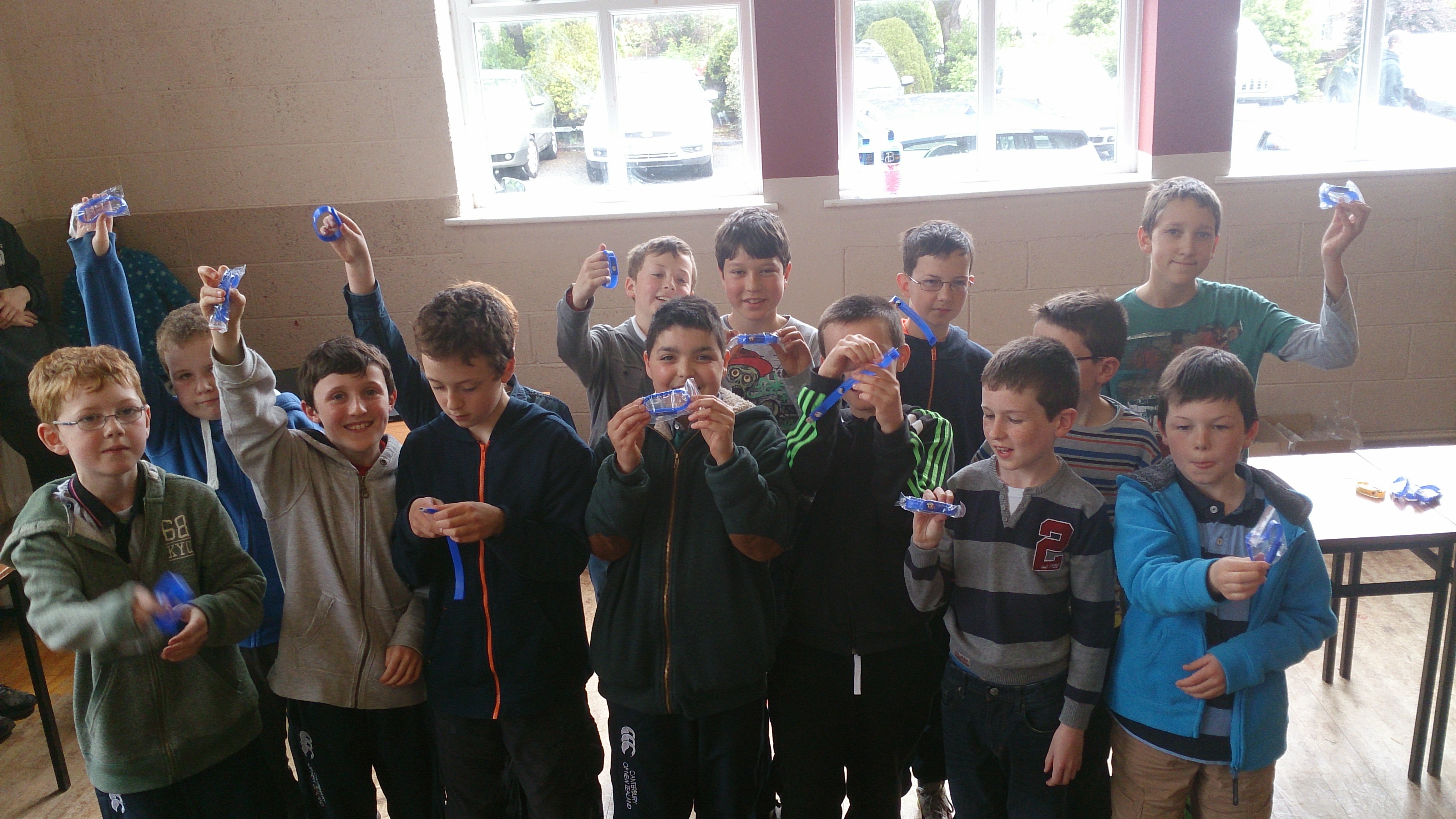 Scratch Advanced Blue Belts
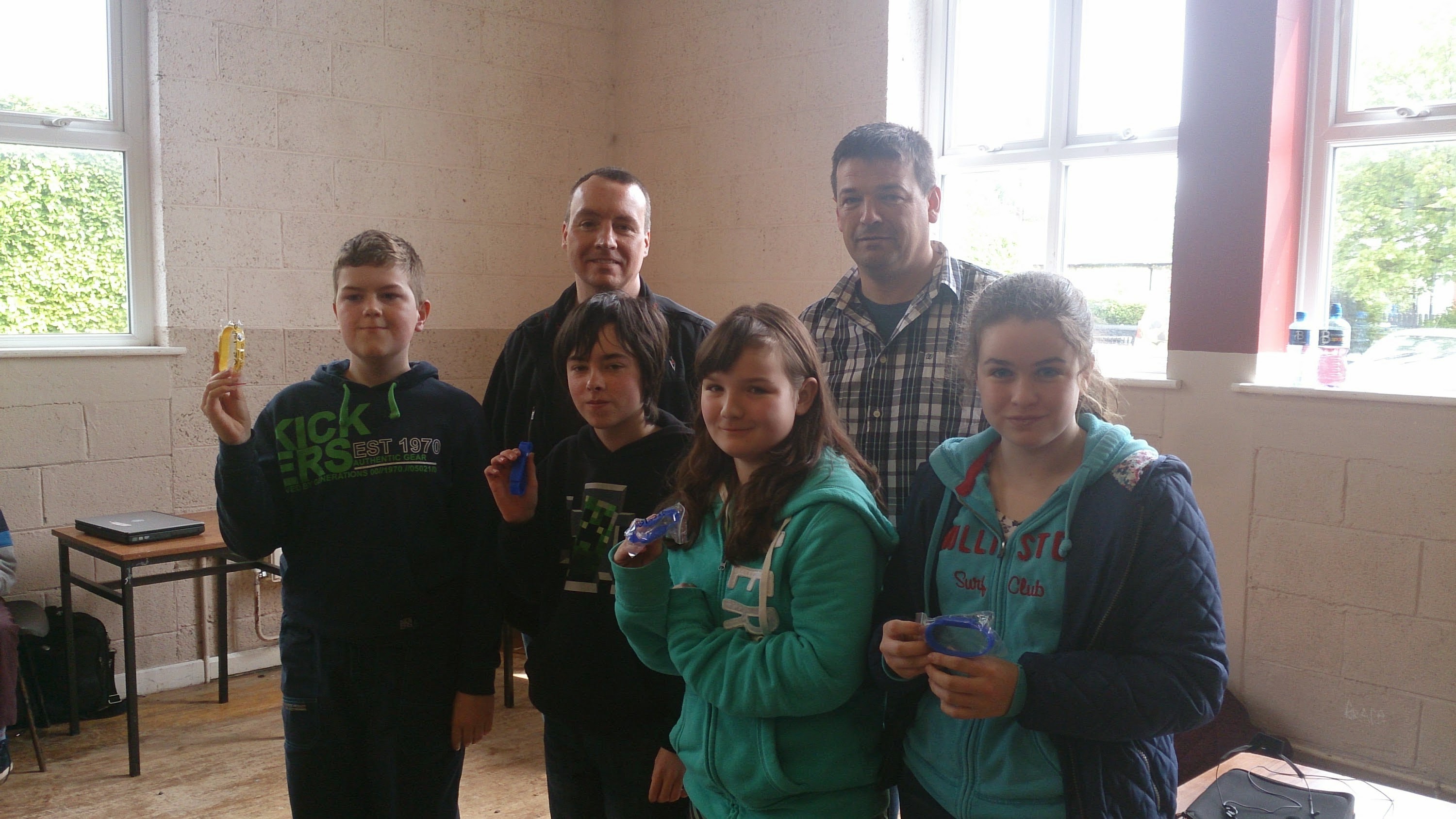 Python Yellow and Blue Belts
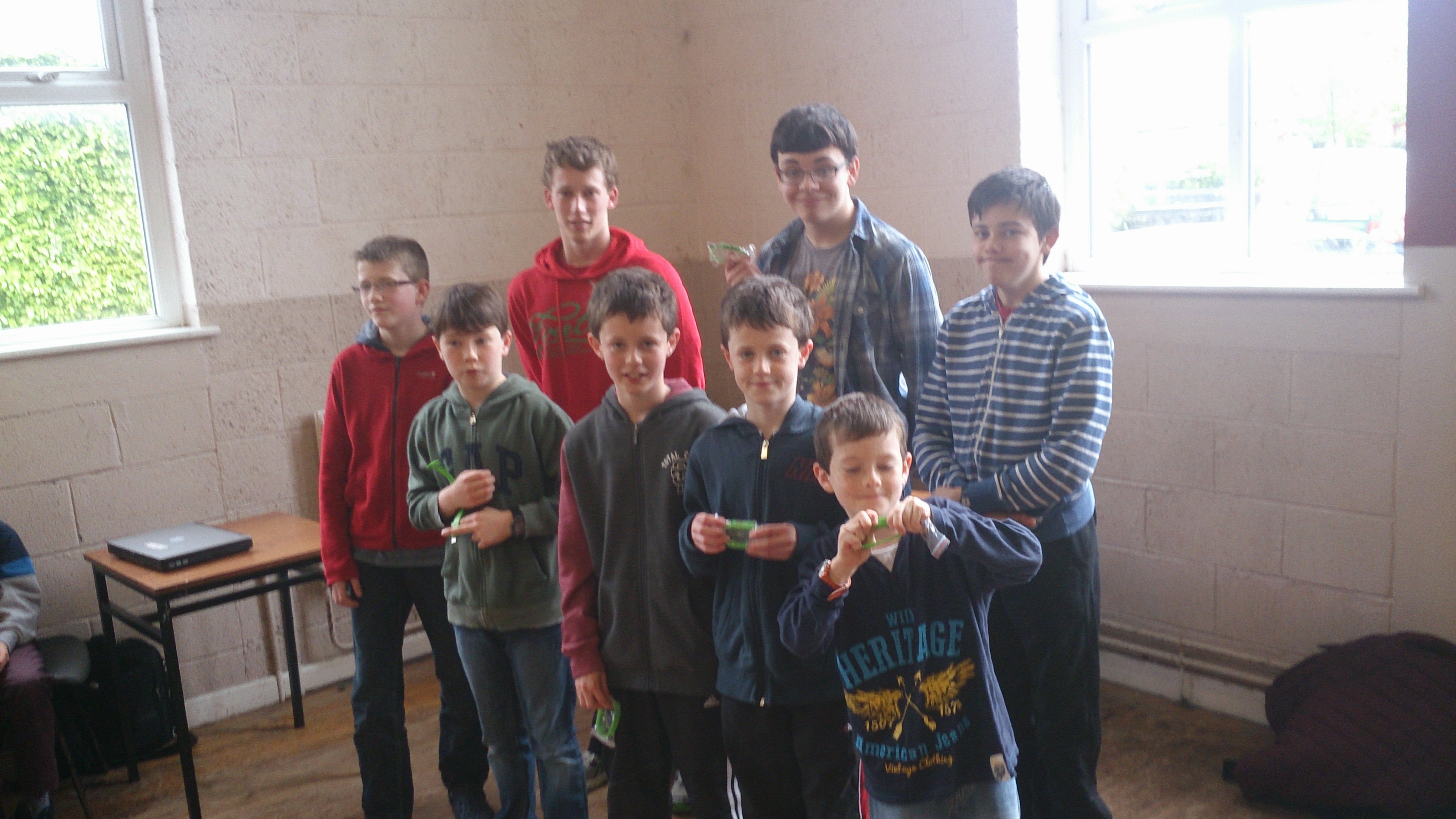 ModderDojo Green Belts
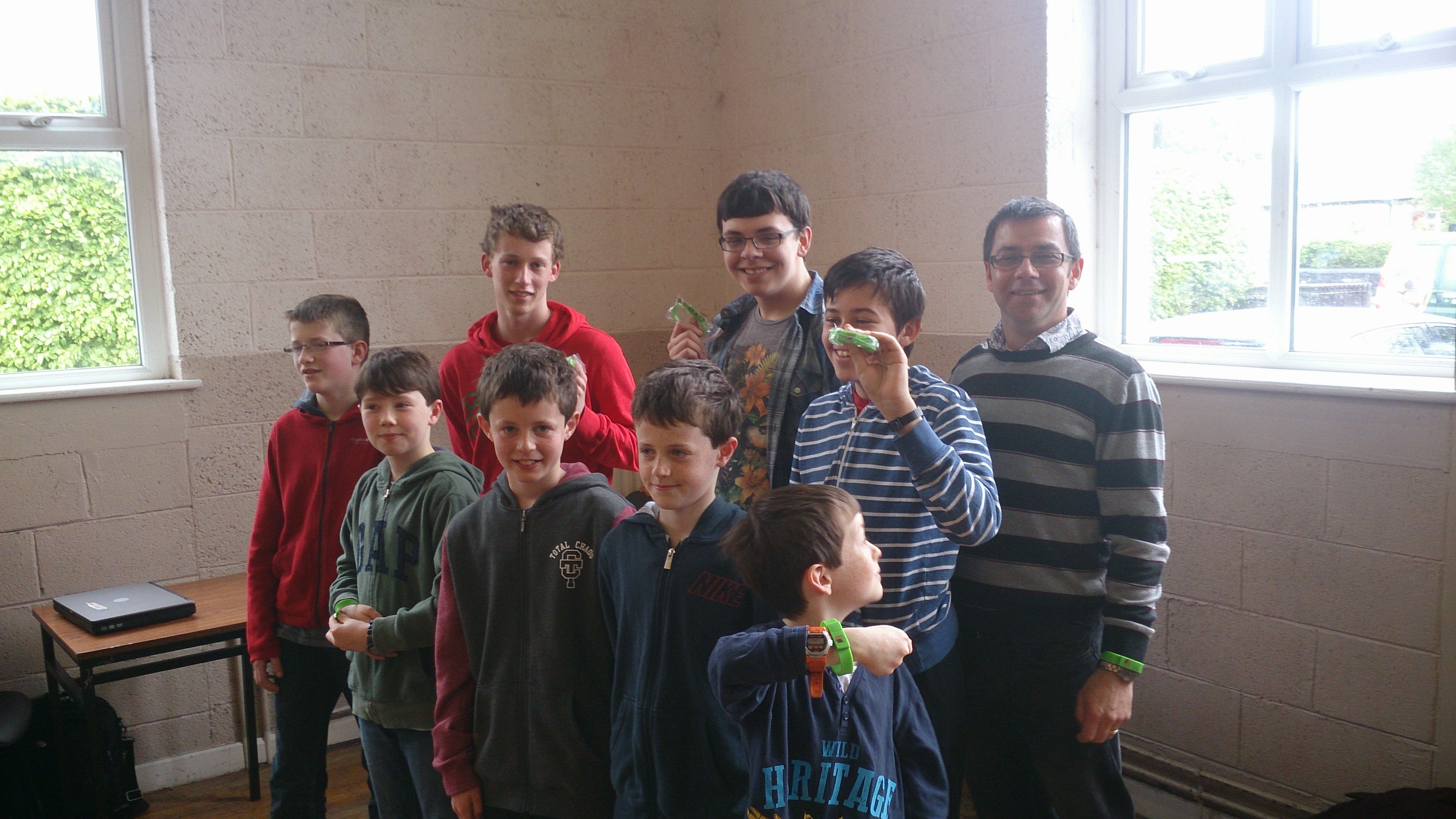 ModderDojo Green Belts
Congratulations to everyone, well done!
CoderDojo Athenry Scratch Beginners Notes Used in AfriCoderDojo!
Recently, Eugene McDonough from the Hello World Foundation travelled to Nigeria to help start up a CoderDojo. To introduce groups to Scratch, he used none other than Martha Fahy’s Scratch Beginners notes from here in Athenry, beginning with the Jaws game that our Athenry ninjas will recognise very well!
You can read Eugene’s post here, and see if you can spot the Jaws game in pictures! http://coderdojo.com/news/2014/03/20/africoderdojo-nigeria-mentor-diary
And of course as described in the last CoderDojo Athenry post, our mentor Oliver Thompson from CoderDojo Athenry recently did a live link-up to mentors starting up a CoderDojo in Tanzania, to go through the notes with them and answer their questions: https://cdathenry.wordpress.com/2014/04/13/code-dojo-athenry-and-hello-world-foundation-helping-coderdojos-in-africa/
CoderDojo Athenry and Hello World Foundation Helping CoderDojos in Africa
Oliver Thompson, our lead mentor for the Scratch Advanced group in CoderDojo Athenry, recently did a live linkup to a new CoderDojo in Tanzania. Oliver’s notes on the experience are below.
Eugene from the Hello World Foundation (www.helloworldfoundation.com) originally contacted Michael from Coder Dojo Athenry (https://cdathenry.wordpress.com) with the fantastic idea of doing a Live Link up with CoderDojo Athenry, CoderDojo Limierick and new CoderDojos in Tanzania and Nigeria. Eugene would be traveling to Africa to help set up new CoderDojos.
Many emails and phone calls later we had a tentative arrangement to Link up on Saturday the 8th of March, with a dry run scheduled for the Wednesday the 5th of March at the School.
Ciaran of Gairmscoil Mhuire VEC Athenry kindly gave permission to use the school during school time for this dry run, many thanks to the school for this.
Anyway, a few more emails back and forth between Athenry and Tanzania, events began to conspire against us. Internet access was not going to be good enough, if it existed at all.
It was at this point that we hit upon Plan B, I would get into work early on Tuesday 4th of March and we would try the connection from there. I duly arrived at around 6:00 am and got everything set up. And nothing happened! I sent a few emails, wondering where people were, no response, so packed up all my equipment and went back to work. And then Eugene came back on line, we were on for the trial run.
Packed up my equipment again and back to training room.
I Connected the laptop to the overhead projector, started up the Scratch Presentation.
Next was the tablet for the Skype session. I had brought my tripod in as well and in the best frontier tradition tied the tablet to the tripod with a bit of elastic. But hey, it worked a treat.
The tablet was set up in front of the big screen on the wall that had the Scratch Presentation on, so for the people at the other end it just looked like they were at a lecture, with me in front of the slides.
At the other end we had George and Godfrey who are the chief mentors for the new CoderDojos being set up, as well as one or two other people.
The Presentation went really well, Skype worked a treat, George and Godfrey could see all the slides and any Scratch code that I was showing them, it was just like being present at a lecture. Sound was no problem, even from a small tablet.
We spent about an hour on Skype, going through the Presentation and also demonstrating the code through Scratch as well.
It was looking good for the Main Event on Saturday 8th at this stage and I was figuring out if there was any better ways of presenting, and also if I could find anything better that a bit of elastic to hold the tablet to the tripod.
Unfortunately though, we could not go ahead on the Saturday as the location that was being used in Tanzania for the CoderDojo Session did not have a good internet connection.
The trial run and he Skype session were definitely worth doing, at the very least it proved that with a little bit of ingenuity (and elastic) that with fairly simple technology, a laptop, projector and tablet and the wonders of the Internet and Skype it is possible to run training sessions anywhere in the World.
This really was a “Hello World” moment.
– Oliver.
 CoderDojo Athenry