We covered a lot of ground today in the Python Games stream . We looked at variables including strings, math operators, inputs and outputs, while loops and if statements. The code from our number guessing game along with some of the code snippets from today are available here.
Ninjas can read the first few chapters of Invent Your Own Computer Games with Python as they deal with the same concepts.
Next week we will run through what we have covered so far, do more work on improving our number guessing game and if we have time, start working on a text based adventure game. Here are my slides fron today’s session python2014_session1.
ModderDojo Topic 1: Getting Started with ScriptCraft and JavaScript
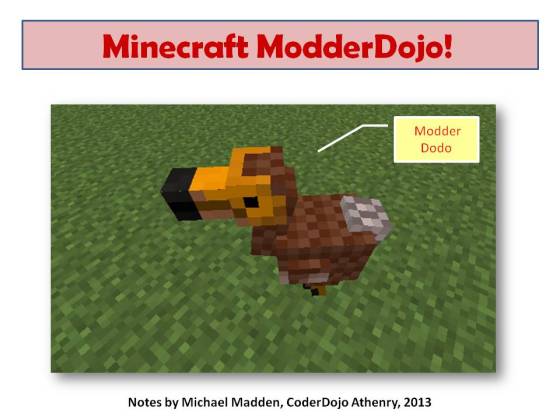 Welcome to ModderDojo Athenry!

(Notes updated September 2015. Previously used the CraftBukkit server, now using Canarymod.)
This stream is aimed at older & more experienced ninjas, mainly in secondary school, who:
- Know how to program in some language (e.g. a blue belt in Scratch)
- Already use the PC edition of Minecraft
- Know how to edit file and know your way around your computer’s filesystem
- Ideally have already installed a mod yourself
Plan for today:
- Install a Canarymod server (a Minecraft server that is designed to be better to extend than a standard Minecraft server)
- Install ScrptCraft, a Mod for Minecraft (built with Canarymod) that allows you to write programs to build objects in Minecraft
- Try out some ScriptCraft commands
- Write our first mod or two in ScriptCraft
In future weeks, we’ll figure out more about the JavaScript language, which is a popular programming language that is often used in web programming.
Step 0: Prepare
Before you start, you’ll need a programmer’s editor and a zip program. I recommend:
- Notepad++ http://notepad-plus-plus.org/
- 7Zip http://www.7-zip.org/
You’ll also need to run Minecraft and the server on your own laptop or pair up with somebody.
Steps 1 and 2: Install Canarymod Server and ScriptCraft
Instructions here: https://github.com/walterhiggins/ScriptCraft/blob/master/README.md
I’ll have files pre-downloaded on a USB flash drive to save time.
We’ll edit the properties file to specify a flat world, creative mode, and give the world a name.
Either follow the instructions linked above to install everything from scratch, or these instructions ot use my pre-=built server:
- Download the Canarymod/ScriptCraft server (a single zip file) here:
https://www.dropbox.com/s/d1af5njm7t732n0/ScriptCraft-Sep2015.zip?dl=0 - Create a folder, e.g. C:\ScriptCraft
- Move the downloaded zip file into the folder and unzip it
- Run canarymod.jar to start it
- If Java is not installed, you will need to download it from http://www.java.com
You should then be ready to try out ScriptCraft.
Step 3: Try out ScriptCraft
Run Canarymod (with ScriptCraft already installed).
Then start Minecraft. Important: you will have to run the Minecraft version that matches your version of Bukkit (e.g. 1.8.8)
Choose to directly connect to a server and enter localhost – if you’re connecting to a friend’s machine, you’ll need to connect to their IP address.
To run ScriptCraft commands, you have to be an op. In Canarymod window, type op <username> to op yourself.
In Minecraft, type /js echo(“hello world”) and check that it displays the message: if so, you have it installed correctly.
Next Steps …
- How to connect to each other’s servers: https://cdathenry.wordpress.com/2014/10/17/topic-2-connecting-to-each-others-servers/
- Our first ScriptCraft mod: https://cdathenry.wordpress.com/2014/10/17/topic-2-connecting-to-servers-and-creating-our-first-mod/
Information about the 2014-15 Season at CoderDojo Athenry

From Saturday 11 Oct 2014, we are starting a new season of CoderDojo Athenry, at our usual time and place. (The Saturday before, on 4 Oct, we will be having an introduction session for new mentors and other volunteers.)
Here is a the overview presentation (PDF): 1-CoderDojoAthenry-InfoSession-2014-Sept
This season, we will have the following streams:
- Scratch Beginners, led by Martha, for newcomers and those who did it before and want to stay with it
2-Scratch-CoderDojo_InfoSession_27_9-2014.pdf - Scratch Advanced, led by Oliver
3-AdvScratch-YearFourPresentation.pdf - Python Games, led by Declan
4-Python_2014.pdf - Minecraft Modding, led by Michael
5-CoderDojoAthenry-Info-Minecraft.pdf - Occasional demos of cool stuff from individuals and companies – any suggestions you have are welcome.
We look forward to seeing you there!
– Michael and the CoderDojo Athenry mentors.
CoderDojo Athenry: Information & Registration on 27 September 2014
If you would like to find out more about CoderDojo Athenry, please come along to Gairmscoil Mhuire VEC School in Athenry at 12:00 on Saturday 27 September 2014.
We will provide information for new members and will have registration forms that you can fill out. Existing members don’t need to re-register and don’t need to attend the information session, though they are always welcome.
The following week, 4 October, we will have an information and training session for new mentors and volunteers.
Normal CoderDojo sessions will start up on 11 October, same time and place, for new and existing members. We will post notes on this website and circulate links to the members.
CoderDojo Athenry Belts Awarded May 2014

We awarded a record number of 87 belts at CoderDojo Athenry in May 2014:
- 3 White belts for ongoing participation
- 55 Yellow Scratch belts for competent coders
- 15 Blue Advanced Scratch belts
- 1 Yellow Python belt
- 3 Blue Python belts
- 10 Green Minecraft Modding belts for creating and ublishing Java/JavaScript mods online
In keeping with the CoderDojo ethos, these belts were earned by our young people meeting agreed standards in different coding disciplines. Belts are not for winning competitions against each other, but celebrate personal achievement, and are never given away without being earned.
Congratulations to all the young people who earned their belts!
CoderDojo Athenry Belts
Today we had our awards session. Belts were awarded to seventy nine Coder Ninjas in Scratch Beginners, Scratch Advanced, Python and ModderDojo.
 Minister of State for Training and Skills Ciarán Cannon speaking at todays event
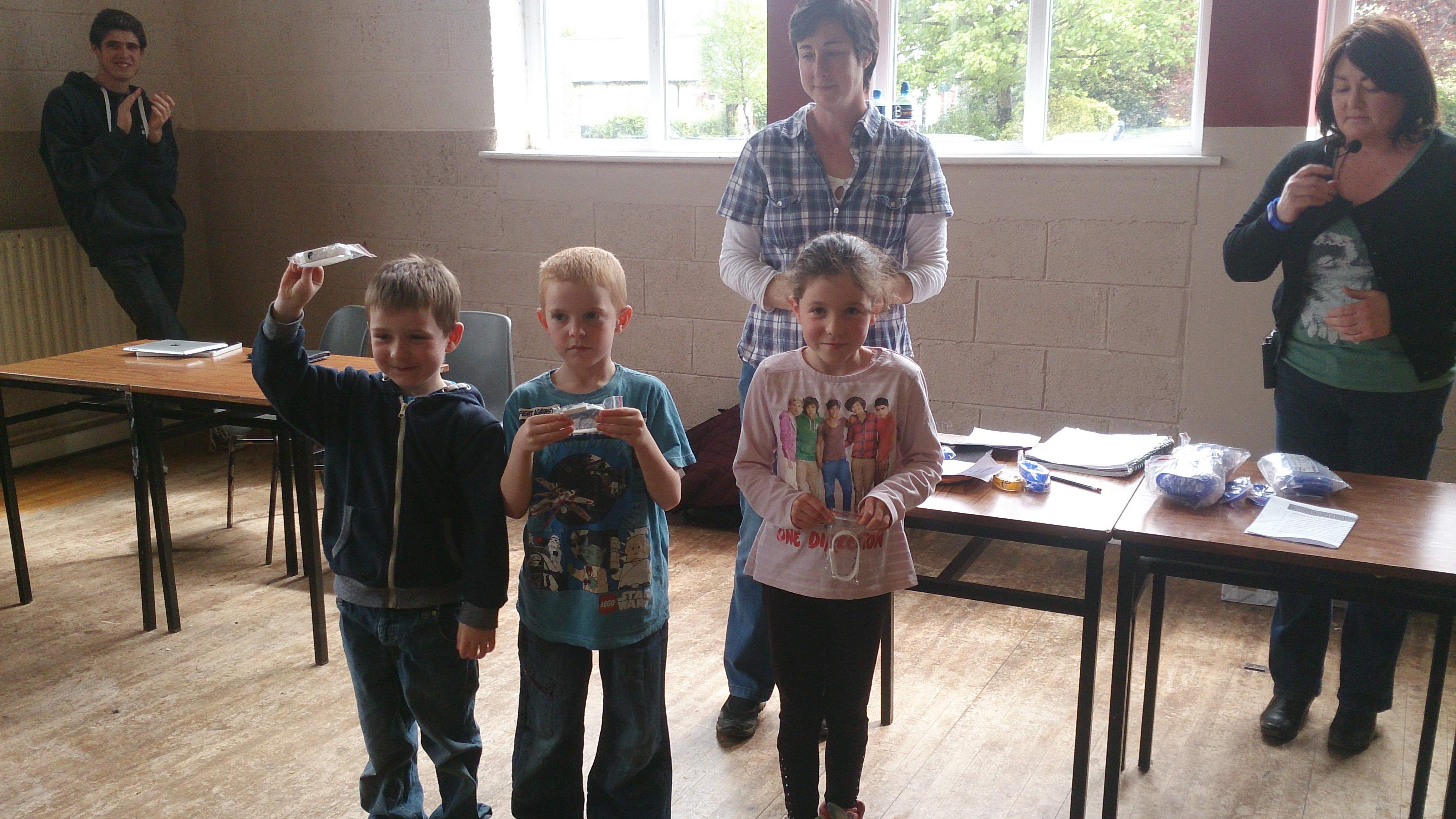 Scratch Beginners White Belts
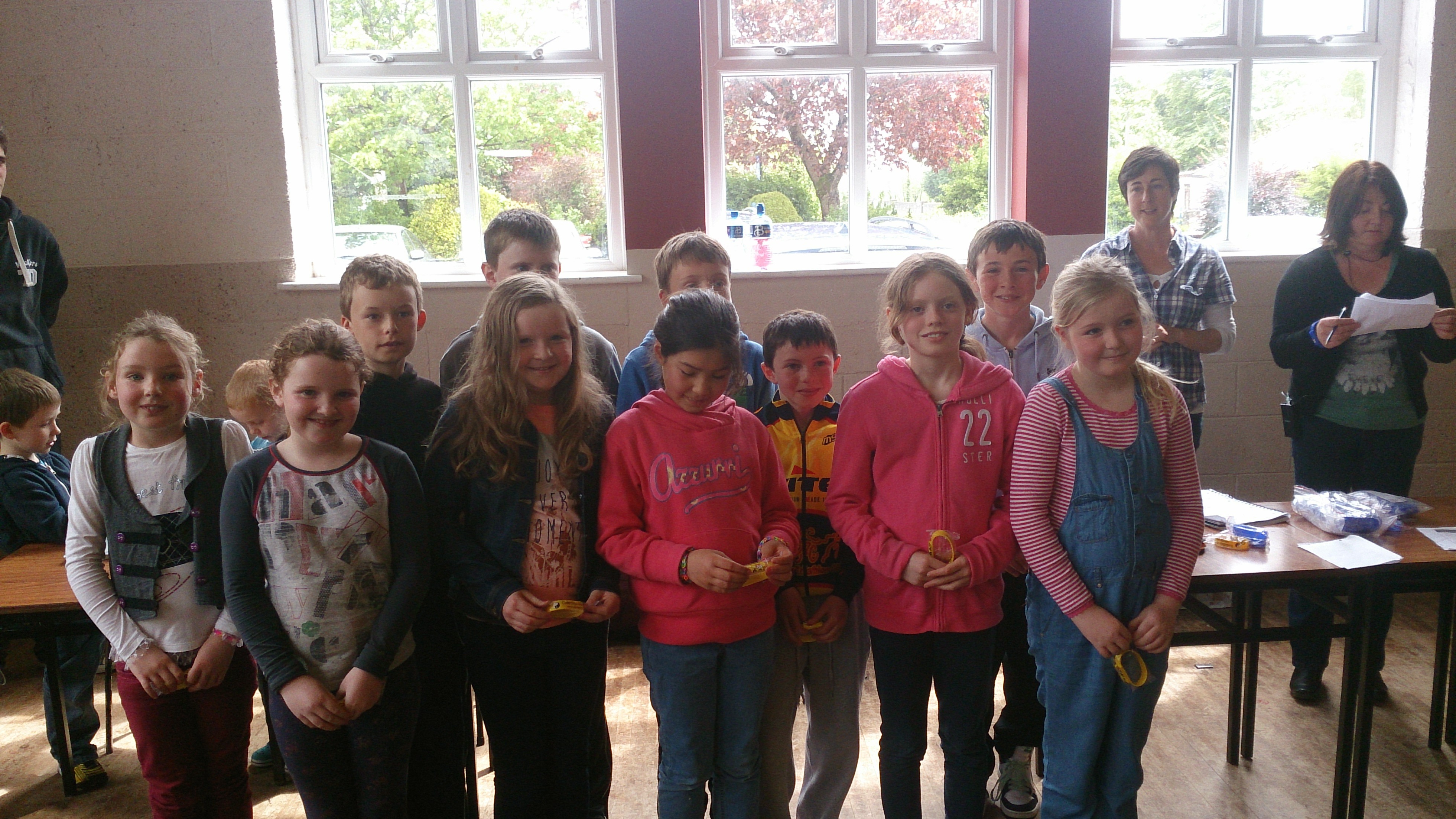 Scratch Beginners Yellow Belts
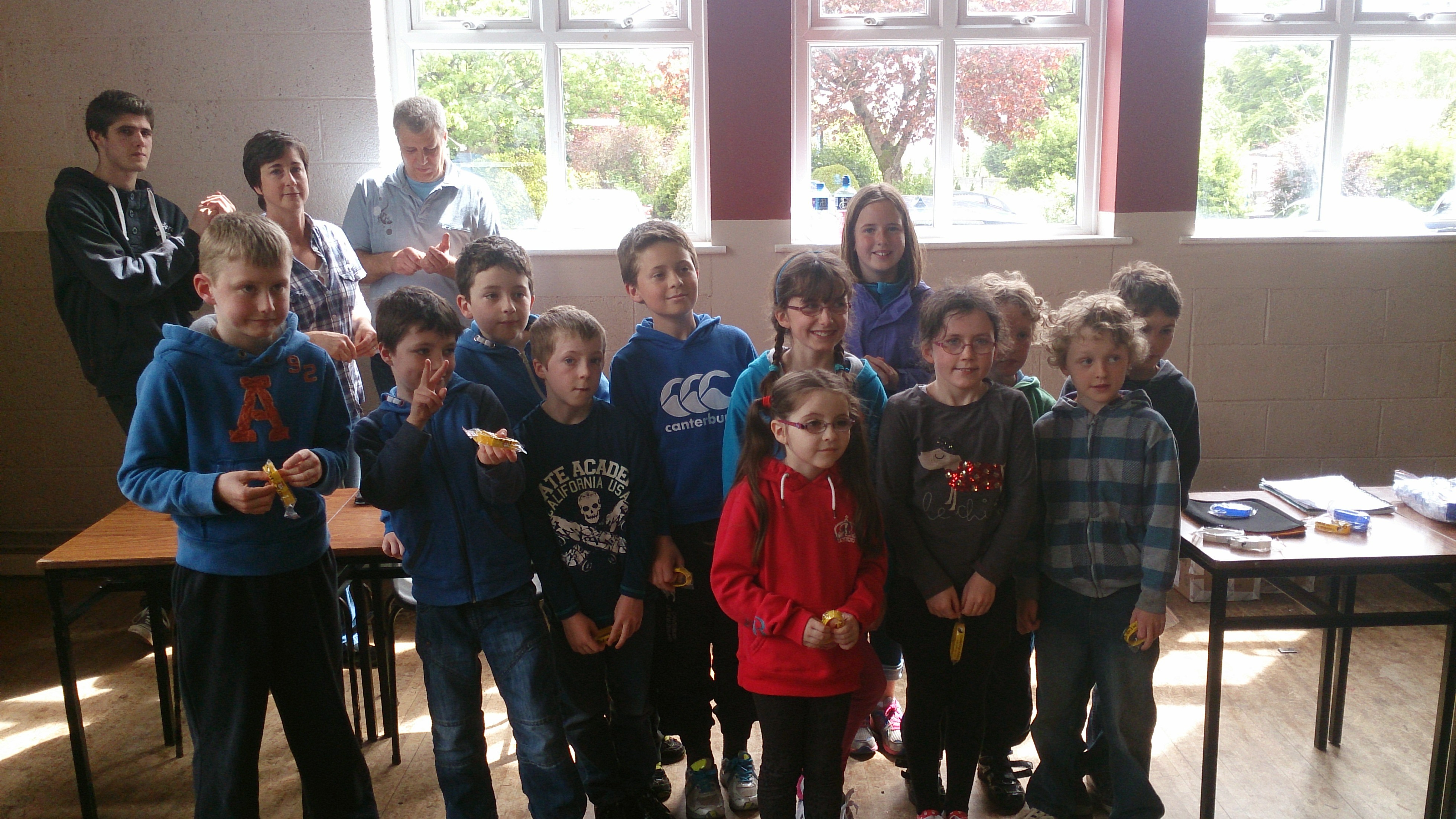 Scratch Beginners Yellow Belts
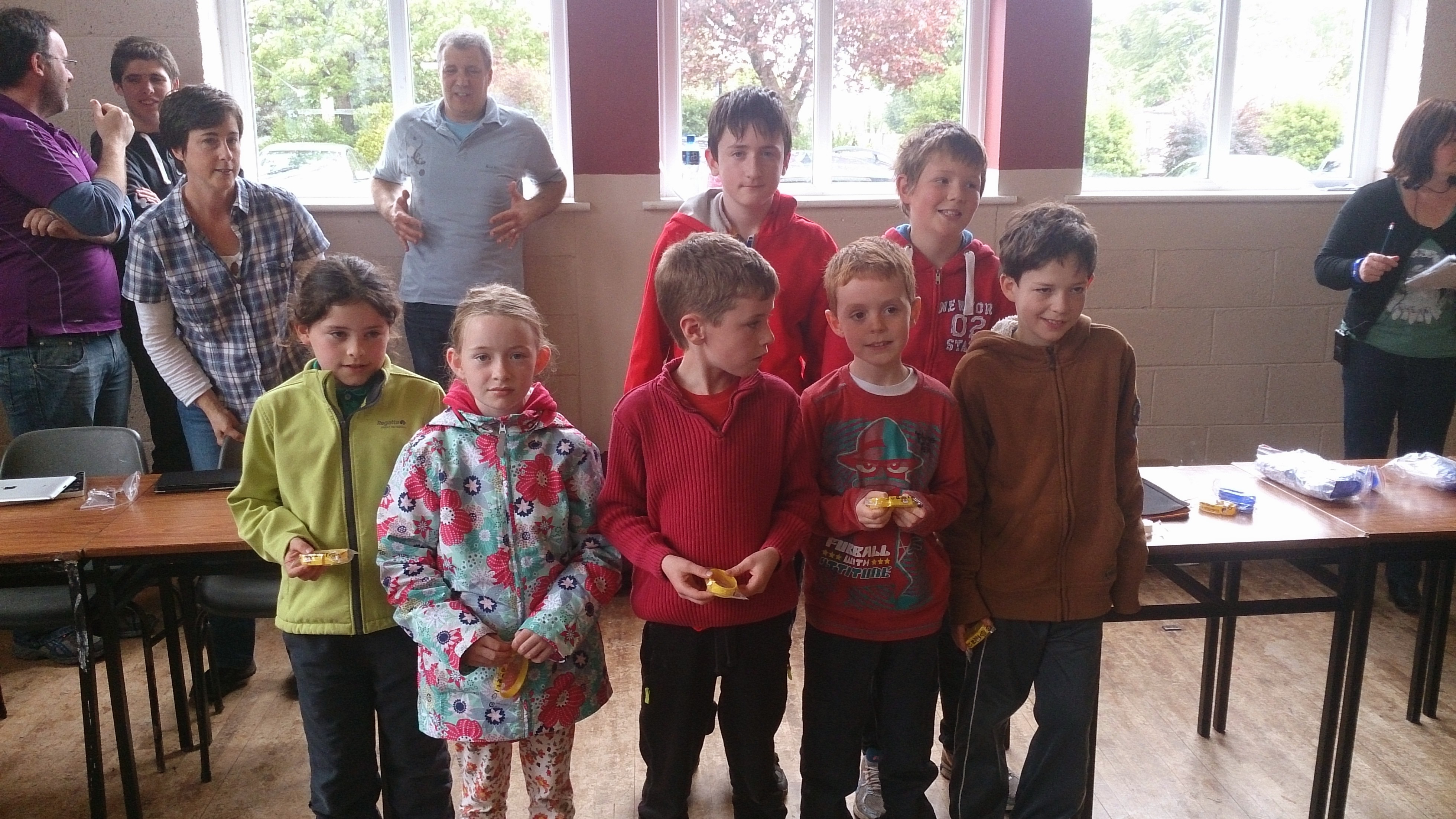 Scratch Beginners Yellow Belts
Scratch Beginners Yellow Belts
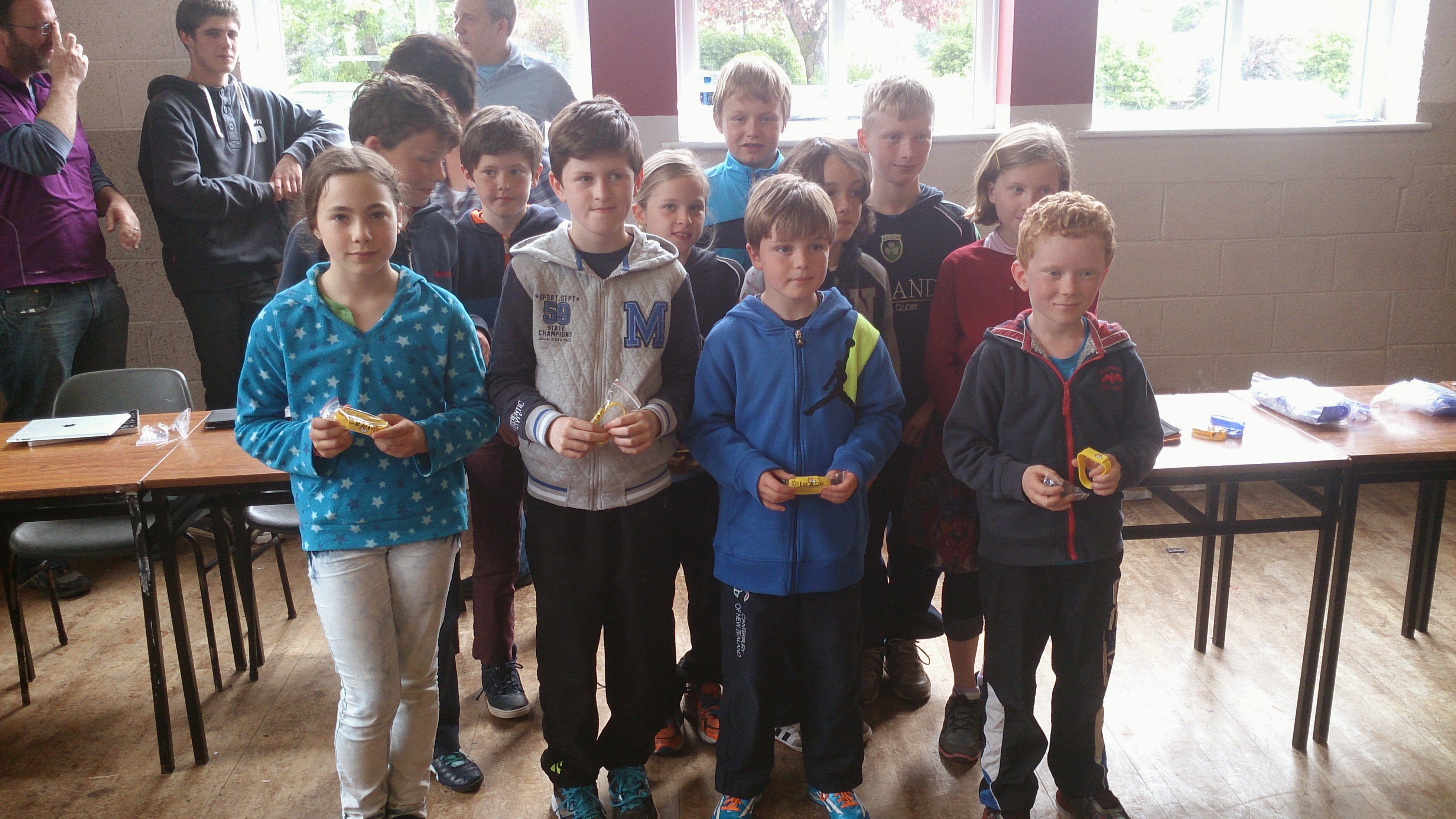 Scratch Beginners Yellow Belts
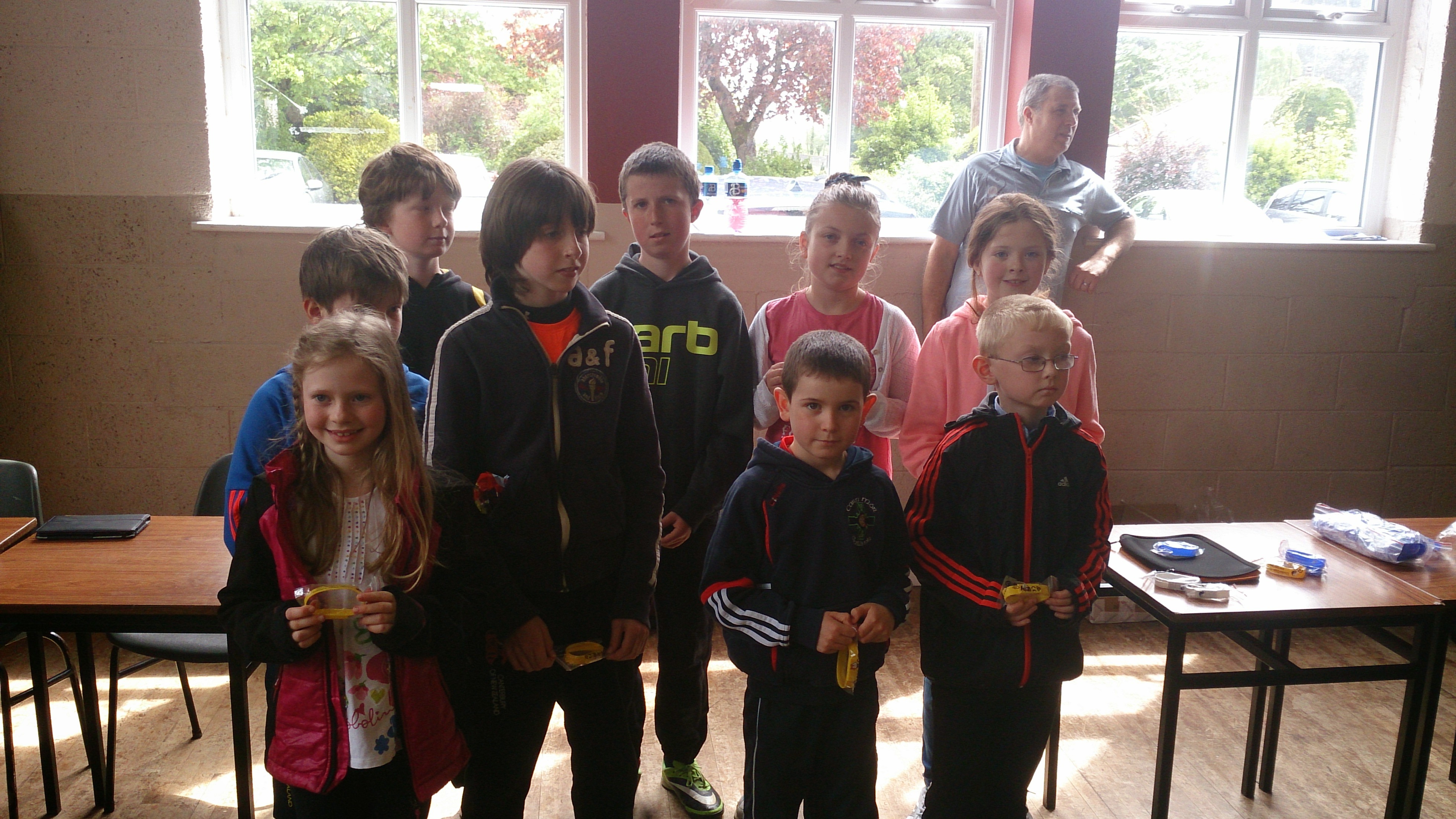 Scratch Beginners Yellow Belts
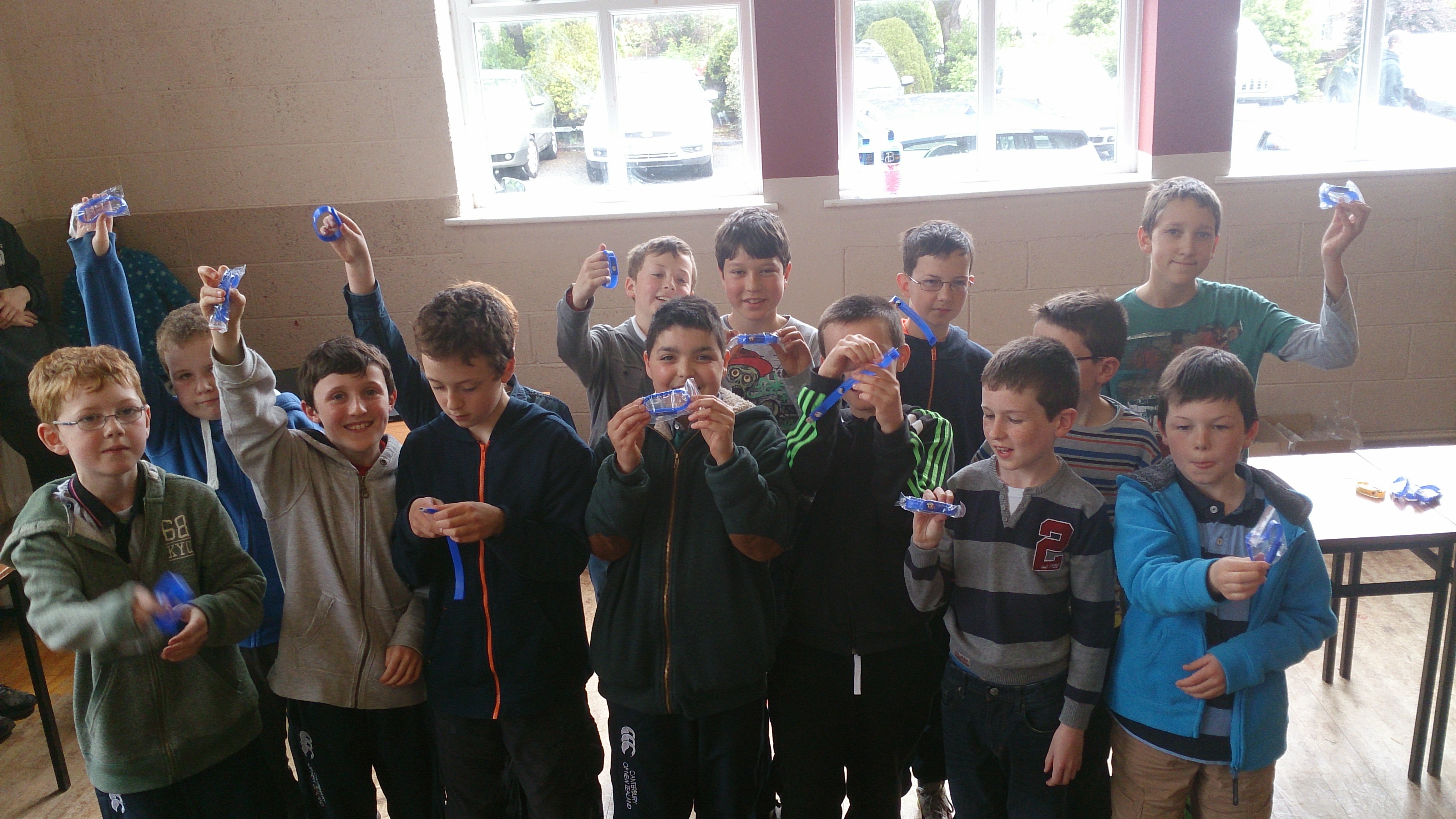 Scratch Advanced Blue Belts
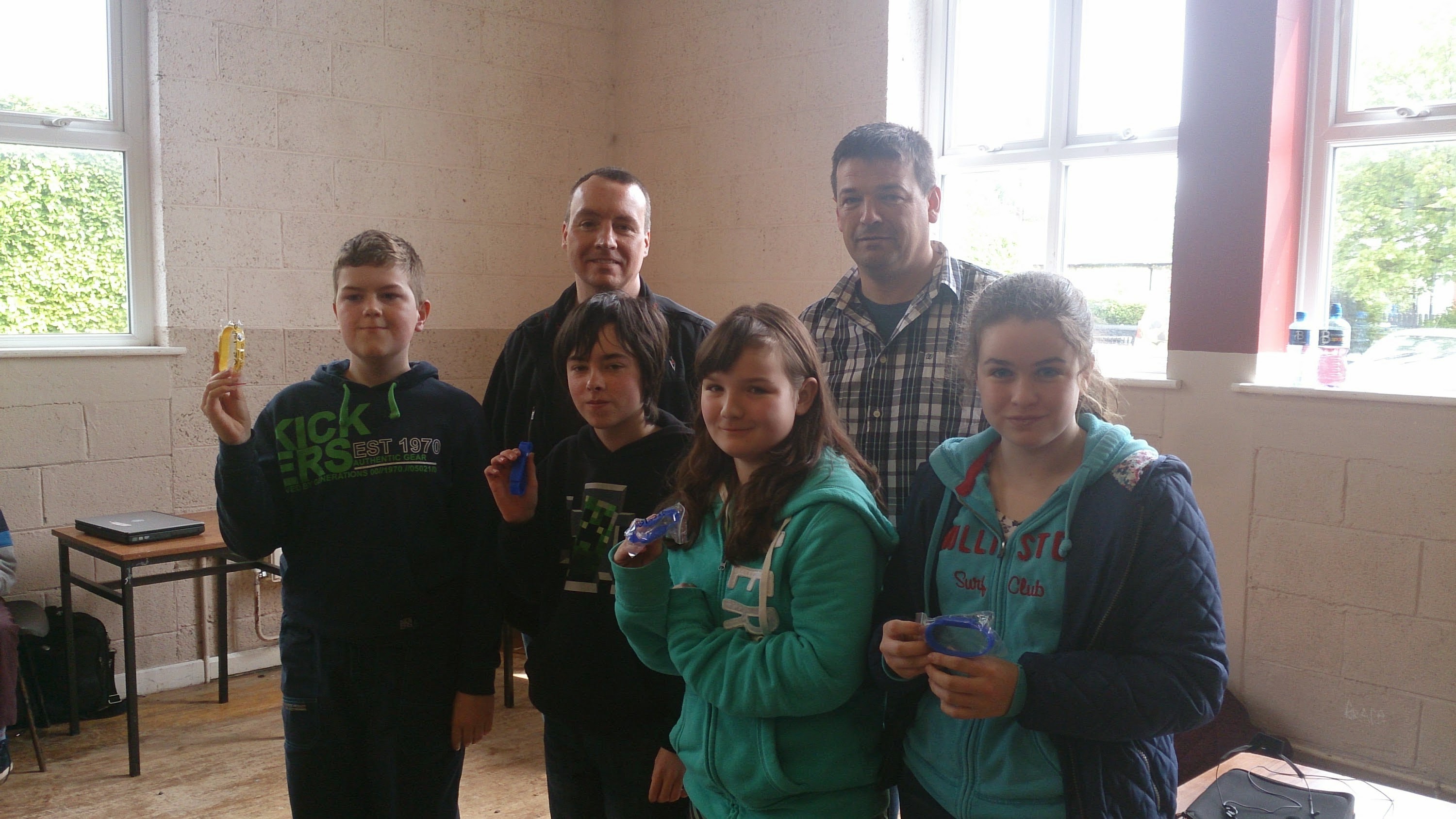 Python Yellow and Blue Belts
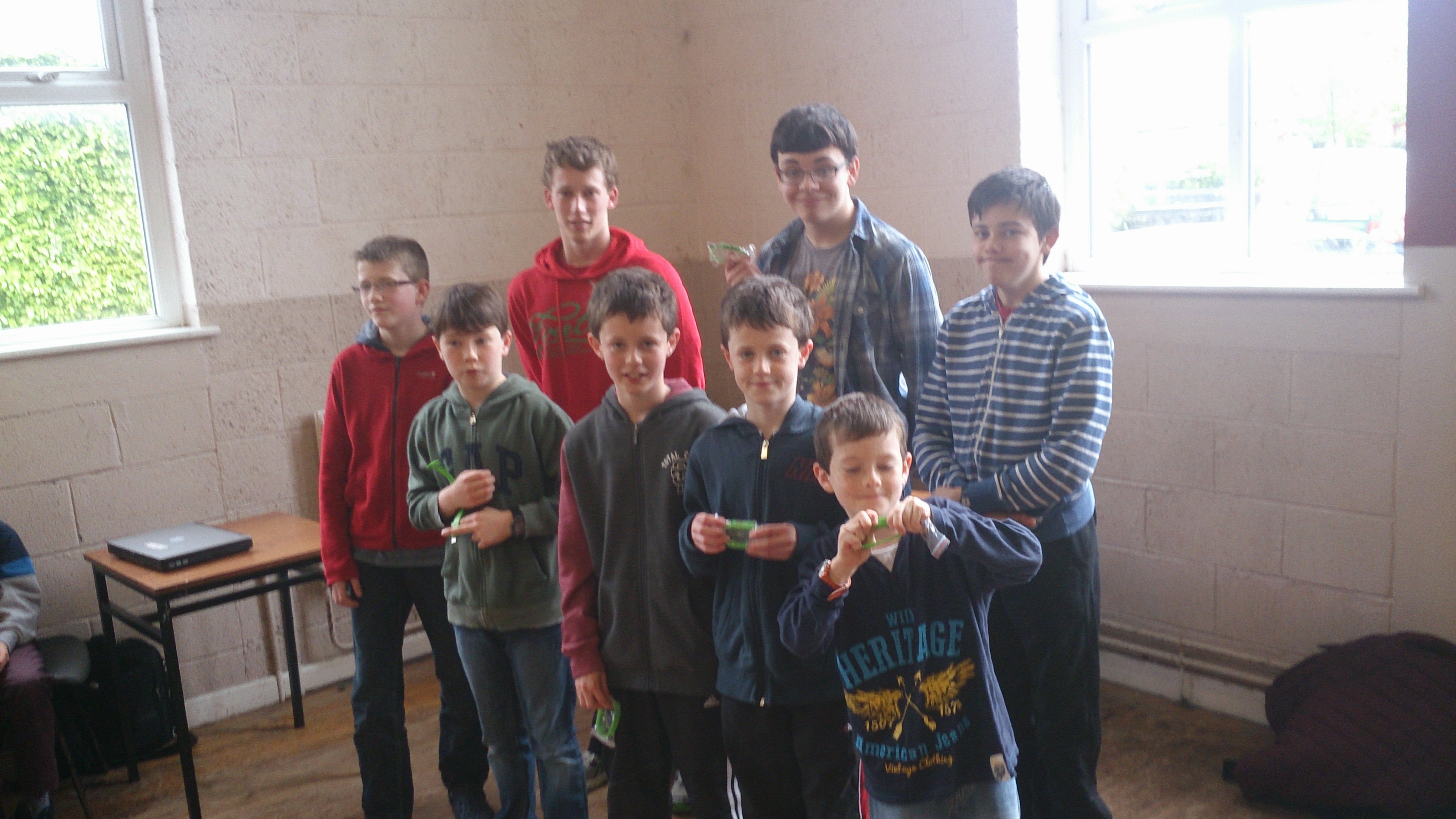 ModderDojo Green Belts
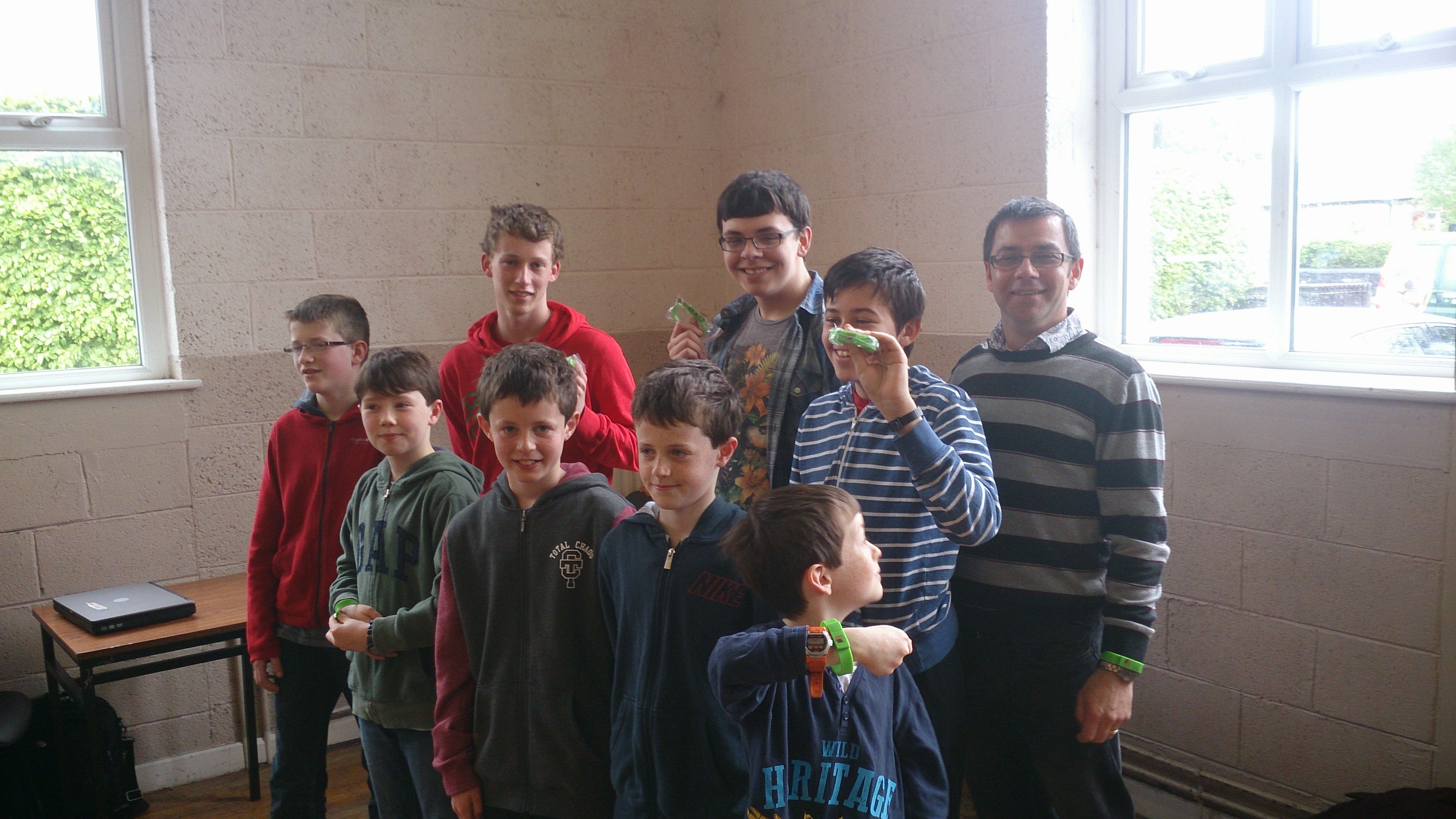 ModderDojo Green Belts
Congratulations to everyone, well done!
Our Forge Java Mods from ModderDojo Athenry
This is a set of Minecraft Java mods that we have built in ModderDojo, which is part of CoderDojo Athenry. Contact us on Twitter at @coderdojoathenr. All of these mods require Forge 1.7.2 or higher.
To install a mod, download the Jar file from here, then go to your %APPDATA% folder, then open the .minecraft folder, and place the Jar file in the Mods folder.
More Ways To Minecraft by Ruaidhri:
New items: blue, red and green lightsabers and a ruby. New recipes to create lightsabers.
Download: https://www.dropbox.com/s/sn5cxkobjsfmlix/more%20ways%20to%20minecraft-1.0.jar
Money Mod by Luke:
New items: multiple coins and notes and a credit card. New recipes to create one type from another.
Download: https://www.dropbox.com/s/8lhhj5rnjiy2agp/Money%20mod-1.0.jar
More coming!
App Inventor – Week 4 FavouriteBrowser
This week we will build an app has three buttons to launch our favourite websites.
- The app will consist of three buttons across the top. The buttons will launch the Google website, the YouTube website and our own Athenry CoderDojo website.
- We will also change the icon of the app from the default one supplied by App Inventor.

Getting started
Begin by dragging and dropping a HorizontalArrangement control from the Palette onto the screen. Rename this control to hsaButtons
Drag three buttons from the Palette and drop them onto the HorizontalArrangement control. Rename the buttons to btnGoogle, btnYouTube, btnCoderDojo. When dropping the buttons onto the HorizontalArrangement, try to ensure the buttons are overlapping. This will make sure they appear side by side.
Drag and drop a WebViewer control from the Palette onto the screen. Rename this control to wbvBrowser.
Creating the scripts
- Click the Blocks button.
- Select the btnGoogle Block.
- Select the “when btnGoogle.Click do” script.
- Select the wbvBrowser Block
- Select the “call wbvBrowser.GoToUrl” script
- Drag the “call wbvBrowser.GoToUrl” script and drop it into the “when btnGoogle.Click do” script.
- Drag a blank Text block and drop it at the end of the “call wbvBrowser.GoToUrl” script.
- In the blank Text Block type the full url of Google is http://www.google.ie
- Please remember to include the http://
- Test your app using an emulator or a mobile device

Launching the other web sites
- Repeat the steps above for the YouTube button and the CoderDojo button.
- The full url for YouTube is http://www.youtube.com
- The full url for the Athenry CoderDojo is https://cdathenry.wordpress.com
Changing the default icon
A number of web sites exist that allow you to use free icons. Today we will use http://www.iconarchive.com .
In this website you can search for your favourite icon.
- For App Inventor the recommended icon size is 48 pixels * 48 pixels.
- Save your favourite icon to your machine.
- In App Inventor click the Designer button.
- Upload the icon to your App Inventor project.
- Select the Screen1 component.
- Change the Icon property to the newly uploaded icon.
Please note: The new icon will only be visible when the app is installed on a mobile device.
Full steps are included in the following link
App Inventor Week 4 – FavouriteBrowser
CoderDojo Athenry Scratch Beginners Notes Used in AfriCoderDojo!
Recently, Eugene McDonough from the Hello World Foundation travelled to Nigeria to help start up a CoderDojo. To introduce groups to Scratch, he used none other than Martha Fahy’s Scratch Beginners notes from here in Athenry, beginning with the Jaws game that our Athenry ninjas will recognise very well!
You can read Eugene’s post here, and see if you can spot the Jaws game in pictures! http://coderdojo.com/news/2014/03/20/africoderdojo-nigeria-mentor-diary
And of course as described in the last CoderDojo Athenry post, our mentor Oliver Thompson from CoderDojo Athenry recently did a live link-up to mentors starting up a CoderDojo in Tanzania, to go through the notes with them and answer their questions: https://cdathenry.wordpress.com/2014/04/13/code-dojo-athenry-and-hello-world-foundation-helping-coderdojos-in-africa/
CoderDojo Athenry and Hello World Foundation Helping CoderDojos in Africa
Oliver Thompson, our lead mentor for the Scratch Advanced group in CoderDojo Athenry, recently did a live linkup to a new CoderDojo in Tanzania. Oliver’s notes on the experience are below.
Eugene from the Hello World Foundation (www.helloworldfoundation.com) originally contacted Michael from Coder Dojo Athenry (https://cdathenry.wordpress.com) with the fantastic idea of doing a Live Link up with CoderDojo Athenry, CoderDojo Limierick and new CoderDojos in Tanzania and Nigeria. Eugene would be traveling to Africa to help set up new CoderDojos.
Many emails and phone calls later we had a tentative arrangement to Link up on Saturday the 8th of March, with a dry run scheduled for the Wednesday the 5th of March at the School.
Ciaran of Gairmscoil Mhuire VEC Athenry kindly gave permission to use the school during school time for this dry run, many thanks to the school for this.
Anyway, a few more emails back and forth between Athenry and Tanzania, events began to conspire against us. Internet access was not going to be good enough, if it existed at all.
It was at this point that we hit upon Plan B, I would get into work early on Tuesday 4th of March and we would try the connection from there. I duly arrived at around 6:00 am and got everything set up. And nothing happened! I sent a few emails, wondering where people were, no response, so packed up all my equipment and went back to work. And then Eugene came back on line, we were on for the trial run.
Packed up my equipment again and back to training room.
I Connected the laptop to the overhead projector, started up the Scratch Presentation.
Next was the tablet for the Skype session. I had brought my tripod in as well and in the best frontier tradition tied the tablet to the tripod with a bit of elastic. But hey, it worked a treat.
The tablet was set up in front of the big screen on the wall that had the Scratch Presentation on, so for the people at the other end it just looked like they were at a lecture, with me in front of the slides.
At the other end we had George and Godfrey who are the chief mentors for the new CoderDojos being set up, as well as one or two other people.
The Presentation went really well, Skype worked a treat, George and Godfrey could see all the slides and any Scratch code that I was showing them, it was just like being present at a lecture. Sound was no problem, even from a small tablet.
We spent about an hour on Skype, going through the Presentation and also demonstrating the code through Scratch as well.
It was looking good for the Main Event on Saturday 8th at this stage and I was figuring out if there was any better ways of presenting, and also if I could find anything better that a bit of elastic to hold the tablet to the tripod.
Unfortunately though, we could not go ahead on the Saturday as the location that was being used in Tanzania for the CoderDojo Session did not have a good internet connection.
The trial run and he Skype session were definitely worth doing, at the very least it proved that with a little bit of ingenuity (and elastic) that with fairly simple technology, a laptop, projector and tablet and the wonders of the Internet and Skype it is possible to run training sessions anywhere in the World.
This really was a “Hello World” moment.
– Oliver.


 CoderDojo Athenry