Hi Folks,
We continued with Learn GDScript from Zero, completing lessons 10-17. We’ll continue with this next week.
If you want to practice or catch-up, the link is here: https://gdquest.github.io/learn-gdscript/

Hi Folks,
We continued with Learn GDScript from Zero, completing lessons 10-17. We’ll continue with this next week.
If you want to practice or catch-up, the link is here: https://gdquest.github.io/learn-gdscript/
Hi folks, this week we started our first project. We have a truck that can drive down a road, avoiding obstacles, or maybe not!
We created a new project in Unity, using the default 3D Core template, and called it Prototype 1.
We then downloaded and imported the assetpack from here: [Creators Teams Channel]
The asset pack already included an existing scene, which had a simple environment already. We them dragged in a vehicle and obstacle from the imported assets. Imported assets aren’t just models; they can contain Unity obstacles, such as colliders, already.

To make the truck move, we made a new C# script called PlayerController. The new C# files Unity creates always look the same (apart from the name of the Class, which matches the new file name):

We added the following code to the Update() method to change the transform of the vehicle:
    // Update is called once per frame
    void Update()
    {
        //  Move our vehicle forward
        transform.Translate(0, 0, 1);
    }
The Unity scripting documentation can be found:
https://docs.unity3d.com/ScriptReference/index.html
and the specific page for the Transform component is:
https://docs.unity3d.com/ScriptReference/Transform.html.
This method on the Transform component that we’re calling, Translate() has several forms. The one we’re using here expects us to provide X, Y, Z values. What we’re saying we want to happen is “Change the transform by moving it 1m in Z every frame.
When we run, the car moves very fast off the end of the road. That’s because we’re running at many frames a second. It’s too fast. Next week, we’ll look at making this frame rate independent and controlling the speed.
Finally, I’ve created a GitHub repo for our projects this year. Up-to-date versions of our projects will always be available here after our sessions: https://github.com/coderdojoathenry/Creators-2022
Hi Folks, thanks again for a fun and productive session. My video notes are below.
Here’s a link to the folder where we’ll be saving all our files this year as we progress. At the moment there is one folder and one file, but we’ll keep adding stuff week-on-week.
Hi everyone
This week we finished our game from last week, Breakout!
Now there were a lot of complex ideas, rotations, degrees and we created two variables.


Here are the notes in PDF from CDA-S8_Week 1_20-Breakout.pdf
If you want to upload your own game, log in with the following details on http://www.scratch.mit.edu
Username: cdathenry1920
PSW athenry1920
Here is a link to the finished game that I have uploaded to the scratch website
https://scratch.mit.edu/projects/362453265
Hi everyone,
Great to see you all yesterday and I hope you enjoyed creating your first game in scratch.
its important to take a moment to make a plan, in the long term it will save you time if you have a clear idea of what you want to create.

I didn’t make it easy on you and we went straight into learning about variables to create our score and lives.

I saw some fantastic games around the room with Dinosaurs and Doughnuts and Unicorns, much better ideas than I could ever come up with.
I gave you the option of whether you wanted to add a time or not. It is a piece of could yo can add to any of your games as it can add a sense of tension or urgency to a game.
Here are the notes from this week in PDF CDA-S8 Week_03_BallonNinja.PDF
Thanks again for coming and see you next week.
Martha
Julie, Iseult, Eoin and Ruaidhrí
Hello everyone,
Thank you all for coming again this week. Today we started looking at the Scratch 3. We had some small issues saving but hopefully all these little issues will get sorted with updates over the next couple of weeks.
This week we did a simple Piano so we could familiarise ourselves with it.

We only had to draw two keys, and then could duplicate these and change the names. The same applied to the code. The code is the same for each key apart from one small change so the note is the appropriate for the key.
REMEMBER! You need to make four changes each time you duplicate:
Change the name of the spite to the next Note
Change the name of the TWO costumes
Change the NOTE played


Here are notes from this week in PDF cda-s8-week-2-19-piano.pdf
Martha
Julie, Ruaidhrí and Eoin
Hello again everybody.
This week in the Bodgers group we started working on our code for the Mission Zero Challenge.
We began by writing a simple text message on the 8×8 full-colour LED display, then we changed the text and background colours. We then coded a picture by assigning a colour to each of the 64 LEDs on the display. We finished the session by taking a quick look at using the temperature sensor to read the temperature. Here are my slides from this week day 2.
Next week we will recap what we covered this week and we will start to personalise our code for the challenge.
In the meantime, here’s a couple of fun videos on how the Astro Pi computers got to the ISS.
See you all next Saturday
Declan, Dave and Alaidh
Hi everyone,
It was great to see such a big turnout on Saturday for our first full session. A special welcome to our Ninjas and thank you to the parents who attended with them.
I started off this year with a session that let you you see where some of the coding blocks can be found and how we can use them.
Using the Letters (Sprites) in the library, we wrote a word. Most people used their name.
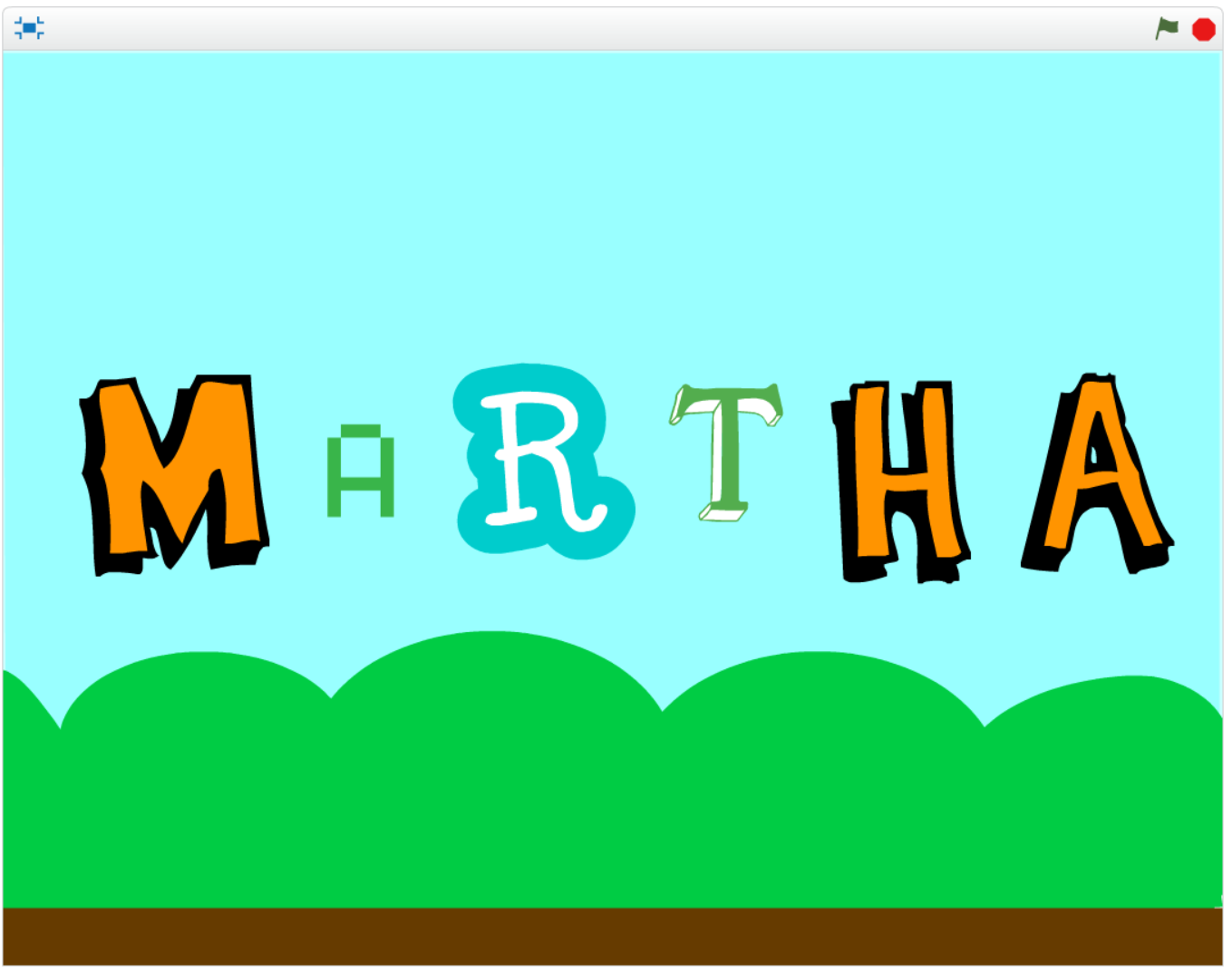
We took each letter and used code from different sections of the palette of code.

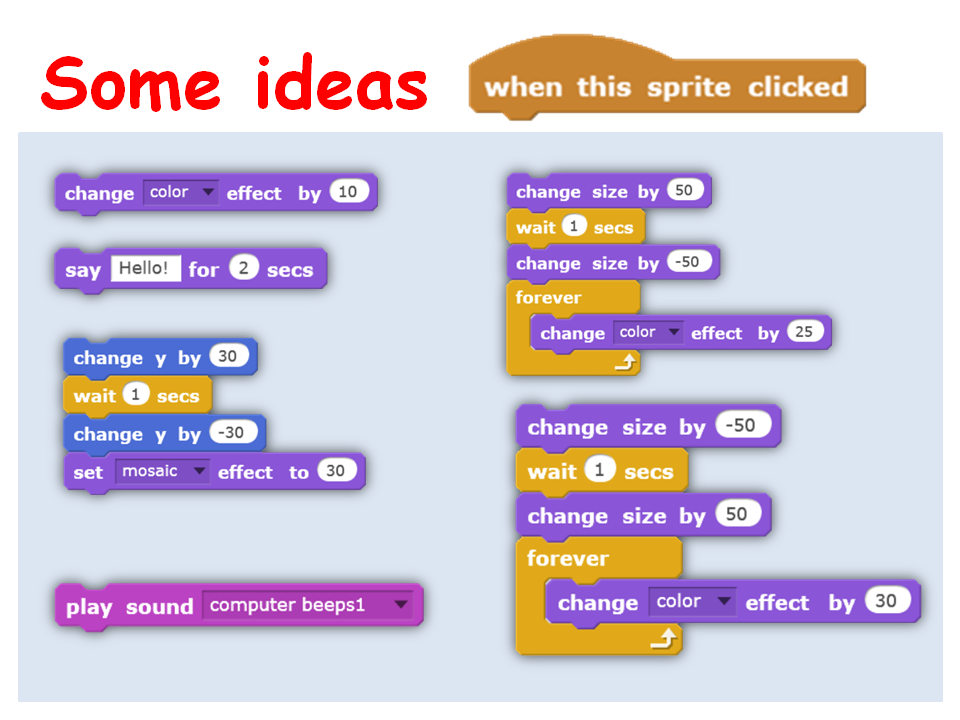
For my First letter, M, I decided that when this Letter (Sprite) was clicked, that it would change colour. Experiment to see what happens when you change the number!

We used a different piece of code for each letter. Remember, you can use as many blocks of code as you want. A letter could change colour, size, move and talk! all at the same time.
Here are some more ideas of what you could do.
 Here are my full notes from this weeks session in PDF CDA-S7 Week_02-YourNameinLights.pdf
Hope see you all next week. Have fun coding!
Martha

Today in Creators, we built on our HTML example of last week and added in some Javascript so we could start coding. We then learnt how to separate our javascript into different files and folders. At the end of all … Continue reading
Hi everyone!
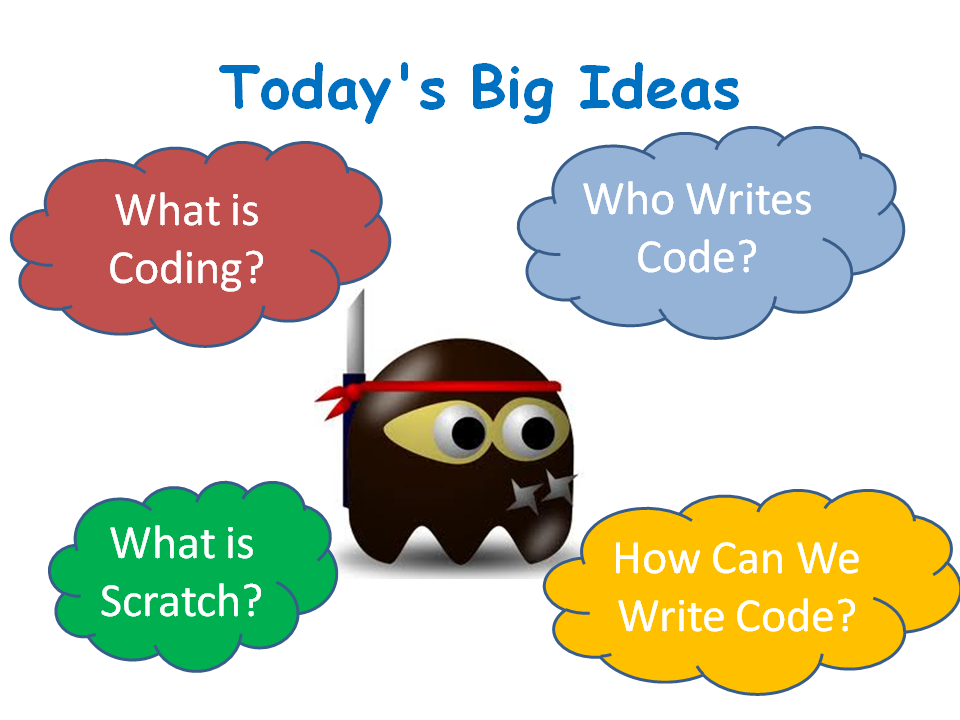
Wow! what a fantastic turnout on Saturday for our first week back this year. We had our highest recorded numbers in the Dojo this week. 245 Ninjas and Parents, incredible.
Our little old room had 130 alone, so probably over 80 of you Ninjas came to start coding and make your first game. I hope you had a good time, I know that I really enjoyed it. There was a really great atmosphere and energy in the room.
I am attaching my notes in PDF for you. CDA-S6-Week_02-FirstGame
Please take a look at them as they contain details on each of the palettes that we didn’t go into fully on Saturday. It also contains all the code for each sprite in case you missed any part.
We will continue to add to the game next week but don’t worry if you weren’t here this week, I will have a copy of the game so that you can join in.
Don’t forget, anyone can join at any stage, let your friends know how much fun your are having.
See you all next!
Martha
 CoderDojo Athenry