Hi folks,
This week we’ll start off by working on learning Godot’s GDScript language using this online resource:
https://gdquest.github.io/learn-gdscript/

Hi folks,
This week we’ll start off by working on learning Godot’s GDScript language using this online resource:
https://gdquest.github.io/learn-gdscript/

Hi folks, we kicked off our Creators group for 2023/2024 today. The slides from today’s session can be found here:
CoderDojo Athenry – Creators – Session 1.pptx
For next week, please try to use one of these files:
to document your game idea. Remember that we don’t need a timeline, just the game concept. These files are just templates, so feel free to add anything you thinks is important and to ignore or delete anything you don’t think is important.
You will need to be connected to Microsoft Teams to download these files. Once you’re successfully connected to Teams, remember to say “Hello” in the 2023 Say Hello channel.
Also try to have Blender installed before next weeks session. This will avoid problems with passwords/IT locks/etc. Blender can be downloaded here.
See you next week!
Here are links to a few resources we’re going to need this year:
You are going to need an email address so you can register for Unity and Microsoft.
Unity:
https://unity3d.com/get-unity/download
Install Unity Hub. Create a Personal account. Install the latest standard version of Unity version 2021.3. Include Visual Studio.
Click on the link. Log-in to your Microsoft account, or create one if necessary.
Hi Folks,
Great to be back. Here’s a video reviewing the content from week 1. It’s for those who missed the session or just want to refresh the content for themselves.
See you all again on Saturday.

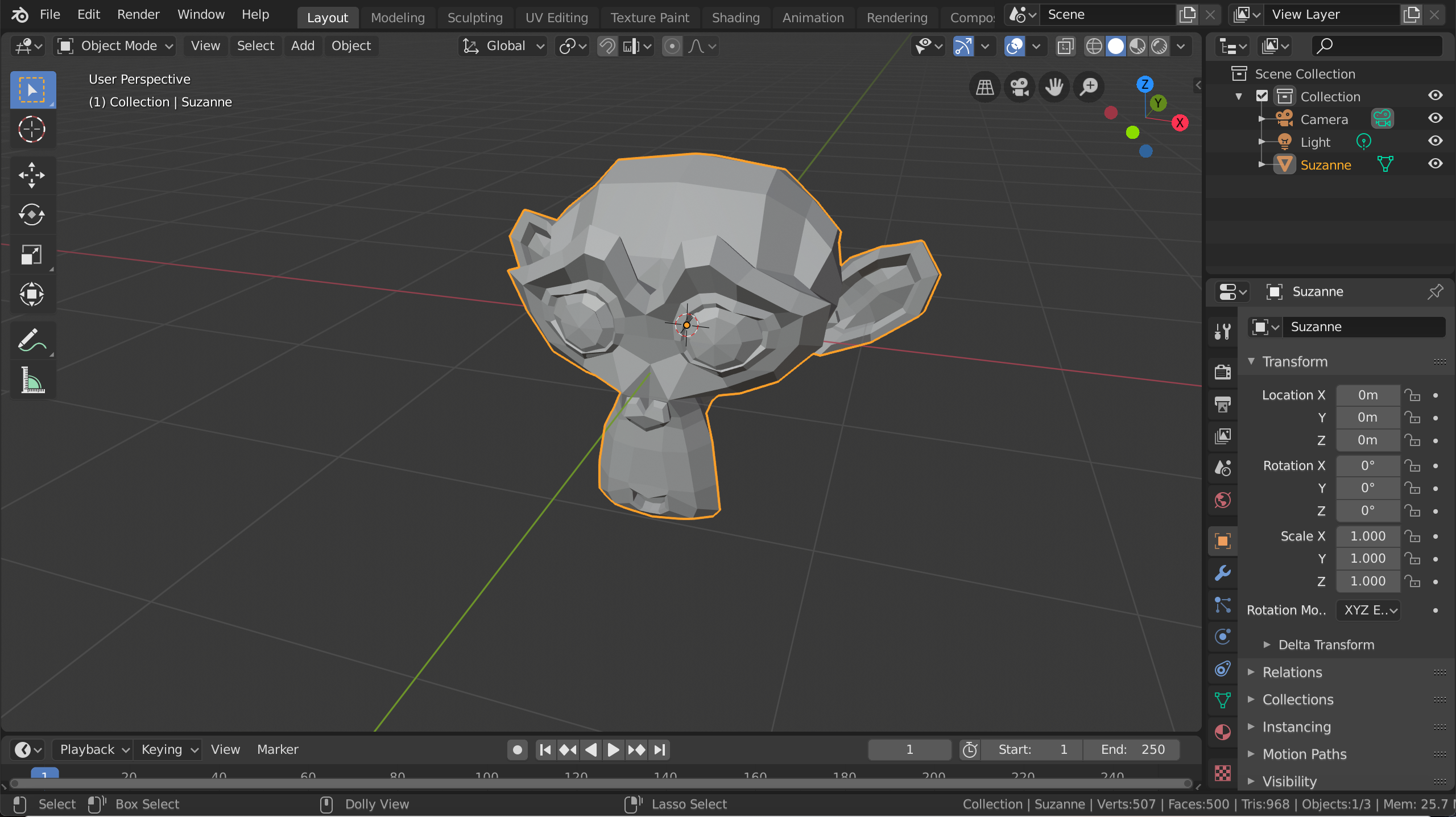
Hi folks and welcome to our new group, Modellers. This year we’re going to be mainly looking at the 3d modelling package Blender Version 2.80.
Blender can be installed from: www.blender.org. Please note that it requires OpenGL Version 3.3 or higher and as a result may not work on some older machines
This week we learned:
We also gave out copies of a very convenient Blender Infographic which can be found here.
Hello everyone
Welcome to Coderdojo Athenry and the Explorers group! It was great to see so many new faces on Saturday and of course I’m always delighted to see those you are back for another year!
We just spent a short time familarising our self with Scratch and where we can find the code and some small examples od how we can use them. We will start a new game this coming week and will jump straight in using variables, loops and decision statements.
Here are the notes from last week. CDA-S8 Week_02-YourNameinLights.pdf
Martha
&
Julie, Iseult, Cara, Ruaidhrí and Eoin
This week we got things off to a flying start with Bodgers Bingo where the Bodgers had to look out for various phrases as I went through a very long slideshow that introduced them to what we do in the Bodgers group, it went very well with lots of Starburst and Chewits for everyone. My slides are here Day 1 (PDF).
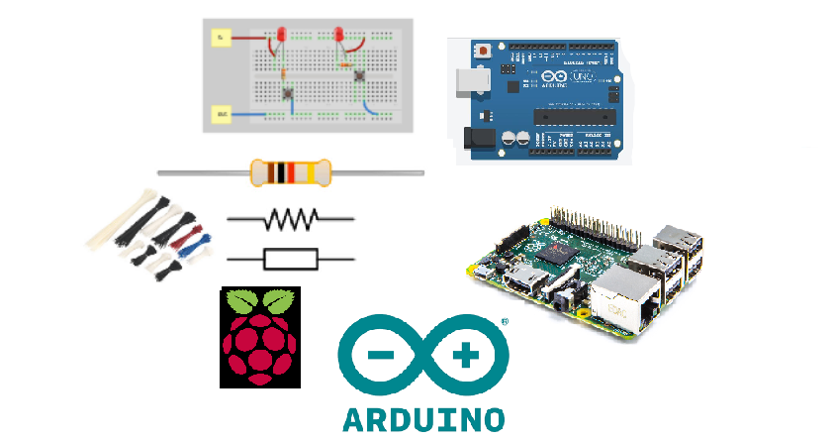
We are going to start of the year by working on the Astro Pi Mission Zero Challenge in which the Bodgers will use a Raspberry Pi Sense Hat to write a greeting and display the temperature inside the International Space Station to the astronauts on the ISS. Here are the guidelines for Mission Zero Astro_Pi_Mission_Zero_Guidelines_2018_19 (PDF).
If you’re interested in buying a Raspberry Pi I’d recommend the following sites:
For electronics components and for breadboards etc. I’ve found https://www.bitsbox.co.uk/ are good value, they also do cheap Arduino clones.
That’s all for this week, we’re really looking forward to next week.
Declan, Dave & Alaidh
Hi everyone,
Thanks to everyone who came yesterday and special welcome to our new people. Thank you all for your patience with the projector!
This week we did a game based on an old game called Breakout.
The object of the game is to try and get rid of all the blocks by bouncing a ball into them using a bat of some type. You all had your own versions of what you wanted the game to look that and that’s brilliant, your imagination is way better than mine.

The first thing we did was design your bat and write some code to control it. We decided that the mouse should control the movement and that the movement should be only from left to right and vice versa.
 The rest of the code and notes for the game can be found here in PDF CDA-S7-Week_01_18-Breakout.pdf
I have also uploaded the finished game to the Scratch Website if anybody wants to take a look at it or for anyone that wasn’t there on Saturday. I will go through it at the beginning of next weeks session if anyone has any questions.
You will find the login details for our account on the Scratch website in the notes above.
See you all next week and have a great week.
Martha

Understanding the internet! There was great excitement in CoderDojo Athenry as we got started in the creators group. This week we started off by chatting about the internet and talked about how it actually works – we learned: That “Servers” … Continue reading
Hi everyone,
We had a great crowd for our first session in our Explorers group. A big welcome to all our new Ninja’s and of course a special welcome back to our younger Ninja’s from last year, who are still with us.
Thank you all for coming and for your patience while we got everyone sorted out with downloading Scratch 2.
We started today with our first game, as well as learning how to write commands to move our sprites, we took a brief look at the interface for Scratch 2.

We also took a first look at some fundamental concepts that we will be using throughout the year. Today we looked at the X and Y axis as well as the number of degrees in a circle.

Here are the presentation slides from the day, in PDF format: cda-s6-week_02-firstgame.pdf
I hope you all enjoyed today and hope to see you all again over the next couple of weeks!
Martha
 CoderDojo Athenry