ModderDojo Topic 1: Getting Started with ScriptCraft and JavaScript

Slide1Welcome to ModderDojo Athenry!

(Notes updated September 2015. Previously used the CraftBukkit server, now using Canarymod.)

This stream is aimed at older & more experienced ninjas, mainly in secondary school, who:

  • Know how to program in some language (e.g. a blue belt in Scratch)
  • Already use the PC edition of Minecraft
  • Know how to edit file and know your way around your computer’s filesystem
  • Ideally have already installed a mod yourself

Plan for today:

  1. Install a Canarymod server (a Minecraft server that is designed to be better to extend than a standard Minecraft server)
  2. Install ScrptCraft, a Mod for Minecraft (built with Canarymod) that allows you to write programs to build objects in Minecraft
  3. Try out some ScriptCraft commands
  4. Write our first mod or two in ScriptCraft

In future weeks, we’ll figure out more about the JavaScript language, which is a popular programming language that is often used in web programming.

Step 0: Prepare

Before you start, you’ll need a programmer’s editor and a zip program. I recommend:

You’ll also need to run Minecraft and the server on your own laptop or pair up with somebody.

Steps 1 and 2: Install Canarymod Server and ScriptCraft

Instructions here: https://github.com/walterhiggins/ScriptCraft/blob/master/README.md

I’ll have files pre-downloaded on a USB flash drive to save time.

We’ll edit the properties file to specify a flat world, creative mode, and give the world a name.

Either follow the instructions linked above to install everything from scratch, or these instructions ot use my pre-=built server:

  1. Download the Canarymod/ScriptCraft server (a single zip file) here:
    https://www.dropbox.com/s/d1af5njm7t732n0/ScriptCraft-Sep2015.zip?dl=0
  2. Create a folder, e.g. C:\ScriptCraft
  3. Move the downloaded zip file into the folder and unzip it
  4. Run canarymod.jar to start it
  5. If Java is not installed, you will need to download it from http://www.java.com

You should then be ready to try out ScriptCraft.

Step 3: Try out ScriptCraft

Run Canarymod (with ScriptCraft already installed).

Then start Minecraft. Important: you will have to run the Minecraft version that matches your version of Bukkit (e.g. 1.8.8)

Choose to directly connect to a server and enter localhost – if you’re connecting to a friend’s machine, you’ll need to connect to their IP address.

To run ScriptCraft commands, you have to be an op. In Canarymod window, type op <username> to op yourself.

In Minecraft, type /js echo(“hello world”) and check that it displays the message: if so, you have it installed correctly.

Next Steps …

Information about the 2014-15 Season at CoderDojo Athenry

2014-overview

From Saturday 11 Oct 2014, we are starting a new season of CoderDojo Athenry, at our usual time and place. (The Saturday before, on 4 Oct, we will be having an introduction session for new mentors and other volunteers.)

Here is a the overview presentation (PDF): 1-CoderDojoAthenry-InfoSession-2014-Sept

This season, we will have the following streams:

We look forward to seeing you there!

–  Michael and the CoderDojo Athenry mentors.

CoderDojo Athenry: Information & Registration on 27 September 2014

restart


If you would like to find out more about CoderDojo Athenry, please come along to Gairmscoil Mhuire VEC School in Athenry at 12:00 on Saturday 27 September 2014.

We will provide information for new members and will have registration forms that you can fill out. Existing members don’t need to re-register and don’t need to attend the information session, though they are always welcome.

The following week, 4 October, we will have an information and training session for new mentors and volunteers.

Normal CoderDojo sessions will start up on 11 October, same time and place, for new and existing members. We will post notes on this website and circulate links to the members.

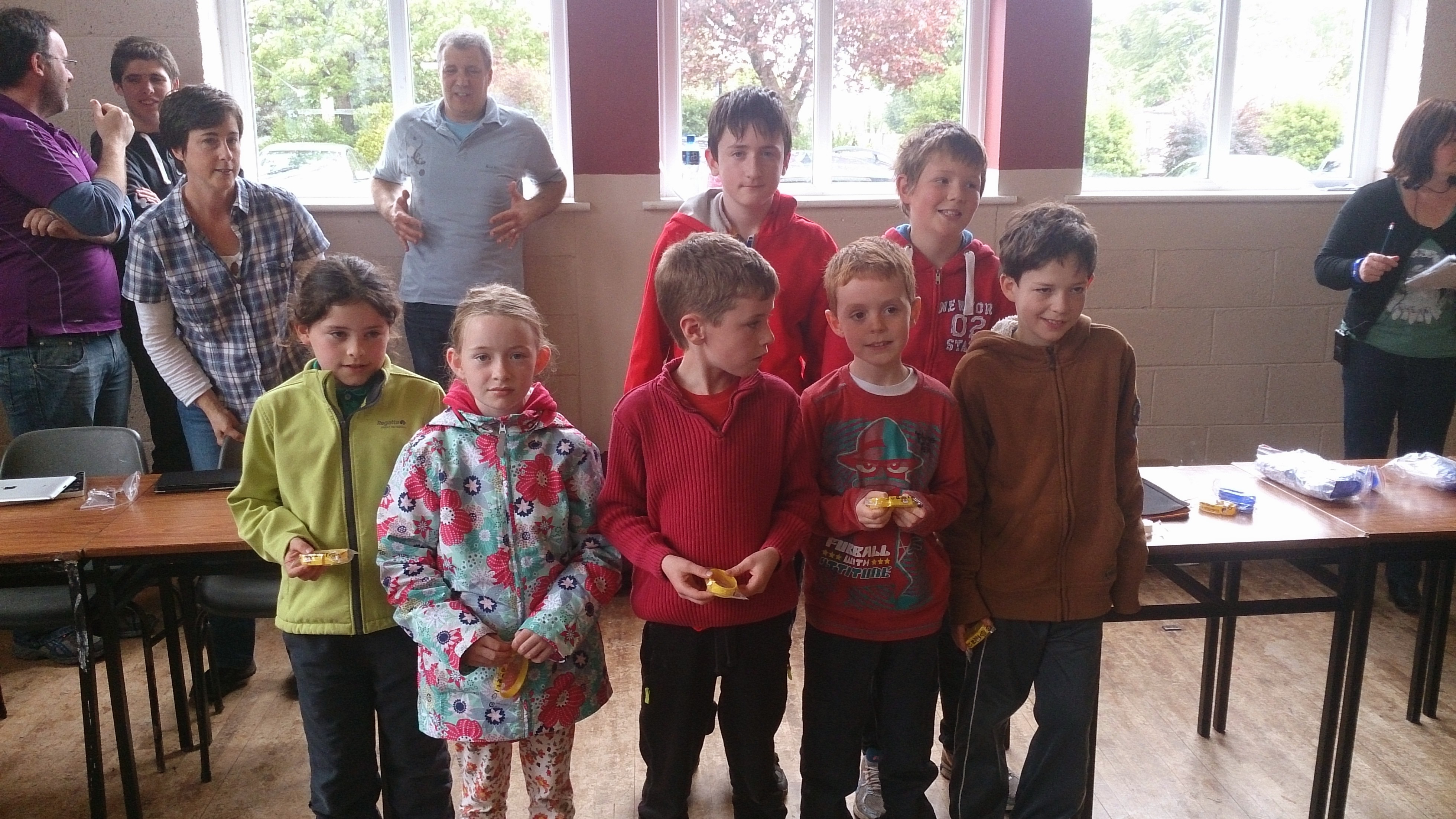
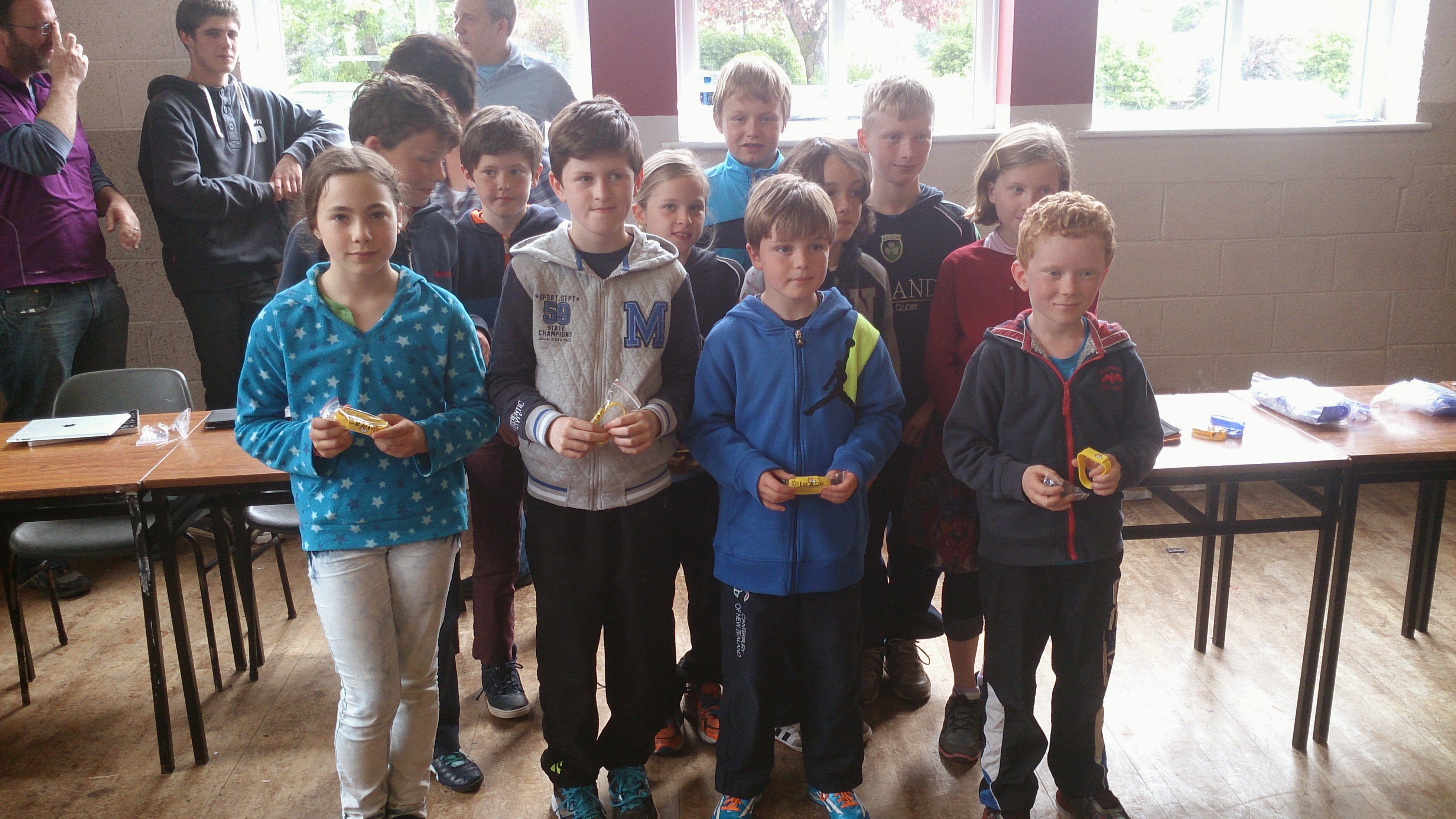
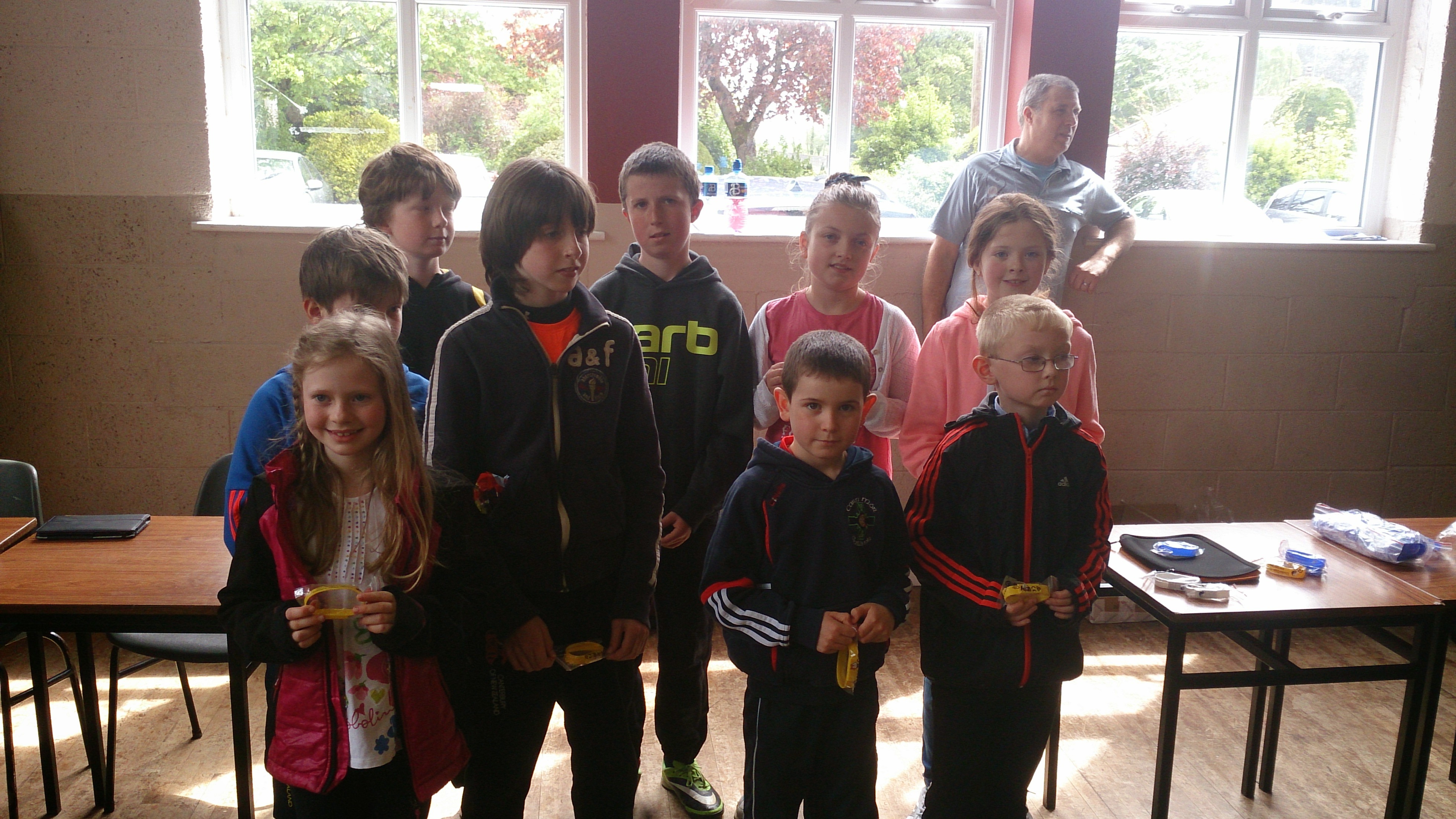
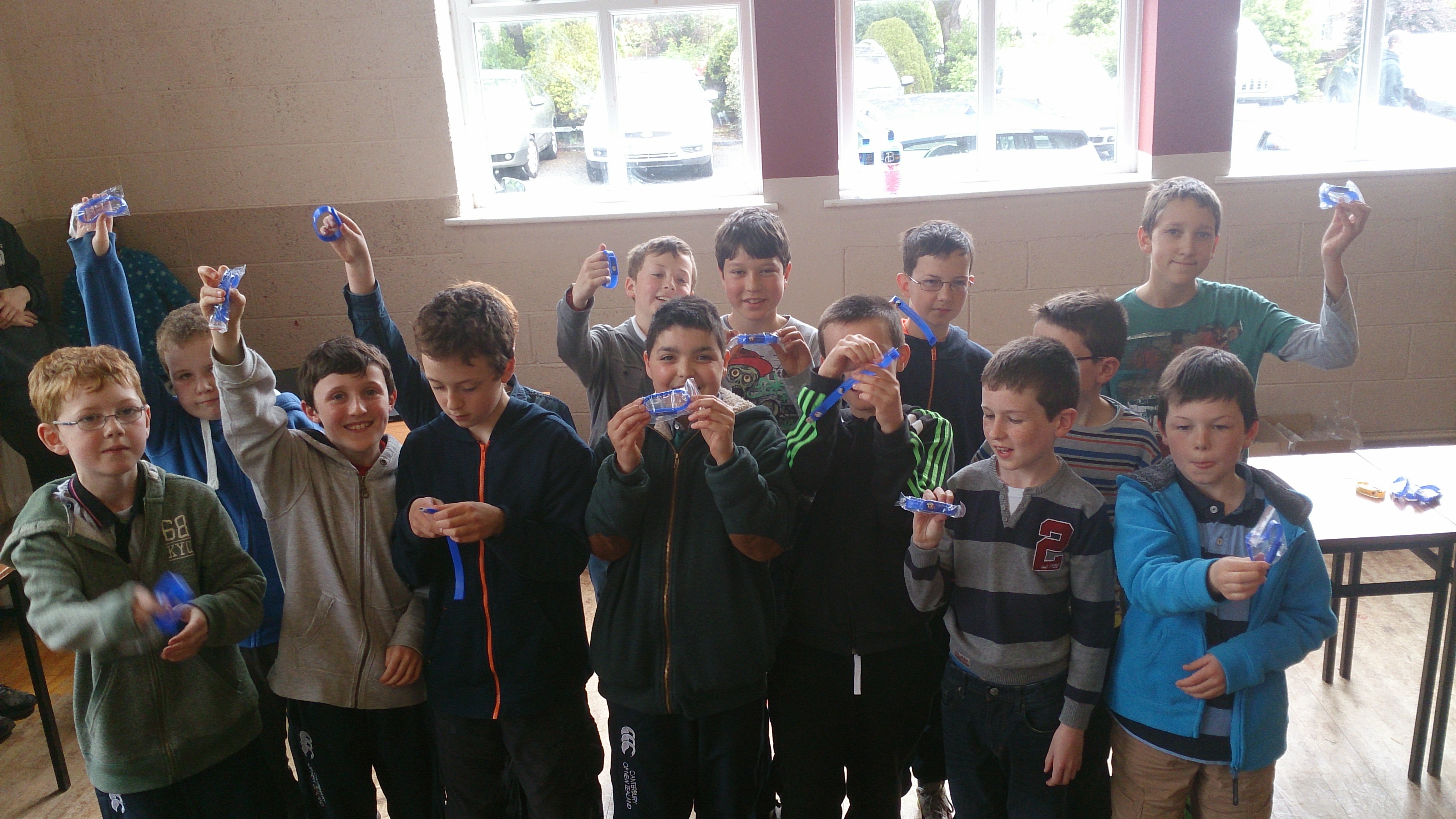
CoderDojo Athenry Belts Awarded May 2014

BeltsMay2014b

We awarded a record number of 87 belts at CoderDojo Athenry in May 2014:

  • 3 White belts for ongoing participation
  • 55 Yellow Scratch belts for competent  coders
  • 15 Blue Advanced Scratch belts
  • 1 Yellow Python belt
  • 3 Blue Python belts
  • 10 Green Minecraft Modding belts for creating and ublishing Java/JavaScript mods online

In keeping with the CoderDojo ethos, these belts were earned by our young people meeting agreed standards in different coding disciplines. Belts are not for winning competitions against each other, but celebrate personal achievement, and are never given away without being earned.

Congratulations to all the young people who earned their belts!


CoderDojo Athenry Belts

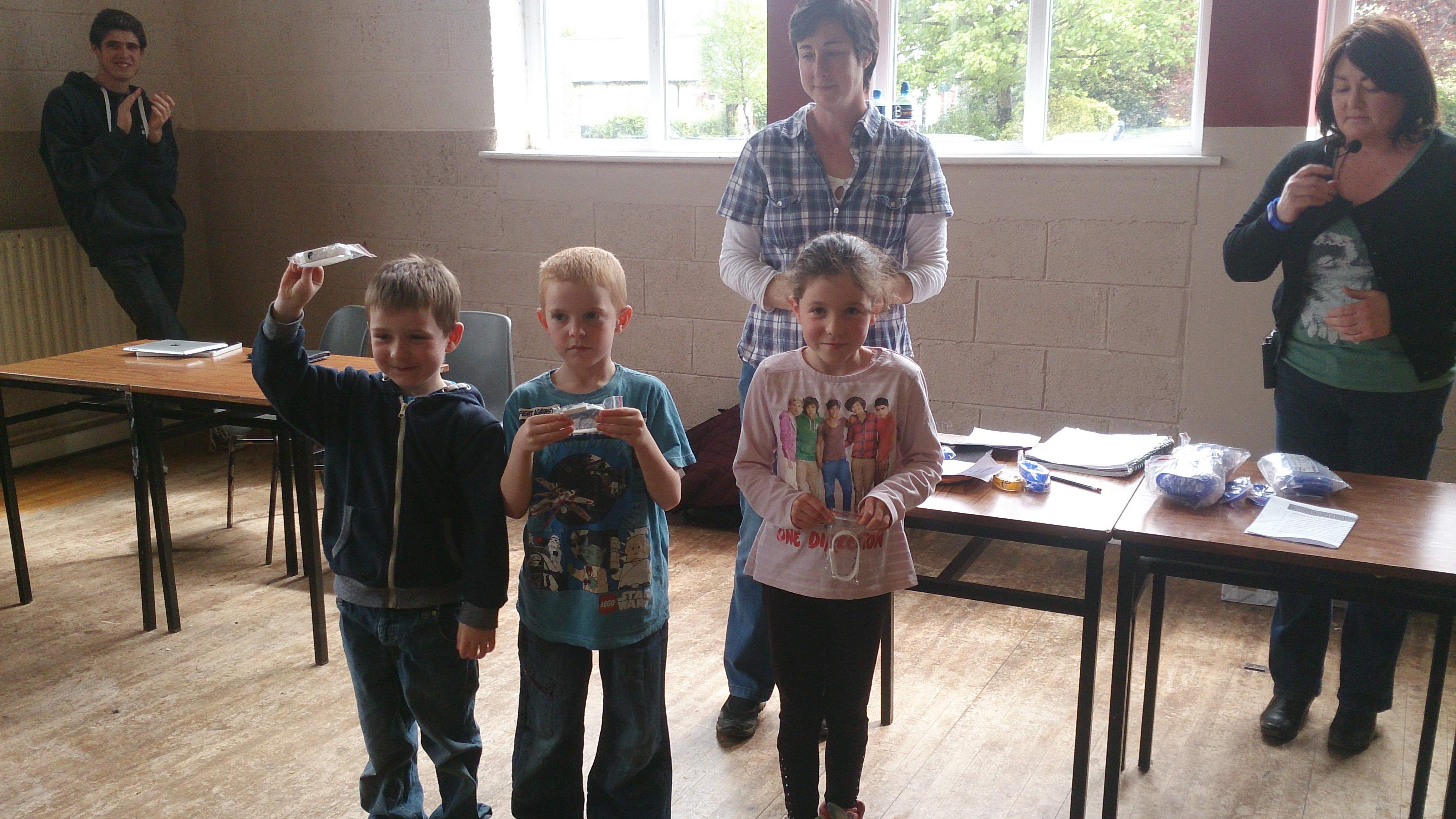
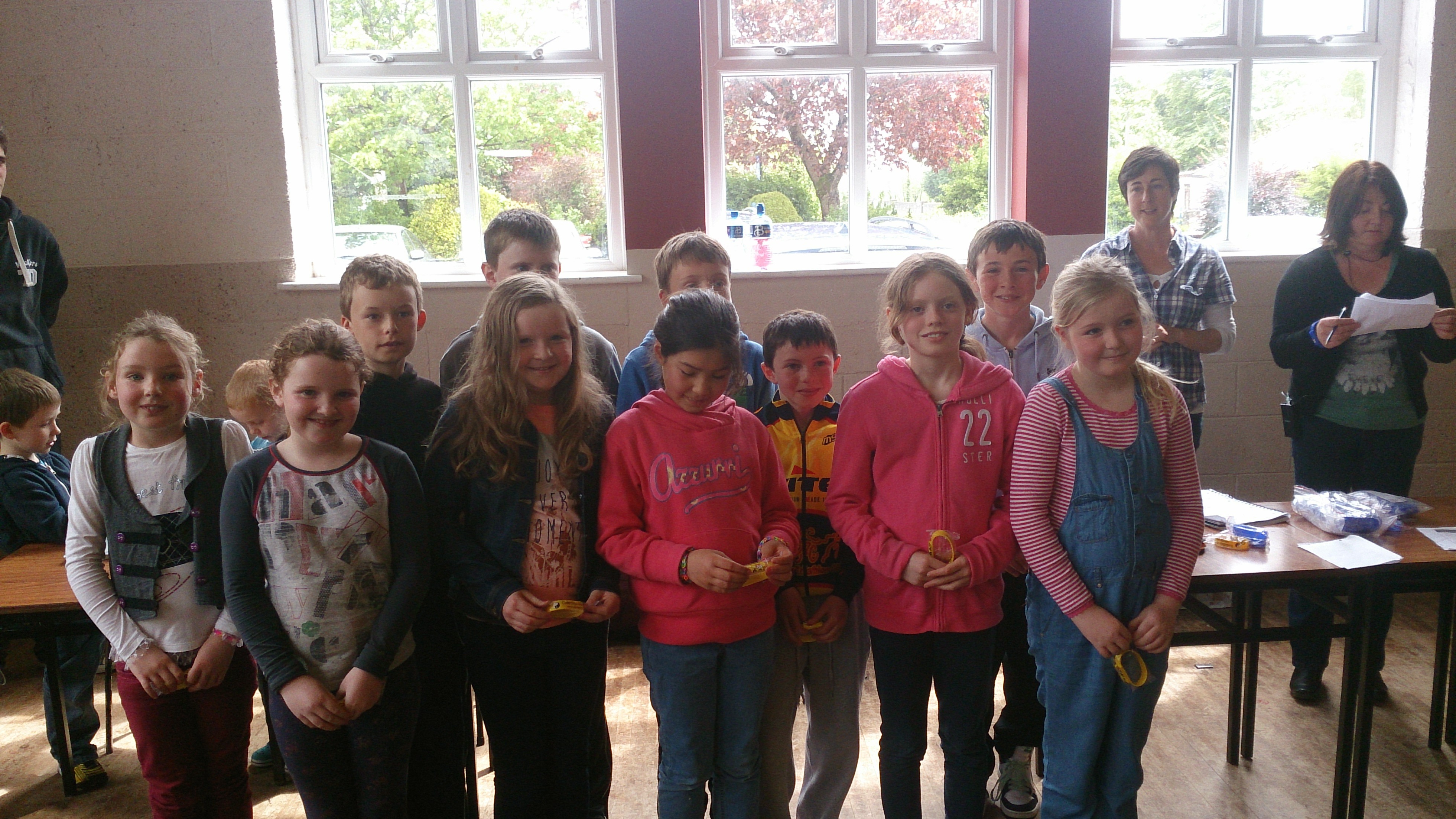
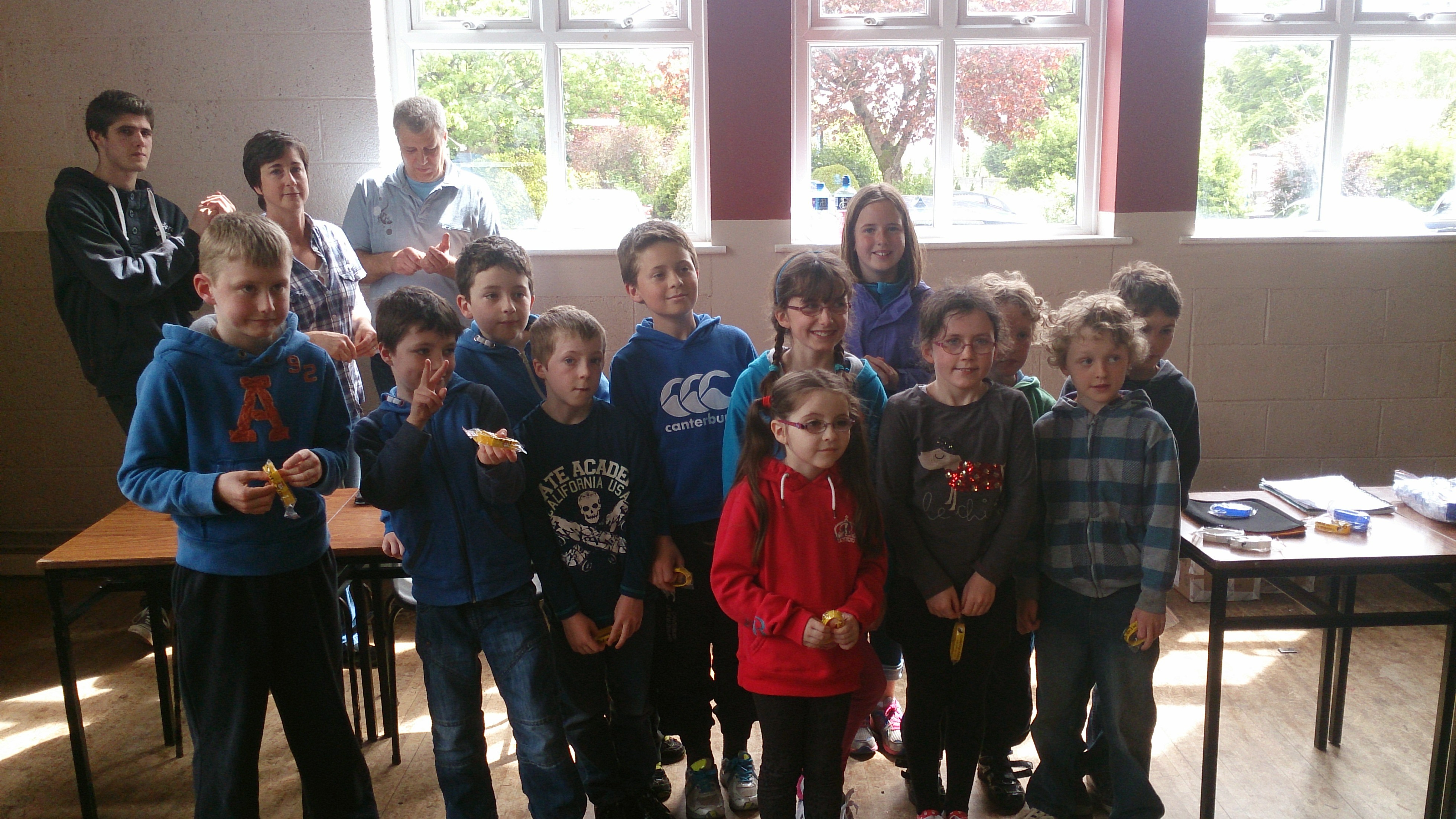
Today we had our awards session. Belts were awarded to seventy nine Coder Ninjas in Scratch Beginners, Scratch Advanced, Python and ModderDojo.

DSC_0130Minister of State for Training and Skills Ciarán Cannon speaking at todays event

DSC_0134Scratch Beginners White Belts

DSC_0137Scratch Beginners Yellow Belts

DSC_0139Scratch Beginners Yellow Belts

DSC_0141Scratch Beginners Yellow Belts

DSC_0139Scratch Beginners Yellow Belts

DSC_0144Scratch Beginners Yellow Belts

DSC_0145Scratch Beginners Yellow Belts

DSC_0151Scratch Advanced Blue Belts

DSC_0155-SMILEPython Yellow and Blue Belts

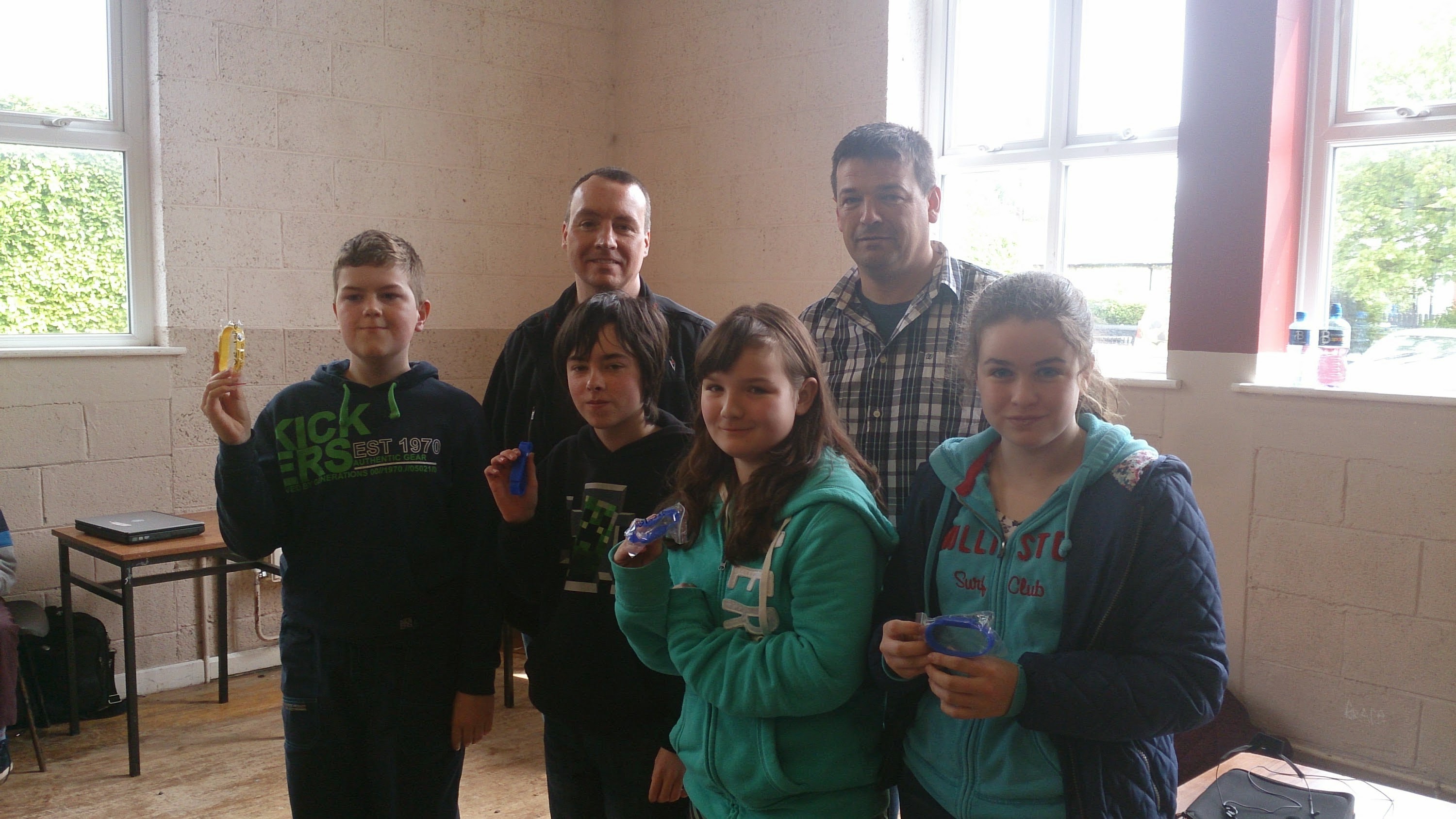
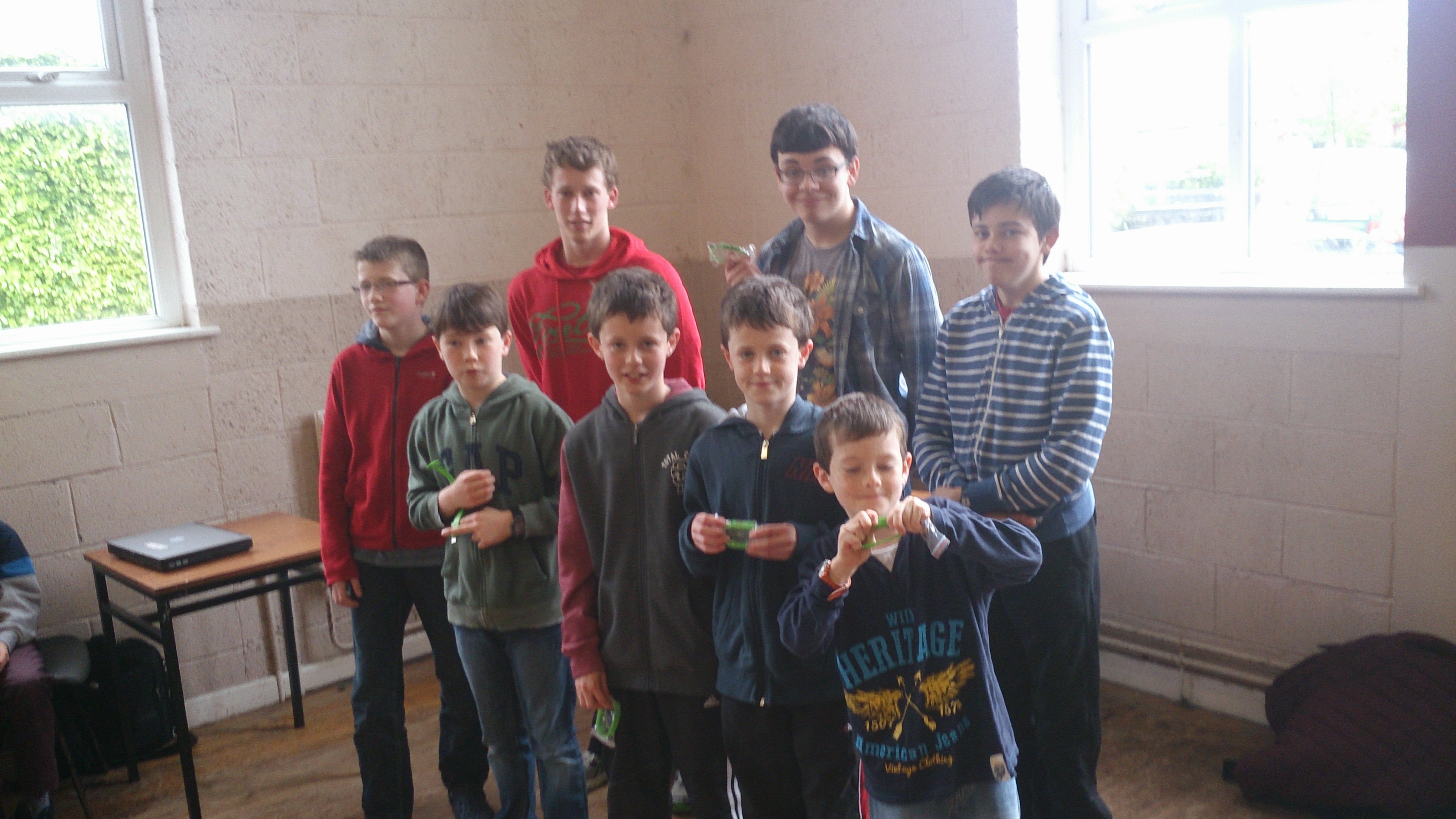
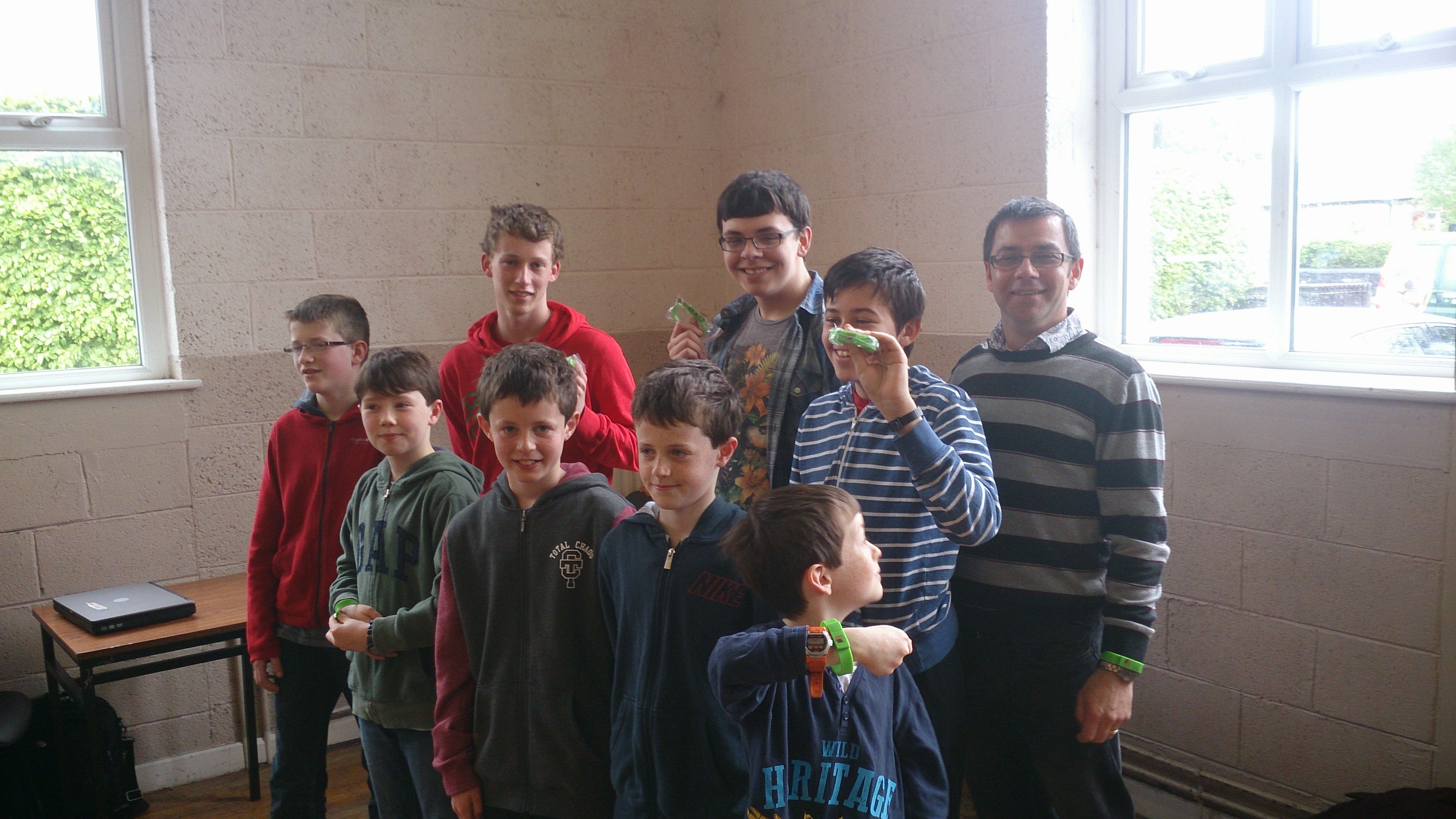
DSC_0159ModderDojo Green Belts

DSC_0161ModderDojo Green Belts

Congratulations to everyone, well done!

Our Forge Java Mods from ModderDojo Athenry

This is a set of Minecraft Java mods that we have built in ModderDojo, which is part of CoderDojo Athenry. Contact us on Twitter at @coderdojoathenr. All of these mods require Forge 1.7.2 or higher.

To install a mod, download the Jar file from here, then go to your %APPDATA% folder, then open the .minecraft folder, and place the Jar file in the Mods folder.

More Ways To Minecraft by Ruaidhri:

New items: blue, red and green lightsabers and a ruby. New recipes to create lightsabers.

Download: https://www.dropbox.com/s/sn5cxkobjsfmlix/more%20ways%20to%20minecraft-1.0.jar

Money Mod by Luke:

New items: multiple coins and notes and a credit card. New recipes to create one type from another.

Download: https://www.dropbox.com/s/8lhhj5rnjiy2agp/Money%20mod-1.0.jar


More coming!

CoderDojo Athenry and Hello World Foundation Helping CoderDojos in Africa

Oliver Thompson, our lead mentor for the Scratch Advanced group in CoderDojo Athenry, recently did a live linkup to a new CoderDojo in Tanzania. Oliver’s notes on the experience are below.

Eugene from the Hello World Foundation (www.helloworldfoundation.com) originally contacted Michael from Coder Dojo Athenry (https://cdathenry.wordpress.com) with the fantastic idea of doing a Live Link up  with CoderDojo Athenry, CoderDojo Limierick and new CoderDojos in Tanzania and Nigeria. Eugene would be traveling to Africa to help set up new CoderDojos.

Many emails and phone calls later we had a tentative arrangement to Link up on Saturday the 8th of March, with a dry run scheduled for the Wednesday the 5th of March at the School.

Ciaran of Gairmscoil Mhuire VEC Athenry kindly gave permission to use the school during school time for this dry run, many thanks to the school for this.

Anyway, a few more emails back and forth between Athenry and Tanzania, events began to conspire against us. Internet access was not going to be good enough, if it existed at all.

It was at this point that we hit upon Plan B, I would get into work early on Tuesday 4th of March and we would try the connection from there. I duly arrived at around 6:00 am and got everything set up. And nothing happened! I sent a few emails, wondering where people were, no response, so packed up all my equipment and went back to work. And then Eugene came back on line, we were on for the trial run.

Packed up my equipment again and back to training room.

I Connected the laptop to the overhead projector, started up the Scratch Presentation.

Next was the tablet for the Skype session. I had brought my tripod in as well and in the best frontier tradition tied the tablet to the tripod with a bit of elastic. But hey, it worked a treat.

The tablet was set up in front of the big screen on the wall that had the Scratch Presentation on, so for the people at the other end it just looked like they were at a lecture, with me in front of the slides.

At the other end we had George and Godfrey who are the chief mentors for the new CoderDojos being set up, as well as one or two other people.

The Presentation went really well, Skype worked a treat, George and Godfrey could see all the slides and any Scratch code that I was showing them, it was just like being present at a lecture. Sound was no problem, even from a small tablet.

We spent about an hour on Skype, going through the Presentation and also demonstrating the code through Scratch as well.

It was looking good for the Main Event on Saturday 8th at this stage and I was figuring out if there was any better ways of presenting, and also if I could find anything better that a bit of elastic to hold the tablet to the tripod.

Unfortunately though, we could not go ahead on the Saturday as the location that was being used in Tanzania for the CoderDojo Session did not have a good internet connection.

The trial run and he Skype session were definitely worth doing, at the very least it proved that with a little bit of ingenuity (and elastic) that with fairly simple technology, a laptop, projector and tablet and the wonders of the Internet and Skype it is possible to run training sessions anywhere in the World.

This really was a “Hello World” moment.

– Oliver.

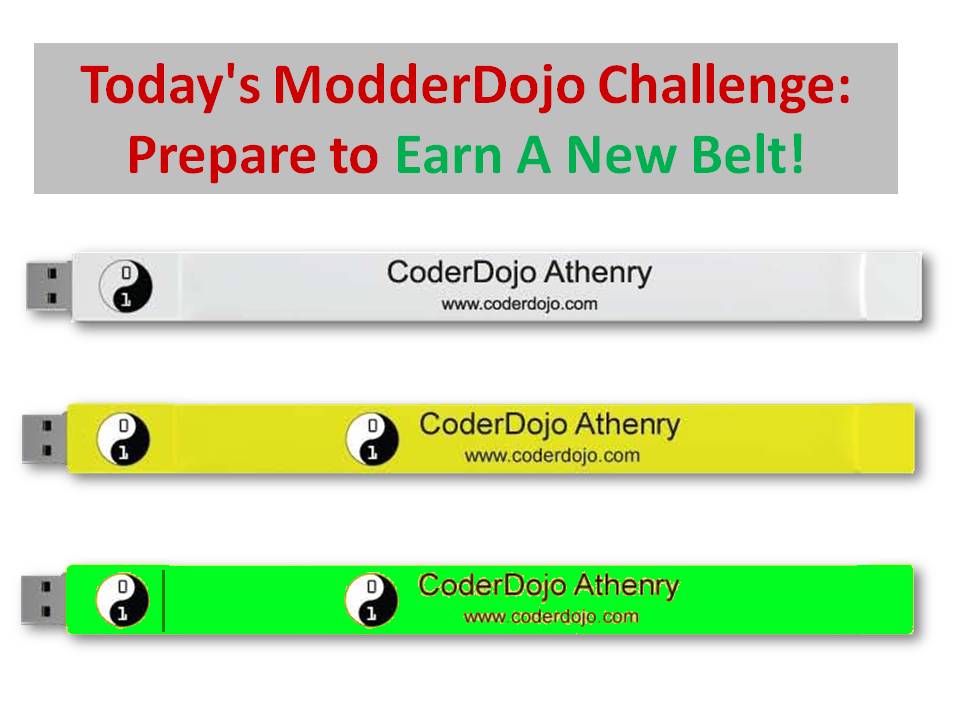
ModderDojo: Preparing to Earn Belts

Modding-PrepareForBeltsAs discussed at this week’s session, we will be awarding belts on Saturday 12 April. In advance of that, Modders should work on developing as good a mod as possible, in either Java or JavaScript. I can help you publish your mod to the CoderDojo Athenry website, so  get in touch with me (Michael) by email if you have questions.

Here are the notes in PDF format about how to earn a belt: Modding-PrepareForBelts.


ModderDojo Java Modding 13: All Our Mod Code So Far

firstmod

Overview

Here is all of the code for our mods to define our first item, first block, and first recipe. In addition to 3 Java files, there is 1 language resource file (en_US.lang) and also 2 PNG files that are not included below: one for the block texture and one for the item texture.

Refer to the image below and to earlier posts in this series to see how these files should be arranged in a package.

MyFirstItem.java

// Michael Madden Feb 2014.
// Ref: http://www.minecraftforge.net/wiki/Basic_Items 
// And: https://cdathenry.wordpress.com/2014/02/15/modderdojo-java-modding-8-a-simple-item-mod/ 

package modderdojo.firstitem;

import net.minecraft.creativetab.CreativeTabs;
import net.minecraft.item.Item;

public class MyFirstItem extends Item 
{
 public MyFirstItem() 
 {
 // This is the constructor for our new item. Set basic properties in it.
 setMaxStackSize(64);
 setCreativeTab(CreativeTabs.tabTransport);
 setUnlocalizedName(&quot;MichaelFirstItem&quot;); 
 }
}


MyFirstBlock.java

// Michael Madden March 2014.

// Ref: http://www.minecraftforge.net/wiki/Basic_Items
// And: https://cdathenry.wordpress.com/2014/03/29/modderdojo-java-modding-12-creating-our-first-block/

// Thanks to Ailish and Eli in CoderDojo Athenry who figured this out originally. 

package modderdojo.firstitem;

import net.minecraft.block.Block;
import net.minecraft.block.material.Material;
import net.minecraft.creativetab.CreativeTabs;

public class MyFirstBlock extends Block 
{
 public MyFirstBlock() 
 {
 // This is the constructor for our new item. Set basic properties in it.
 super(Material.iron); // Copy the properties of iron
 
 setCreativeTab(CreativeTabs.tabBlock);
 setBlockName(&quot;MichaelFirstBlock&quot;); // This is the internal name, not display name
 }
}


MyFirstMod.java

// Michael Madden, March 2014.
// Registers an Item mod and a Block mod and creates a recipe.
// Ref: https://cdathenry.wordpress.com/2014/01/19/modderdojo-java-modding-6-creating-our-first-mod-adding-a-crafting-recipe/
// And: https://cdathenry.wordpress.com/category/modderdojo/

package modderdojo.firstitem;

import net.minecraft.init.Blocks;
import net.minecraft.init.Items;
import net.minecraft.item.Item;

import net.minecraft.item.ItemStack;
import cpw.mods.fml.common.Mod;
import cpw.mods.fml.common.Mod.EventHandler;
import cpw.mods.fml.common.event.FMLPreInitializationEvent;
import cpw.mods.fml.common.registry.GameRegistry;

@Mod(modid = &quot;firstitem&quot;, name = &quot;First Mod from ModderDojo by Michael&quot;, version = &quot;1.0&quot;)
public class MyFirstMod
{
 @EventHandler
 public void preInit(FMLPreInitializationEvent event) 
 {
 // Register my item and set its texture
 MyFirstItem first = new MyFirstItem();
 first.setTextureName(&quot;modderdojo:md2&quot;);
 GameRegistry.registerItem(first, &quot;MichaelFirstItem&quot;); // This name doesn't have to be same as unlocalised name, but no harm in them being the same
 
 // Register my block and set its texture
 MyFirstBlock b = new MyFirstBlock();
 b.setBlockTextureName(&quot;modderdojo:mmblock&quot;); // requires .png file with this name
 GameRegistry.registerBlock(b, &quot;MichaelFirstBlock&quot;);
 
 // Add recipe to turn 2 of my items into diamond
 ItemStack myStack = new ItemStack(first);
 ItemStack diamond = new ItemStack(Items.diamond, 1);
 
 GameRegistry.addRecipe(diamond, 
 &quot;x &quot;, // 2x2 recipe
 &quot; x&quot;, 
 'x', first);
 }
}


en_US.lang

item.MichaelFirstItem.name=Nice Name For Michael's First Item
tile.MichaelFirstBlock.name=Michael's First Block Display Name


ModderDojo Java Modding 12: Creating our First Block

2014-03-29_09.42.51

Getting Started

IMPORTANT: For this block mod code to work, you need at least release 1024 of Forge 1.7.2. It will not work with releases 999 that we downloaded before. (Explanation: Forge works by decompiling the Minecraft code, which gives fields and methods automatic names like func_149739_a(). The Forge people have to translate these into meaningful names, like getUnlocalizedName(). They had not done this for the Material fields in earlier releases.)

You can download the source here: http://files.minecraftforge.net/maven/net/minecraftforge/forge/1.7.2-10.12.0.1024/forge-1.7.2-10.12.0.1024-src.zip

You will need to unzip it and run the two gradlew commands – see Post 2.

Thanks to Eli and Ailish who between them were the first to get this working.

Files Needed

Very similarly to creating an Item mod (see Post 8) you need at least 4 things to create a new Block mod:

  1. A new block class that extends the standard Block class
  2. A mod class where you add it to the game registry (you can just add some lines to one you have already)
  3. A language file where you specify its name
  4. A texture file to control its appearance

I am keeping this code in the same package I already used for our item mod, modderdojo.firstitem.

NeededForBlockMod

The Block Class

Create a Java file in this package called MyFirstBlock with this code:

// Michael Madden March 2014.
// Ref: http://www.minecraftforge.net/wiki/Basic_Items
// Thanks to Ailish and Eli in CoderDojo Athenry who figured this out originally. 

package modderdojo.firstitem;

import net.minecraft.block.Block;
import net.minecraft.block.material.Material;
import net.minecraft.creativetab.CreativeTabs;

public class MyFirstBlock extends Block
{
 public MyFirstBlock()
 {
 // This is the constructor for our new item. Set basic properties in it.
 super(Material.iron); // Copy the properties of iron

 setCreativeTab(CreativeTabs.tabBlock);
 setBlockName("MichaelFirstBlock"); // This is the internal name, not display name
 }
}


Adding It to the Registry

Add this code to the preInit method in your main mod class (in my case called MyFirstMod):

 // Register my block and set its texture
 MyFirstBlock b = new MyFirstBlock();
 b.setBlockTextureName("modderdojo:mmblock"); // requires .png file with this name
 GameRegistry.registerBlock(b, "MichaelFirstBlock");

Appearance

For this step, you need to create a texture that will be used on all sides of the block.

Using a graphics package such as Paint.NET, create an image of size 32 x 32 (other sizes that are powers of 2 are also OK). Save it in PNG format.

In the src/main/resources folder, create a new package called assets.modderdojo.textures.blocks (just like the one you did for your first item, but with blocks instead of items in its name). Put the PNG file in it. In my case, the file is called mmblock.png.

In your main mod class preInit method, add/update this line:

b.setBlockTextureName("modderdojo:mmblock");

The name you set is based on where you put it “assets.modderdojo.textures.blocks” followed by a colon “:” followed by the name of the PNG file put without “.png”: mmblock.png.

Name

If you run your code now (and it’s a good idea to keep running after every step, to test what you have done), you will see that your block has the name tile.MichaelFirstBlock.name. To give it a better name, add a line to the language file, en_US.lang:

tile.MichaelFirstBlock.name=Michael's First Block Display Name