This we will create our first app. The app will make it easy for you to open your favourite web sites.
Getting Started designing the GUI
Drag and Drop a “HorizontalArrangement” component on to the designer screen
- Rename the “HorizontalArrangement” to “hsaButtons”
- Set the “Width” property of the “HorizontalArrangement” to “Fill parent”
Drag and Drop three “Button” components into the “HorizontalArrangement”
- Rename the three “Button” components to “btnGoogle”, “btnYouTube” and “btnCoderDojo”
- Change the “Text” property for each of the three Button components to “Google”, “YouTube” and “CoderDojo”
- Set the “Width” property of each “Button” to “Fill parent”
Drag and Drop a “WebViewer” component on to the designer screen
- Rename the “WebViewer” component to “wbvBrowser”
Getting Started writing the code
- Click on the “Blocks” button
- In the script designer click on the “Button” Block “btnGoogle”
- Select the “when btnGoogle.Click” script from the pop-out list
- In the script designer click on the “WebViewer” Block “wbvBrowser”
- Select the “call wbvBrowser.GoToLink” script from the pop-out list
- In the script designer click on the “Text” Block, select the emptry String Block
- Copy and Paste the url http://www.google.ie into the “Text” block


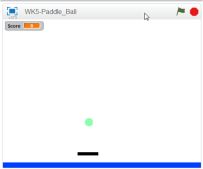
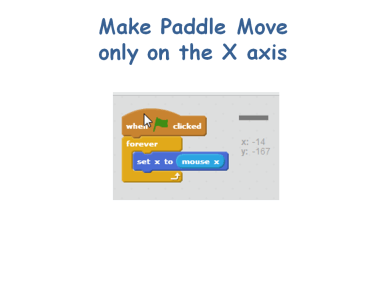


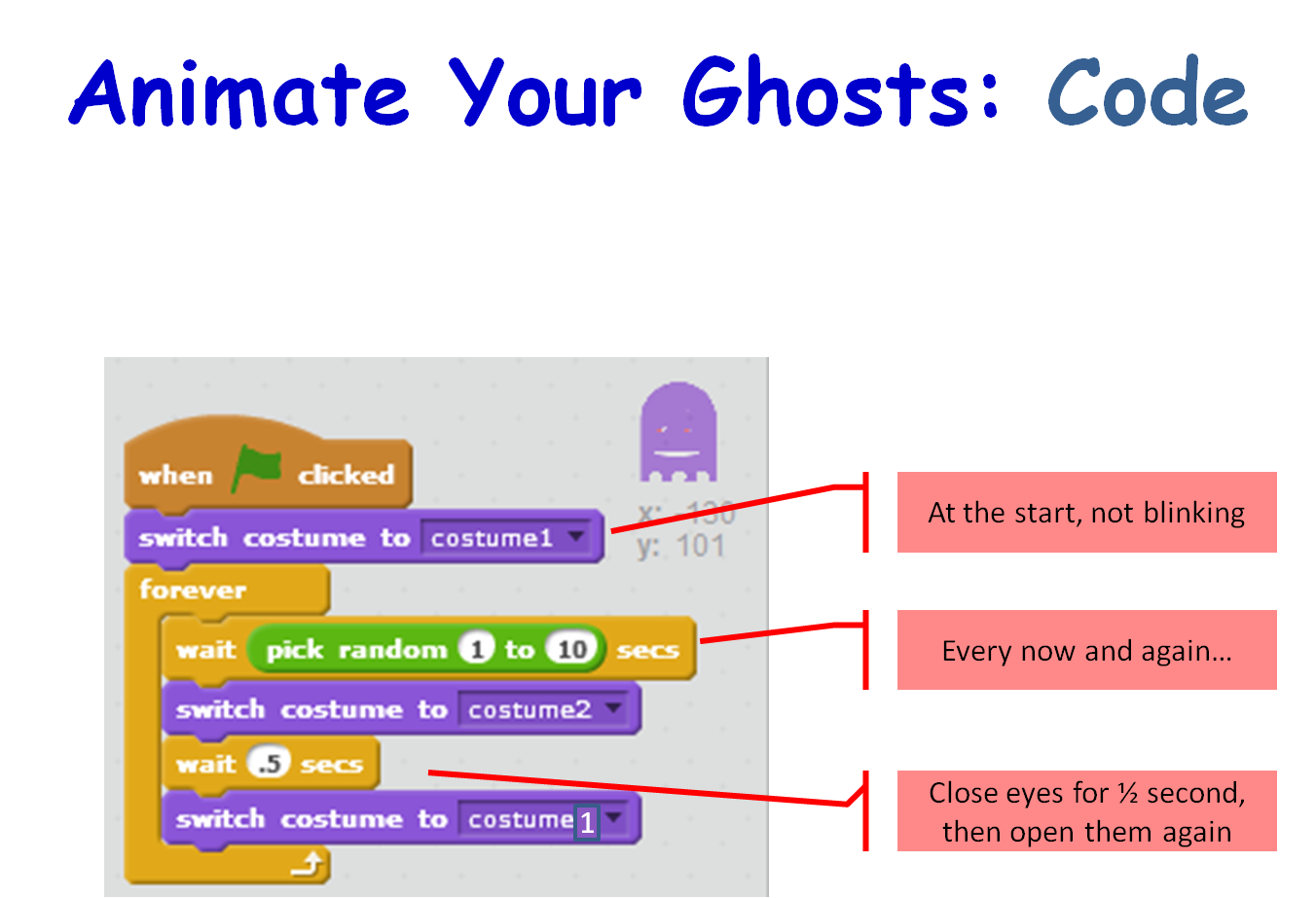
 Next week we will quickly re-make the basic paddle ball game but add a twist to it by making blocks that disappear when hit and add to the user’s score. It is based on the old Breakout game. The following week we will be doing animation. I will be bringing some plasticine to use to make sprites but the coders are welcome to bring miniature figurines such as Polly pockets or lego, etc… All parents should come equipped with a phone/camera and download cables that can take pictures to record the action! This will take several weeks to complete.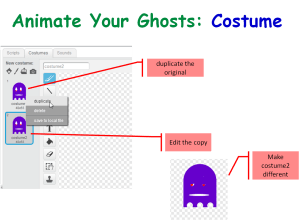




 CoderDojo Athenry