PiDojo-Robots

This week the PiDojo group started to experiment with building our own robots.

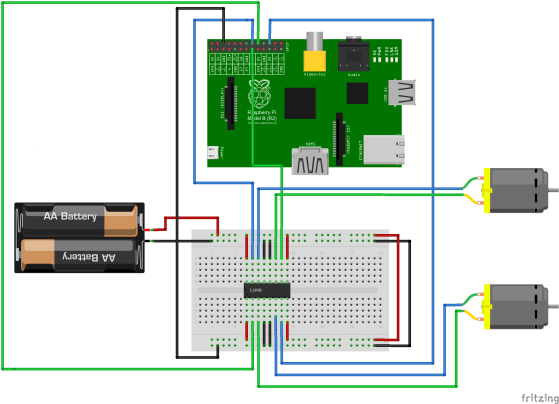
To build a basic robot all you need is motors, a driver chip, some batteries and of course a Raspberry Pi.

IMPORTANT: Do not connect a motor, no matter how small directly to the Raspberry Pi, it will damage your Raspberry Pi. 

We use a L293B motor driver chip which is like is a little current amplifier that takes a low-current control signal and then turns it into a higher-current signal that can drive a motor.

I would also recommend using separate batteries to power the Raspberry Pi and the Motors as the motors can sometimes draw a lot of power from the batteries for example when starting up and this could cause the Raspberry Pi to restart. We used a “Power Bank” from Penneys to power the the Raspberry Pi and four AA batteries to power the motors. Here is a drawing of our circuit.
robot_bb

We wired up our circuit and placed it into a container that had the motors attached to it.

IMG_20160116_094949

Once we had our robot assembled we loaded up this code and tested it out then we tried to program our robots to follow a preset path but the lack of a third wheel made this very difficult, something we will have to improve for next week.

This week was also our first time using Gpio Zero which is a new Python library for controlling the GPIO pins on the Raspberry Pi. It makes physical programming much more straight forward and really helped to speed up our work this session.

 

PiDojo-Project Ideas

In the Raspberry Pi group we had planned on everybody building some small projects together before the Christmas break and then moving on to bigger individual projects after Christmas. Unfortunately we’re a little behind on our small projects due to the taster sessions in the beginning of the year and the fact we didn’t have a proper session in December but we’ll catch these up in the next couple of weeks.

However as the difference between a good project and a really great project is sometimes the idea behind it I decided to spend most of this week’s session looking at ideas for our projects. I asked the Ninjas to ask themselves the following questions if they were stuck for ideas.

  • What do I like to do?
  • What/Who do I care about?
  • Is there something I’ve always wanted?
  • What’s going on? (In the news, in my community etc.)

IMG_20160116_133645

As you can see from the picture we had loads of ideas to start with and I’m sure we will come up with many more before we finally have to start working on our project.

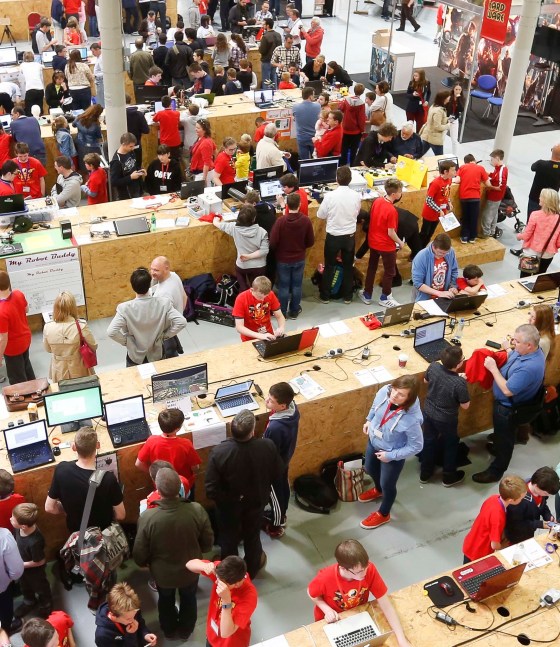
We also discussed the Coolest Projects Competition but as we’re planning on sharing information with the whole Dojo soon I won’t say much about it for now but here’s a picture from last year’s competition.coolest pic1


PiDojo- Raspberry Pi News

This week was a very exciting week for us Raspberry Pi fans with two major  announcements from the Raspberry Pi Foundation.

  • The Raspberry Pi Zero
  • GPIO Zero

Raspberry Pi Zero

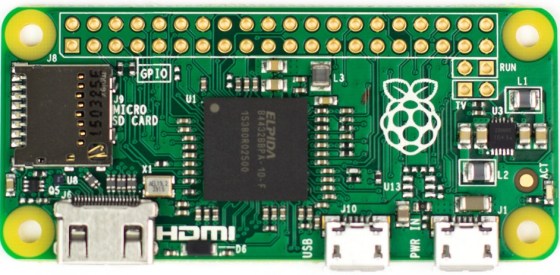
The Pi Zero is a fully fledged Raspberry Pi that measures 65mm x 30mm x 5mm and only costs $5. It has the same chip as the Model B that we use every Saturday but it’s clocked to 1GHz (40% faster than Raspberry Pi Model B) .

Zero_1_of_5_1024x1024

It will be really useful for what we’re trying to achieve at PiDojo due to it’s size and cost. We will be able to leave our projects assembled when we are finished building them due to the low cost of replacing the Raspberry Pi.

GPIO Zero

A new Python API for Physical Computing

The idea behind GPIO Zero is to make using the GPIO pins easier. It provides simple interfaces to everyday components like LEDs and buttons, to make playing around with common components much more accessible. It’s designed with education in mind, to help teachers and kids get going with physical computing without the friction of worrying about pull ups, edges and all the setup. But most people will find it very handy. So we should be able to code our projects easier and with less code.

For more information on the Pi Zero click here and for GPIO Zero click here.

Today

Some of the PiDojo Ninjas got their Measuring Devices working and we will continue debugging the rest at our next session. There will be no PiDojo next week so the next PiDojo session is on the 12/Dec/2015 and if the Components I have ordered arrive we will start building Robots. Here is our code from today.

PiDojo – LCD Display

IMG_20151114_025717

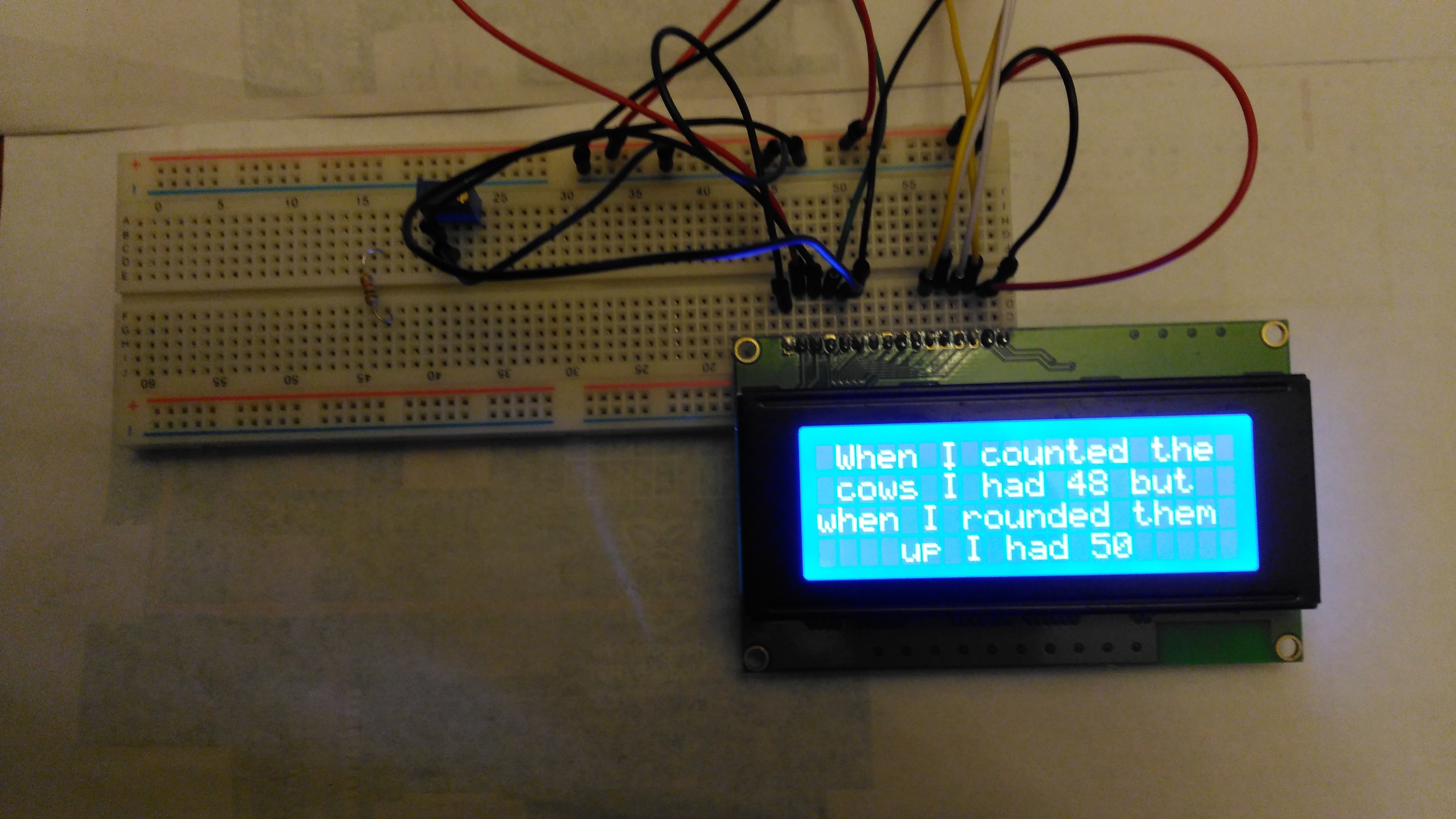
Today we used a 20×4 Alphanumeric LCD Module to output information from our Raspberry Pi. These modules are cheap and easy to interface to the Raspberry Pi. We only need to use 8 pins on our Pi leaving loads of pins to connect input devices to.

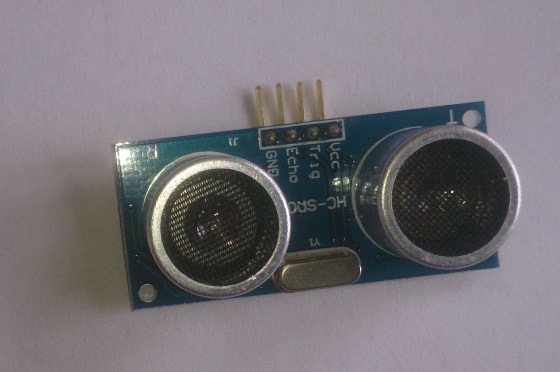
We used Matt Hawkins’ LCD Test script to test our displays. Then we imported some code from that script to write some jokes to our displays. We will finish off these next week and we will start working on code for an ultrasonic distance sensor.

You can view our code on Dropbox and here are my slides from this week LCD_Display