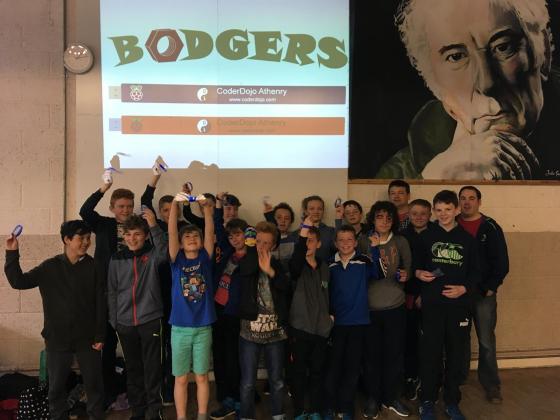
There was great excitement at this weeks session as the Pioneers teams opened their gifts from the Raspberry Pi Foundation. Each team member received a Raspberry Pi USB wristband, a Pioneers Lanyard, stickers and some sweets. Each team also got a copy of the Makers Guide to the Zombie Apocalypse and some zombie make-up.
We also got to see what was in our “Mystery Box” and I’m sure we are going to get great use out of it in future projects.
We then talked about the videos we’ll need a part of our entry and we had a look at a video from Pioneers on we need to put in our videos.
Then the teams spent some time planning out what they are going to do for their films.
Next week we are going to get back to working on our our projects.
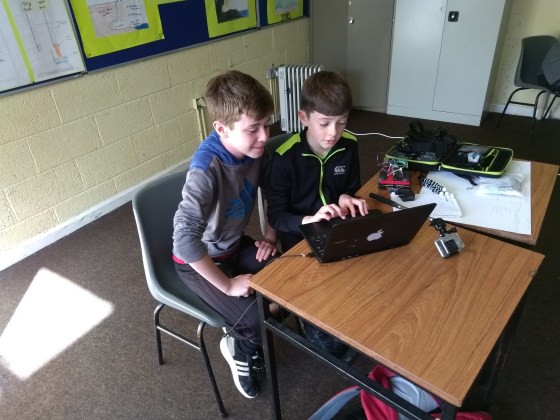
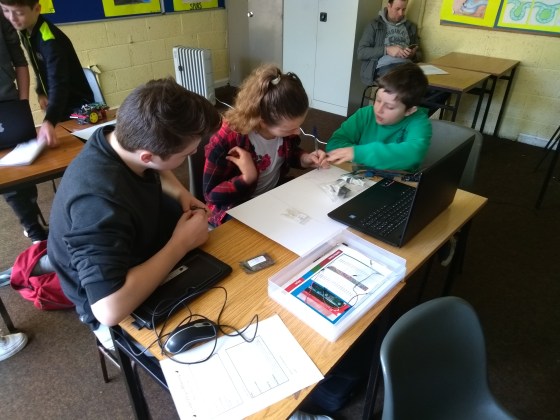
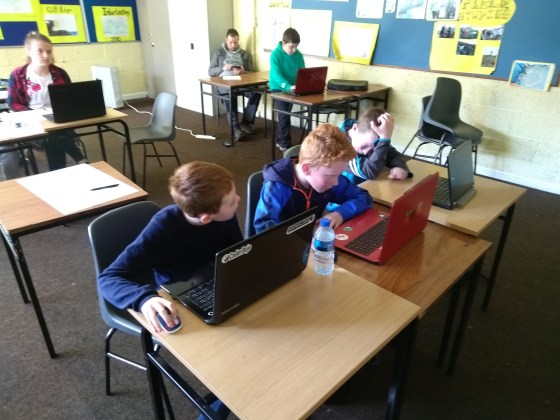
This week our teams started coding their their projects for the Pioneers challenge.
The Zombie Trolls and the Zombie Herders started by playing audio for their Raspberry Pi projects using Pygame.
The green fingers spent the session trying out sensors for their Arduino based project like this DHT11 temperature and humidity sensor. They also got a soil moisture sensor and a float switch working.
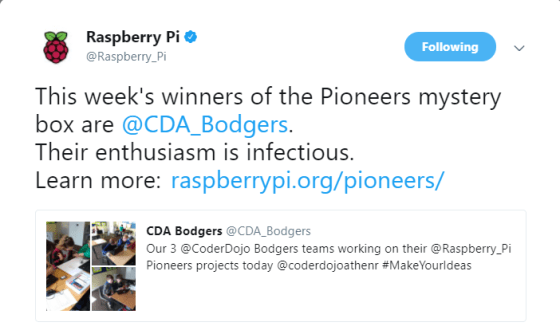
We also got some great news from Twitter before the session.
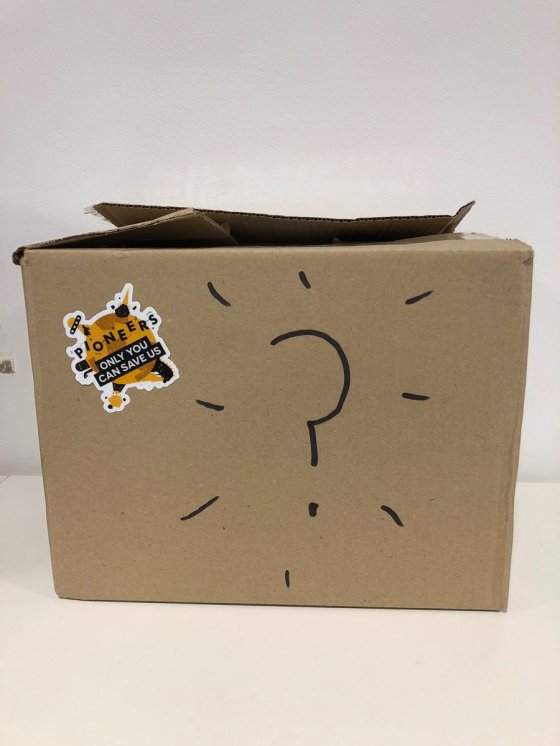
Here is a picture of the mystery box.
I don’t know what the mystery is, it looks like a cardboard box to me 🙂
We started today’s session by looking at 3-D Modeling using FreeCAD. FreeCAD allows us to build complex 3-D designs using primitive shapes like cubes and cylinders. You can download FreeCAD from here and the video below will help you get started.
Our teams have finished deciding what they are going to work on for the Raspberry Pi Pioneers Challenge and they also have picked team names.
We started today’s session with some information about the group and our plans for the year ahead.
We spoke about Digital Making, Digital Makers use technology to make something and learn about that technology while doing so. Technology available to Digital makers includes Raspberry Pi, Arduino, Fritzing, Sensors, Displays, 3D Printing and basic components.
Our Philosophy in the Bodgers group is that the most important thing is to get the project working. We don’t worry about how secure, how robust or how pretty our project is as long as it works long enough to show it works and that we understand how it works. We will use whatever resources we can get our hands on, online tutorials, online code, cheap components and cheap and easily available materials.
This year we will focus on projects, I will do some demos but there won’t be classroom type sessions. We would like you to work in teams. We will do one project between now and Christmas and another between Christmas and June. We would like everyone to work on the Pioneers Challenge between now and Christmas, after Christmas you can work on anything you want maybe Coolest Projects, Scifest or even PiWars.
We watched an excellent Video by @estefanniegg who takes a similar approach to project building as we do.
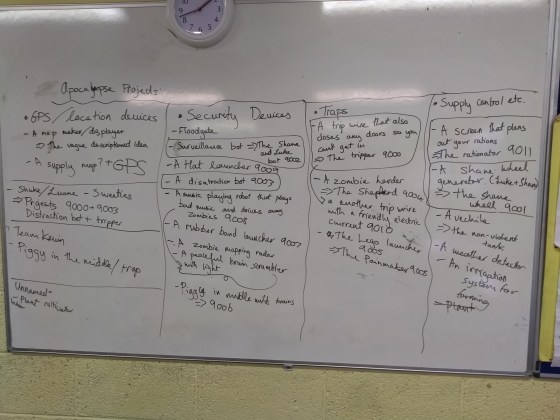
We then had a brainstorming session for the Pioneers Challenge and as you can see we had some great ideas.
We have narrowed down our ideas to a few projects and the mentors are busy trying to source materials for next week.
We will enter some of our projects next week and we might have a look at 3D printing software.
See you then,
Declan, Dave and Alaidh
By the way don’t forget to check out our Twitter account @CDA_Bodgers
I’m looking forward to another great year of Bodging. This year our focus is going to be mainly on projects and I’m hoping to use the Raspberry Pi Foundation’s Pioneers challenges for inspiration.
The first theme is… ONLY YOU CAN SAVE US!!!
A calamity of epic proportions is underway, and you and your team are the only ones who can save us! Can you create something that will protect the world during the apocalypse? What about something to avert the apocalypse altogether? Time to get your survival kits out and your thinking hats on, as you #MakeYourIdeas and save us all!
You can get more information here and there are some resources here
I haven’t posted here for a while as we’ve been working on projects for the past few months.
First of all I would like to congratulate the seventeen Bodgers who were awarded belts yesterday. It’s been a pleasure mentoring you and you are all welcome to return in September and spend another year with us in the Bodgers group.
I would like to thank Dave for helping me out with the group and thanks also to Alaidh who helped us up until Christmas.
Dave and I are already making plans for next year and we’re very excited about what we are going to do. Tune in next September when we will have more information.
In other news the CoderDojo Foundation and the Raspberry Pi Foundation have merged. I’m sure this will make very little difference to what we do day to day at CoderDojo Athenry, it may mean more resources will be available for us as a group involved in STEM activities. You can read more about it from CoderDojo here and from Raspberry Pi here.
This week we finished coding our Reaction Game. We then had Reaction Game tournament congratulations to Darragh our winner. I have a few slides from today which are available here reaction and you can also check out our code on Dropbox here.
For the next few weeks we will be building an Attendance/Clock In machine using our Laptops. You will need a version of Python 3, if you don’t have it installed you can download it from here.
As part of the show and tell session the Bodgers group held a Robot Wars Style event. We used the two wheeled robots from last year controlled by Nintendo Wii Remotes.
If you want to build your own two wheeled robot you can check out my notes from last year here.
To control the robots using the Wiimote I followed Matt Hawkins Wiimote tutorial from here (If you have a Raspberry Pi 3 you can skip step 2 as Bluetooth is already working. Don’t forget step 3 install Python Cwiid). I then added the code to control the robot using GPIO Zero, you can get my code wii_robot.py here.
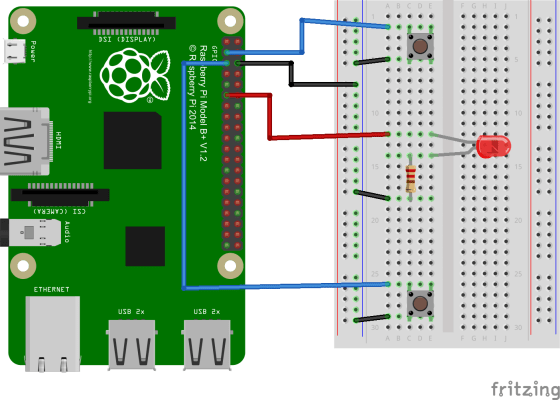
Over the last couple of Saturdays the bodgers group have been preparing to build our own circuits. Two weeks ago we looked at some of the theory behind electronics, how the GPIO pins on the Raspberry Pi work, how to use GPIO Zero the main Python module we will use and we watched some videos which explained how some of the components we will be using work together. Last Saturday we built some simple circuits.
LED
Button
The first circuit shown above uses GPIO pin 17 to light a LED and the second uses GPIO 2 to read from push button switch. Here are my slides from both sessions back-to-basics.
As we have only a short session next week and the Christmas party is the following week we will return to building circuits after the Christmas break.
Next week I will demonstrate some of the tools I use to set up the Raspberry Pi, this will include tools to format and write to SD cards and tools for finding the IP address of your Raspberry Pi. I will also do a very basic overview of the Arduino. So if you have or are hoping to get some hardware to experiment with at home this session shouldn’t be missed.
I will also talk about what looks like a cool new challenge from the Raspberry Pi Foundation.
Hi everybody, this week we changed from preprogrammed automated robots to remote-controlled robots. We converted our simple Pygame script from last week which controlled a small rectangle on our screens so it could control our robots.
As Pygame needs a screen to operate we had to get VNC going before we could start, I think we had it working for most people by the time the session ended. VNC will be a hugh advantage to us as we start to write more code as we can use a mouse and copy and paste with a GUI text editor instead of Nano on Putty.
We also added a webcam to our robots which worked well, we would probably need to work on mounting them properly if we wanted to use them for real life applications.
Here is a video of them in action.
I will go over the code again next week, if you want to take a look at the code check out pygame_robot.py and robot_cam.py here.
We will leave robots for a while and go back to basic electronics for the next few weeks.


 Hi Everybody

 CoderDojo Athenry