Back Nov 1st

Hello Witches, Wizards, Mummies and Vampires!

CoderDojo takes a Halloween holiday. There will be no CoderDojo on Saturday 18th of October and Saturday 25th of October.

If you want to refer to the schedule, you can find it here:

You can even add the schedule to your own Google Calendar by scrolling down the schedule page and clicking the small “+” icon.

Happy Halloween

Great Intro Session

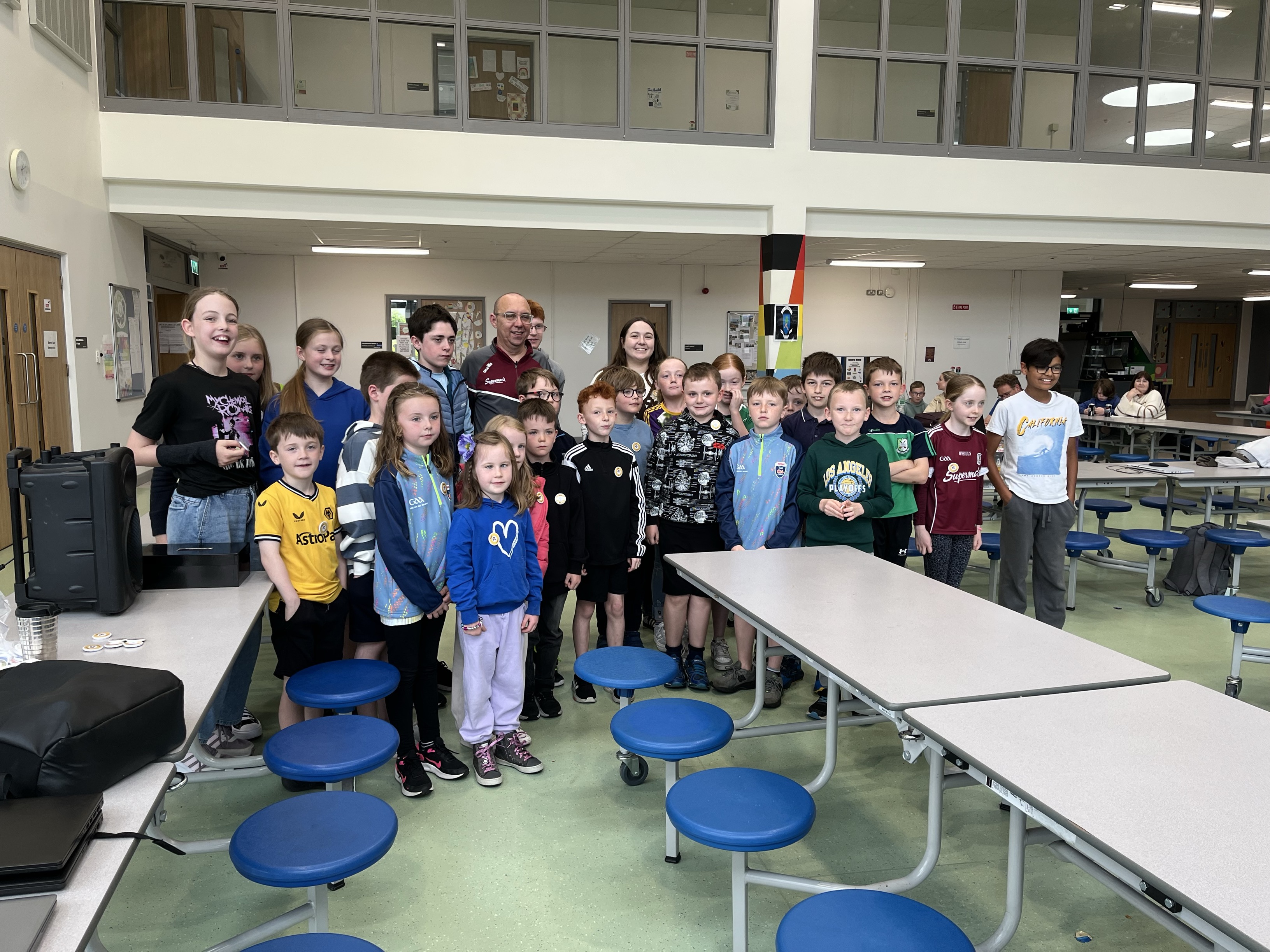
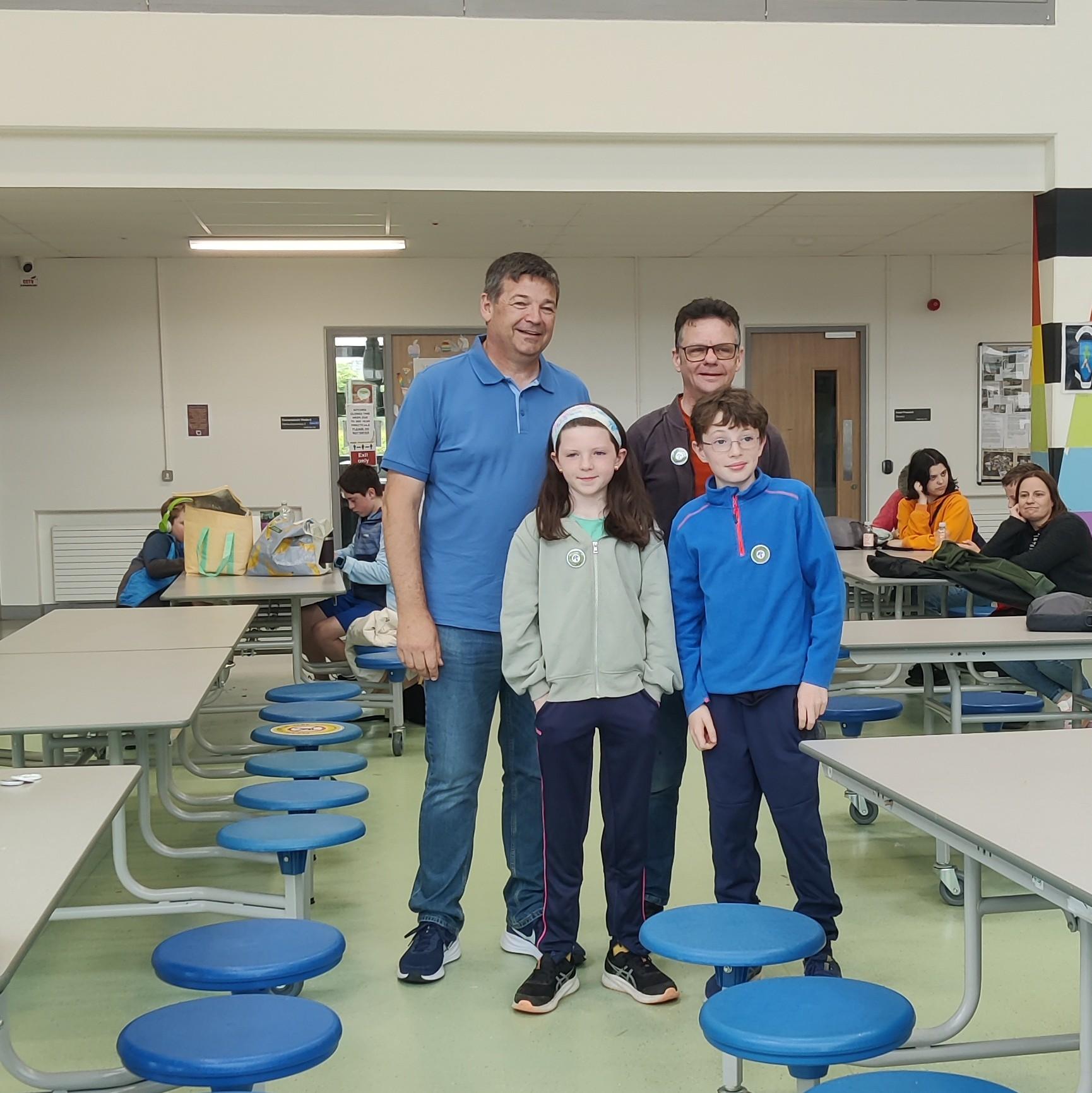
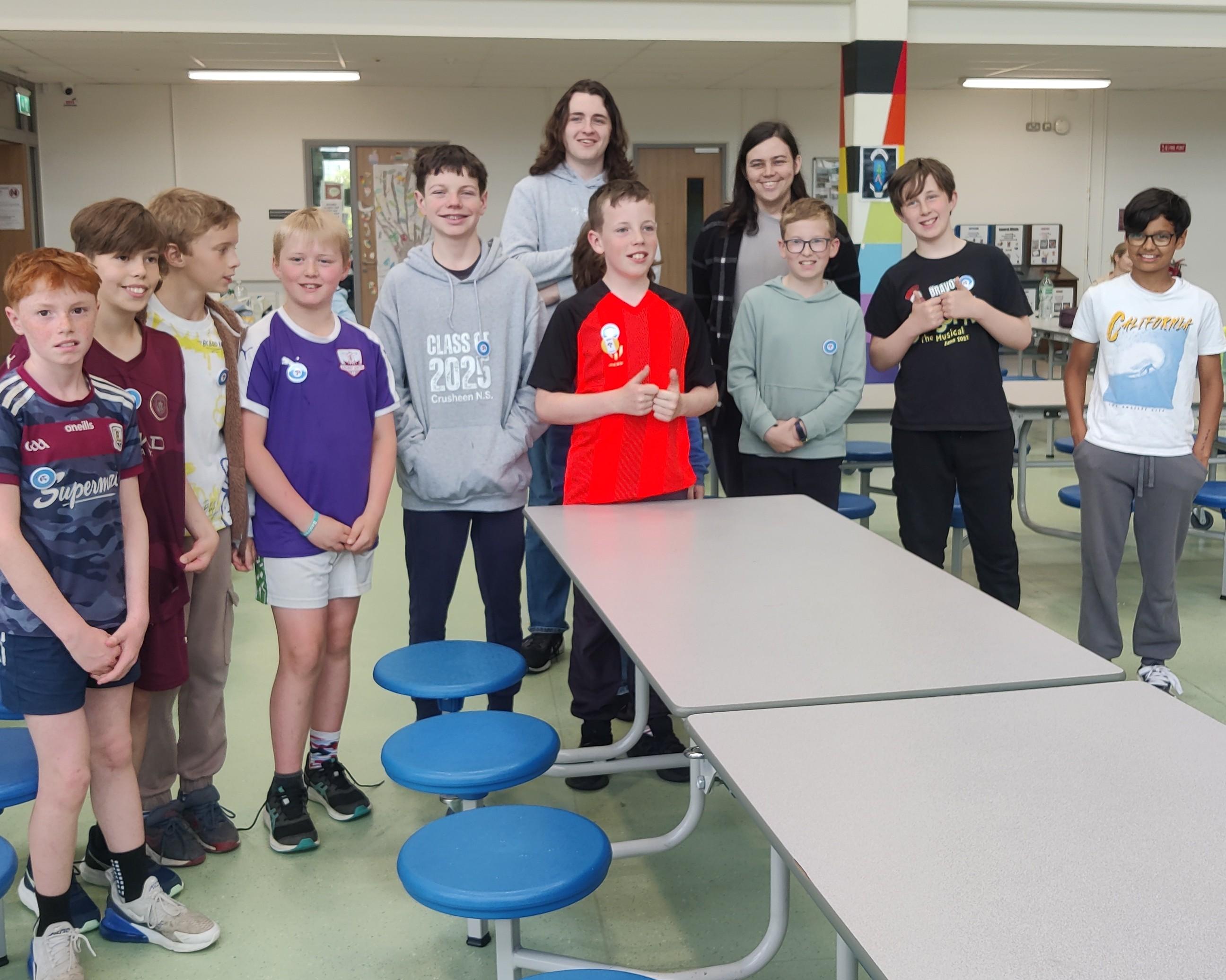
Thanks so much to the large crowd who turned up for our intro session last Saturday.

We had presentations from

Eoin on Explorers,

Kieran on Modellers,

Adam on Advancers

and Kevin on the possibility of running Hackers.
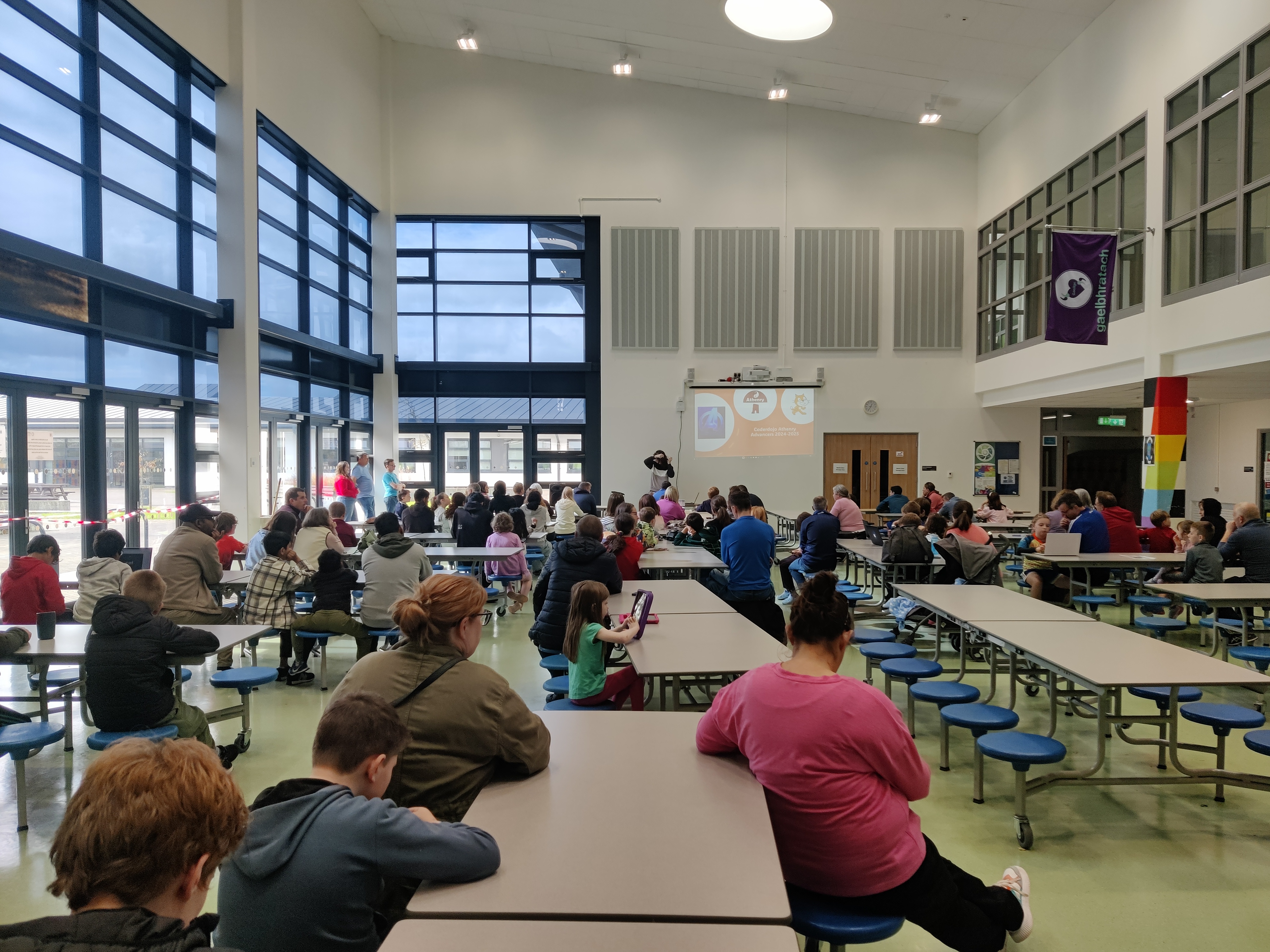
Remember our first classes will Saturday 27th! Ninjas assemble!

We’re Back!

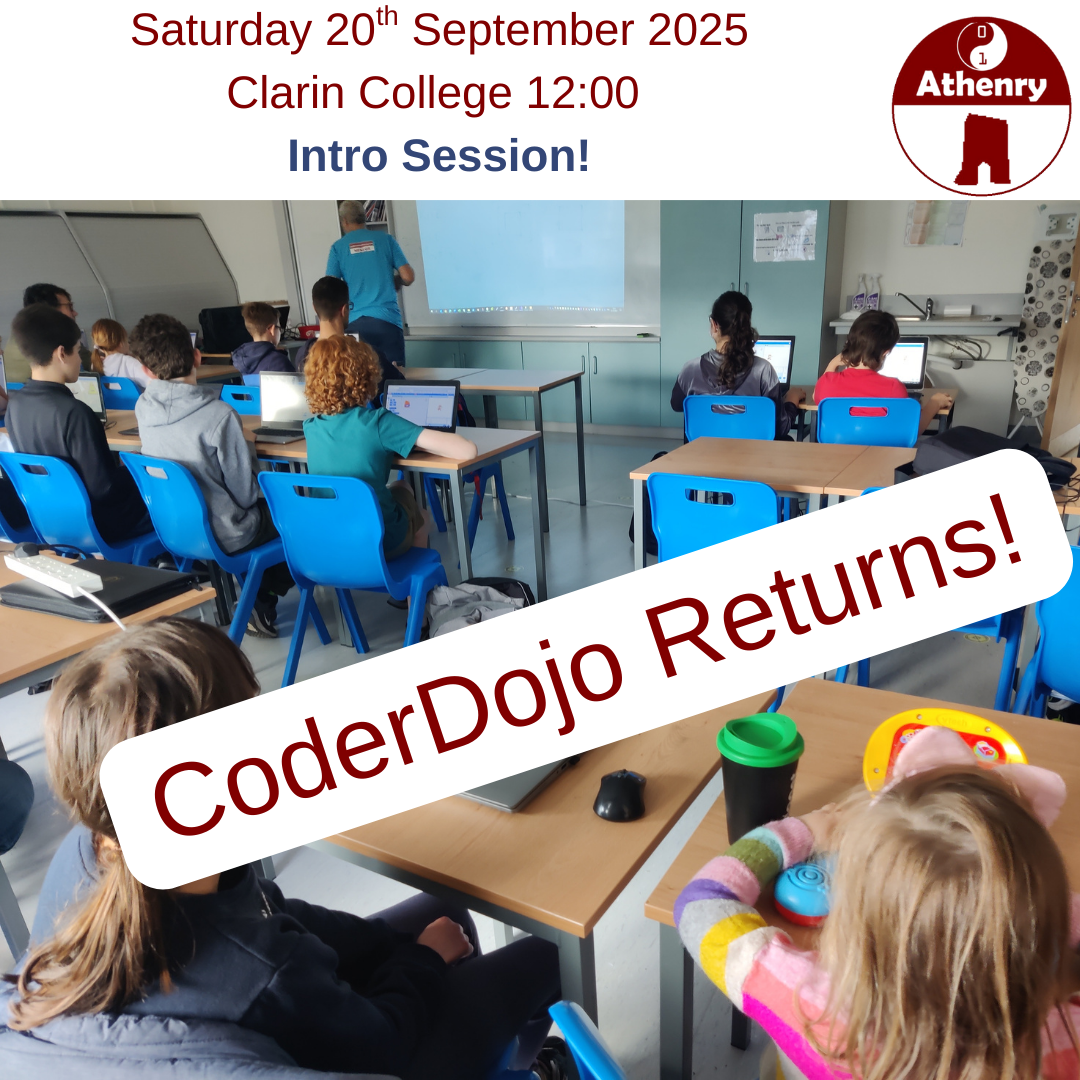
We’re kicking off the 2025-2026 year with an introductory session on Saturday 20th Sept 2025 at 12pm in Clarin College, Athenry.

Come along if this is your first time attending CoderDojo Athenry, if you’re wondering which group to join, or you just have some questions. Those who have been at CoderDojo Athenry before need not attend.

We will resume with our first normal session from 12pm-2pm on Saturday 27th 2025, again at Clarin College. Our full schedule can be found here.

End of Year Party – Acknowledgements

We had a great end-of-year party today. It’s our favourite tradition and a great way to celebrate our year’s achievements.

We demoed what each group had been working on, awarded badges and had a fun quiz. Then we feasted. Everyone’s favourite part is the food. Supermac’s & Papa John’s Athenry did a super job there, as they always do!

We invited donations today. We don’t like to do that too often, but everyone was incredibly generous. We received enough to completely cover the cost of the party and the badges with a little left over. Our most sincere thank you!

I’d like to acknowledge and thank others who have helped us this year. The acting-principle and staff of Clarin College ensure we have a venue, The University of Galway’s School of Computer Science provided us with much-needed financial grant. Medlife kindly donated two laptops which we can use in our laptop loaner program.

Finally, thank you to the hard-working and dedicated volunteer mentors who turn up week after week and keep this incredible organisation going.

We will be returning in the autumn. Dates will be announced in late-Aug/early-Sept, once we know them.

I wish everyone a fantastic summer!
Creators – Week 12

This week we:

  1. Made our missiles destroy the enemies
  2. Added a score to the GameManager
  3. Set the enemies to automatically increase the game score when they die
  4. Added a new enemy type, with a different movement behaviour – pursuit of the player

Making Missiles Destroy the Enemy

To make our missiles destroy the enemy, we first created a new function in missile.gd called _on_body_entered():

func _on_body_entered(body : Node2D):
	body.queue_free()

This function we then connected to the body_entered signal by updating the _ready() function as follows:

# Called when the node enters the scene tree for the first time.
func _ready() -> void:
	body_entered.connect(_on_body_entered)

Now when a body is detected entering the Area2D that defines the missile, that body is removed from the game.

The last part of the process was to set the collision layer and layer mask correctly. Missiles are player projectiles and belong in layer 5 and only interact with enemies, which are layer 4. This is how the correctly set-up layer and layer mask look for the missile:

One quirk at the moment is that the missiles don’t get destroyed when they hit something. We may update this later.

Adding a Score to the GameManager

We first set a class name first in game_manager.gd by editing the first line to read:

class_name GameManager extends Node2D

This will be convenient to us later.

We then added a new exported variable, of type int, called score:

@export var score : int = 0

Finally we also added a function to increase the score by an amount:

func increase_score(amount : int) -> void:
	score = score + amount

Now we have a score we can increase. To allow us to see the score, we added a Label called ScoreLabel to the main scene. We then added a variable in game_manager.gd to allow us to reference it from that code:

@export var score_label : Label

We then assigned this value in the inspector to hold a reference to ScoreLabel:

Finally, to update the label with the value of score, we added a _process() function to keep them in sync every frame:

func _process(delta: float) -> void:
	if (score_label):
		score_label.text = str(score)

Because it’s possible that score_label hasn’t been assigned, we check that it’s not null before we set it’s text property. Note the use of the str() function that takes a number and turns it into text.

Increase Score when Enemies Die

One of the signals all nodes have access to is one that is triggered just before the node is about to exit the tree. As an enemy, we can use this as a good time to inform the GameManager that we have died and that the score should be increased.

We first added a new exported score variable to ememy.gd:

@export var score : int = 100

We then also created a variable to store a reference to the GameManager:

@onready var game_manager: GameManager = %GameManager

Godot automatically writes this line of code for us if we drag and drop the GameManager from the tree into our code, holding down the CTRL (or CMD on Mac) key just before releasing the left mouse button. The @onready means that this variable assignment happens once this node is added to the tree. Is is a variable of type GameManager and it looks for a node in the tree with the unique name “GameManager”.

We then created a new function _on_tree_exiting():

func _on_tree_exiting() -> void:
	game_manager.increase_score(score)

And in _ready() we connected it to the tree_exiting signal:

# Called when the node enters the scene tree for the first time.
func _ready() -> void:
	vp_rect = get_viewport_rect() 
	set_wander_change_dir_time()
	tree_exiting.connect(_on_tree_exiting)

Now when ever an enemy is removed from the tree, regardless of why, the score in the game manager is increased accordingly.

Adding New Enemy Type

We wanted to introduce a new enemy behaviour: pursuing the player instead of just wandering aimlessly. We also decided to have a percentage that could be dialed up or down so that the enemy could spend part of the time pursuing and part of the time wandering. We added a new exported variable to control this:

@export var persuit_percent : float = 0

We also drag-and-dropped the GameManager into the code (holding down CTRL just before releasing the mouse button) to get this:

@onready var game_manager: GameManager = %GameManager

Then we wrote a new function pick_direction():

func pick_direction() -> void:
	if (randf() < persuit_percent && game_manager.ship != null):
		direction = game_manager.ship.position - position
		direction = direction.normalized()
	else:
		pick_random_direction()

This function checks a random number between 0 -> 1 against the pursuit percentage to see if it should be pursuing the player. It also checks the the reference to the player in the GameManager is set, as it needs this to know where the player is. If these checks both pass, it calculates the direction from the enemy to the player and normalises it (makes it length 1). Otherwise, it picks a random direction instead.

Finally we just replaced the call to pick_random_direction() in _process() to call pick_direction() instead:

# Called every frame. 'delta' is the elapsed time since the previous frame.
func _process(delta: float) -> void:
	wander_change_dir_time -= delta
	
	if (wander_change_dir_time < 0):
		pick_direction()
		set_wander_change_dir_time()

We then duplicated the existing enemy_0.tscn in the scenes folder as enemy_1.tscn. With a new sprite and updated settings to make it faster, change direction quickly and pursue the player all the time, we got a brand new enemy type.

Getting the Code

All our code for this year is available on our GitHub.