End of Year Party – Acknowledgements

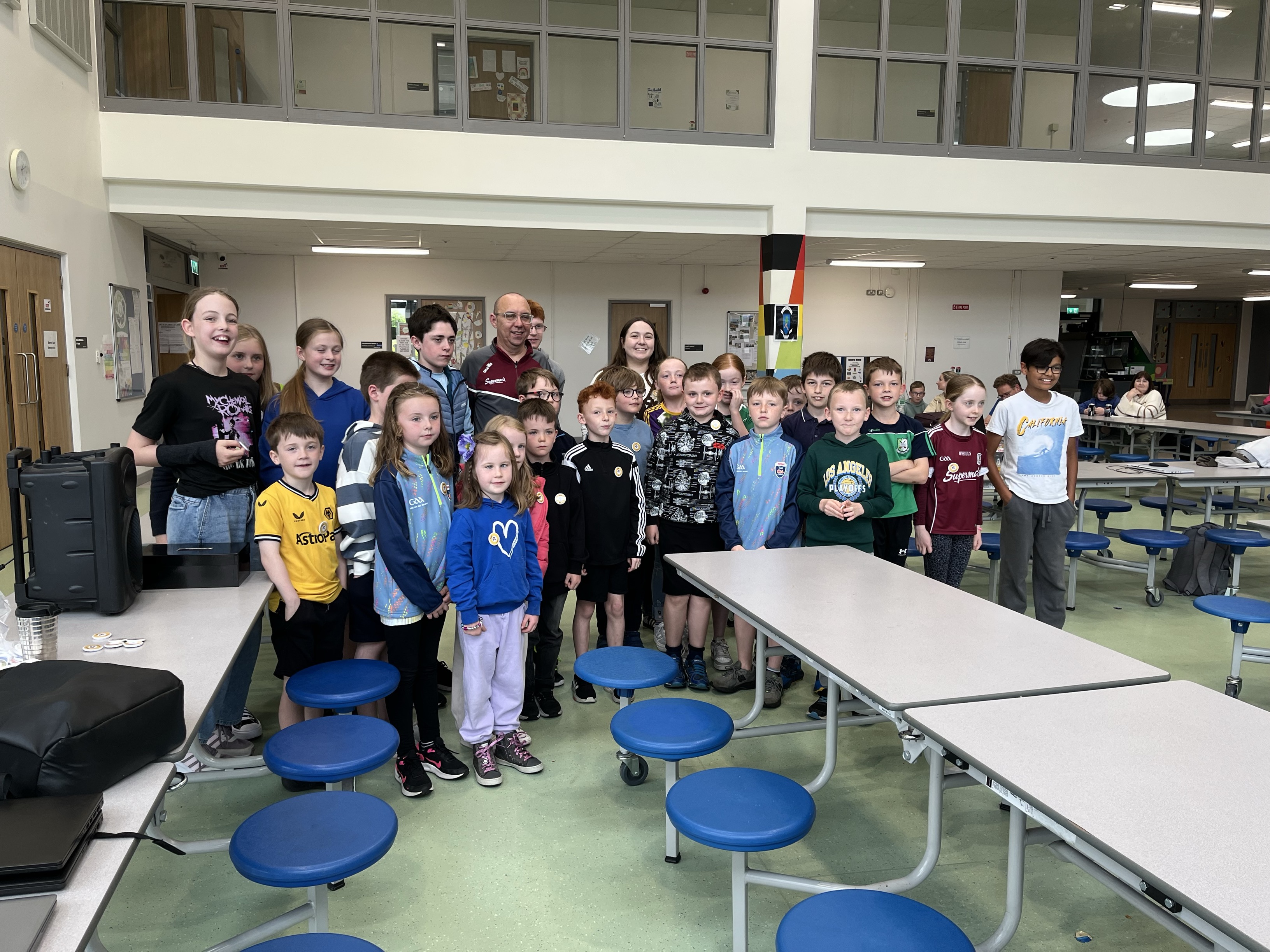
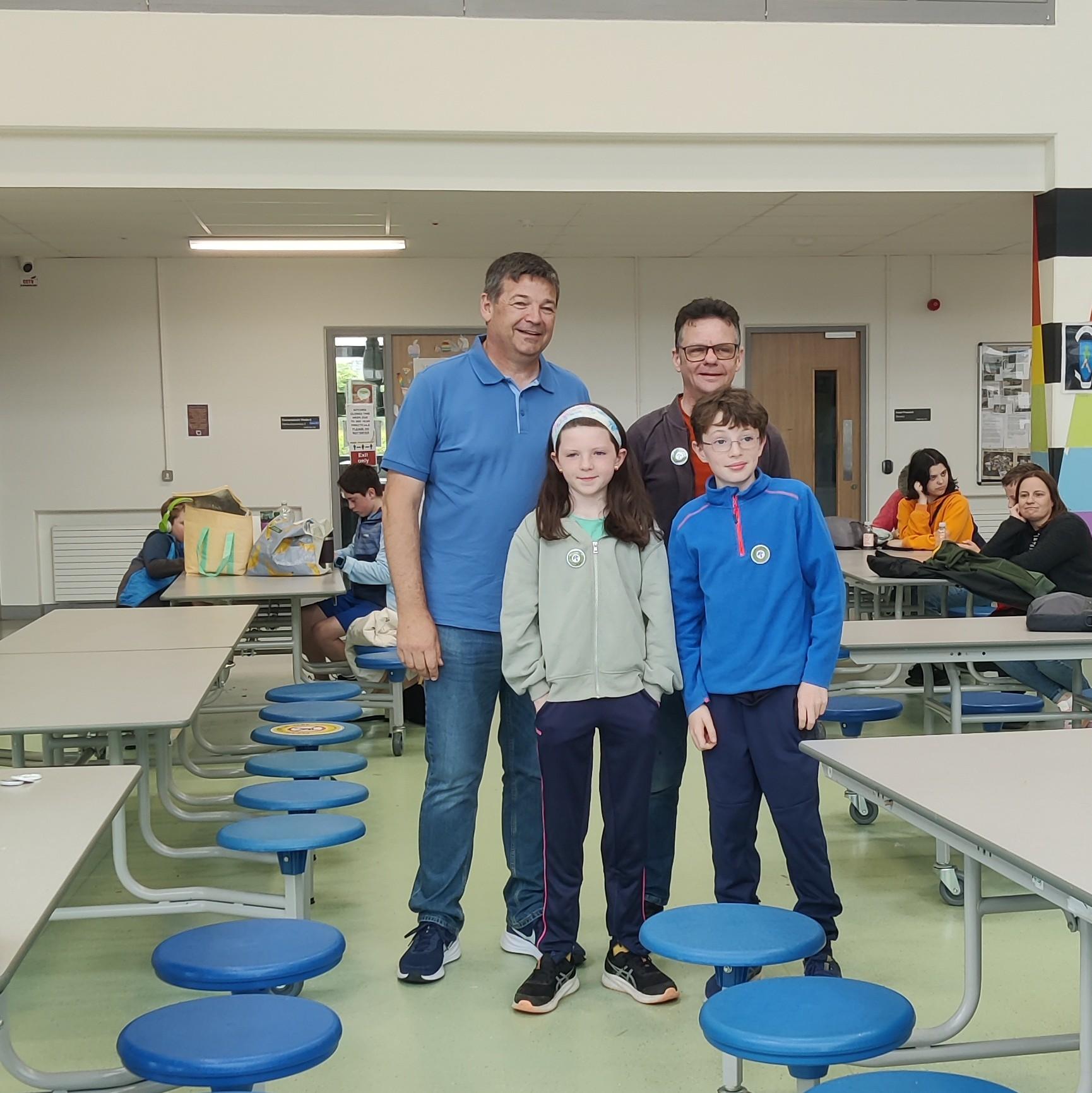
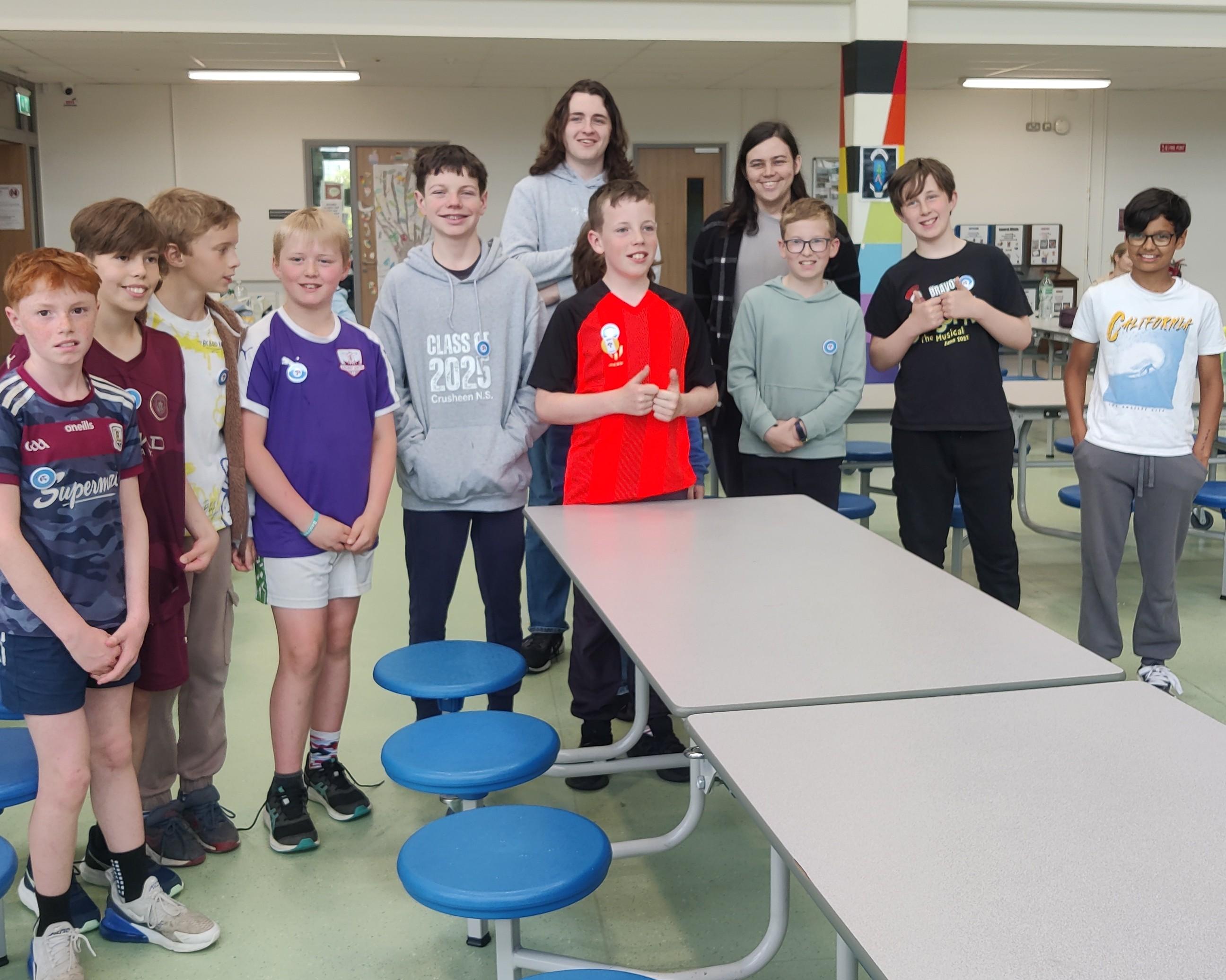
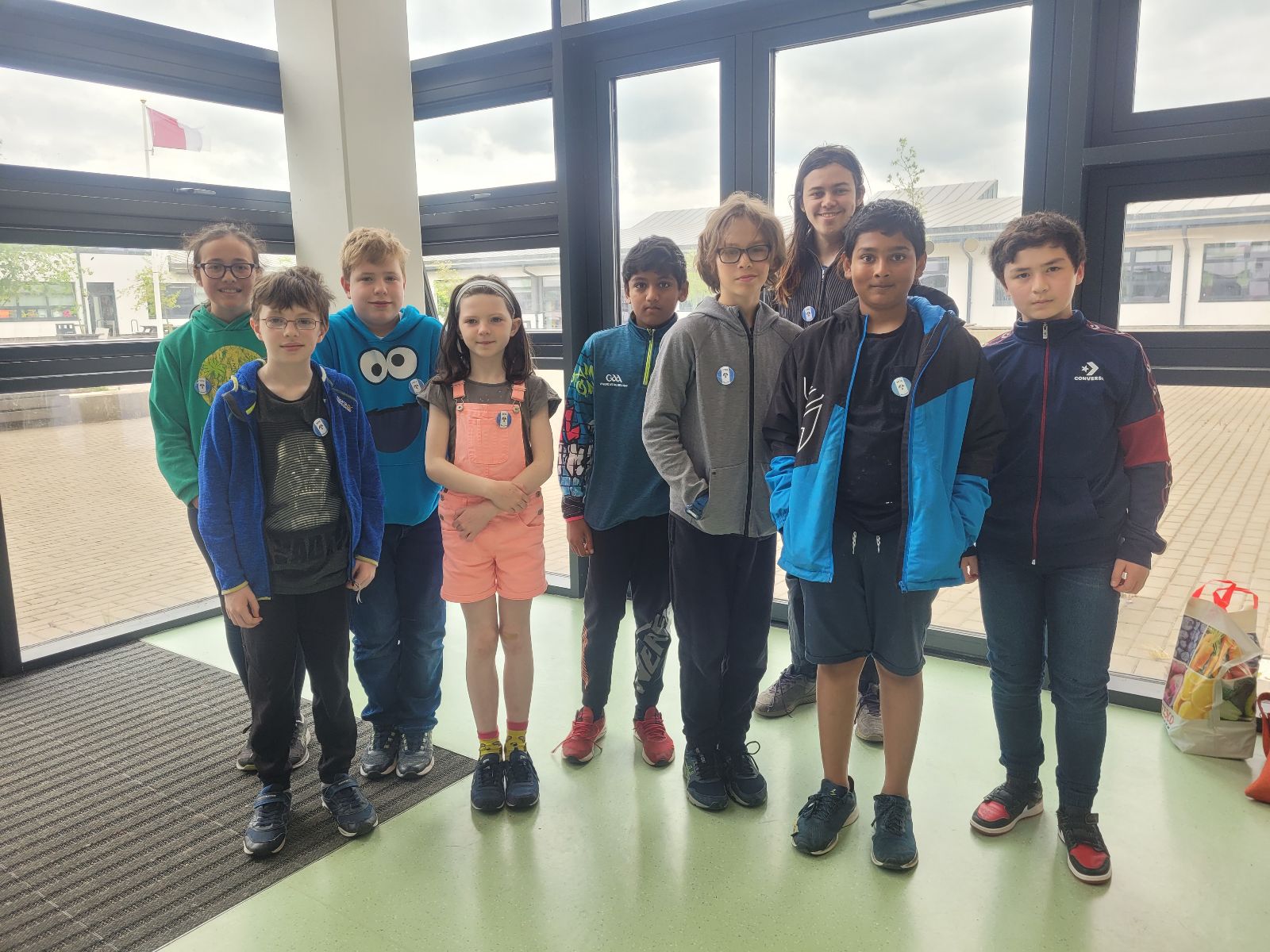
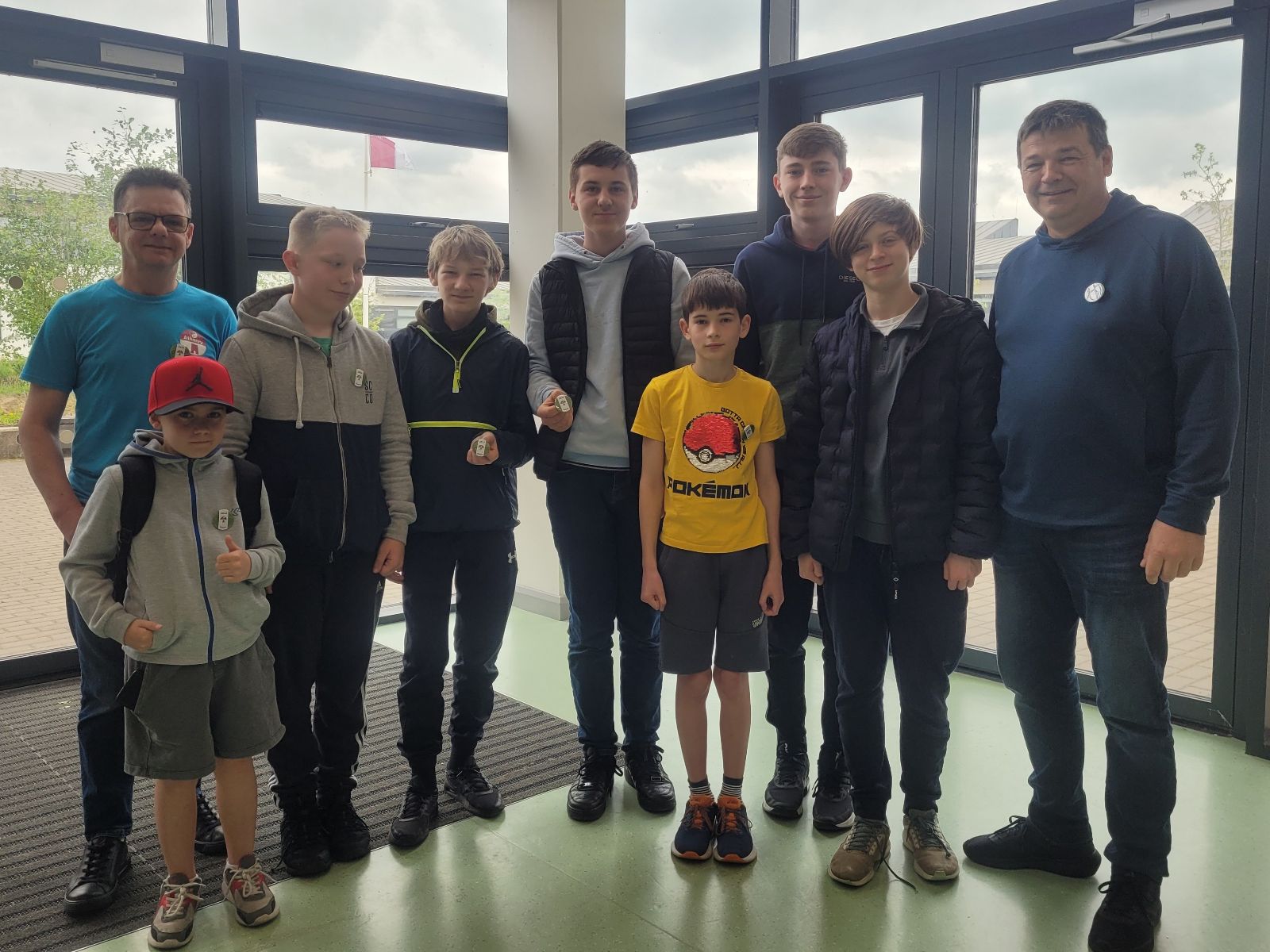
We had a great end-of-year party today. It’s our favourite tradition and a great way to celebrate our year’s achievements.

We demoed what each group had been working on, awarded badges and had a fun quiz. Then we feasted. Everyone’s favourite part is the food. Supermac’s & Papa John’s Athenry did a super job there, as they always do!

We invited donations today. We don’t like to do that too often, but everyone was incredibly generous. We received enough to completely cover the cost of the party and the badges with a little left over. Our most sincere thank you!

I’d like to acknowledge and thank others who have helped us this year. The acting-principle and staff of Clarin College ensure we have a venue, The University of Galway’s School of Computer Science provided us with much-needed financial grant. Medlife kindly donated two laptops which we can use in our laptop loaner program.

Finally, thank you to the hard-working and dedicated volunteer mentors who turn up week after week and keep this incredible organisation going.

We will be returning in the autumn. Dates will be announced in late-Aug/early-Sept, once we know them.

I wish everyone a fantastic summer!
Bodgers Day 1 – Getting started

Hello Bodgers

It was great to be back and to get started for another year. We spent most of last Saturday getting set up for the year ahead. We began by installing our Python Editor Mu, you can download it here.

We also installed Paint.Net which we will use for editing images for our sprites, you can get Paint.Net here.

I have created some resources for our games that are available on Dropbox here, download the folder called CoderDojo and save it to your Desktop.

Launch Mu and load the file called day_1.py from the CoderDojo folder you just downloaded and enter the code from the worksheet below..

Click Play and your first Python game should run.

Looking forward to seeing you all again next Saturday.

Declan, Rob and Kevin

End of Year Party

Hi folks, here are some photos from our end-of-year party today and a photo of some ninjas, some mentors and some Tesco members of staff at Tesco Athenry marking the end of our Community Fund collection period. Thanks to Tesco Ireland and to everyone who dropped a blue token in the box for us!

Hope to see you all next year!

Bodgers – More Distance Sensors

This week we are going to try making a measuring device using our HC-SR04 sensors.

First we’ll wire our circuit up.

Next let’s test our circuit with the following code.

from machine import Pin
import utime
from time import sleep

trigger = Pin(17, Pin.OUT)
echo = Pin(16, Pin.IN, Pin.PULL_DOWN)
buzzer = Pin(15, Pin.OUT)


def ultra():
    trigger.low()
    utime.sleep_us(2)
    trigger.high()
    utime.sleep_us(5)
    trigger.low()
    while echo.value() == 0:
        signaloff = utime.ticks_us()
    while echo.value() == 1:
        signalon = utime.ticks_us()
    timepassed = signalon - signaloff
    distance = (timepassed * 0.0343) / 2
    print("The distance from object is ", distance, "cm")
    return distance


def buzz():
    buzzer.value(1)
    sleep(0.5)
    buzzer.value(0)
    sleep(0.5)


while True:
    dist = ultra()
    if dist < 30:
        buzz()
    utime.sleep(1)

This week’s challenge is to rewrite the code so the the closer to something the sensor is the faster it will beep.

Once we have that done we will look at transferring the code onto the Pico itself and running it from a battery.

Bodgers – Servos

This week we will connect a SG90 mini servo to our Pico.

Wire the breadboard as shown below:

First test that the buttons are working correctly with the following code.

from machine import Pin
from time import sleep

button_1 = Pin(18, Pin.IN, Pin.PULL_UP)
button_2 = Pin(19, Pin.IN, Pin.PULL_UP)

while True:
    if button_1.value() == 0:
        print("Button 1 is Pressed")
    if button_2.value() == 0:
        print("Button 2 is Pressed")
    sleep(0.1)

Next here is the code for the Servo.

from machine import Pin, PWM
from time import sleep

servo_pin = PWM(Pin(0))
servo_pin.freq(50)

def servo(degrees):
    if degrees > 180:
        degrees = 180
    if degrees < 0:
        degrees = 0
       
    max_duty = 8050
    min_duty = 1650
       
    new_duty = (min_duty + (max_duty - min_duty) * (degrees/180))
    servo_pin.duty_u16(int(new_duty))

servo(0)
sleep(0.5)
servo(90)
sleep(0.3)
servo(180)
sleep(0.3)

This weeks challenge is to combine both pieces of code above so that when button 1 is pressed the servo arm will move one way and when button 2 is pressed it will move in the opposite direction.

Bodgers – Buttons

This week we are looking at using buttons on our Raspberry Pi Picos.

Connect the LEDs and Buttons to the Pico as shown below:

Next use the code below to test the LEDs

from machine import Pin
from time import sleep

red_led = Pin(15, Pin.OUT)
green_led = Pin(14, Pin.OUT)

def blink():
    red_led.value(1)
    sleep(0.5)
    red_led.value(0)
    green_led.value(1)
    sleep(0.5)
    green_led.value(0)

while True:
    blink()

Next we’ll test the buttons using the following code:

from machine import Pin
from time import sleep

button_1 = Pin(18, Pin.IN, Pin.PULL_UP)
button_2 = Pin(19, Pin.IN, Pin.PULL_UP)

while True:
    if button_1.value() == 0:
        print("Button 1 is Pressed")
    if button_2.value() == 0:
        print("Button 2 is Pressed")
    sleep(0.1)

This week’s challenge is create a program called buttons_leds.py that turns on the red LED and turns off the green LED when button 1 is pressed and when button 2 is pressed will turn the green one on and the red one off.

Bodgers – Distance Sensors

This week we will be using the HC-SR04 Ultrasonic Distance Sensor

Wire up the sensor as shown below

Here is the code we will need for the sensor.

#From www.tomshardware.com/how-to/raspberry-pi-pico-ultrasonic-sensor
from machine import Pin
import utime

trigger = Pin(17, Pin.OUT)
echo = Pin(16, Pin.IN, Pin.PULL_DOWN)

def ultra():
   trigger.low()
   utime.sleep_us(2)
   trigger.high()
   utime.sleep_us(5)
   trigger.low()
   while echo.value() == 0:
       signaloff = utime.ticks_us()
   while echo.value() == 1:
       signalon = utime.ticks_us()
   timepassed = signalon - signaloff
   distance = (timepassed * 0.0343) / 2
   print("The distance from object is ",distance,"cm")

while True:
   ultra()
   utime.sleep(1)

Once this is working you can move on to this week’s challenge. Combine this with the LED code from the last session so that the LED flashes when the distance measured by the sensor is less than 30CM. Here is the LED code:

from machine import Pin
from time import sleep

led = Pin(15, Pin.OUT)

def flash():
    led.value(1)
    sleep(0.5)
    led.value(0)
    sleep(0.5)
    
while True:
    flash()

Bodgers – Week 2

Hi everyone, it was great to see you all last Saturday.

We worked on a car collision game here is our worksheet:

You can find the images for this game along with images for next week’s game here: https://www.dropbox.com/scl/fo/znirpob0ywen2kzwbgf6k/h?rlkey=ykhlgf8lbr4i35lu3ed8mrbrs&dl=0

Looking forward to seeing you all again next Saturday.

Declan and Kevin

Bodgers – Getting started with Python

Hi Everyone

It was great to get back again with a full year to look forward to and it was also great to see so many people interested in getting involved with CoderDojo Athenry.

In the Bodgers group we got off to a great start, we installed the Mu Python editor, and we wrote our first few programs.

Bodgers

The Mu editor can be downloaded from here: https://codewith.mu/.

You can find our code from last Saturday on the last couple of slides from this week’s notes here: Bodgers Day 1

We also decided we’re going to do a few small projects between now and Halloween and then start on a bigger project after that.

Next week we are going to make a Space Invaders style game, you can find some images for it here: https://www.dropbox.com/home/Bodgers/Space%20invader/Images.

Looking forward to seeing you all next week.

Declan

Bodgers – A Look Back At 2020/2021

Hello everyone,

I would like to thank all the Bodgers who joined me this year. I really enjoyed the sessions and I’m really grateful to you all for your attention, patience and your willingness to help me and each other out.

It’s a pity we couldn’t get together for even one session but hopefully when CoderDojo Athenry gets back to in person sessions I can meet you all then. I would also like to invite you all to our first post-COVID pizza party (hopefully before Christmas).

I have put together a video of the games we made this year.

Special thanks to everyone who created levels for our Red Runner game. You can find a copy of the code and images for this game on Dropbox here: https://www.dropbox.com/sh/sj6hil242d3fxmk/AAAHPnEVjw5IGWqs_G3eTXkDa?dl=0.

Thanks also to Kevin who helped us get up and running.

Enjoy the summer and hopefully I’ll see you in the autumn.

Declan