Creators – Week 7

Today we worked on our first Unity component, MapMaker, and attached it to a GameObject in the scene.

We added a TextAsset property to the class definition and saw how it became visible in the Unity Inspector. We were then able to associate our map file with this slot.
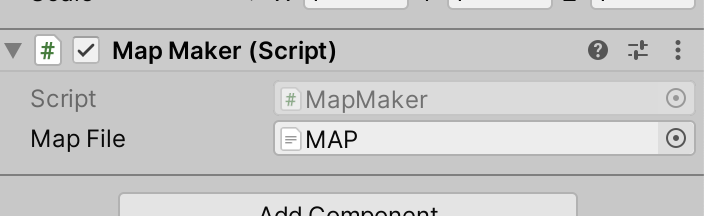
In the code, we created a new method (aka function) to our class definition called BuildMap() and added some code to it. Ultimately it was able to:

  1. Make sure that we had a map file specified before proceeding
  2. Show us name of the map file and its content
  3. Break the map file into individual lines
  4. Tell us how many lines were in the file

Then we created a pair of prefabs and a pair of matching materials. Prefabs are an essential Unity concept that represent pre-built combinations of GameObjects and associated components that we can quickly create copies of at runtime.
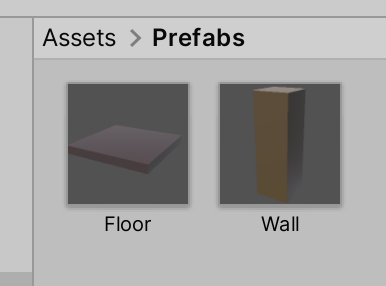
We are going to use these two prefabs to physically create our map from.

I have started a new GitHub repository to store our Unity project code. It can be found here. If you don’t have the latest version of our code before any session, use the green Code button on that page to get the “Download ZIP” option which will give you a full copy of all code we’ll be writing this year.

Advancers – week 6 (2023 – 2024)

Platformer Game

This week we created a platform game, the objectives of the game is to get as much milk as possible. But the more milk you get the smaller the platforms get and the smaller the milk gets.

If you end up at the bottom of the screen, you will lose a live and start at the top of the screen again.

You can use “Boosts” using the space key to jump up to higher platforms, but beware, you only get a few boosts, but getting milk will also give you 2 more boosts.

And remember, as always (well mostly always!) I have uploaded this to the Scratch web site, you can use the following URL to access it:

https://scratch.mit.edu/projects/930315522/

If you want to Sign In to the Scratch Website you can use the following credentials:

Username : athenryadvancers
Password : Advancers

Don’t forget the uppercase A on the password.

Advancers – Week 5 (2023-2024)

Car Racing Game (RoadRacing)

This week we created a Car Racing game, the object is to get as much score as possible by dodging all the other cars and trucks on the road.

The finished project is available on the Scratch Website:

https://scratch.mit.edu/projects/926443877/

If you want to SignInand edit any of the projects you can use the following credentials:

Username : athenryadvancers
Password : Advancers

Note: The password has an uppercase “A” at the beginning.

Creators – Week 6

This week we looked to get started with Unity. To install Unity:

  1. Go to https://unity.com/download
  2. Download and install Unity Hub
  3. Create an account with Unity, if you don’t have one already
  4. Log into Unity Hub with your Unity account
  5. In the Installs section of Unity Hub, install the latest version of Unity 2021.3. At the time of writing, this is 2021.3.35f1
  6. Make sure you pick the option to install Visual Studio Community Edition (Windows) or Visual Studio for Mac (macOS) when installing Unity

We just barely started on our first script before the end of the session. We’ll expand on that next week.

Creators – Week 5

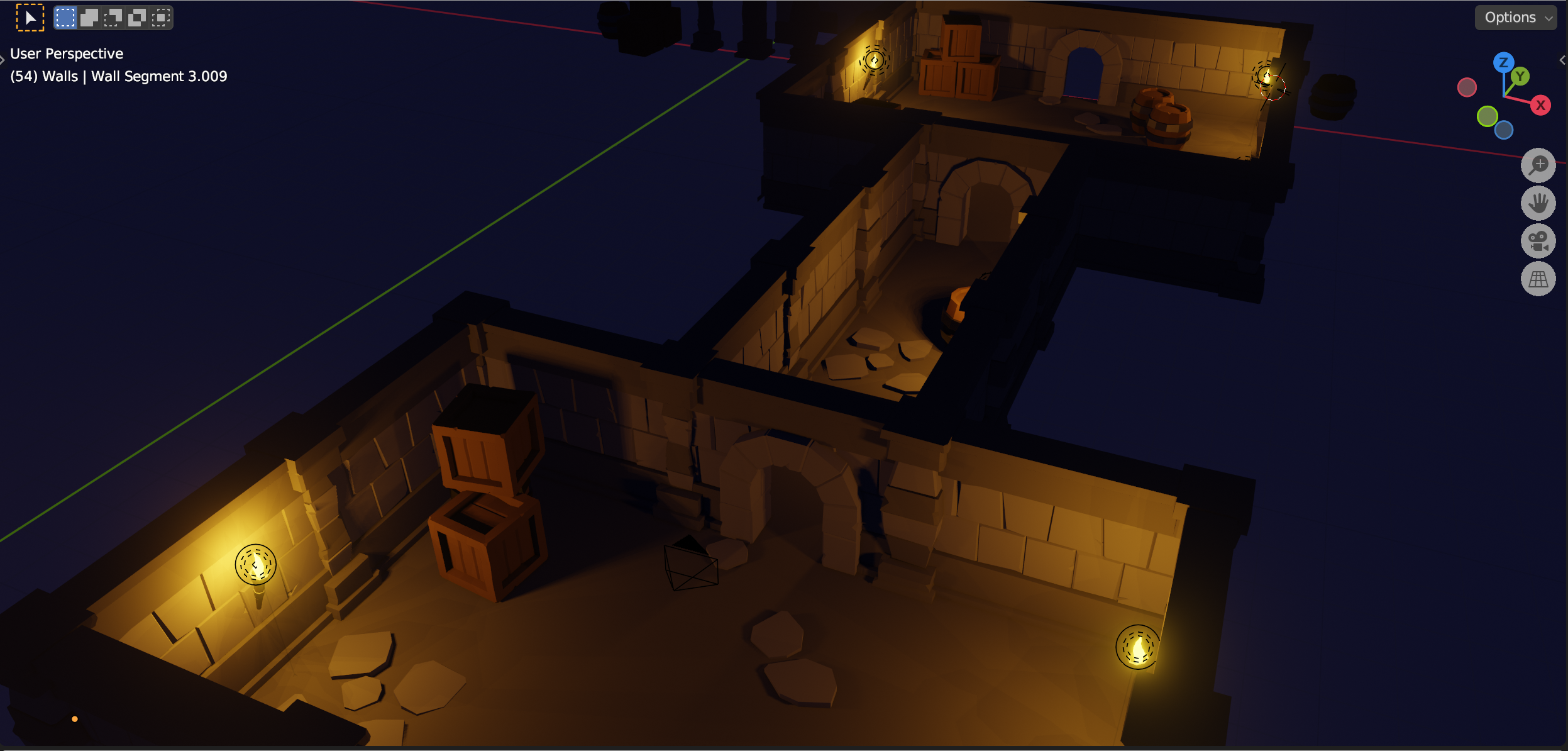
This week we saw where we were going with the dungeon:

The screenshot shows a completed dungeon, made from the modular parts that we are currently building.

We finished off the two pillar designs, shaping one straight-sided and the other rounded and we worked on a wall section. For the wall section, we used a mirror modifier to make it two sided while only having to work on a single side.

Our file from today can be found here.